

Free be quiet! Manuals – Read, Download & Print
44 Manuals
Manuals
52 Pages
32 Pages
2 Pages
2 Pages
44 Pages
2 Pages
40 Pages
36 Pages
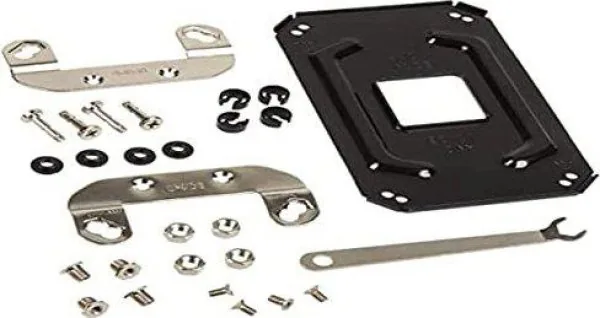
2 Pages
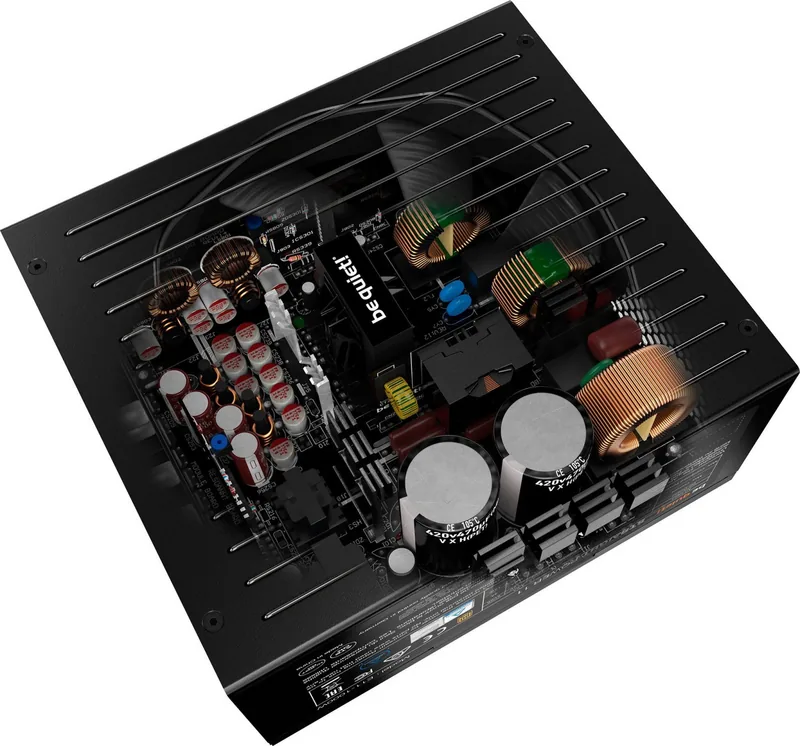
40 Pages
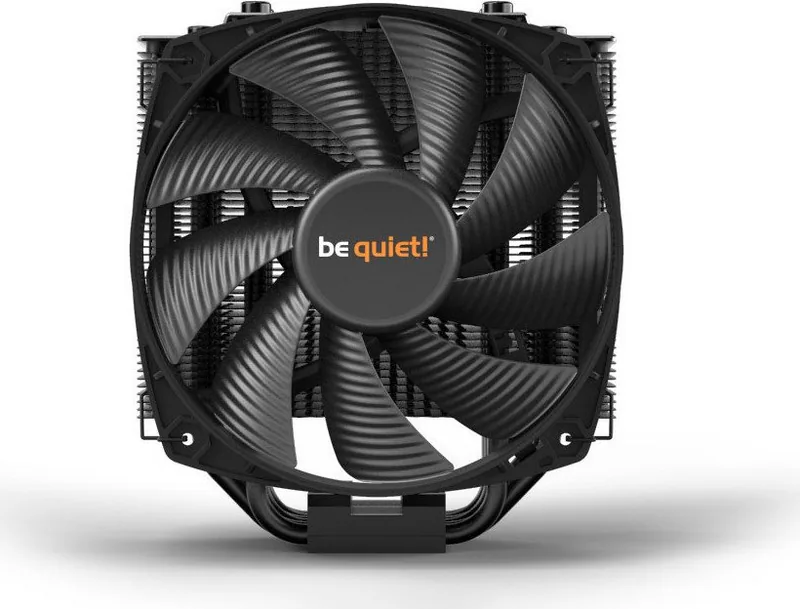
2 Pages
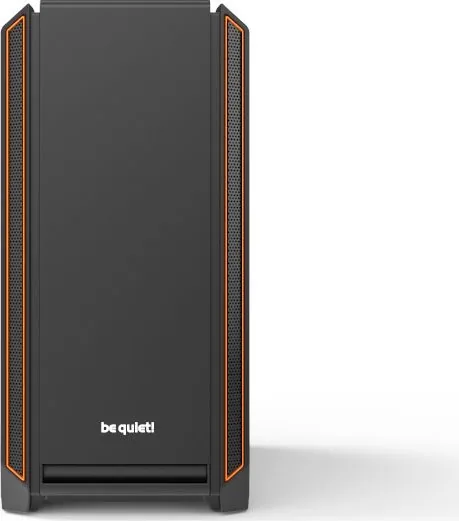
60 Pages

96 Pages
52 Pages
2 Pages
2 Pages
60 Pages
48 Pages
2 Pages
28 Pages
2 Pages

2 Pages

24 Pages
38 Pages
42 Pages
2 Pages
40 Pages
2 Pages
54 Pages
2 Pages
2 Pages
48 Pages
2 Pages
38 Pages

76 Pages
28 Pages
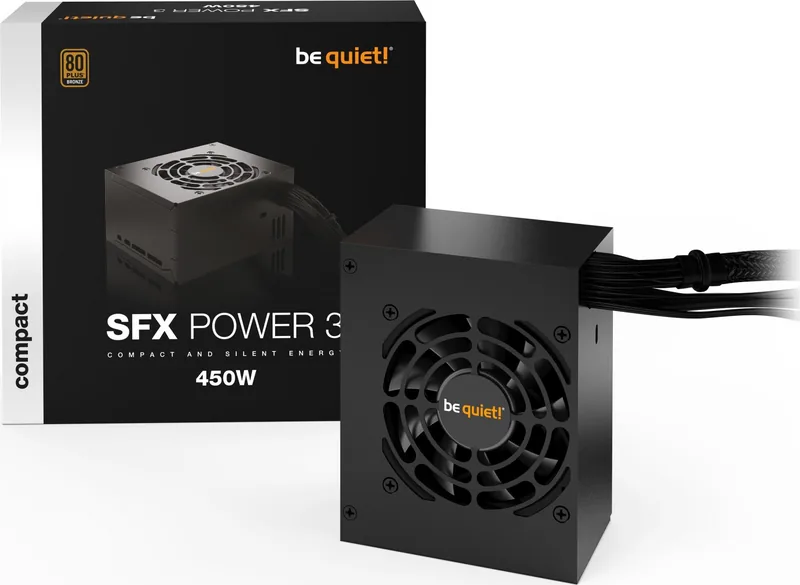
52 Pages
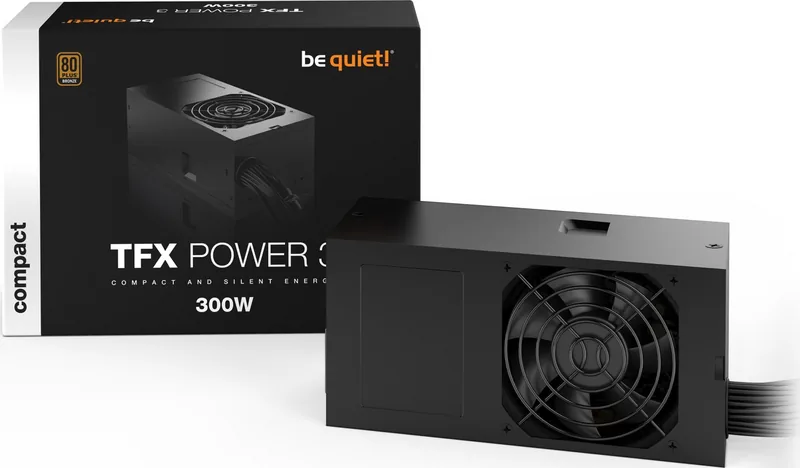
52 Pages
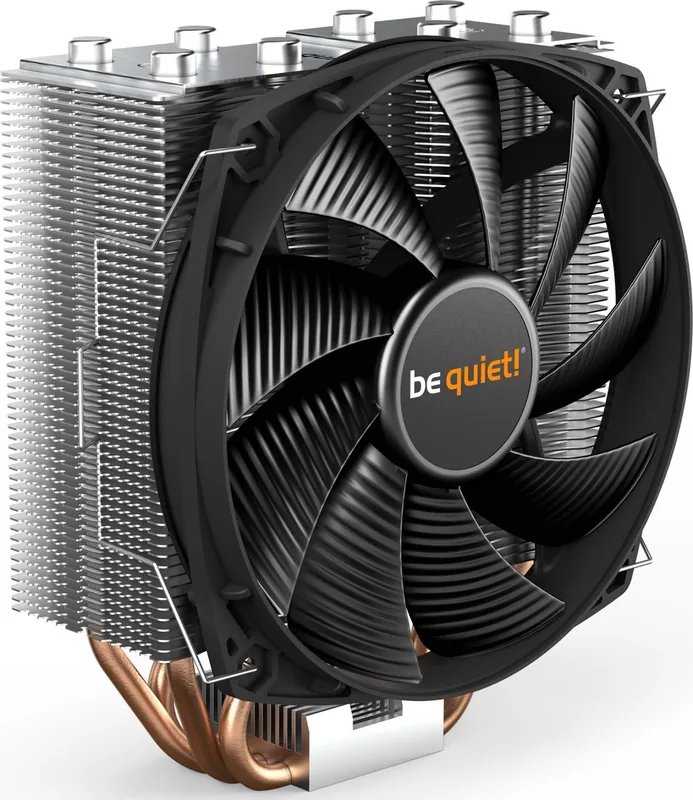
2 Pages
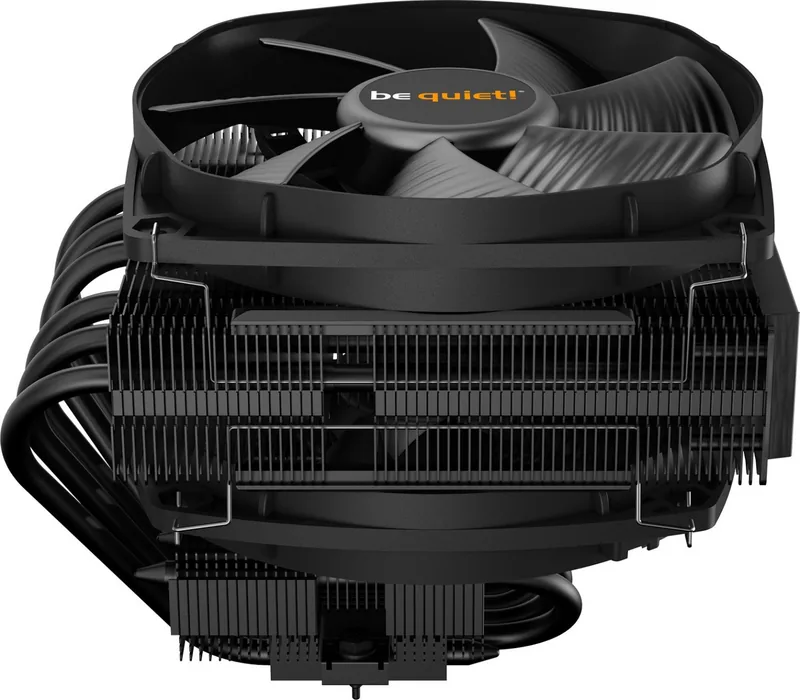
2 Pages

32 Pages
28 Pages
2 Pages
2 Pages
Categories

Free be quiet! Manuals - Read, Download & Print
Find Helpful Documentation for be quiet! Products
Looking for free be quiet! manuals? Product documentation can help you understand installation, operation, maintenance, compatibility, and troubleshooting for a wide range of be quiet! hardware. Whether you have a PC case, power supply unit, CPU cooler, case fan, liquid cooling system, keyboard, mouse, or accessory, the correct manual is a useful reference before and after setup.
be quiet! products are designed for quiet, efficient computer systems, but proper installation remains important. Manuals can explain connector locations, mounting hardware, airflow direction, supported components, safety warnings, and recommended setup procedures. Reading the documentation before beginning a build can prevent avoidable mistakes and help ensure that your equipment performs as intended.
Read be quiet! Manuals Online
Online manuals make it easy to review product information without storing files on your device. This is useful when you need a quick answer while building, upgrading, cleaning, or diagnosing a computer. Depending on the product, a manual may include diagrams, part lists, technical specifications, installation illustrations, warranty details, and multilingual instructions.
When reading a manual online, begin by confirming the exact product name and version. Similar product families can have different dimensions, included accessories, socket support, cable layouts, or installation steps. Check the label on the product, original packaging, invoice, or product page to identify the correct model.
Common reasons to read a be quiet! manual online include:
- Checking motherboard and CPU socket compatibility.
- Identifying power supply cable connections.
- Confirming fan orientation and airflow direction.
- Reviewing case radiator and cooler clearance.
- Finding included screws, brackets, and mounting parts.
- Understanding RGB, PWM, USB, or fan hub connections.
- Locating cleaning and maintenance guidance.
- Reviewing safety information before installation.
Download Manuals for Offline Access
Downloading a manual allows you to keep important instructions available when you do not have an internet connection. A saved PDF can be especially practical during a system build, when the computer is not yet operational, or when you want to print pages containing diagrams and mounting instructions.
Before downloading, verify that the document matches your specific product. Look for the full model name, revision number when available, and the language edition you prefer. Keep downloaded manuals in a clearly named folder so they can be found later. For example, you may organize files by product type, such as power supplies, CPU coolers, cases, or fans.
A downloaded be quiet! manual can be useful for long-term ownership. It provides a reference if you later replace a motherboard, upgrade a processor, add storage drives, install a radiator, move components to another case, or troubleshoot a connection. Manuals can also be helpful when transferring a product to another owner, as they clarify which accessories and installation parts should be included.
Print Instructions for PC Building and Maintenance
Printing selected pages from a manual can make hands-on work easier. Installation diagrams, mounting layouts, cable connection charts, and parts lists are often useful to keep next to your workspace. Printing only the pages you need can reduce paper use while still giving you a convenient physical reference.
For PC assembly, consider printing pages that show the following information:
- Cooler mounting steps and bracket orientation.
- Power supply cable and connector details.
- Case front-panel and fan hub connections.
- Fan placement and airflow diagrams.
- Radiator dimensions and supported mounting locations.
- Screw types for motherboards, drives, fans, and radiators.
- Safety warnings and cleaning instructions.
Keep printed instructions away from liquids, thermal paste, tools, and loose screws. If possible, place pages in a clear sleeve or folder. This helps preserve the document while you work and makes it easier to use again during future upgrades or maintenance.
Manuals for be quiet! Power Supplies
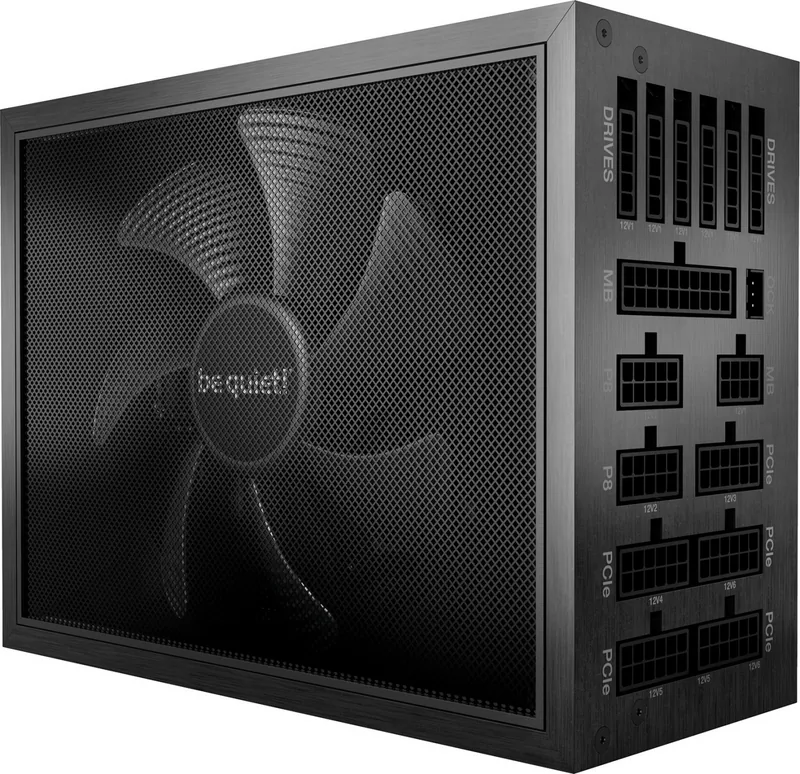
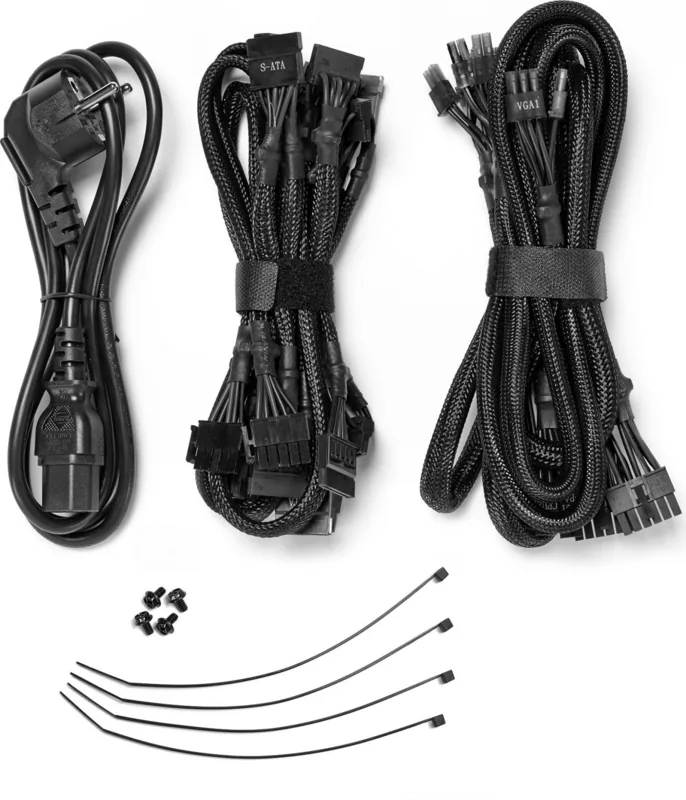
A power supply manual is valuable when installing or replacing a PSU. It can identify available connectors for the motherboard, CPU, graphics card, SATA devices, peripherals, and case accessories. Modular and semi-modular power supplies may include specific cable guidance, and it is important to use only cables intended for the exact PSU model or compatible series.
Never assume that modular cables are interchangeable between different power supply brands or models. Connectors can appear similar while using different pin assignments. Consult the appropriate manual and product documentation before connecting or replacing cables.
A PSU manual may also explain fan operation, zero-RPM behavior, efficiency features, input voltage requirements, ventilation guidance, and safety precautions. Ensure that the power supply intake has adequate airflow and that the case installation position follows the recommended orientation for your system layout.
Manuals for CPU Coolers and Liquid Cooling
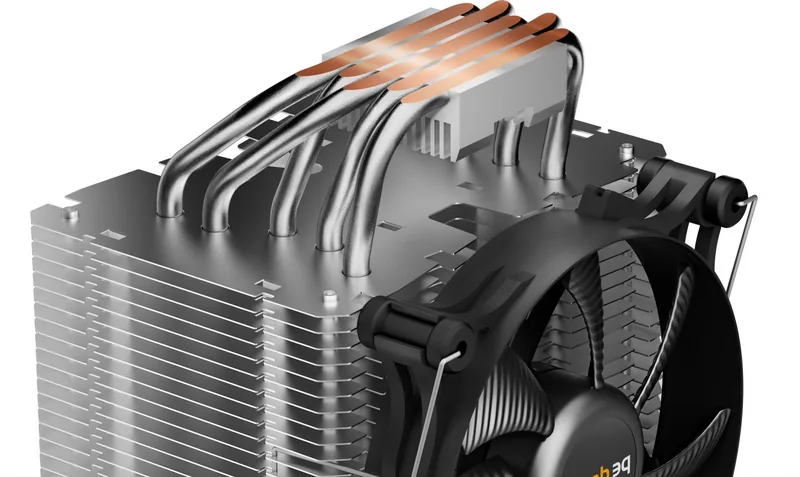
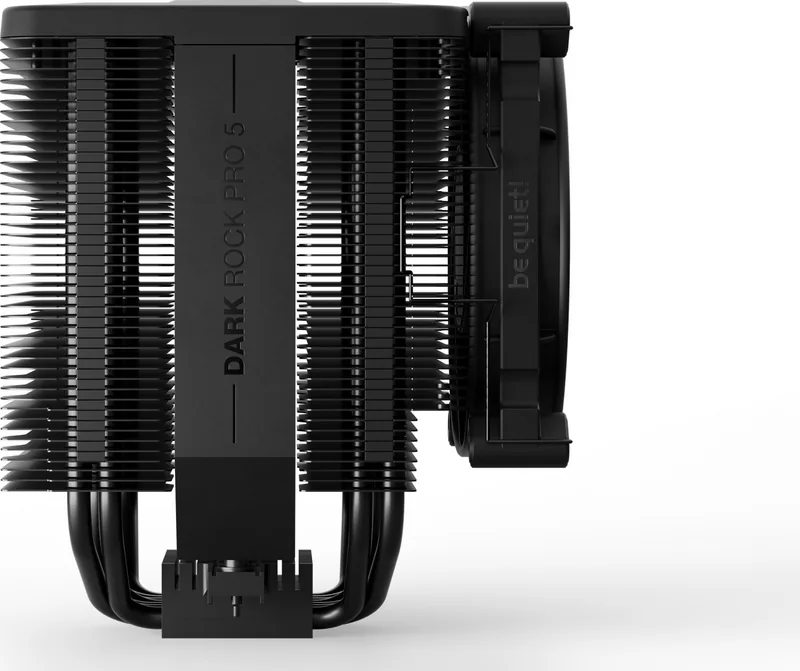
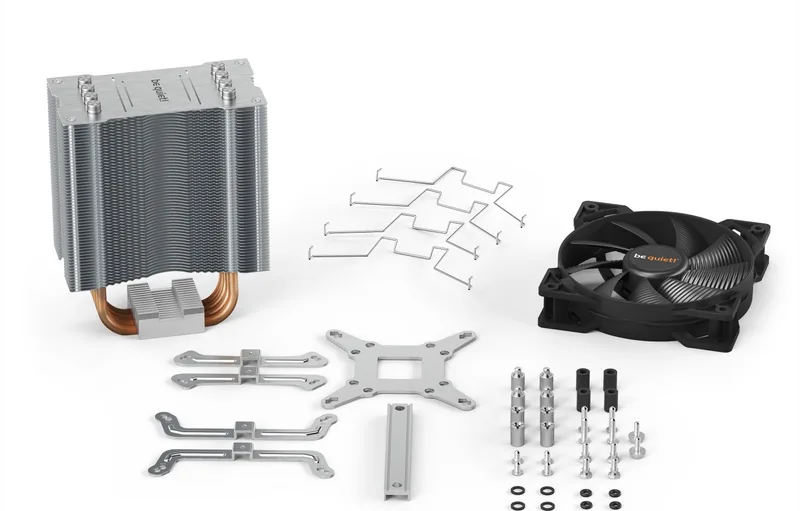
be quiet! CPU cooler manuals often provide detailed mounting instructions for supported Intel and AMD sockets. These documents can help identify the correct backplate, spacers, brackets, screws, and retention parts. Since mounting systems vary by cooler and socket generation, following the included instructions is important for secure contact and reliable cooling performance.
Before installing a cooler, verify case clearance, RAM clearance, motherboard compatibility, and fan position. The manual may also show the recommended airflow direction. In many systems, air should move through the cooler toward a rear or top exhaust, but the best arrangement depends on the case and existing fan layout.
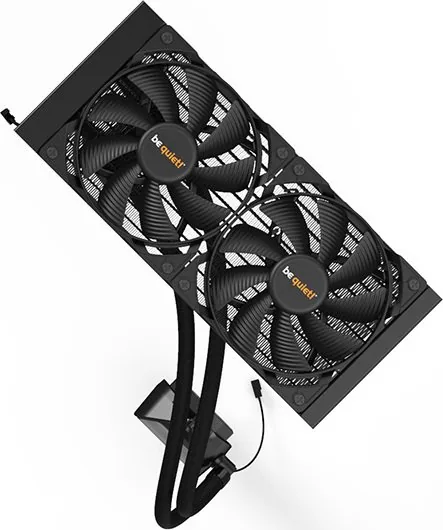
For liquid cooling products, documentation may cover radiator placement, tube routing, fan orientation, pump connections, RGB connections, and supported radiator locations. Make sure the radiator fits the intended case mount before beginning installation. Avoid forcing screws or brackets, and check that screws do not damage radiator fins or internal channels.
Manuals for Cases, Fans, and Accessories
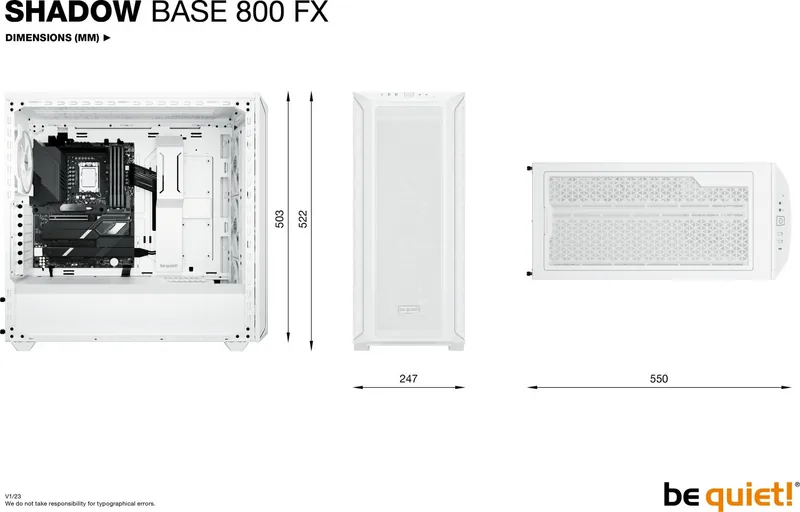
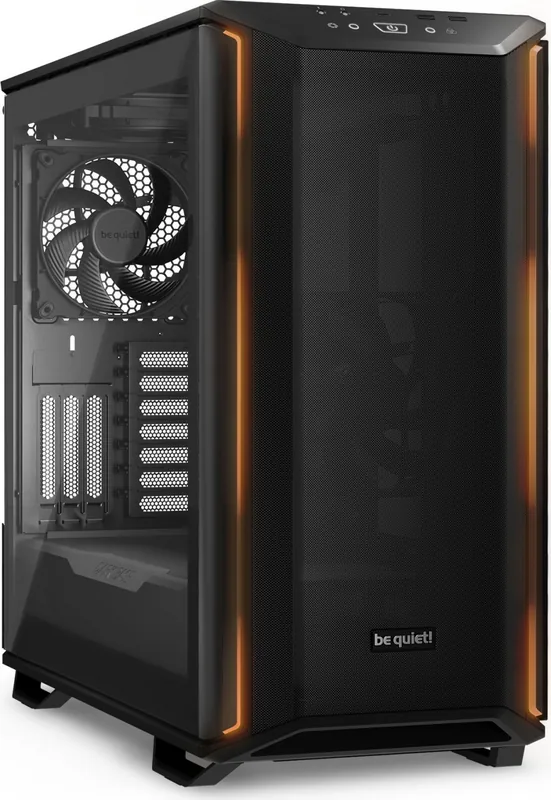
PC case manuals can explain how to remove panels, install a motherboard, mount storage devices, position fans, fit radiators, route cables, and connect front I/O ports. They may also list maximum GPU length, CPU cooler height, radiator support, drive capacity, and fan mounting locations.
Fan manuals can help with PWM control, DC control, splitter usage, hub connections, and airflow direction. The frame of a fan often includes arrows indicating rotation and airflow, but the manual can provide additional guidance for the specific product. Balanced intake and exhaust can improve cooling and reduce dust buildup when combined with regular cleaning.
Accessory documentation may cover controller setup, lighting connections, cable adapters, mounting frames, and compatibility requirements. Always inspect included parts before starting. If an item appears to be missing, compare the package contents with the manual or official product listing.
Troubleshooting With Product Documentation
Manuals are a useful starting point when a component does not work as expected. Check that connectors are fully seated, the correct headers are being used, and all required power connections are attached. For cooling issues, confirm fan direction, fan speed control settings, thermal paste application, and cooler mounting pressure. For case-related issues, inspect front-panel connections and USB or audio header placement.
If the manual does not resolve the issue, consult official be quiet! support resources, product FAQs, compatibility information, and warranty terms. Record the exact model name, serial number if relevant, purchase date, and a clear description of the problem before requesting support.
Use the Correct Manual for Every Product
Free be quiet! manuals are practical resources for reading, downloading, and printing essential product information. The right document can make installation more straightforward, support safer handling, and provide reliable guidance throughout the life of your PC components. Always use documentation that matches your exact product model, follow safety instructions, and keep a copy available for future upgrades, cleaning, and troubleshooting.
Search for 67,706 Manuals online


Type-in Brand or Model