
be quiet! Pure Power 11 Manual
PDF manual · 52 Pages
English



Quick check
Incorrect answer, please try again.
Chat with your be quiet! Pure Power 11 manual using AI
Get instant AI answers from your be quiet! Pure Power 11 manual
Ask anything about the be quiet! Pure Power 11. Answers come from this manual, with the pages they are based on.
Pure Power 11 Maintenance Schedule
Let the power supply sit at room temperature for one hour before operation to prevent condensation.
Disconnect from mains and clean outside with a dry cloth. Do not use damp cloths or cleaning agents.
Ask a Question
Do you recommend Pure Power 11?
Yes NoFrequently Asked Questions
It is suited for modern desktop PCs, upgrades, and builds that need a reliable ATX power supply with broad compatibility and solid protection features.
Is this answer helpful?
No. The manual warns to use only the supplied cable set. Mixing cables from older PSU models can cause defects or hardware damage.
Is this answer helpful?
It includes OCP, UVP, OVP, SCP, OTP, and OPP, which help protect the power supply and connected components from electrical or thermal problems.
Is this answer helpful?
Common causes include loose power connectors, an incorrectly wired case switch, a short circuit, or a PSU that is too weak for the installed hardware.
Is this answer helpful?
No special maintenance is required. Keep it dry, clean it only with a dry cloth, and make sure the PC case has enough ventilation.
Is this answer helpful?
The product includes a 5-year manufacturer warranty for consumers, typically valid for the original purchase from an authorized be quiet! dealer.
Is this answer helpful?
Advantages and Disadvantages
Advantages

- Broad compatibility with common ATX and motherboard standards.
- Multiple safety protections help guard hardware against faults.
- Clear installation steps and included mounting accessories.
- 5-year manufacturer warranty adds long-term buyer confidence.
Disadvantages

- Only the supplied cables should be used, limiting flexibility.
- Opening the unit voids the warranty and is not user-serviceable.
- Cooling depends heavily on the case airflow and system layout.
- A higher-end graphics card may require a stronger PSU model.
Product Specification
Fan
4.72 in, 1000/min
Cable management
fixed
Dimensions (WxHxD)
5.91x3.39x5.91in
Manufacturer warranty
5 years
-12V
0.3A
Number of 12V rails
2
PFC
active
Form factor
ATX PS/2
Specification
ATX 2.4
Special features
ErP Lot 6, supports Haswell C6/C7 Low-Power States
Color
black
Product Description
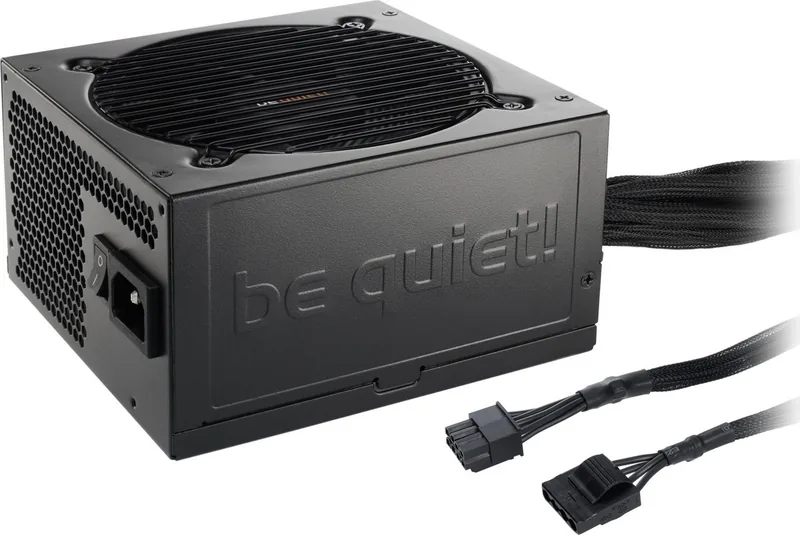
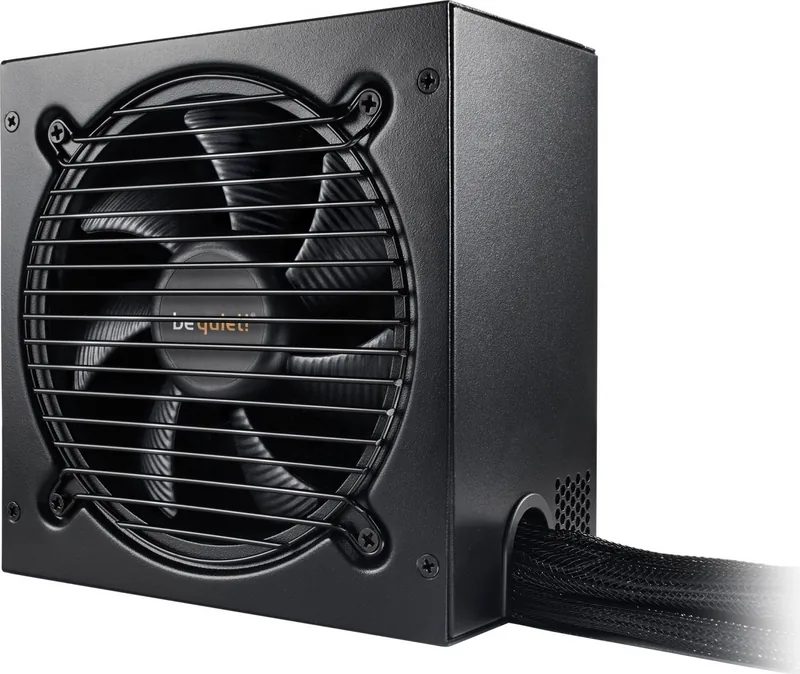
be quiet! Pure Power 11 ATX 2.4 Manual: Reliable Quiet Power for Everyday and Gaming PCs
The be quiet! Pure Power 11 ATX 2.4 line is built for users who want a dependable PSU without unnecessary noise or complexity. As the be quiet! Pure Power 11 ATX 2.4 Manual makes clear, this series is designed to fit a wide range of modern systems while keeping installation straightforward and operation stable. It is a practical choice for builders who value clean power delivery, broad compatibility, and long-term peace of mind.
One of the strongest qualities of the Pure Power 11 series is its focus on compatibility. It supports current ATX standards and works with a variety of motherboard layouts, including common desktop and server-oriented configurations. That makes it appealing for both new builds and upgrades, especially when replacing an older unit that no longer matches today’s hardware requirements. The design also supports modern processor power states and energy-efficiency expectations, which helps it feel current and future-ready.
The manual also emphasizes safety, and that is a major part of the product’s appeal. Built-in protections such as overcurrent, overvoltage, undervoltage, short-circuit, temperature, and overload safeguards help protect both the PSU and connected components. In real use, that means the unit is prepared to respond quickly when conditions become unsafe, reducing the risk of damage and downtime.
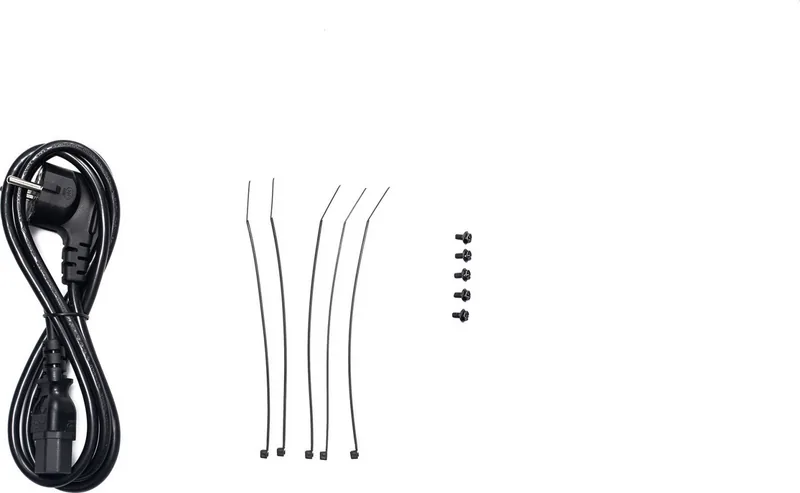
Installation is presented in a practical, no-nonsense way. The power supply is meant to be fitted with standard screws, the included cable set, and the usual motherboard and CPU connectors. The instructions repeatedly stress using only the supplied cables, which is important for avoiding compatibility issues and accidental faults. For builders, this makes the unit feel well-organized and easy to integrate into a typical PC case.
Another advantage is the included support material and after-sales structure. The product comes with essential accessories, guidance for troubleshooting, recycling notes, and warranty information. The 5-year manufacturer warranty adds confidence for consumers looking for a durable power solution rather than a short-term purchase.
Notes
- Always use the supplied cable set.
- Make sure the PC case has proper airflow.
- Let the PSU reach room temperature before first use.
- If a new graphics card causes instability, check total power demand.
Overall, the Pure Power 11 stands out as a quiet, safety-focused PSU for users who want a solid foundation for a dependable desktop build.
Search for 67,706 Manuals online


Type-in Brand or Model