
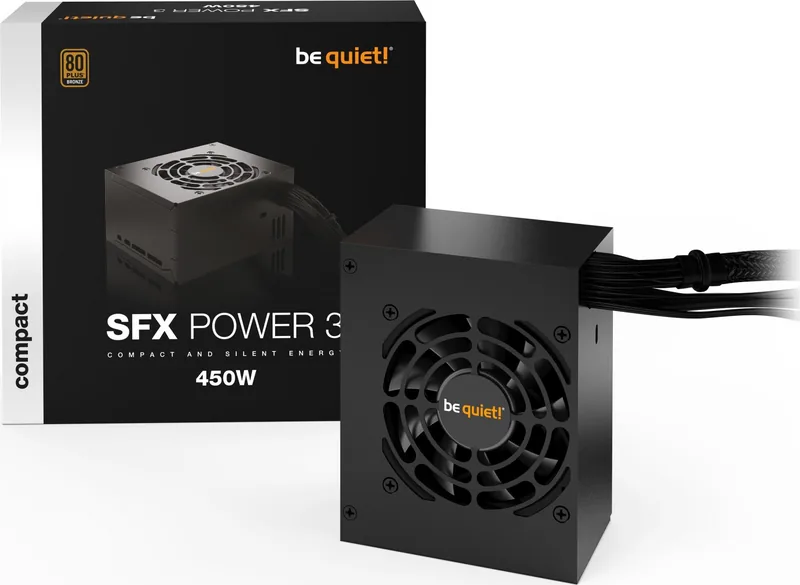
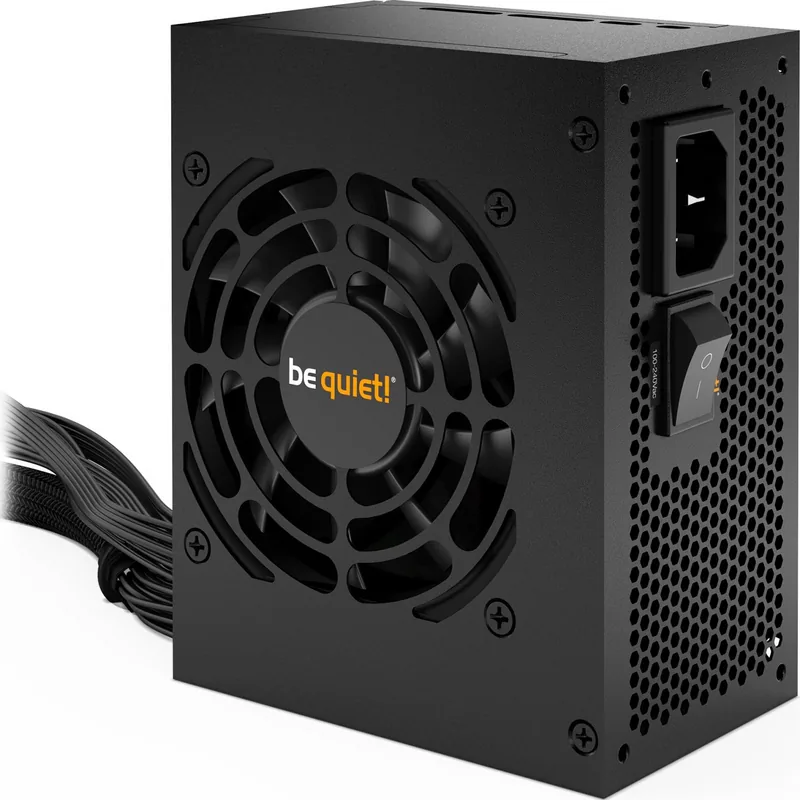
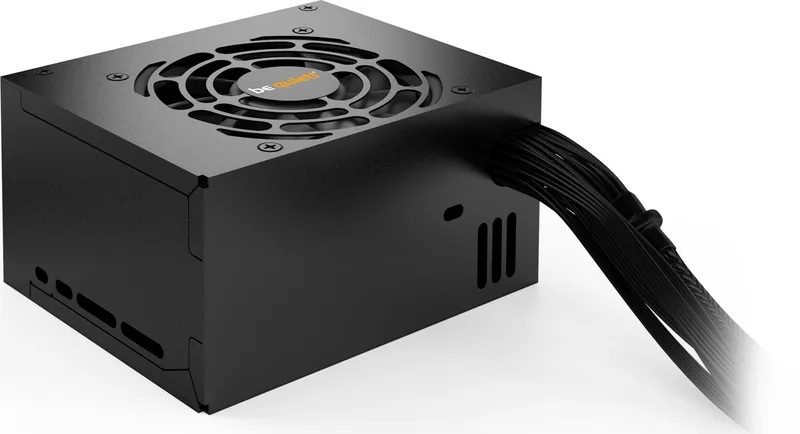
be quiet! SFX Power 3 Manual
PDF manual · 52 Pages
English



Quick check
Incorrect answer, please try again.
Chat with your be quiet! SFX Power 3 manual using AI
Get instant AI answers from your be quiet! SFX Power 3 manual
Ask anything about the be quiet! SFX Power 3. Answers come from this manual, with the pages they are based on.
Ask a Question
Do you recommend SFX Power 3?
Yes NoFrequently Asked Questions
It features Over Current Protection (OCP), Undervoltage Protection (UVP), Overvoltage Protection (OVP), Short Circuit Protection (SCP), and Overload Protection (OPP). These safeguards automatically shut down the unit to protect connected components from damage.
Is this answer helpful?
No. You must strictly use the cable set supplied with the be quiet! SFX Power 3. Using older or third-party cables may cause defects and will void your warranty.
Is this answer helpful?
This often indicates the power supply is under-dimensioned for the new GPU. Check the wattage requirements against the PSU calculator on the be quiet! website to ensure you have sufficient power capacity.
Is this answer helpful?
Yes, consumers receive a 3-year manufacturer's warranty provided the original purchase receipt is kept and the unit was bought from an authorized dealer. Opening the device voids this warranty.
Is this answer helpful?
Voltage readings displayed via BIOS or UEFI can sometimes be inaccurate due to imprecise measurements by the motherboard itself. This does not necessarily indicate a fault with the power supply.
Is this answer helpful?
Immediately disconnect the unit from the mains and do not attempt to use it again. Contact customer service or an authorized technician for further assistance. Never open the case yourself.
Is this answer helpful?
Advantages and Disadvantages
Advantages

- Compatible with Intel SFX12V v3.42 and various ATX/BTX specifications
- Includes multiple safety functions like OCP, UVP, OVP, SCP, and OPP
- Complies with Energy Star 8.0 and ErP energy efficiency guidelines
- Backed by a 3-year manufacturer warranty for consumers
- Compact SFX form factor ideal for small computer cases
Disadvantages

- Must use only the supplied cable set to prevent defects and maintain warranty
- Requires at least one hour of warm-up time before initial operation
- Cannot be opened for repairs without voiding the warranty immediately
- May display incorrect voltage readings via BIOS due to motherboard measurement limits
- Needs external case fans for adequate heat dissipation in high-performance builds
Product Specification
Cable management
fixed
Certificates according to manufacturer
80 PLUS Bronze (according to manufacturer, 115V)
Certificates according to 80 PLUS
80 PLUS Bronze (115V, according to 80 PLUS certificate)
Dimensions (WxHxD)
4.92x2.52x3.94 in
Manufacturer warranty
3 years
+3.3V
16A
+5V
16A
-12V
0.30A
+5Vsb
2.50A
Number of 12V rails
1
PFC
active
Form factor
SFX
Specification
SFX 3.42
Features
ErP Lot 6, supports Haswell C6/C7 Low-Power States
Color
black
Product Description
Elevate Your PC Build with the be quiet! SFX Power 3
Upgrading your computer requires a power supply that balances silent operation with reliable performance. The be quiet! SFX Power 3 series is designed specifically for compact systems where space is at a premium but efficiency and noise levels cannot be compromised. This unit adheres to strict industry standards, including Intel SFX12V Version 3.42 and ATX System Design Guide versions 2.2 and 2.1, ensuring seamless integration into modern motherboards.
Designed for enthusiasts who value a quiet computing environment, this power supply features advanced safety mechanisms to protect your expensive components from electrical surges or faults. Whether you are building a small form factor gaming rig or a professional workstation, the SFX Power 3 delivers stable voltage regulation without the distracting hum of traditional fans. The installation process is straightforward, provided you follow the safety guidelines regarding cable usage and mounting hardware.
One of the standout features is its comprehensive protection suite. From Over Current Protection to Short Circuit safeguards, the unit automatically shuts down if it detects dangerous conditions, preserving the integrity of your CPU, GPU, and motherboard. It also supports the latest processor statuses like Intel C6/C7, contributing to lower energy consumption when the system is idle. For users concerned about environmental impact, the product complies with ErP guidelines and Energy Star 8.0 standards, promoting sustainable energy use in daily operations.
The package includes all necessary accessories for a clean setup, such as cable ties and the correct screws for mounting. However, it is crucial to note that using non-supplied cables can lead to defects and voids the warranty. Always ensure your case has adequate ventilation, as the compact design relies on proper airflow to dissipate heat effectively during high-load scenarios. With a three-year manufacturer warranty, this power supply offers peace of mind for long-term reliability.
Important Notes
- Always warm up the unit for one hour before first use to prevent condensation.
- Do not open the casing; internal components remain live even when unplugged.
- Use only the included cable set to avoid potential damage.
- Dispose of the unit through designated e-waste collection points in accordance with European directives.
Search for 67,706 Manuals online


Type-in Brand or Model