
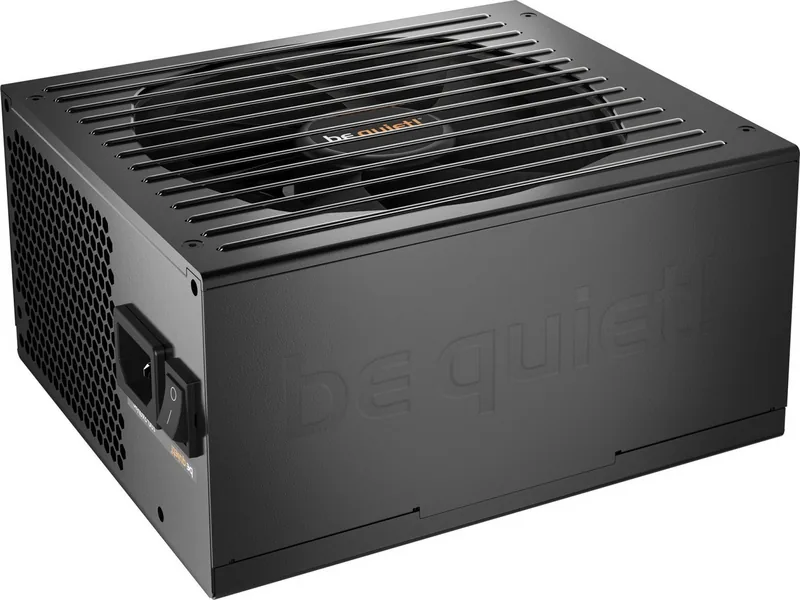
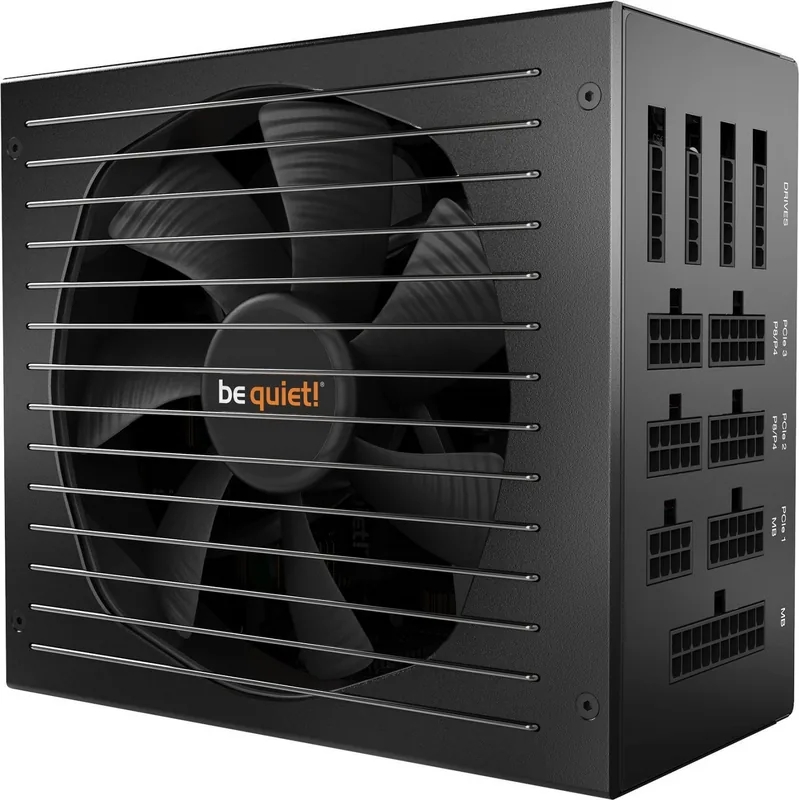
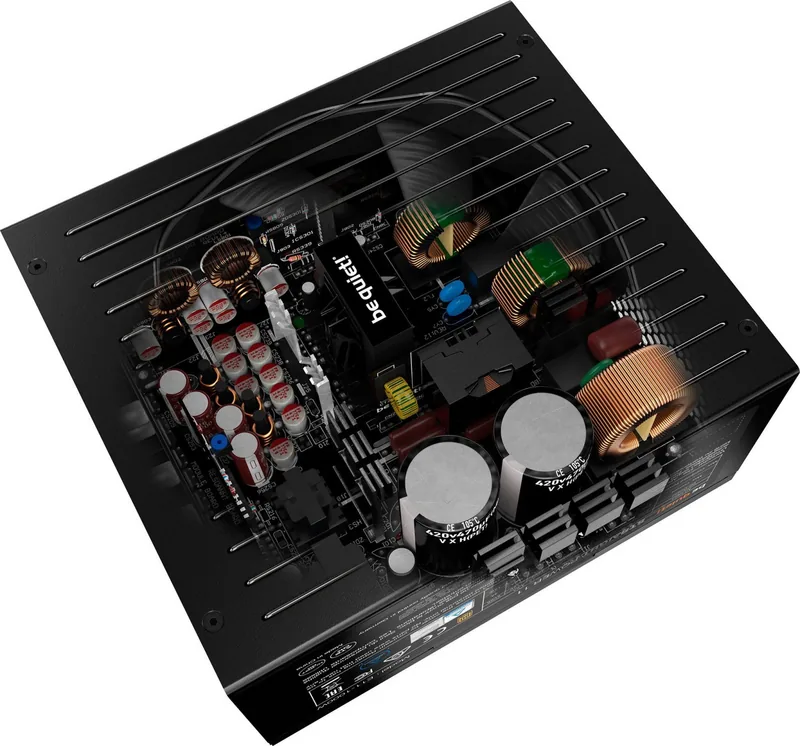
be quiet! Straight Power 11 Manual
PDF manual · 40 Pages
English



Quick check
Incorrect answer, please try again.
Chat with your be quiet! Straight Power 11 manual using AI
Get instant AI answers from your be quiet! Straight Power 11 manual
Ask anything about the be quiet! Straight Power 11. Answers come from this manual, with the pages they are based on.
Ask a Question
Do you recommend Straight Power 11?
Yes NoFrequently Asked Questions
It is meant for modern desktop PCs that need stable, efficient, and quiet power delivery. The compatibility list covers common ATX and EPS-based systems, making it a solid fit for many builds.
Is this answer helpful?
Because mixing cables from older or different PSU series can cause defects. The connectors and pin layouts may look similar, but they are not always interchangeable, so the supplied set is the safe option.
Is this answer helpful?
It includes over current, under voltage, over voltage, short circuit, temperature, and overload protection. These safeguards are designed to stop damage before it affects the PSU or the rest of the system.
Is this answer helpful?
Not always. The text notes that motherboard measurements can be inaccurate, so unusual readings do not necessarily mean the power supply is faulty. It is best to confirm before drawing conclusions.
Is this answer helpful?
Check the mains cable, all power connectors, and the case power switch wiring first. Then look for short circuits or faulty hardware by booting with nonessential devices disconnected.
Is this answer helpful?
Yes. Opening the unit, making modifications, or causing mechanical damage can void the warranty. Repairs should be handled by authorized service personnel only.
Is this answer helpful?
Advantages and Disadvantages
Advantages

- Broad compatibility with ATX 2.4, EPS12V, and other common standards.
- Multiple safety protections help guard the PSU and connected components.
- Includes useful installation accessories and clear setup guidance.
- Warranty support and troubleshooting notes add confidence for buyers.
Disadvantages

- Only the supplied cable set should be used, limiting flexibility.
- The unit must not be opened or modified, or the warranty is void.
- It still depends on good case airflow and proper system cooling.
- An undersized model may struggle after a major GPU upgrade.
Product Specification
Cable management
fully modular
80 PLUS certifications
80 PLUS Gold (115V, according to 80 PLUS certificate)
Manufacturer warranty
5 years
+5Vsb
3A
Number of 12V rails
4
PFC
active
Form factor
ATX PS/2
Specification
ATX 2.4
Special features
ErP Lot 6, supports Haswell C6/C7 Low-Power States
Color
black
Product Description
be quiet! Straight Power 11 ATX 2.4: A Quiet Foundation for Serious PC Builds
The be quiet! Straight Power 11 ATX 2.4 series is designed for builders who want stable power delivery without the noise and hassle often linked to high-performance systems. It fits naturally into modern desktops, from everyday work machines to gaming rigs that demand dependable output under load. Rather than chasing flash, this lineup focuses on clean electrical behavior, broad compatibility, and long-term reliability.
Built for modern compatibility
One of the strongest points of the Straight Power 11 family is how well it aligns with common power and motherboard standards. Support for ATX 12V 2.4, EPS12V, and related specifications makes it a practical choice for many current systems. The manual also highlights compatibility with Intel C6/C7 states, Energy Star 6.1, and ErP-ready designs, which speaks to its efficiency-minded approach.
Installation with clear safeguards
The installation process is presented in a straightforward way, but it is intentionally strict about safety. Users are told to rely on the included cable set, use the supplied screws, and disconnect the system fully before working inside the case. That focus helps prevent avoidable damage and keeps the setup process disciplined. For builders, the message is simple: take your time and use the correct parts.
Protection that matters
This power supply series is built around multiple safety functions, including OCP, UVP, OVP, SCP, OTP, and OPP. In practice, that means the unit is designed to react to overloads, voltage issues, short circuits, and excess heat before those problems can spread to connected components. For anyone assembling a valuable PC, that kind of protection adds real peace of mind.
Practical value beyond the box
The included accessories, such as cable ties, a mains lead, and installation screws, make the product feel ready for a proper build right away. The warranty terms also add confidence, especially for users who buy from authorized dealers. Combined with the troubleshooting guidance and recycling notes, the overall experience is shaped around responsible ownership, not just installation.
Notes
- Always use the supplied cables only.
- Make sure your case has enough airflow.
- If voltages look unusual in BIOS, check again before assuming a fault.
- If the system is underpowered for a new graphics card, a PSU upgrade may be needed.
Search for 67,706 Manuals online


Type-in Brand or Model