
be quiet! MC1 Manual
PDF manual · 2 Pages
English



Quick check
Incorrect answer, please try again.
Chat with your be quiet! MC1 manual using AI
Get instant AI answers from your be quiet! MC1 manual
Ask anything about the be quiet! MC1. Answers come from this manual, with the pages they are based on.
Ask a Question
Do you recommend MC1?
Yes NoFrequently Asked Questions
The cooler is compatible with M.2 2280 SSDs. Check the drive format and available space around the motherboard M.2 slot before installation.
Is this answer helpful?
The set includes an M.2 cooler, a cooling backplate, four M2 screws, and a cross-tip screwdriver.
Is this answer helpful?
Yes. Remove the protective covering from the upper cooler thermal pad and from the cooling backplate thermal pad before fitting the SSD.
Is this answer helpful?
Place the drive on the thermal pad with its mounting openings aligned. Position the upper cooler, connect it to the backplate with the M2 screws, then install the assembled drive in the motherboard M.2 slot.
Is this answer helpful?
Light pressure on the upper cooler can help align the parts and make it easier to fasten the screws to the cooling backplate.
Is this answer helpful?
be quiet! offers a three-year manufacturer guarantee for consumers who made the original purchase through an authorized retailer. A copy of the purchase receipt is required for warranty service.
Is this answer helpful?
Advantages and Disadvantages
Advantages

- Designed specifically for compatible M.2 2280 SSDs.
- Includes cooler, cooling backplate, four M2 screws, and a cross-tip screwdriver.
- Thermal pads and a backplate support heat transfer around the drive.
- Three-year manufacturer guarantee for qualifying consumer purchases.
- Assembly uses a clear, step-by-step mounting process.
Disadvantages

- Compatibility issues or limited motherboard clearance may affect installation.
- Only M.2 2280 drive compatibility is stated.
- Thermal-pad protective layers must be removed correctly before use.
- Tampering, modifications, or external mechanical damage void warranty coverage.
Product Specification
Type
M.2 cooler
Design
passive
Compatibility
M.2 2280
Fan
N/A
Connection
N/A
Product Description
be quiet! MC1 - Read, Download & Print Free
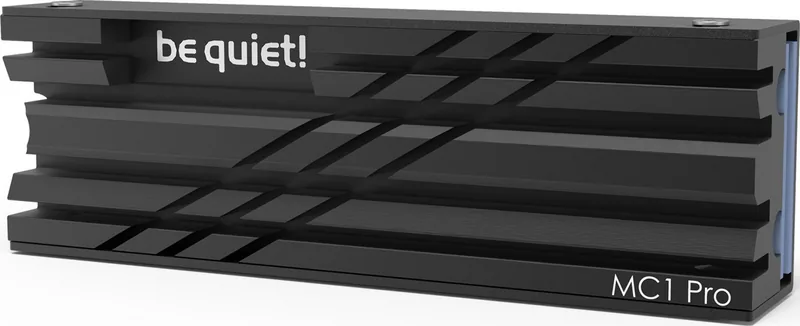
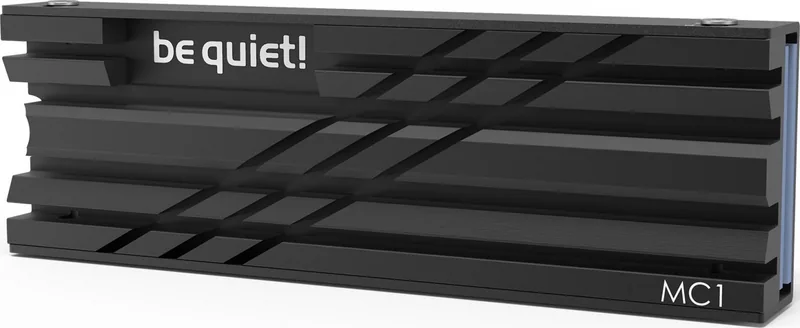
The be quiet! MC1 is an M.2 SSD cooler designed to help compatible M.2 2280 drives maintain dependable operating temperatures. It combines a slim cooler, thermal pads, and a cooling backplate to create a direct thermal path around the drive. For builders who want a tidier, more controlled storage setup, this accessory offers a focused cooling solution without adding unnecessary complexity.
Designed for M.2 2280 SSDs
The MC1 is made for the widely used M.2 2280 format. Its compact construction fits around the SSD and is secured with four included M2 screws. The package also includes a cross-tip screwdriver, giving users the basic hardware needed to assemble the cooler before mounting the drive in the motherboard's M.2 slot.
Thermal pads are positioned between the SSD and the cooler components to help transfer heat away from the drive. Before installation, the protective layers on the thermal pads must be removed. The SSD is placed onto the pad, with the mounting openings aligned correctly, then the upper cooler and backplate are joined around it.
Straightforward assembly approach
Installation follows a logical sequence: prepare the thermal surfaces, align the M.2 drive, attach the cooler and backplate with the supplied screws, and finally install the assembled drive in the motherboard. Applying gentle pressure to the upper cooler can make it easier to connect the screws with the backplate.
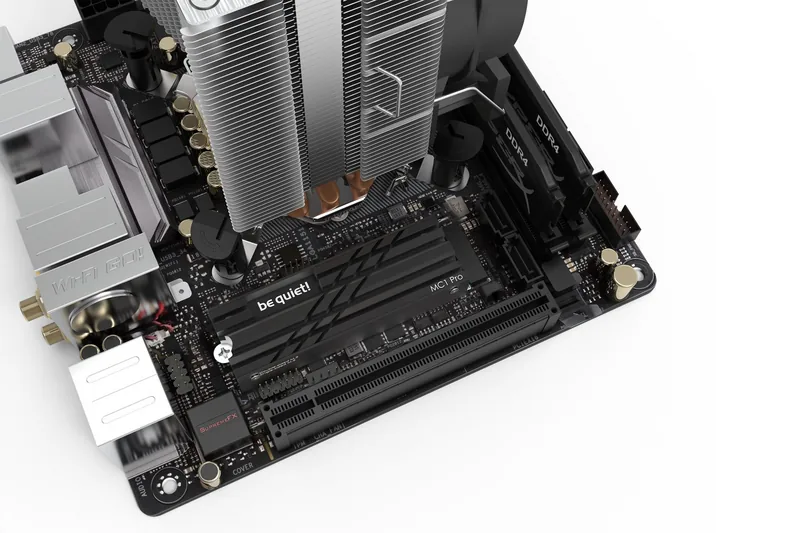
Careful alignment is important throughout the process. The SSD mounting opening must remain accessible so the finished assembly can be secured in the motherboard. Compatibility should also be checked in advance, especially where motherboard heatsinks, expansion cards, or other nearby components may limit clearance.
Warranty and support
be quiet! provides a three-year manufacturer guarantee for consumers when the product is originally purchased from an authorized retailer. Warranty service requires a copy of the purchase receipt. Structural modifications, tampering, and damage caused by external mechanical force can void warranty coverage.
For installation assistance or product support, be quiet! directs customers to its service team. The MC1 is a practical choice for users seeking an included-hardware cooling accessory for a compatible M.2 2280 SSD.
Notes
- Remove both thermal-pad protective layers before assembly.
- Confirm physical clearance and SSD compatibility before installation.
- Keep the authorized retailer receipt for potential warranty service.
Search for 67,706 Manuals online


Type-in Brand or Model