

Free Lexmark Manuals – Read, Download & Print
36 Manuals
Manuals
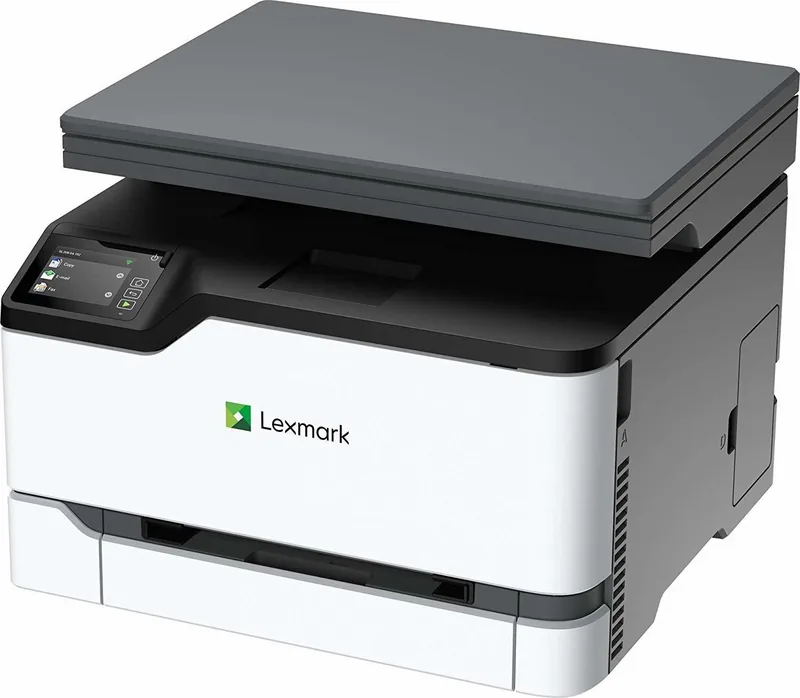
251 Pages
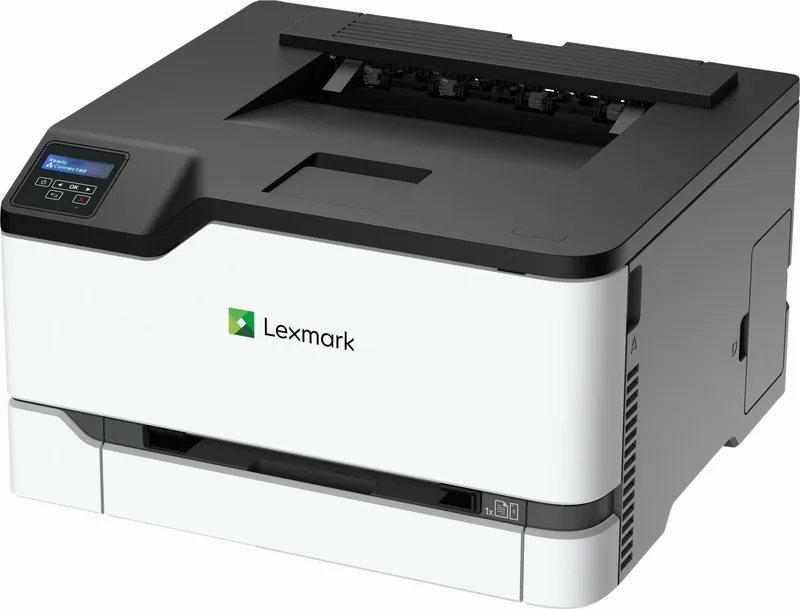
163 Pages
9 Pages
366 Pages
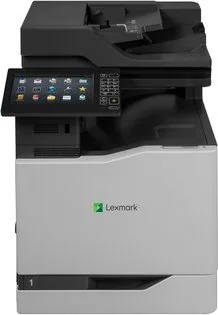
317 Pages
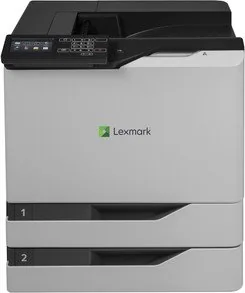
139 Pages
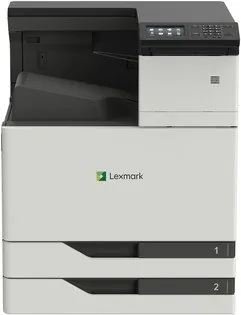
245 Pages
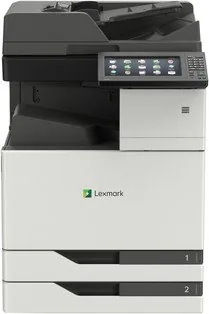
334 Pages
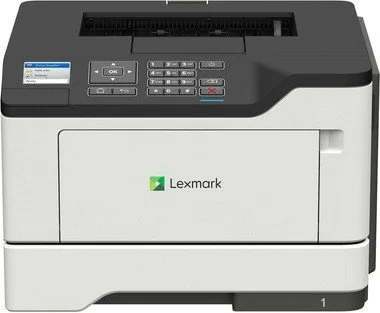
150 Pages
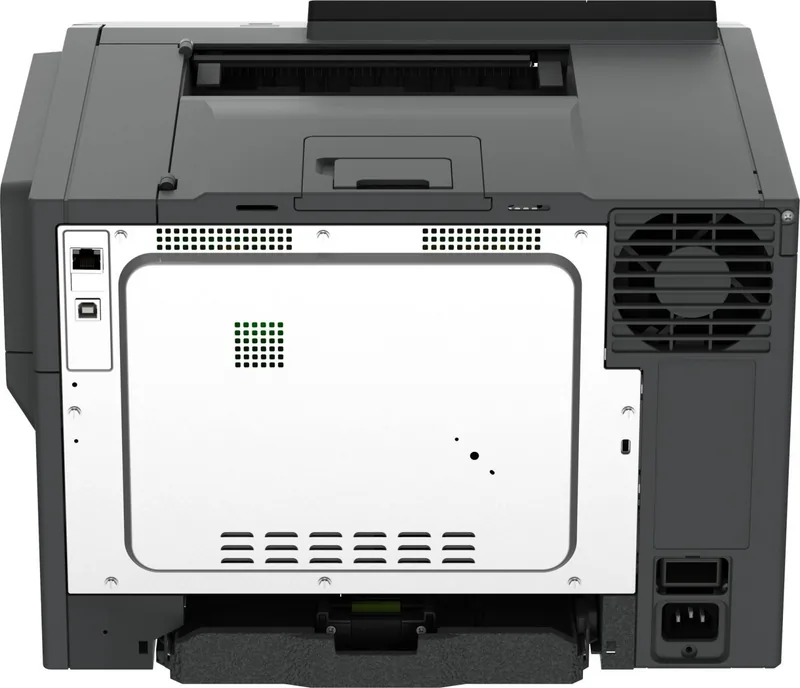
184 Pages
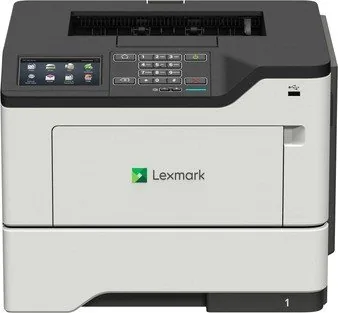
184 Pages
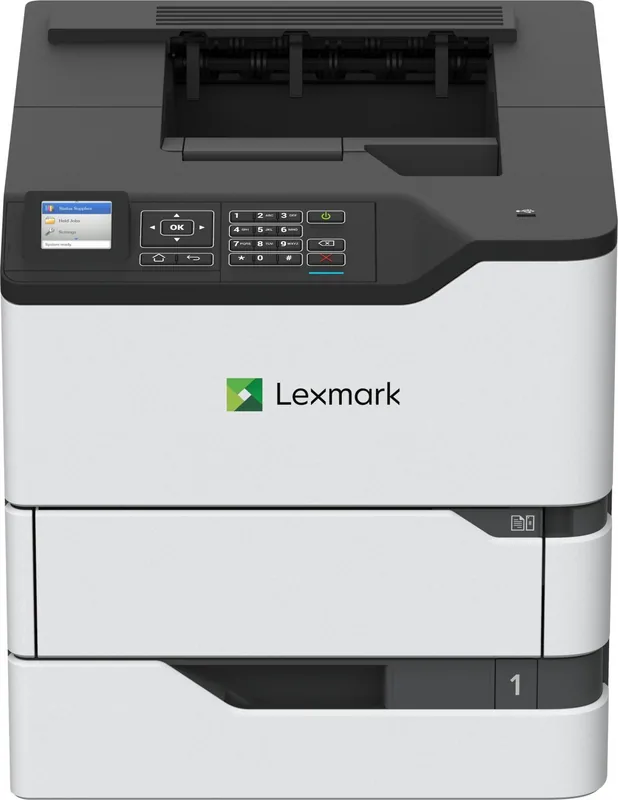
226 Pages
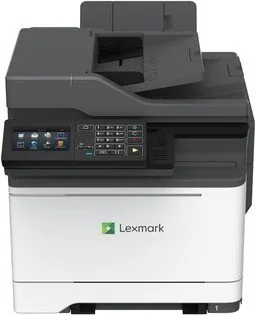
299 Pages
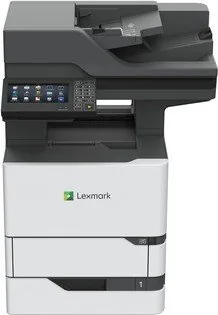
279 Pages
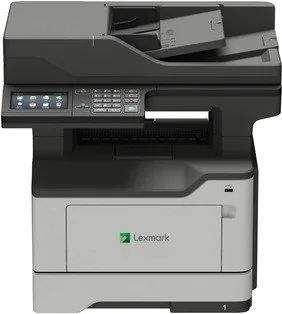
265 Pages
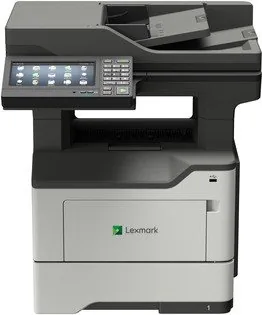
267 Pages
341 Pages
362 Pages
219 Pages
220 Pages
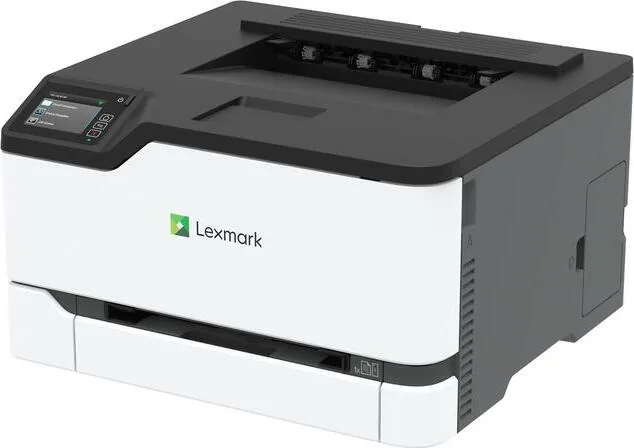
164 Pages
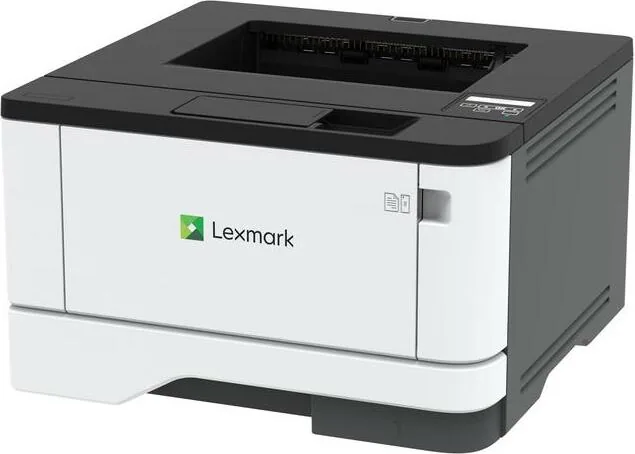
150 Pages
4 Pages
194 Pages
228 Pages
235 Pages
211 Pages
350 Pages
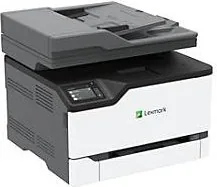
253 Pages
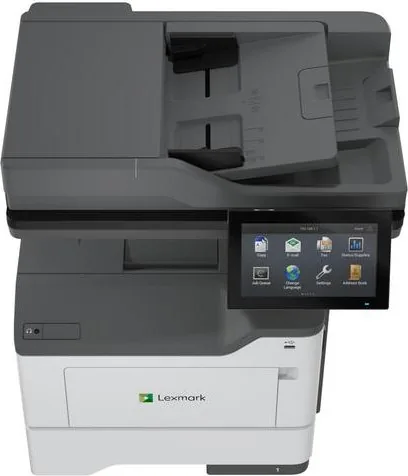
308 Pages
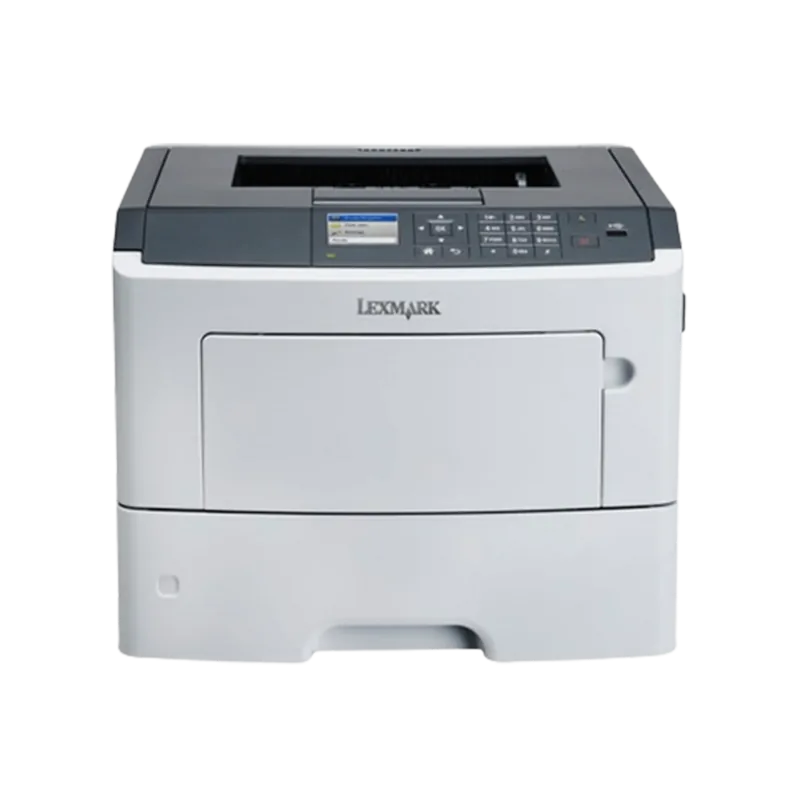
247 Pages
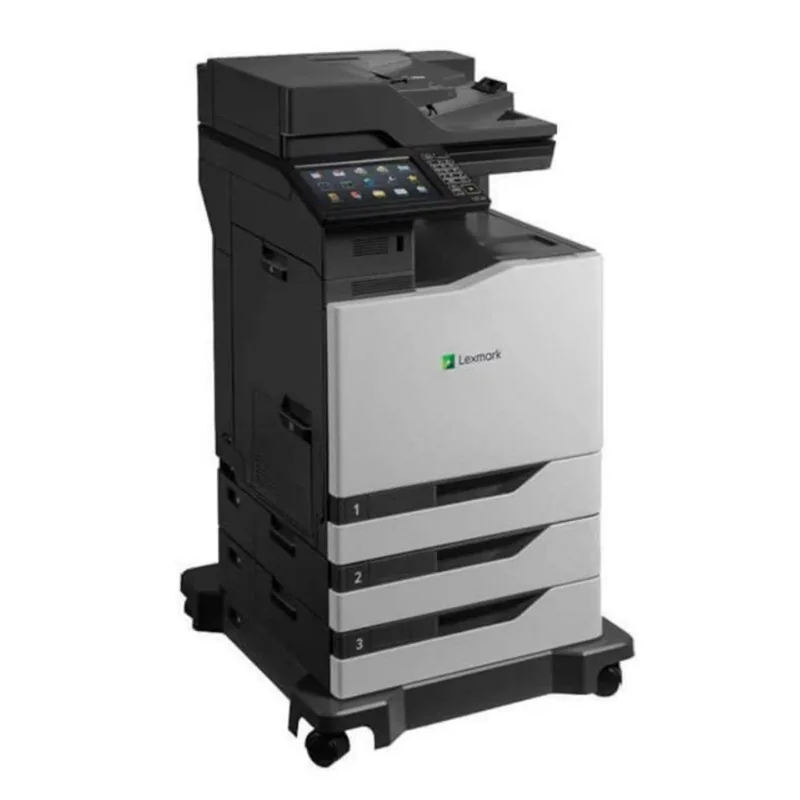
222 Pages
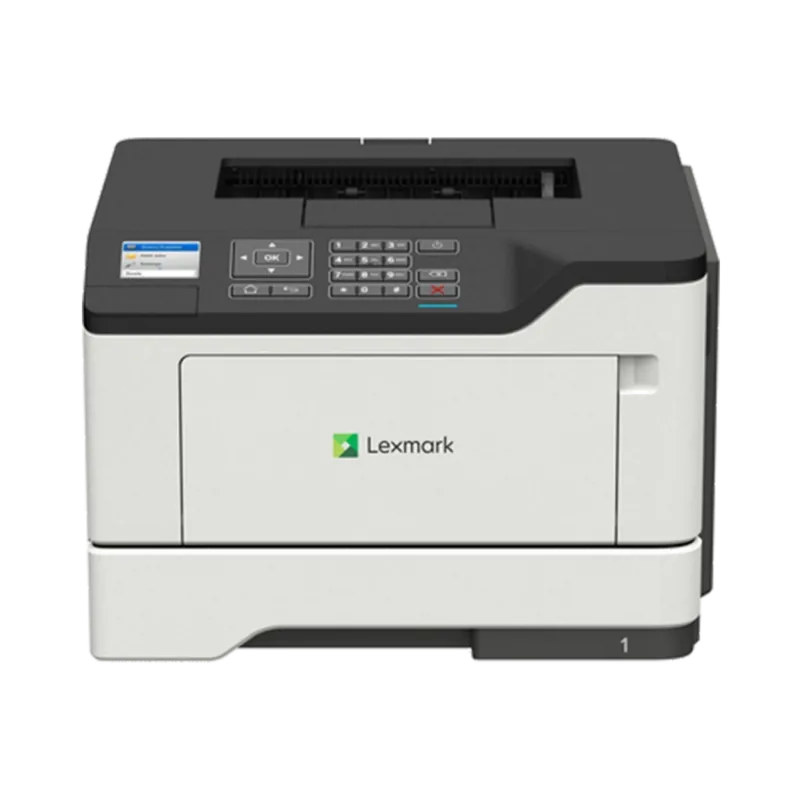
320 Pages
337 Pages
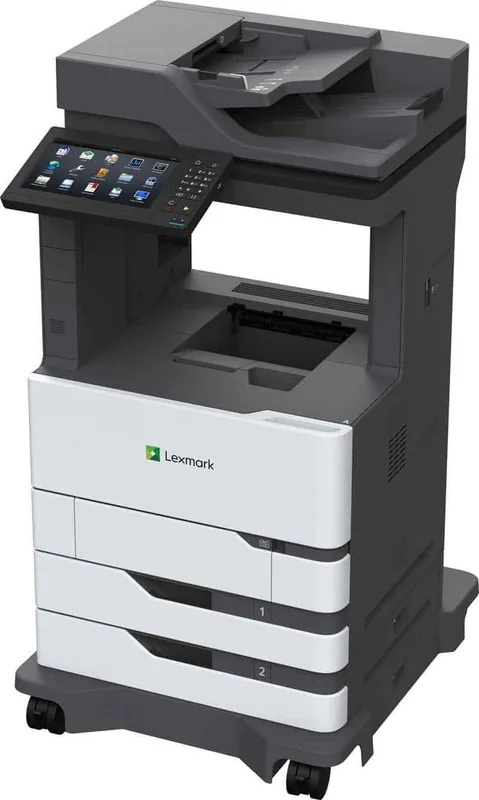
342 Pages
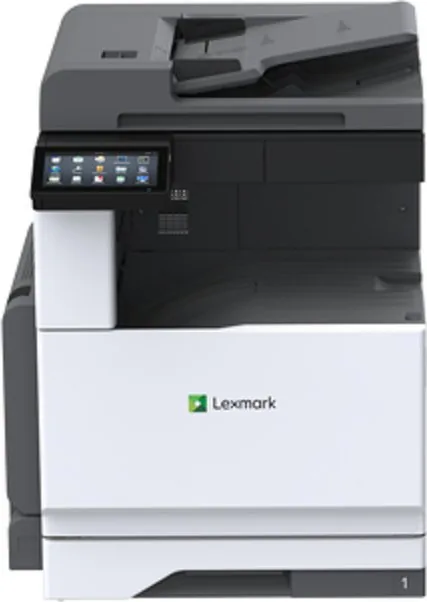
416 Pages
Categories

Welcome to Your Comprehensive Guide for Lexmark Printer Documentation
Navigating the world of printer maintenance and troubleshooting can often feel overwhelming, especially when dealing with complex technical specifications. However, having access to accurate and detailed documentation is the key to ensuring your office equipment runs smoothly. This guide serves as your ultimate resource for finding free Lexman manuals, allowing you to read, download, and print the exact information you need without any cost barriers. Whether you are a home user setting up a new device or an IT professional managing a fleet of printers in a large enterprise, our collection provides everything from initial setup guides to advanced troubleshooting steps.
The Importance of Having Access to Official Manuals
Printer manuals are more than just booklets filled with warranty information; they are essential tools that empower users to maximize the potential of their hardware. When you own a Lexmark printer, understanding its specific features, limitations, and maintenance requirements is crucial for longevity. Without the correct manual, users often rely on trial and error, which can lead to unnecessary wear and tear or even permanent damage to the machine. By accessing the official documentation, you gain insight into how to properly load paper trays, replace toner cartridges, and configure network settings securely. Furthermore, these documents provide step-by-step instructions for clearing paper jams, a common issue that can be resolved quickly if you know exactly where to look inside the machine.
Navigating the Library of Free Resources
Our platform has been designed to make the search for these documents as seamless as possible. We understand that finding the right manual among thousands of models can be time-consuming. To address this, we have organized our database by series and model number, ensuring that you land directly on the page relevant to your specific device. Once you locate your printer, you will find options to view the manual online, download it as a PDF file, or prepare it for printing. This flexibility caters to different preferences; some users prefer reading on a tablet while others like to have a physical copy stapled next to their printer for quick reference during maintenance tasks.
Detailed Sections Within Every Manual
Each manual available in our collection is comprehensive and structured to guide the user through various stages of ownership. The first section typically covers unboxing and installation. This part is vital for new owners who need to remove protective tapes, install drivers, and connect the device to a computer or network. Following installation, there are usually chapters dedicated to basic operations, such as printing, scanning, copying, and faxing. These sections include clear diagrams showing button functions and display panel indicators, helping users interpret error messages effectively.
For those interested in advanced functionality, the manuals delve into network configuration, security settings, and driver updates. Lexmark printers often come equipped with sophisticated networking capabilities, including Wi-Fi direct, Ethernet connectivity, and cloud printing support. The documentation explains how to set up secure wireless connections and how to manage user permissions within a corporate environment. Additionally, there are dedicated troubleshooting sections that list common errors and their solutions. Instead of calling a technician for a simple issue, users can consult these pages to resolve problems related to connectivity, print quality, or hardware errors.
Maintenance and Consumables Management
One of the most valuable aspects of owning a Lexmark printer is the ability to perform routine maintenance yourself. The manuals provide detailed schedules for cleaning rollers, replacing fuser units, and adjusting alignment settings. They also explain how to monitor consumable levels and order genuine replacement parts. Understanding the difference between compatible and original equipment manufacturer (OEM) parts is highlighted to ensure optimal performance. By following the maintenance guidelines found in these documents, you can extend the life of your printer significantly and avoid costly repairs down the line.
How to Download and Print Your Manual
The process of obtaining your manual is straightforward and user-friendly. After selecting your printer model from our extensive list, you will be presented with a clear download button. Clicking this initiates the transfer of a high-quality PDF file to your local device. This format ensures that the layout, images, and text remain intact regardless of the device you use to open it. If you prefer a hard copy, simply open the downloaded file and select the print option. You can choose to print single-sided or double-sided copies, depending on your preference and paper availability. Many users find that having a printed manual is particularly useful for quick reference during critical moments when internet access might not be available.
Benefits of Using Our Free Service
Accessing free Lexmark manuals eliminates the frustration of searching through multiple websites or paying for outdated documentation. Our service is updated regularly to reflect the latest firmware versions and software changes released by the manufacturer. This ensures that the information you are reading is current and accurate. Furthermore, our platform is optimized for speed and ease of use, allowing you to find what you need in seconds. Whether you are looking for a quick answer to a blinking light indicator or a full technical specification sheet, our database is designed to deliver results instantly.
Community Support and Additional Resources
While our manuals provide the foundational knowledge needed for most tasks, we also encourage users to explore additional resources linked within our pages. These may include video tutorials, community forums, and contact information for Lexmark support teams. Combining the written instructions from the manual with visual aids and peer advice creates a robust support system. This holistic approach ensures that no matter the complexity of the issue, you have the tools necessary to solve it. Remember that regular consultation of your manual can prevent many issues before they start, saving you time and money in the long run.
Conclusion: Empower Your Printing Experience
In conclusion, having immediate access to free Lexmark manuals is an invaluable asset for any printer owner. From setup and daily operation to advanced troubleshooting and maintenance, these documents cover every aspect of your device's lifecycle. By utilizing our platform to read, download, and print these resources, you take control of your printing experience. You reduce downtime, improve efficiency, and ensure that your equipment continues to perform at its best. Start exploring our library today and discover the peace of mind that comes with knowing exactly how to care for your Lexmark printer.
Search for 67,706 Manuals online


Type-in Brand or Model