
Lexmark CX532adwe Manual
PDF manual · 4 Pages
English



Quick check
Incorrect answer, please try again.
Chat with your Lexmark CX532adwe manual using AI
Get instant AI answers from your Lexmark CX532adwe manual
Ask anything about the Lexmark CX532adwe. Answers come from this manual, with the pages they are based on.
Ask a Question
Do you recommend CX532adwe?
Yes NoFrequently Asked Questions
It combines color laser printing, copying, scanning, email delivery, and fax capabilities in one multifunction office device. Available functions can depend on the installed configuration, licenses, and network setup.
Is this answer helpful?
Yes. It supports scanning to email, computers, FTP servers, network folders, and USB storage. Email delivery requires SMTP settings, network access, and valid account credentials.
Is this answer helpful?
Supported formats include A4, A5, A6, Letter, Legal, Executive, Folio, Statement, Hagaki, several envelope sizes, and supported custom sizes. Compatibility depends on the selected tray, multipurpose feeder, or duplex setting.
Is this answer helpful?
Yes. Automatic two-sided printing is supported for compatible paper sizes, types, and weights. Confirm tray configuration and media settings before starting duplex jobs.
Is this answer helpful?
The printer can be configured with optional paper handling hardware, including a 650-sheet dual tray with a 100-sheet multipurpose feeder and up to three optional 550-sheet trays, depending on the supported configuration.
Is this answer helpful?
Turn off the printer, unplug the power cord, and disconnect attached cables. Allow hot internal components to cool before touching them, and follow approved maintenance procedures.
Is this answer helpful?
Advantages and Disadvantages
Advantages

- Multifunction design supports color printing, copying, scanning, email delivery, and faxing.
- Flexible media handling covers standard paper, cards, labels, envelopes, and selected specialty materials.
- Optional 650-sheet and 550-sheet trays can expand capacity for higher-volume workflows.
- Scan destinations include computer, email, FTP, network folders, and USB storage.
- Accessibility tools include voice guidance, magnification, gesture navigation, and adjustable audio settings.
Disadvantages

- Optional trays and some advanced functions may require extra hardware, licenses, or administrator setup.
- Specialty media, labels, cards, and envelopes print at lower speeds.
- SMTP email and fax features require correct network, account, and credential configuration.
- Incorrect paper type, weight, storage, or tray settings can cause jams, curl, or reduced print quality.
Product Specification
Format
A4 (printing), A4 (scanning)
Type
Printer/Scanner/Copier/Fax
Color system
4-color, 4x individual toner
Consumables
75M20K0 75M20C0 75M20M0 75M20Y0 75M0H10 75M0H20 75M0H30 75M0H40 75M2HK0 75M2HC0 75M2HM0 75M2HY0 75M0Z10 75M0Z50 75M0ZK0 75M0ZV0 75M0W00
Printing
1200x1200 dpi - 33/33 ppm (A4) (ISO)
Scanning
600x600 dpi (CIS) - 49/34 ppm (A4)
Copying
600x600 dpi - 33/33 ppm (A4) (ISO)
Paper input
250 sheets, DADF (100 sheets), duplex unit
Memory
2 GB (RAM)
Ports
1x USB-B 2.0, 2x USB-A 2.0 (host), 1x fax (RJ-11)
Network
Gb LAN, Wi-Fi 5 (WLAN 802.11a/b/g/n/ac), Wi-Fi Direct, AirPrint, Mopria, Universal Print (Azure Cloud Print), PIN printing
Display
color, 4.3 in, touchscreen
Power consumption
518 W (typical), 25.5 W (standby), 0.2 W (sleep), 0.2 W (off), TEC: 0.51 kWh/week
Sound pressure level
50.0 dB(A)
Emulation
XPS, PCL 6, PCL 5c, PostScript 3, PPDS, PDF 1.7
Case color
white, black
Dimensions
18.86x19.33x18.70 in
Weight
60.63 lb
Special features
USB direct scan, direct print
Manufacturer warranty
1 year on-site service (next day)
Product Description
Lexmark CX532adwe Laser Multicolor Manual
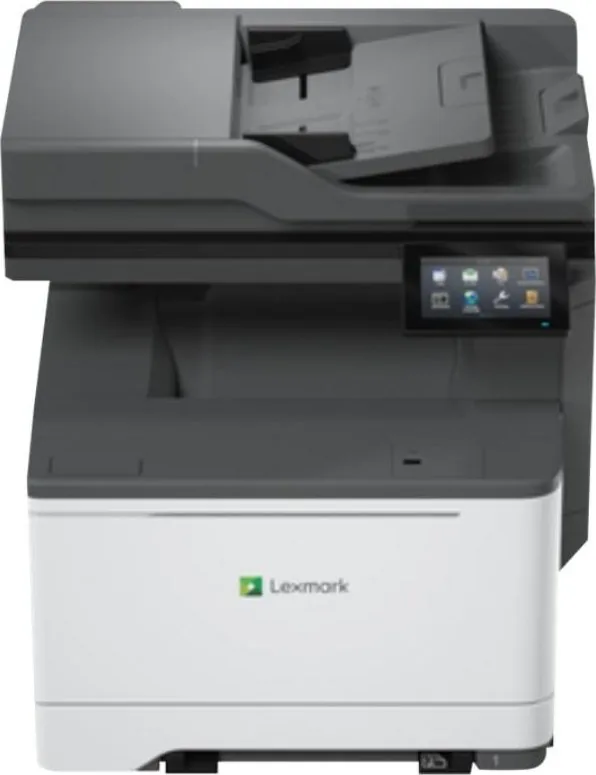
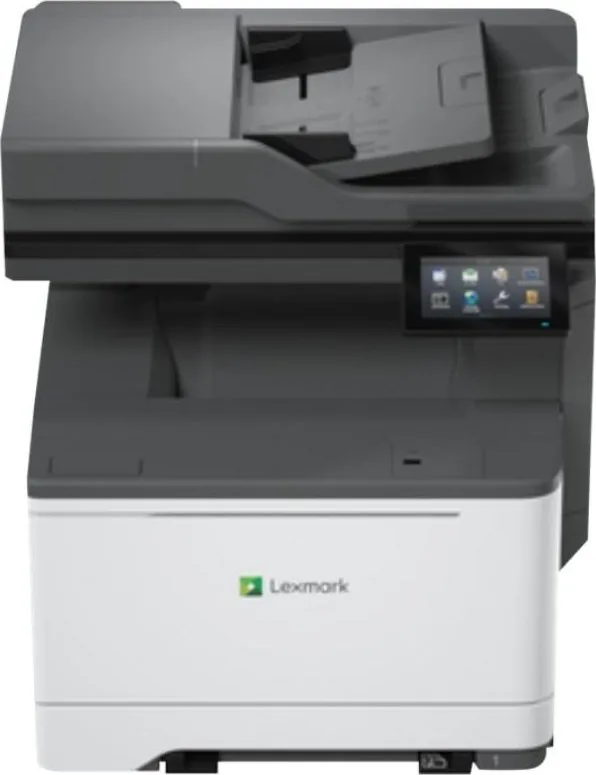
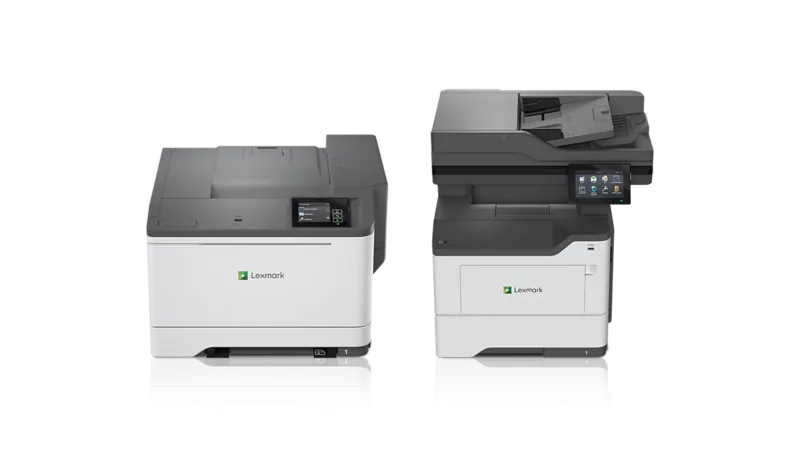
The Lexmark CX532adwe Laser multicolor Manual highlights a versatile multifunction printer designed for busy workplaces that need dependable color output and streamlined document workflows. Built for printing, copying, scanning, email delivery, and faxing, this model brings essential office functions together in one connected device. Its touchscreen control panel provides direct access to jobs, settings, contacts, scan profiles, USB printing, and network folders.
Flexible paper handling and media support
The Lexmark CX532adwe Laser multicolor supports everyday office media along with cards, labels, envelopes, and selected specialty materials. A standard 250-sheet tray provides a practical starting point, while optional paper capacity upgrades can support higher-volume environments. Available configurations include a 650-sheet dual tray with a 100-sheet multipurpose feeder and additional 550-sheet trays.
Automatic duplex printing helps reduce paper use for suitable jobs. The printer also supports a broad range of common formats, including A4, A5, A6, Letter, Legal, Executive, Folio, envelopes, and custom sizes within supported limits. For consistent results, use clean, undamaged paper stored in a dry environment and match the tray settings to the loaded media.
Scan, share, and manage workflows
This color laser multifunction printer is designed to help teams move information efficiently. The automatic document feeder and scanner glass support copying and scanning tasks for a variety of original sizes. Users can scan to a computer, FTP server, network folder, USB drive, or email destination. Shortcut features can simplify recurring tasks by saving common settings under memorable names.
Network connectivity is available through Ethernet, while USB connections support direct computer use and compatible accessories. The front USB port can be used to print supported content from a flash drive. Administrators can also customize the home screen, manage bookmarks, create contacts, configure email settings, and set user quotas where supported.
Security, maintenance, and accessibility
The Lexmark CX532adwe Laser multicolor includes controls for managing held and confidential print jobs, printer memory, network settings, and access-related options. Status indicators and on-screen messages help users identify active jobs, supply conditions, and required actions. The product also includes accessibility functions such as voice guidance, gesture navigation, magnification, and adjustable audio settings.
Routine care includes monitoring supplies, replacing approved parts when needed, cleaning designated areas, installing updates, and following the recommended procedures for paper jams. Place the unit on a stable surface with sufficient ventilation and use the supplied or manufacturer-approved power cable.
Notes
- Configure email, fax, and network destinations with the correct credentials before daily use.
- Use supported media types and weights to reduce jams and maintain print quality.
- Disconnect power before installing hardware options or cleaning internal components.
Search for 67,706 Manuals online


Type-in Brand or Model