
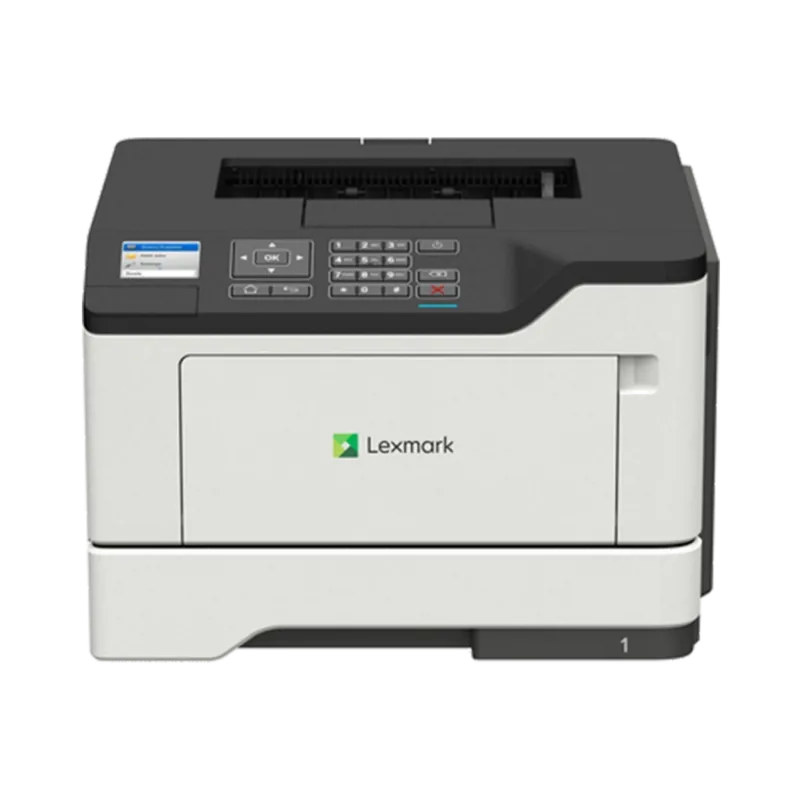
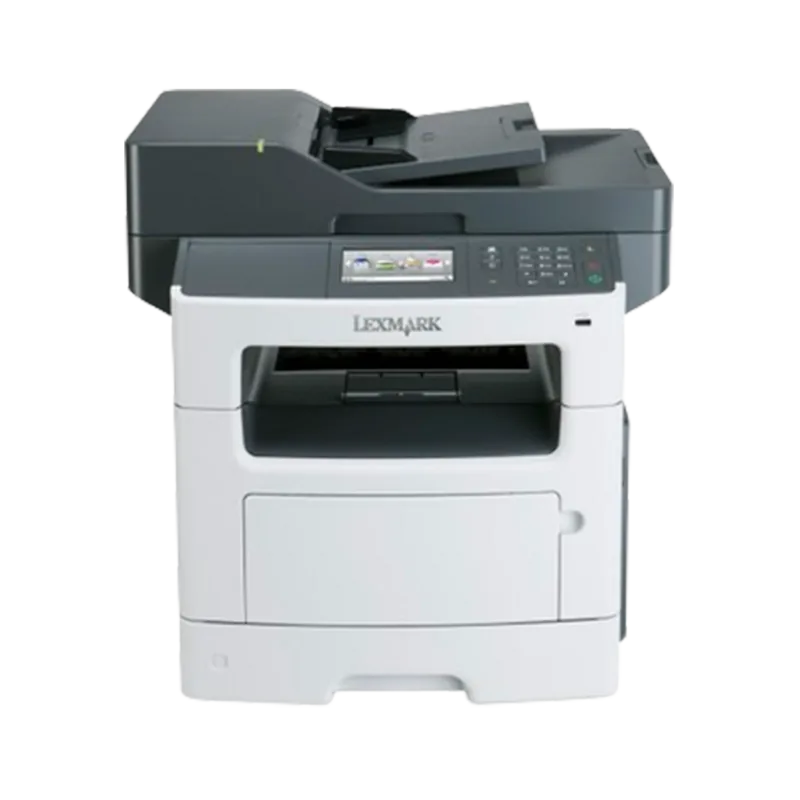
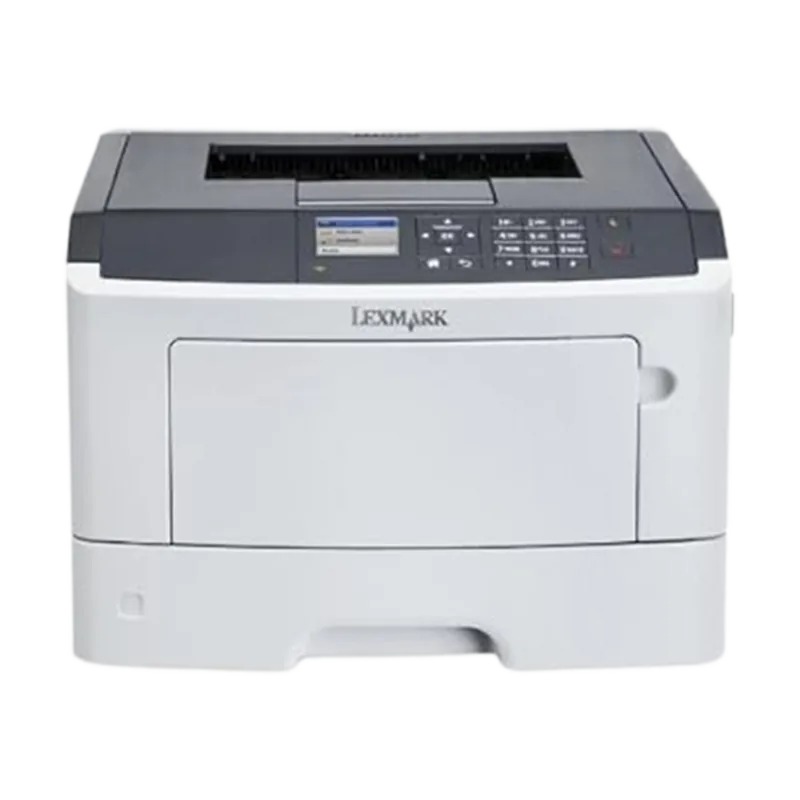
Lexmark MX511dhe Manual
PDF manual · 320 Pages
English



Quick check
Incorrect answer, please try again.
Chat with your Lexmark MX511dhe manual using AI
Get instant AI answers from your Lexmark MX511dhe manual
Ask anything about the Lexmark MX511dhe. Answers come from this manual, with the pages they are based on.
Ask a Question
Do you recommend MX511dhe?
Yes NoFrequently Asked Questions
It supports monochrome printing, copying, scanning, e-mailing, and faxing. It also offers workflow-oriented scan destinations such as network folders, FTP servers, computers, and USB storage.
Is this answer helpful?
Yes. Its automatic document feeder is intended for multiple-page jobs, including two-sided pages. The scanner glass is better suited to single sheets, books, photos, cards, and delicate media.
Is this answer helpful?
The standard configuration includes a 250-sheet tray and a 100-sheet multipurpose feeder. Optional 250- or 550-sheet trays can be added to increase capacity.
Is this answer helpful?
Yes. With a network connection, the Embedded Web Server allows remote viewing and configuration of printer settings, status, supplies, applications, and certain administrative options.
Is this answer helpful?
Yes. The MyShortcut application can create home-screen shortcuts for commonly used copy, fax, or e-mail jobs. The device supports up to 25 frequently used shortcut settings.
Is this answer helpful?
Wireless operation requires an optional compatible wireless network adapter. The MX510, MX511, and MX517 series use the MarkNet N8350 adapter according to the provided information.
Is this answer helpful?
Advantages and Disadvantages
Advantages

- Combines monochrome printing, copying, scanning, e-mailing, and faxing in one office device.
- 50-sheet ADF supports multi-page and two-sided originals for faster scanning and copying.
- Supports scan destinations including e-mail, FTP, network folders, computers, and USB storage.
- Expandable paper handling with optional 250- or 550-sheet trays and a 100-sheet multipurpose feeder.
- Remote management through the Embedded Web Server simplifies configuration and monitoring.
Disadvantages

- Wireless networking requires a compatible optional MarkNet adapter.
- The unit weighs more than 18 kg and requires two or more trained people to lift safely.
- Specialty media must meet laser-printer requirements to avoid jams, damage, or poor output.
- Some advanced storage, firmware, and connectivity capabilities depend on optional hardware.
- Proper network permissions are required for Scan to Network, FTP, and shared-folder workflows.
Product Description
Lexmark MX511DHE - Read, Download & Print Free
The Lexmark MX511DHE is a monochrome multifunction laser printer designed for busy offices that need dependable printing, copying, scanning, e-mailing, and fax capabilities in one compact workflow hub. The keyword Lexmark MX511DHE - Read, Download & Print Free highlights its value for users seeking practical guidance and an efficient device for everyday business tasks.
Built for Productive Office Work
This model combines a responsive touch-screen control panel with an automatic document feeder, making it easier to handle multi-page jobs without constant manual input. The ADF supports up to 50 sheets and can process two-sided pages, while the scanner glass is useful for books, photos, cards, and delicate originals.
A standard 250-sheet tray and 100-sheet multipurpose feeder provide flexibility for plain paper, letterhead, envelopes, labels, transparencies, and card stock. Optional 250- or 550-sheet trays can expand paper capacity for teams with higher print volumes. Automatic duplex printing helps reduce paper consumption during routine office work.
Connected Features and Flexible Scanning
The Lexmark MX511DHE supports Ethernet networking and can be configured for wireless use with a compatible optional adapter. Its Embedded Web Server lets administrators review status, adjust settings, manage supplies, and configure features remotely through a browser.
Scanning options support delivery to e-mail, FTP locations, network folders, computers, and USB storage. Home-screen applications such as Card Copy, Forms and Favorites, Multi Send, MyShortcut, and Scan to Network can simplify common tasks. These tools help users send information to several destinations, create repeatable workflows, and access frequently used forms quickly.
Management, Security, and Maintenance
The printer includes tools for monitoring supplies, viewing reports, setting e-mail alerts, managing network settings, and restoring defaults when required. Optional internal upgrades include memory, firmware cards, a hard disk, and specialized connectivity options. Security controls also address stored data and hard-disk encryption where supported.
Notes
For best reliability, match the paper size and type settings to the media loaded in each tray. Use laser-compatible specialty media, keep paper dry, and avoid overfilling trays. When moving or installing options, follow the safety guidance and use trained personnel where necessary.
Search for 67,706 Manuals online


Type-in Brand or Model