
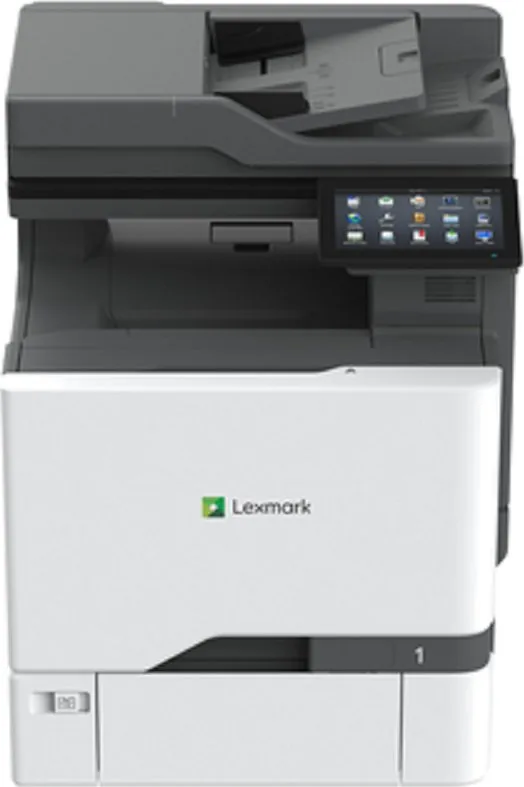
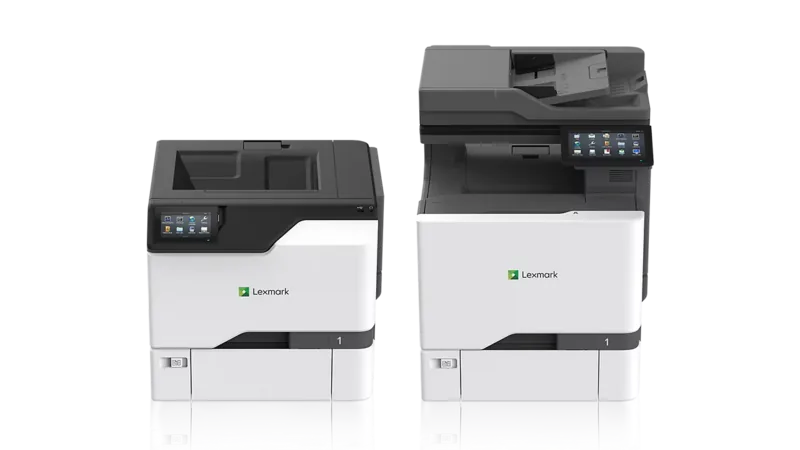
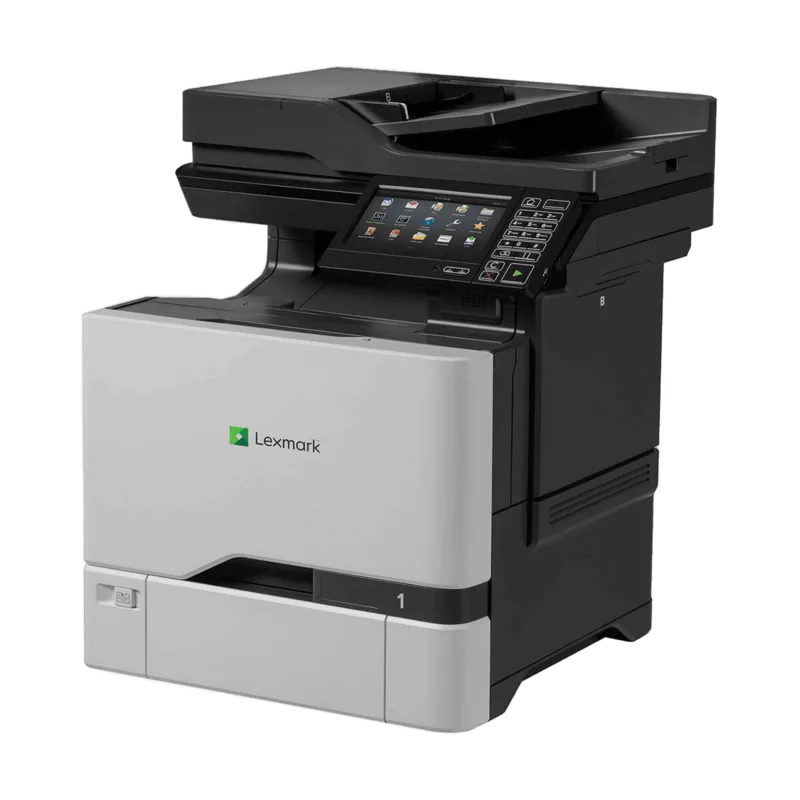
Lexmark CX730de Manual
PDF manual · 350 Pages
English



Quick check
Incorrect answer, please try again.
Chat with your Lexmark CX730de manual using AI
Get instant AI answers from your Lexmark CX730de manual
Ask anything about the Lexmark CX730de. Answers come from this manual, with the pages they are based on.
CX730de Maintenance Schedule
Remove dust, lint, and paper particles with a soft brush or vacuum. Wipe the outside with a damp cloth.
Replace when the low toner message appears or capacity is exhausted.
Replace black or color imaging units when the unit is not recognized or has reached end of life.
Replace when the waste toner container is full.
Replace the fuser maintenance kit when the recommended life span is exceeded or capacity is low.
Replace pickup rollers in trays or universal feeder when they show signs of wear or cause feeding issues.
Wipe pickup rollers with a cloth moistened with isopropyl alcohol to remove dirt.
Clean the scanner glass, ADF glass pad, and scanner glass pad with a damp soft cloth.
Free maintenance reminders
Timed to your purchase date. Always free, unsubscribe anytime.
Ask a Question
Do you recommend CX730de?
Yes NoFrequently Asked Questions
The printer supports a wide range of formats including Letter, Legal, A4, A5, Executive, and various envelope sizes like #10 and DL. It also handles custom universal sizes up to 8.5 x 14 inches.
Is this answer helpful?
Yes, the CX730de supports mobile printing via Wi-Fi Direct, AirPrint, and Lexmark's own mobile apps, allowing seamless printing from iOS and Android devices.
Is this answer helpful?
Access the Embedded Web Server via the printer's IP address, navigate to Email settings, and input your SMTP server details, port number, and authentication credentials provided by your email provider.
Is this answer helpful?
While designed for medium to large volumes, its compact footprint and efficient energy use make it suitable for growing small offices needing reliable color output.
Is this answer helpful?
A blinking red light indicates a user action is required, such as clearing a paper jam, replacing a toner cartridge, or resolving a connectivity issue. Check the display for specific error messages.
Is this answer helpful?
Lexmark recommends using genuine Lexmark toner for optimal performance and warranty coverage. Third-party cartridges may void the warranty or cause damage to the printer.
Is this answer helpful?
It is recommended to check for firmware updates monthly or whenever significant new features or security patches are released by Lexmark.
Is this answer helpful?
Advantages and Disadvantages
Advantages

- High-speed multicolor laser printing with excellent quality
- Versatile paper handling supports various media types and sizes
- Comprehensive security features including encrypted storage and user authentication
- Intuitive touchscreen interface with accessibility options
- Seamless network integration and mobile printing support
Disadvantages

- Requires specific Lexmark surge protectors for safety compliance
- Lithium battery cannot be replaced by users due to explosion risk
- May require additional hardware options for expanded functionality
- Initial setup can be complex for non-technical users
- Some advanced features require subscription services
Product Specification
Format
A4 (Print), A4 (Scan)
Type
Printer/Scanner/Copier/Fax
Color System
4-color, 4x Single Toner
Consumables
71C0H10, 71C0H20, 71C0H30, 71C0H40, 71C20K0, 71C20C0, 71C20M0, 71C20Y0, 71C2HK0, 71C2HC0, 71C2HM0, 71C2HY0, 71C0W00, 71C0Z10, 71C0Z50
Printing
1200x1200dpi - 40/40 ppm (A4) (ISO)
Scanning
600x600dpi (CCD) - 80/80 ppm (A4)
Copying
600x600dpi - 39/39 ppm (A4) (ISO)
Paper Input
650 sheets (1x 550 sheets + 1x 100 sheets), DADF (100 sheets), Duplex Unit
Memory
2GB (RAM)
Connections
1x USB-B 2.0, 4x USB-A 2.0 (Host), 1x Fax (RJ-11)
Network
Gb LAN, AirPrint, Universal Print (Azure Cloud Print), PIN Printing
Display
color, 7", Touchscreen
Power Consumption
630W (typical), 61W (standby), 1W (sleep), 0.1W (off), TEC: 0.55kWh/week
Sound Pressure Level
52.0dB(A)
Emulation
PCL 6, PCL 5c, PostScript 3, PPDS, PDF 1.7, XML
Chassis Color
gray, black
Dimensions
18.9x24.4x21.0in
Weight
86lbs
Features
USB Direct Scan, Direct Print, Blue Angel
Manufacturer Warranty
1 Year (On-Site)
Product Description
Lexmark CX730de Laser: The Ultimate Multicolor Printing Solution
In the fast-paced world of modern business, efficiency and color precision are non-negotiable. The Lexmark CX730de Laser printer stands as a testament to this necessity, offering a robust multicolor experience designed for high-volume environments. This device is not merely a peripheral; it is a central hub for document creation, distribution, and management. Whether you are producing vibrant marketing materials or crisp black-and-white reports, the CX730de delivers consistent quality with every page.
The heart of the CX730de lies in its advanced laser technology, which ensures sharp text and vivid graphics. Its multicolor capabilities allow users to bring their ideas to life with professional-grade saturation and accuracy. The machine features a versatile paper handling system capable of managing various media types, from standard office paper to heavy cardstock and specialized envelopes. This flexibility makes it an ideal choice for offices that require diverse printing options without compromising on speed or reliability.
Connectivity is seamless with the CX730de. It integrates effortlessly into existing network infrastructures, supporting both wired Ethernet and wireless connections. Users can print directly from mobile devices, scan documents to email addresses, or send faxes with ease. The intuitive touchscreen interface simplifies navigation, allowing even novice users to access complex functions like secure printing, cloud services, and custom shortcut configurations. Accessibility features further enhance usability, ensuring that all employees can operate the machine effectively regardless of physical limitations.
Security is paramount in today's digital landscape, and the Lexmark CX730de does not disappoint. It includes comprehensive security protocols to protect sensitive data, including encrypted hard drives, user authentication, and secure release printing. Regular firmware updates ensure that the device remains protected against emerging threats. Maintenance is straightforward, with clear indicators for toner levels and potential issues, minimizing downtime and keeping productivity high.
For organizations seeking a reliable, high-performance printer, the Lexmark CX730de offers a compelling combination of speed, versatility, and security. Its ability to handle demanding workloads while maintaining exceptional print quality makes it a standout choice for businesses of all sizes.
Notes
- Ensure proper ventilation around the unit to prevent overheating.
- Use only Lexmark-approved surge protectors to avoid electrical hazards.
- Regularly update firmware to maintain optimal performance and security.
Search for 67,706 Manuals online


Type-in Brand or Model