
Lexmark MS821dn Manual
PDF manual · 226 Pages
English



Quick check
Incorrect answer, please try again.
Chat with your Lexmark MS821dn manual using AI
Get instant AI answers from your Lexmark MS821dn manual
Ask anything about the Lexmark MS821dn. Answers come from this manual, with the pages they are based on.
Ask a Question
Do you recommend MS821dn?
Yes NoFrequently Asked Questions
It is a monochrome laser printer designed for business use. The focus is on fast text printing, dependable paper handling, and flexible management features for office environments.
Is this answer helpful?
The printer supports plain paper, card stock, labels, envelopes, bond, letterhead, recycled paper, and several specialty media types. Exact support may vary by tray and accessory.
Is this answer helpful?
Yes. Supported printing options include mobile print services such as Lexmark Mobile Print, Mopria, AirPrint on compatible Apple devices, and other network-based printing workflows.
Is this answer helpful?
Yes. The manual describes confidential jobs, PIN-protected release, held jobs, memory erasure, disk encryption, and related security settings for managed environments.
Is this answer helpful?
Supported models may include Voice Guidance, magnification mode, gesture navigation, speech rate adjustment, and spoken password or PIN options to help users interact more easily.
Is this answer helpful?
Load the correct paper type and size, keep stacks within tray limits, align the guides properly, and match the printer settings to the loaded media. Regular maintenance also helps.
Is this answer helpful?
Advantages and Disadvantages
Advantages

- High-capacity monochrome laser printing for busy office workflows.
- Flexible paper handling with multiple tray and finishing options.
- Strong security features, including confidential print and memory erasure.
- Supports mobile, USB, and cloud-connected printing methods.
Disadvantages

- Monochrome output only, so it is not ideal for color printing needs.
- Some features depend on optional hardware or specific printer models.
- Advanced menus and settings may feel complex for casual users.
- Large configurations may require extra space and careful setup.
Product Specification
Format
A4
Type
Laser Printer
Color System
Monochrome
Consumables
52D2000, 52D2H00, 52D200E, 52D2H0E
Printing
1200x1200dpi - 52 ppm (A4)
Paper Input
650 sheets (1x 550 sheets + 1x 100 sheets), Duplex Unit
Memory
512MB (RAM)
Ports
1x USB-B 2.0, 1x USB-A 2.0 (Host)
Network
Gb LAN, AirPrint, Universal Print (Azure Cloud Print), PIN Printing
Display
color, 2.4"
Power Consumption
670W (max), 39W (standby), 0.2W (sleep)
Sound Pressure Level
57.0dB(A)
Emulation
PCL 6, PCL 5e, PostScript 3, PPDS, PDF 1.7, XML
Dimensions
16.85x17.52x20.08in
Weight
56.00lb
Features
Direct Print
Manufacturer Warranty
1 Year
Product Description
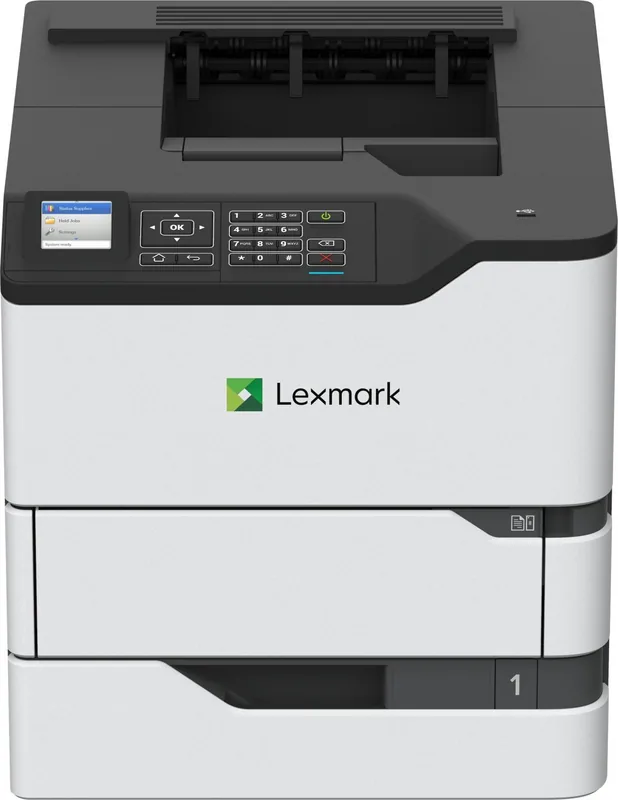
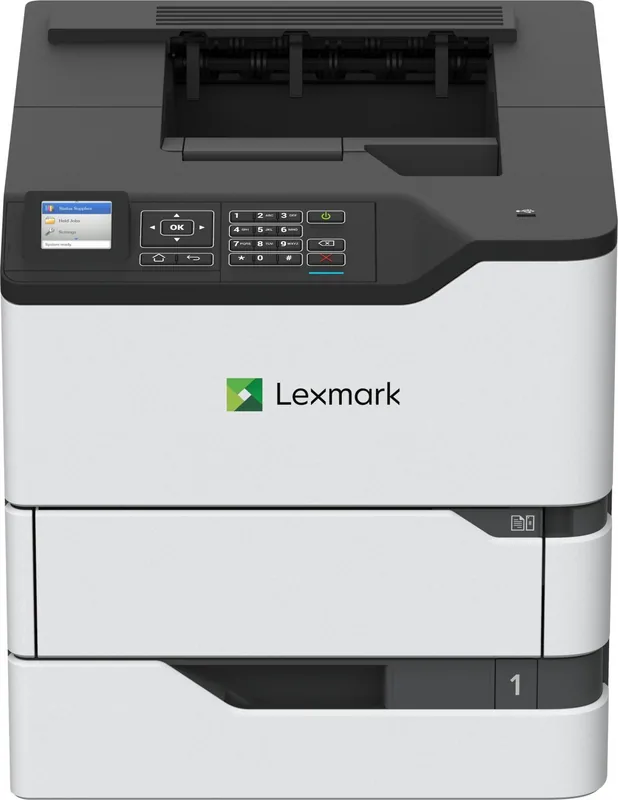
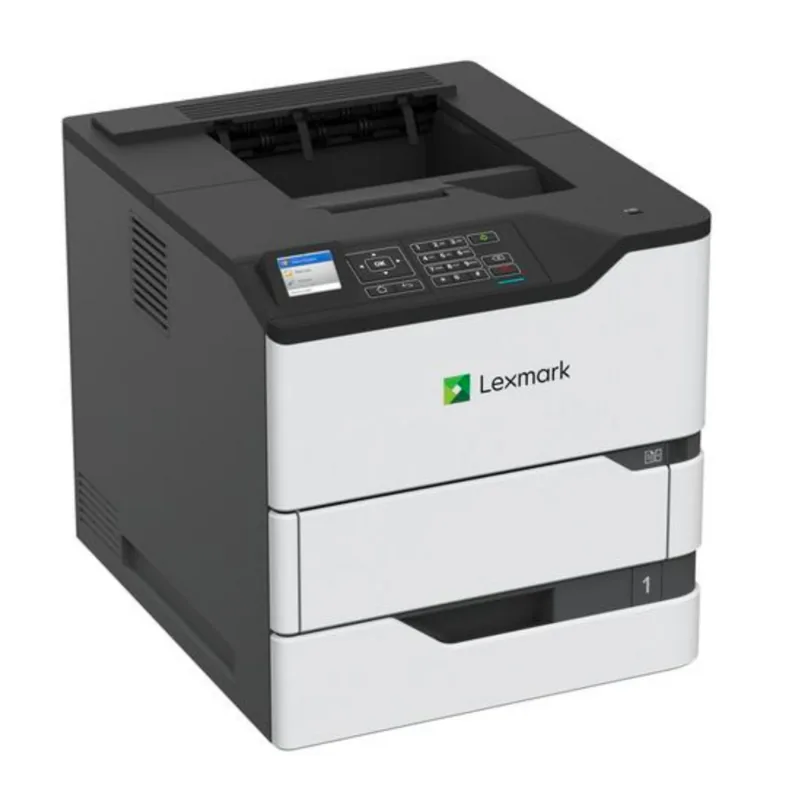
Lexmark MS821dn, laser, monochrome Manual: A Practical Look at a Workhorse Printer
The Lexmark MS821dn, laser, monochrome Manual points to a printer built for serious office output. This is a monochrome laser device designed to handle demanding print environments with a focus on speed, reliability, and flexible paper handling. Rather than chasing flashy extras, it emphasizes the essentials that matter in busy workplaces: strong paper capacity, secure printing options, and straightforward management tools.
One of the most useful qualities of this printer family is its scalability. The base unit can be expanded with additional paper trays and output accessories, making it easier to adapt the device to changing workloads. It supports a wide range of paper sizes and types, including plain paper, card stock, labels, envelopes, and specialty media. That makes it suitable for teams that print everything from standard reports to more specialized business materials.
The control panel and embedded home screen features add convenience for everyday use. Users can access held jobs, change language settings, manage contacts, customize icons, and even enable accessibility tools such as voice guidance and screen magnification on supported models. For organizations that care about workflow efficiency, these options can make the printer easier to use across different teams and user needs.
Security is another strong theme. The manual includes guidance for confidential print jobs, PIN protection, memory erasure, disk encryption, and factory reset options. Network settings, SMTP alert configuration, and job accounting tools further show that this printer is built with enterprise administration in mind. For shared environments, those controls help protect documents and simplify oversight.
The printer also supports modern printing habits. Users can print from computers, mobile devices, USB flash drives, and cloud-connected workflows. Eco settings help reduce energy and paper use, while jam recovery and maintenance instructions focus on keeping output consistent over time. Overall, the device is best viewed as a dependable monochrome printing platform that balances performance with control.
Notes
- Best suited for office teams that print high volumes of black-and-white documents.
- Tray expansion and finishing options improve flexibility for growing workloads.
- Security, accessibility, and mobile printing features make it adaptable in shared environments.
Search for 67,706 Manuals online


Type-in Brand or Model