
Lexmark CS521dn Manual
PDF manual · 184 Pages
English



Quick check
Incorrect answer, please try again.
Chat with your Lexmark CS521dn manual using AI
Get instant AI answers from your Lexmark CS521dn manual
Ask anything about the Lexmark CS521dn. Answers come from this manual, with the pages they are based on.
CS521dn Maintenance Schedule
Remove dust and paper debris with a soft brush or vacuum. Wipe the outside with a damp, lint-free cloth. Do not use cleaning agents.
Replace the maintenance kit containing the fuser and pickup rollers when indicated. Only an authorized service technician can replace this kit.
Free maintenance reminders
Timed to your purchase date. Always free, unsubscribe anytime.
Ask a Question
Do you recommend CS521dn?
Yes NoFrequently Asked Questions
It is a color laser printer built for business use. The model focuses on reliable everyday printing, flexible paper handling, and support for both basic and advanced office tasks.
Is this answer helpful?
Yes. It supports mobile printing methods such as Lexmark Mobile Print, Mopria, AirPrint on supported devices, and other connected workflows depending on the printer setup.
Is this answer helpful?
It supports many common sizes, including letter, legal, executive, A4, A5, envelopes, labels, and universal sizes. Exact support depends on the tray or feeder being used.
Is this answer helpful?
Yes. The printer includes confidential job settings, PIN protection, held jobs, and other security controls. Some models also support disk encryption and memory erase options.
Is this answer helpful?
The printer includes tray guidance, jam recovery settings, and troubleshooting sections for different jam locations. Using the correct paper size and type helps reduce jam risk.
Is this answer helpful?
Yes. Supported models can offer Voice Guidance, gesture navigation, magnification mode, adjustable speech rate, and spoken passwords or PINs to improve accessibility.
Is this answer helpful?
Advantages and Disadvantages
Advantages

- Strong paper support for common office sizes, envelopes, labels, and specialty media.
- Mobile, USB, and cloud printing options make it easy to print from many devices.
- Security tools such as confidential jobs, PINs, and disk encryption help protect data.
- Accessibility and home-screen customization improve usability for different workflows.
Disadvantages

- Some features are only available on select printer models, which limits consistency.
- Menu options and setup paths can feel complex for first-time users.
- Specialty media must be loaded carefully to avoid jams and print-quality issues.
- Advanced security and cloud tools may require admin access and extra configuration.
Product Specification
Format
A4
Type
Laser Printer
Color System
4-color
Consumables
78C0X10, 78C0X20, 78C0X30, 78C0X40, 78C20C0, 78C20K0 78C20M0, 78C20Y0, 78C2XC0, 78C2XK0, 78C2XM0, 78C2XY0, 78C0Z10, 78C0Z50, 78C0ZK0, 78C0ZV0, 78C0W00
1200x1200dpi - 33/33 ppm (A4)
Paper Feed
Duplex Unit
Memory
1GB (RAM)
Connections
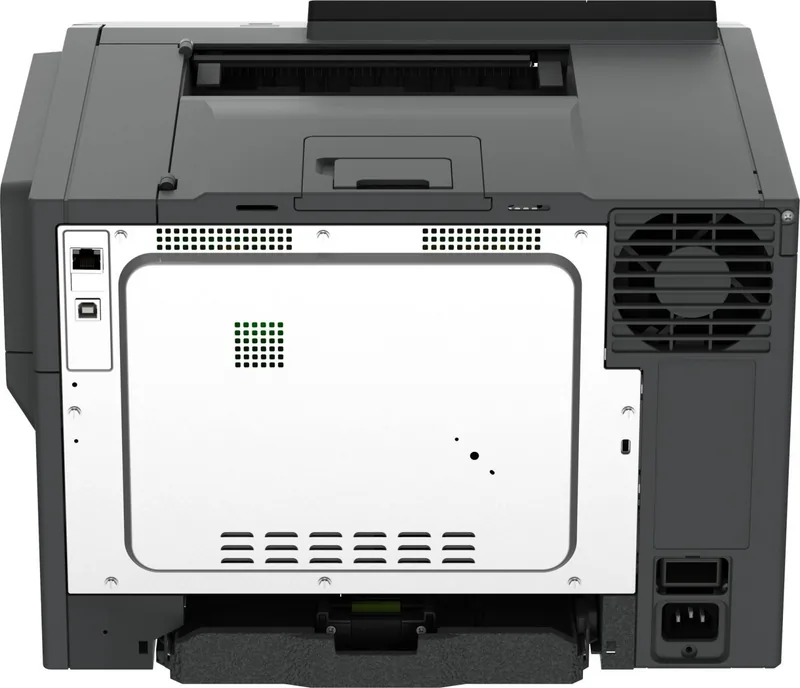
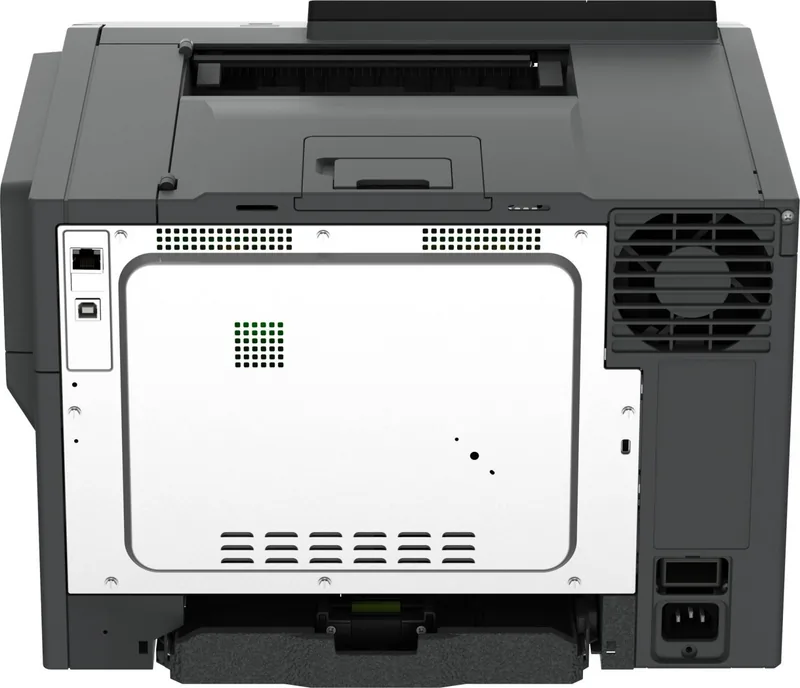
1x USB-B 2.0, 1x USB-A 2.0 (Host)
Network
LAN, AirPrint, Universal Print (Azure Cloud Print), PIN Printing
Display
color, 2.4"
Power Consumption
530W (typical), 37W (standby), 0.2W (sleep)
Sound Pressure Level
52.0dB(A)
Emulation
PCL 6, PCL 5c, PostScript 3, PPDS, PDF 1.7, XML
Dimensions
17.40x12.13x16.57in
Weight
46.30lb
Features
Direct Print
Manufacturer Warranty
1 Year (On-site)
Product Description
Lexmark CS521dn Laser Multicolor: Built for Everyday Business Printing
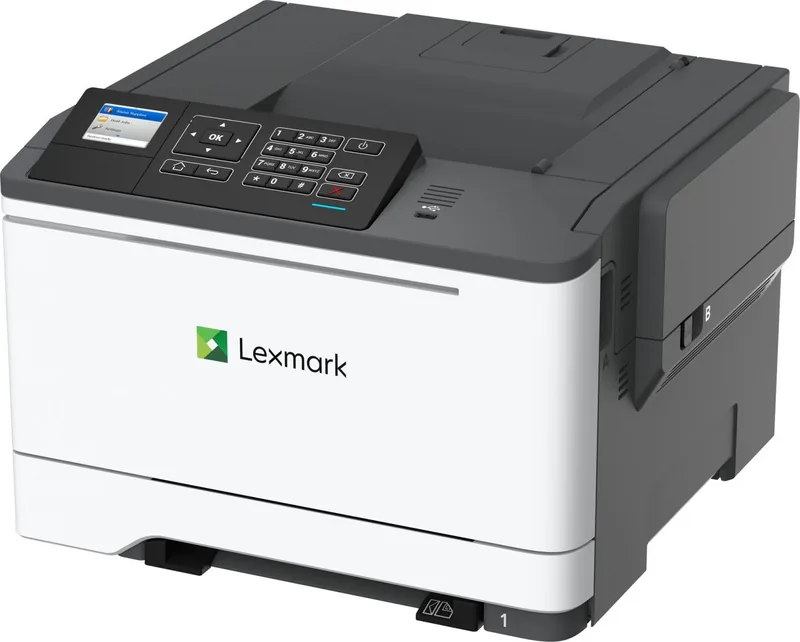
The Lexmark CS521dn is a compact color laser printer designed to handle the pace of a busy office without making the workflow feel complicated. For anyone looking up the Lexmark CS521dn, Laser, multicolor Manual, the big takeaway is simple: this model focuses on dependable output, flexible paper handling, and easy day-to-day control. It is built for teams that want clear text, vivid color, and a straightforward printing experience.
Practical performance for real work
This printer supports a wide range of paper sizes, from standard letter and legal sheets to envelopes, labels, and specialty media. That flexibility makes it useful for mixed printing needs, whether you are preparing internal reports, client materials, or custom mailings. Tray options and a manual feeder add even more control, while tray linking helps keep jobs moving when the same paper is loaded in multiple sources.
The CS521dn also stands out for its modern printing options. Users can print from a computer, a mobile device, or a flash drive, and supported services such as AirPrint, Mopria, Lexmark Mobile Print, and cloud-connected workflows make remote printing easier. The control panel and home screen can be customized, and the printer includes helpful tools like held jobs, QR code generation, bookmarks, and address book management.
Security, usability, and maintenance
Beyond speed and convenience, the printer offers strong security and job control. Confidential printing, PIN protection, login restrictions, disk encryption, and memory erase options help protect sensitive information. The interface also includes accessibility features such as Voice Guidance, magnification mode, and spoken passwords or PINs on supported models, which broadens usability for more users.
Maintenance is designed to be manageable as well. The printer provides guidance for cleaning, supply replacement, jam recovery, and troubleshooting network or print-quality issues. Eco settings can reduce energy and paper use, while quiet mode and sleep scheduling help adapt the device to different office environments.
Notes
- Best suited for teams that need reliable color laser printing with flexible input options.
- Useful when security, held jobs, and mobile printing are part of the daily workflow.
- Paper and tray settings should match the loaded media to avoid jams or print issues.
Search for 67,706 Manuals online


Type-in Brand or Model