
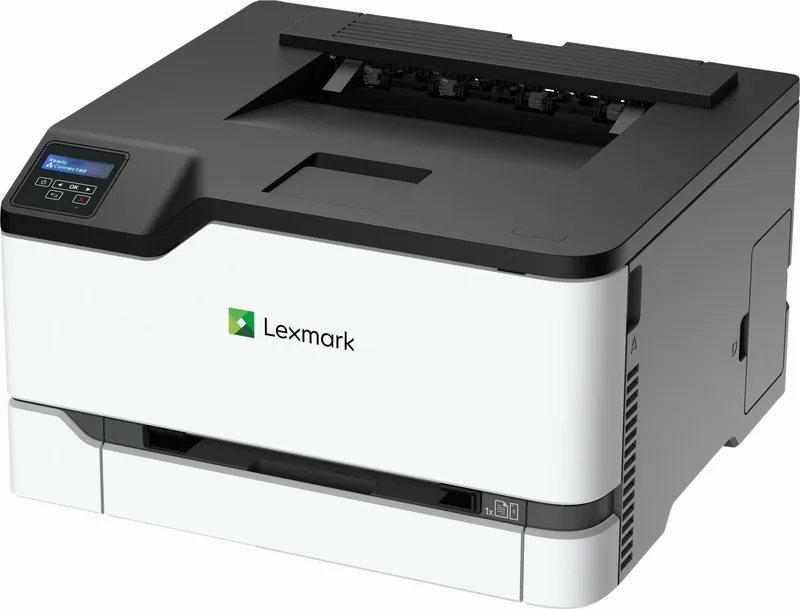
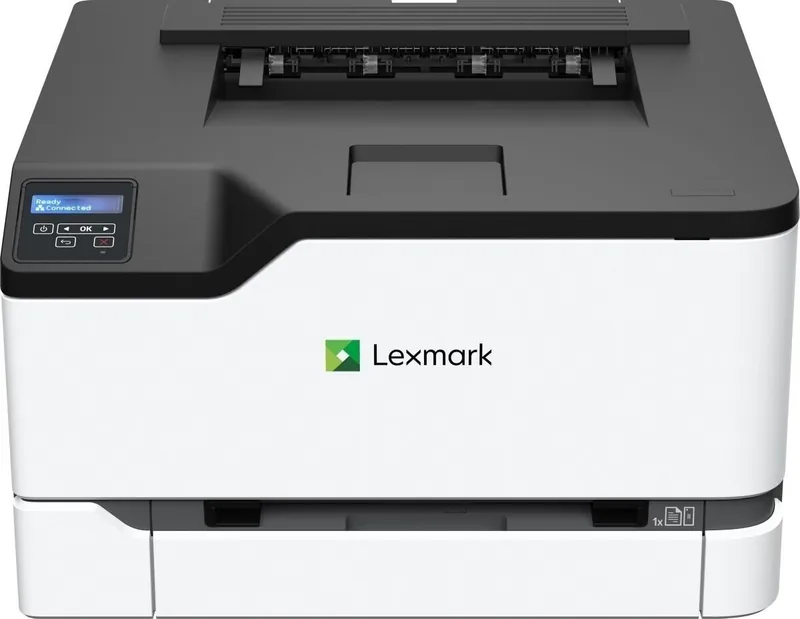
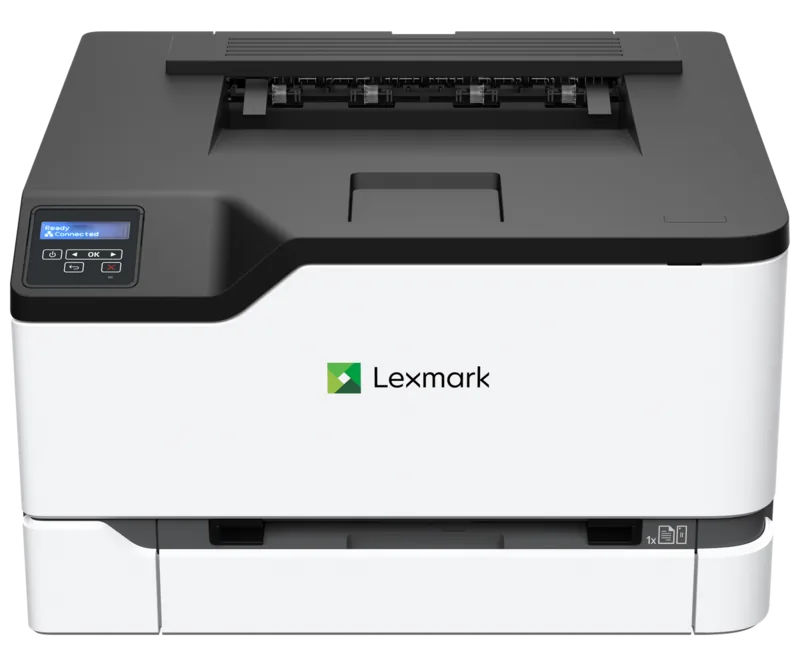
Lexmark C3326dw Manual
PDF manual · 163 Pages
English



Quick check
Incorrect answer, please try again.
Chat with your Lexmark C3326dw manual using AI
Get instant AI answers from your Lexmark C3326dw manual
Ask anything about the Lexmark C3326dw. Answers come from this manual, with the pages they are based on.
Ask a Question
Do you recommend C3326dw?
Yes NoVideo Manual
CS331/CX331/MC3224/MC3326—Loading the manual feeder
Frequently Asked Questions
The printer supports Ethernet, USB, Wi‑Fi (on wireless models), Wi‑Fi Direct, and mobile printing standards including AirPrint, Mopria, and Lexmark Mobile Print. Cloud printing is available via Cloud Connector profiles.
Is this answer helpful?
Use the printer’s Confidential Print or Print and Hold features. From the driver or device, select Confidential/Print and Hold, set a four‑digit PIN, then release the job at the control panel under Held Jobs using your PIN.
Is this answer helpful?
Supported media include plain paper, card stock, labels, and envelopes. Paper weights typically range from 60 to 176 g/m2 for standard trays, with card stock and specialty media supported within specified ranges; envelopes and labels should be tested and printed at reduced speeds.
Is this answer helpful?
Access the Embedded Web Server by entering the printer IP address in a web browser. From there you can check for firmware updates, upload firmware files, export/import configuration files, and modify network and device settings.
Is this answer helpful?
Regular tasks include replacing toner cartridges and consumables, cleaning accessible parts, running calibration (toner patch sensor) when needed, monitoring supply usage, and following recommended paper storage and handling procedures.
Is this answer helpful?
Use the wireless setup wizard on supported models, the control-panel Wireless settings, Wi‑Fi Protected Setup (WPS), the Lexmark Mobile Assistant app, or configure wireless settings via the Embedded Web Server depending on your model and environment.
Is this answer helpful?
From the control panel navigate to Settings > Device > Maintenance > Out of Service Erase and select the sanitize option to erase nonvolatile memory. For volatile memory, power the printer off to clear buffered data.
Is this answer helpful?
Advantages and Disadvantages
Advantages

- Reliable color and black text output with precise toner and imaging systems
- Flexible connectivity: Ethernet, USB, Wi‑Fi, Wi‑Fi Direct, AirPrint, Mopria, and Lexmark Mobile Print
- Duplex printing and optional trays for expanded paper handling and reduced paper usage
- Robust security features including memory sanitization, IPSec, 802.1x, and confidential PIN print release
- Embedded web server and firmware updates simplify administration and troubleshooting
Disadvantages

- Some advanced network and security settings may require IT knowledge to configure properly
- Mobile setup methods vary by model; certain features require firmware updates or specific apps
- Labels, envelopes, and heavy media print at reduced speeds and may require testing for compatibility
- Not all control-panel customization features are available on every model variant
- Large firmware updates or configuration imports may require administrator access and network downtime
Product Specification
Format
A4
Type
Laser Printer
Color System
4-color
Consumables
C3220K0, C3220C0, C3220M0, C3220Y0, C332HK0, C332HC0, C332HM0, C332HY0, C330H10, C330H20, C330H30, C330H40, 20N0W00
600x600dpi - 24 ppm (ISO) (A4)
Paper Feed
Duplex Unit
Memory
512MB (RAM)
Connections
1x USB-B 2.0
Network
Gb LAN, Wi-Fi 4 (WLAN 802.11b/g/n), AirPrint
Display
monochrome, 2-line
Power Consumption
395W (typical), 17W (standby), 0.9W (sleep)
Sound Pressure Level
52.0dB(A)
Emulation
PCL 6, PCL 5, PCLm, PostScript 3
Dimensions
16.18x9.61x15.51in
Weight
35.49lb
Manufacturer's Warranty
4 Years (after registration)
Product Description
Lexmark C3326dw Laser color Manual: Overview and Features
The Lexmark C3326dw Laser color is a compact, business-focused color laser printer designed for small offices and workgroups that need reliable color output, robust connectivity, and straightforward maintenance. Built with Lexmark’s proven printing technology, this model balances print quality, speed, and cost-efficiency while providing a full complement of features for everyday document workflows. The device emphasizes user convenience with an intuitive control panel, flexible paper handling, and multiple connectivity options including Ethernet, USB, Wi‑Fi, Wi‑Fi Direct, and mobile printing support.
Key product characteristics
The C3326dw delivers high-quality color and crisp black text through precise toner and imaging systems. It supports a wide range of media — from plain paper and envelopes to labels and card stock — and accepts various paper sizes and weights. Tray configurations include a standard 250-sheet tray, manual feeder, and optional additional trays for expanded capacity. Two-sided (duplex) printing reduces paper use and helps lower operating costs.
The printer interface includes a clear display and navigation buttons (or touch controls on certain models) that let users customize the home screen, access bookmarks and cloud connector profiles, and manage held or confidential jobs. Security features allow administrators to sanitize nonvolatile memory, restore factory defaults, configure secure network protocols (IPSec, 802.1x), and set up confidential/held print release with PIN protection.
Software and connectivity
Lexmark provides drivers, utilities, and firmware updates via its support site. The C3326dw supports modern mobile printing standards such as AirPrint, Mopria, and Lexmark Mobile Print, and enables cloud printing through Cloud Connector profiles. Network setup can be performed using the embedded web server, wireless setup wizard, WPS, or Lexmark Mobile Assistant; advanced network settings include IPv6, DHCP, DNS, SNMP, and TLS/SSL options.
Maintenance and reliability
Routine maintenance includes supply replacement, cleaning of accessible parts, and occasional calibration (toner patch sensor). The printer offers diagnostic and reporting pages, supply usage counters, and error logs to help troubleshoot issues like jams, print quality problems, or network connectivity. Safety guidance highlights proper electrical grounding, surge protection, and safe handling when moving heavy units.
Notes
- Designed for small offices and workgroups needing dependable color printing and multiple connectivity options.
- Supports secure printing workflows, memory sanitization, and a range of network security standards.
- Handles diverse media types and sizes; follow paper guidelines for best results.
Search for 67,706 Manuals online


Type-in Brand or Model
MartaS
8 months ago
Is the printer good for the price, and does it print reliably with decent quality? Also, is it reasonably quiet during printing?
Manual.ly
8 months ago
Based on customer feedback, the price-performance ratio is a key strength, and the printer is described as reliable for everyday use. Users also report good print quality, with output looking consistent even for small print volumes. In terms of noise, reviews mention that it is at least fairly quiet compared to some older models. If you want the quietest results, we recommend using the printer's standard or draft mode (if acceptable for your documents) and placing it on a stable surface. For any reliability issues, keep an eye on regular maintenance and contact support if something is not working as expected.