
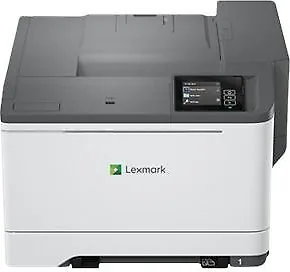
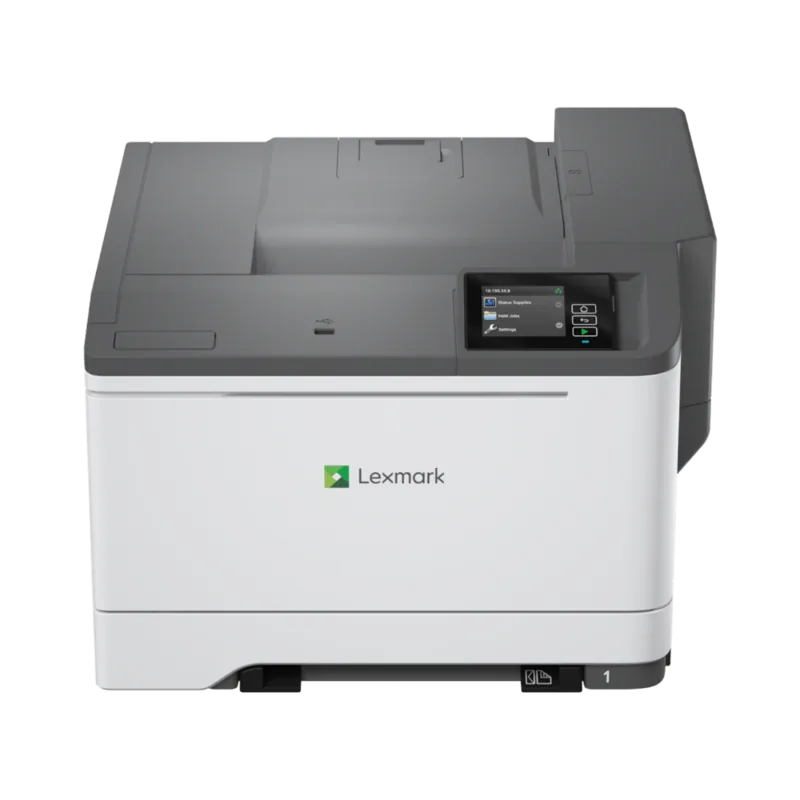
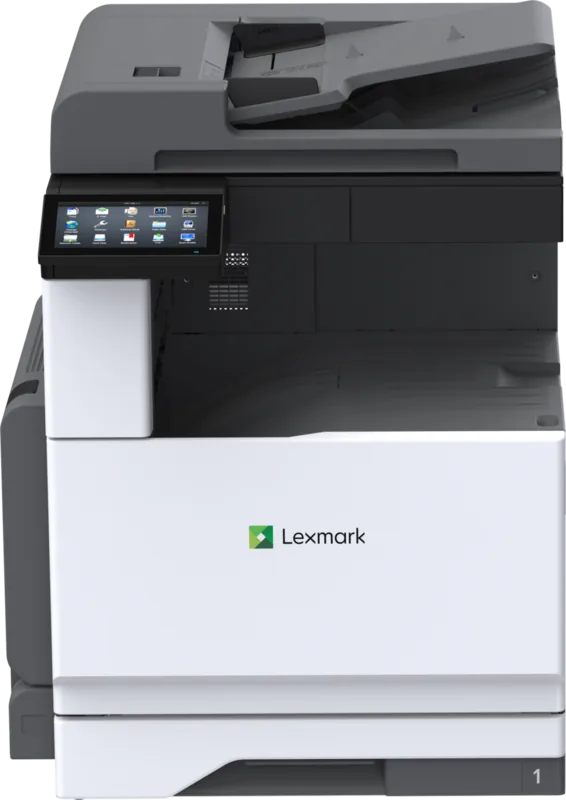
Lexmark C2335 Manual
PDF manual · 220 Pages
English



Quick check
Incorrect answer, please try again.
Chat with your Lexmark C2335 manual using AI
Get instant AI answers from your Lexmark C2335 manual
Ask anything about the Lexmark C2335. Answers come from this manual, with the pages they are based on.
Ask a Question
Do you recommend C2335?
Yes NoFrequently Asked Questions
You can print from mobile devices using Wi-Fi Direct, AirPrint, or the Mobile Assistant apps. These features allow printing directly from tablets or smartphones without additional network setup.
Is this answer helpful?
The printer includes security slots for physical locking, memory sanitization capabilities, and confidential printing with PIN protection. This data protects sensitive information during processing and disposal.
Is this answer helpful?
Standard paper, card stock, custom envelopes, and various textures are supported. Media settings must match the loaded paper type to ensure reliable feeding and quality.
Is this answer helpful?
Navigate to Settings on the display, select Network, and choose Wi-Fi setup. You can select your network and enter the password directly through the control panel interface.
Is this answer helpful?
Check the error reports via the menu system and follow the troubleshooting steps. Clear the jam path carefully and ensure paper guides are set correctly to prevent recurrence.
Is this answer helpful?
Yes, access the Print menu on the control panel, select Quality, and then Toner Darkness to adjust the setting to your preferred print density.
Is this answer helpful?
The display shows supply estimates and status. You can configure e-mail alerts and view reports to proactively monitor usage levels and schedule replacements before running out.
Is this answer helpful?
Advantages and Disadvantages
Advantages

- High-quality color output suitable for marketing materials and internal reports.
- Extensive connectivity options including Wi-Fi Direct and AirPrint support.
- Intuitive control panel with home screen navigation for efficient management.
- Comprehensive security features with memory sanitization and confidentiality options.
- Flexible paper handling with standard and optional tray capacity.
Disadvantages

- Setup instructions can be complex for users unfamiliar with network configurations.
- Security lock slot requires compatible physical locking hardware for safety.
- Confidential print jobs require manual PIN entry to release documents.
- Standard paper tray may require frequent reloading during high volume workloads.
- Toner replacement and drum checks require careful adherence to procedures.
Product Specification
Paper Size
A4
Type
Laser Printer
Color Mode
4-color
Consumables
24B7552, 24B7549, 24B7550, 24B7551, 75M0ZK0, 75M0ZV0, 75M0W00
Printing
1200x1200dpi - 33.3 ppm (A4)
Paper Input
250 sheets, Duplex Unit
Memory
1GB (RAM)
Ports
1x USB-B 2.0, 2x USB-A 2.0 (Host)
Network
Gb LAN, Wi-Fi 5 (WLAN 802.11a/b/g/n/ac), AirPrint, Mobile Print, Mopria
Display
Color, 2.8", Touchscreen
Power Consumption
514W (typical), 20.8W (standby), 1W (sleep)
Noise Level
51.0dB(A)
Emulation
PCL 6, PCL 5, PostScript 3, PDF 1.7
Housing Color
Gray
Dimensions
17.91x12.52x16.65 inches
Weight
45.30 lbs
Manufacturer Warranty
1 Year (On-site)
Product Description
Introduction to the Lexmark C2335 Series
The Lexmark C2335 stands out as a robust laser printing solution designed for modern office environments requiring high-quality color output consistently. When exploring the Lexmark C2335, Laser, multicolor Manual features, you discover a device built for efficiency and versatility in daily tasks. This machine handles diverse media tasks with precision, ensuring your documents look professional every time. The color capabilities deliver vibrant results suitable for marketing materials and internal reports alike.
Connectivity and Mobile Printing Solutions
One of the standout features is the extensive connectivity options available to streamline your workflow. You can easily print from mobile devices using Wi-Fi Direct or AirPrint without needing a dedicated network setup. The control panel provides intuitive navigation, allowing users to manage jobs from the home screen effortlessly. Settings for Wi-Fi setup are accessible directly on the display, simplifying network integration for remote workers.
Security and Data Protection Measures
Security is paramount for business data requiring strict compliance. This printer includes features to erase memory securely before disposal. You can sanitize nonvolatile memory to prevent data leakage when decommissioning the device. The security slot allows physical locking to prevent unauthorized access. Users can also configure confidential print jobs requiring personal identification numbers for release.
Paper Handling and Media Options
Efficiency extends to paper handling and media flexibility. The standard trays support high volumes, while optional trays increase capacity to reduce refill frequency. You can load various paper types including card stock and custom envelopes. Proper storage and loading techniques are recommended to prevent jams. Adjusting settings for media types helps maintain reliability when printing on heavier stocks.
Maintenance and Troubleshooting Guides
Regular maintenance keeps the printer running smoothly over extended periods. The interface guides users through toner replacement and drum checks accurately. Troubleshooting steps address common issues like paper jams or network conflicts quickly. Accessing reports via the menu system helps monitor usage and supply levels. Following recommended procedures ensures longevity and performance stability for your business operations.
Search for 67,706 Manuals online


Type-in Brand or Model