

Free devolo Manuals – Read, Download & Print
25 Manuals
Manuals
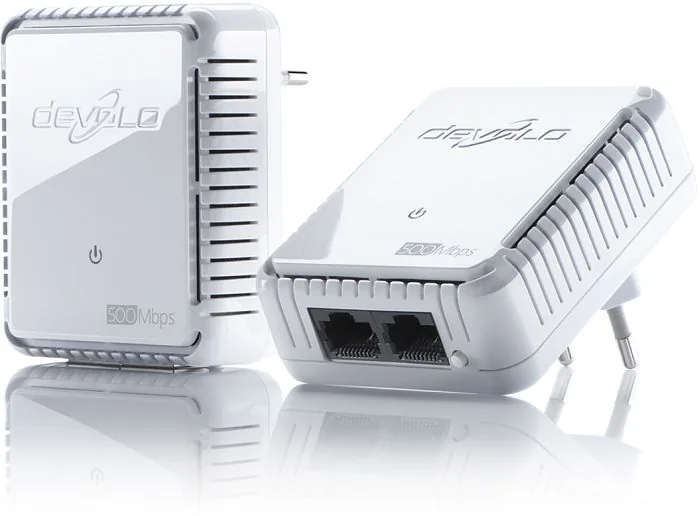
33 Pages
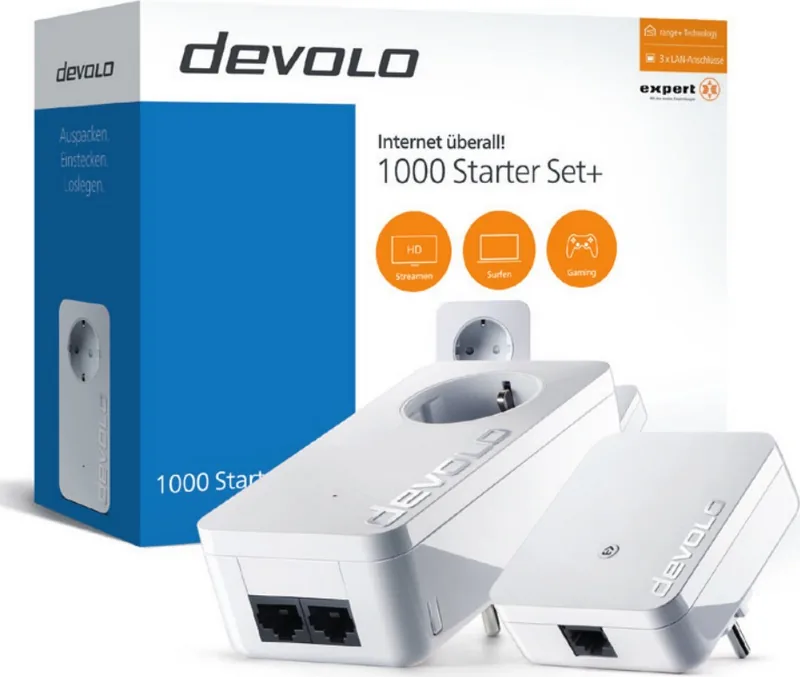
29 Pages
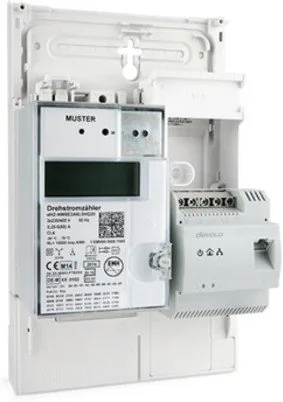
25 Pages
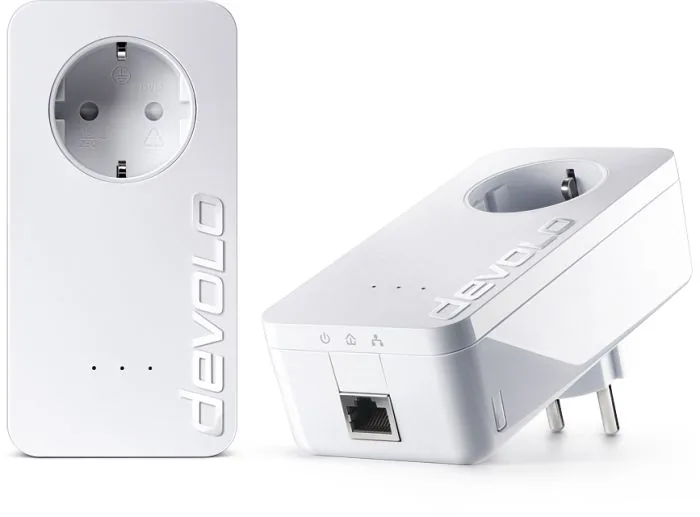
29 Pages
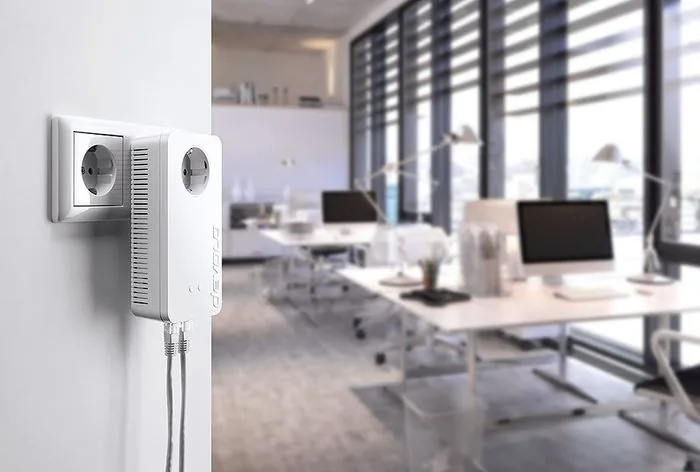
45 Pages
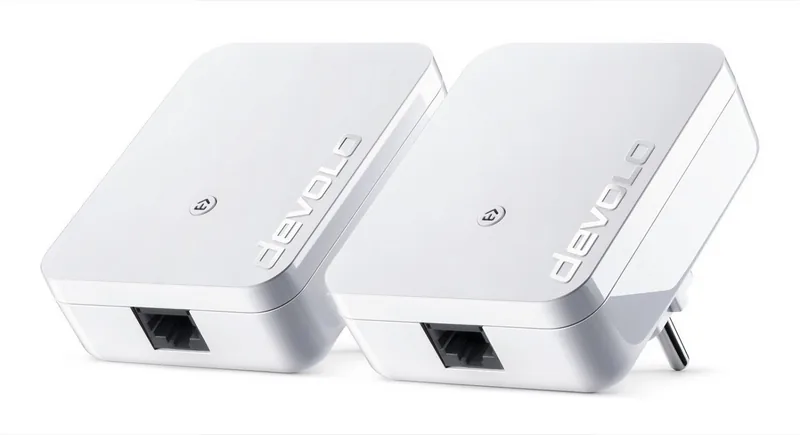
28 Pages
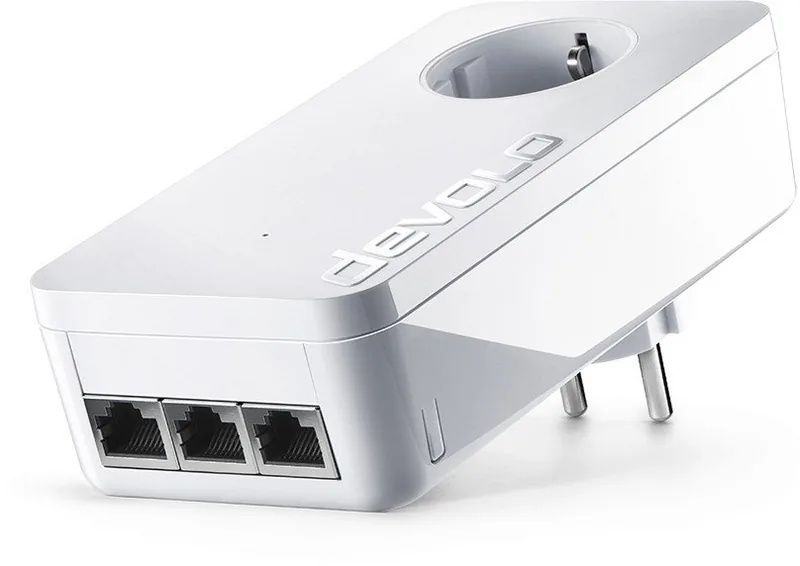
29 Pages
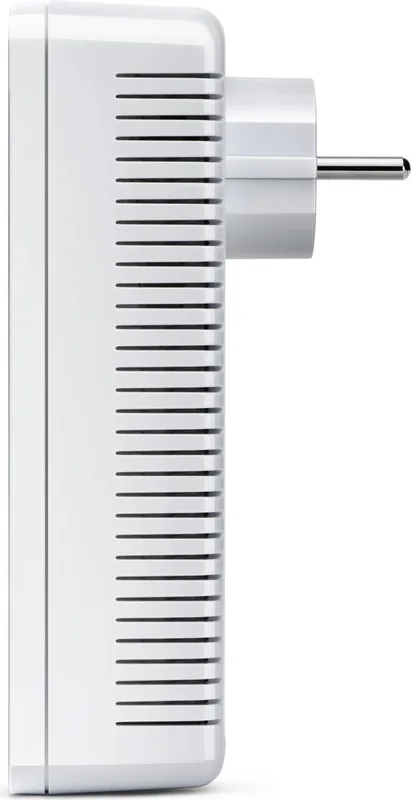
49 Pages
81 Pages
33 Pages
29 Pages
43 Pages
36 Pages
36 Pages
57 Pages
63 Pages
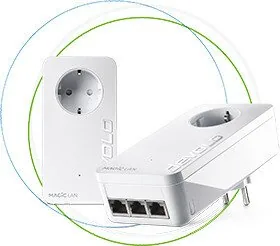
36 Pages
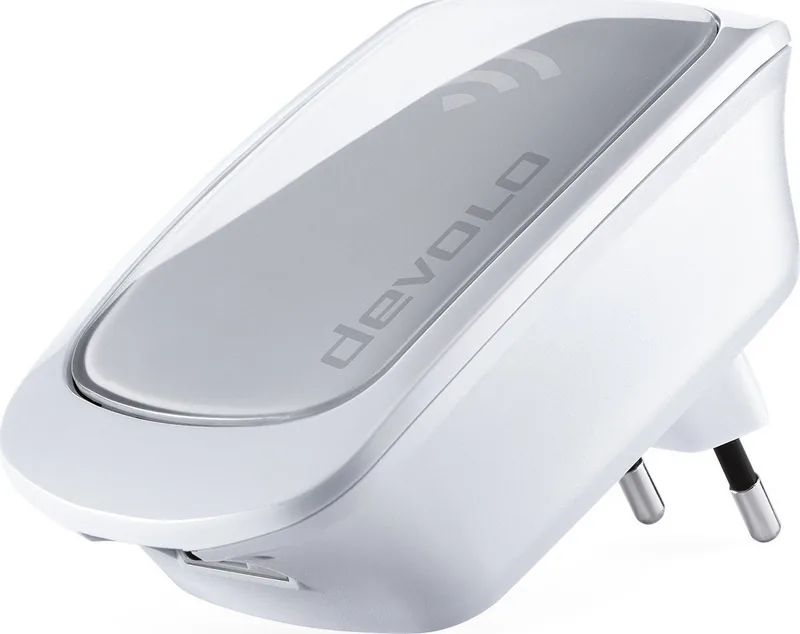
13 Pages
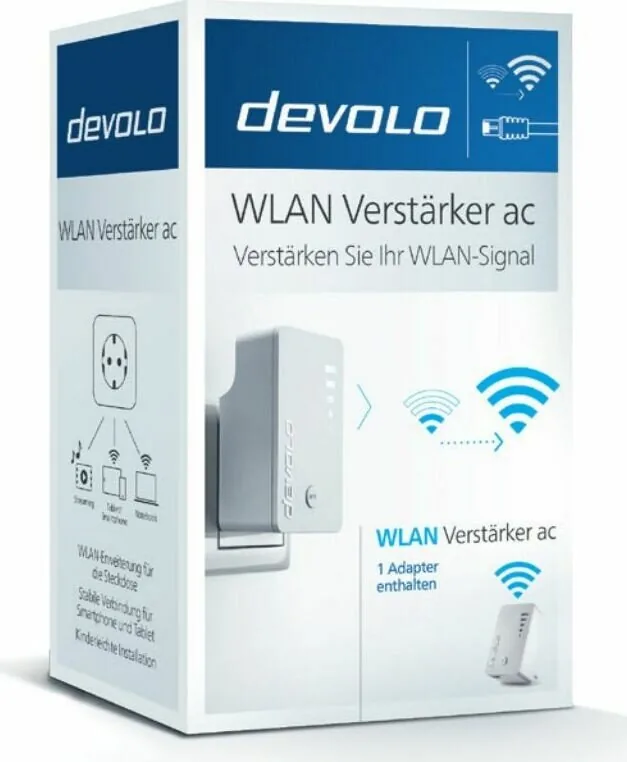
27 Pages
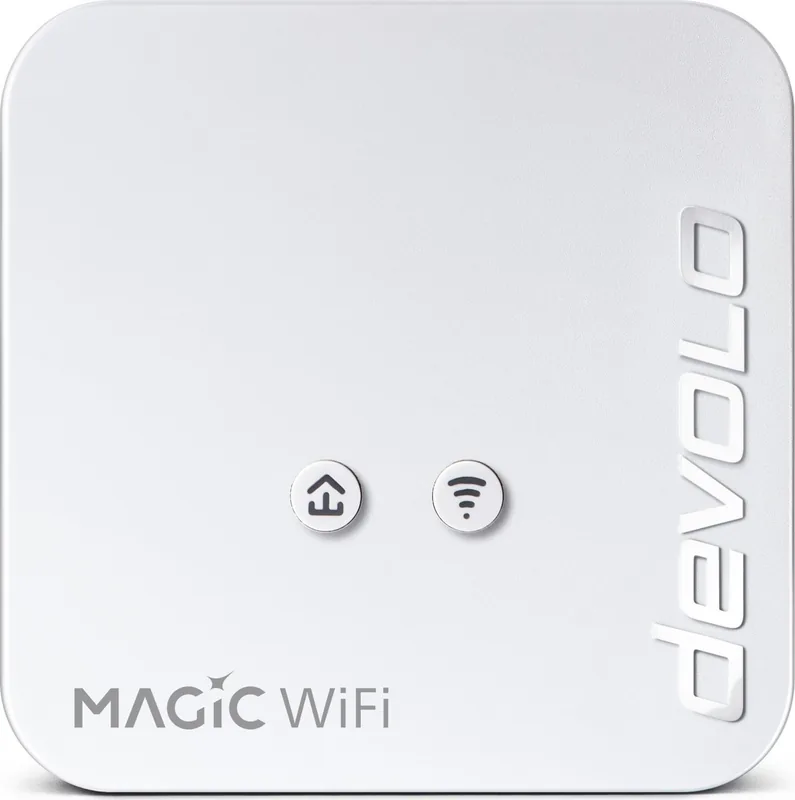
63 Pages
50 Pages

55 Pages
398 Pages
260 Pages
512 Pages
Categories


Free devolo Manuals - Read, Download & Print
Find free devolo manuals for a wide range of home networking, powerline, Wi-Fi, mesh, smart home, and business connectivity products. Whether you are setting up a new adapter, extending wireless coverage, troubleshooting a connection, or looking for detailed technical specifications, the right manual can provide clear guidance. Browse available documentation online, download it for offline reference, or print the pages you need for installation and support.
Manuals for devolo Networking Products
Devolo is known for products designed to improve internet access throughout homes and offices. Its product range commonly includes Powerline adapters, Wi-Fi extenders, mesh Wi-Fi systems, Ethernet adapters, network switches, and related accessories. Manuals explain how each device works, what is included in the package, and how to connect it safely and correctly.
Product documentation can be especially useful when a device has several connection options or advanced settings. A manual may cover topics such as pairing Powerline adapters, connecting a router, creating a secure Wi-Fi network, using Ethernet ports, checking status LEDs, and restoring factory settings. It may also identify compatible accessories and describe important operating conditions.
Read devolo Manuals Online
Reading a devolo manual online is a convenient way to quickly locate information without saving a file. Digital manuals are often structured with a table of contents, labeled diagrams, safety notes, and step-by-step procedures. This makes it easier to move directly to the section relevant to your product or issue.
Online manuals can help with common questions, including:
- How do I connect a devolo adapter to my router?
- How do I pair two Powerline devices?
- What do the LED indicators mean?
- How can I change the Wi-Fi name or password?
- How do I reset a devolo device?
- Where should adapters and access points be placed?
- Which settings can improve Wi-Fi coverage and performance?
When searching, use the exact model name printed on the device label, packaging, or original receipt. Similar products may have different ports, buttons, software functions, or setup instructions. Choosing the precise manual helps ensure that the instructions match your hardware.
Download Manuals for Offline Access
Downloading a devolo manual is useful when you need access without an internet connection. A saved copy can be stored on a computer, tablet, or phone and opened whenever you are installing, moving, or maintaining your network equipment. Downloaded manuals are also practical for technicians, landlords, office administrators, and anyone managing multiple locations.
Most manuals are provided as PDF documents. PDF files preserve the original page layout, illustrations, warning labels, and wiring diagrams. They can usually be searched for words such as "pair," "reset," "password," "firmware," or "troubleshooting," making it faster to find relevant instructions.
Before downloading, confirm the document title, model number, and language. Some products have regional versions or updated editions. If more than one manual is available, the newest version may include revised setup steps, additional features, or updated support information.
Print Important Setup Instructions
Printing a devolo manual can make installation easier, especially when working near a router, electrical outlet, or network cabinet. You may only need a few pages, such as the quick start guide, pairing procedure, LED reference, or troubleshooting section. Printing selected pages saves paper while keeping essential information close at hand.
For the best results, print diagrams and setup pages in a format that keeps labels readable. If the manual includes color-coded LED explanations, color printing may be helpful, but black-and-white copies are often sufficient for basic instructions. Keep printed documentation in a safe place with purchase records, warranty information, and network login details.
Powerline Setup and Placement Guidance
Powerline products use a building's electrical wiring to help carry network data between rooms. Manuals typically explain how to connect one adapter near the router and another adapter near the device or area that needs better coverage. They also describe pairing and encryption procedures that help protect the network.
For reliable operation, many Powerline manuals recommend plugging adapters directly into wall sockets rather than extension leads, surge protectors, or multi-socket power strips. Electrical conditions vary between buildings, so speed and range can differ depending on wiring quality, distance, circuit layout, and connected appliances. Consult the product manual for the recommended placement and limitations for your specific model.
Some devolo Powerline devices also include built-in Wi-Fi access points. Their manuals may explain how to copy existing Wi-Fi settings, create a new wireless network, use mesh features, or connect through WPS. Following the stated sequence is important because setup steps can differ across product generations.
Wi-Fi, Mesh, and App Configuration
Modern devolo Wi-Fi products may support features such as dual-band networking, guest access, mesh roaming, parental controls, app-based management, and automatic updates. The user manual is a helpful reference for understanding what these features do and how to configure them properly.
A manual can guide you through connecting to the management interface or companion app, selecting a network name, setting a strong password, and checking device status. It may also explain the difference between 2.4 GHz and 5 GHz Wi-Fi bands. In general, 2.4 GHz can offer wider reach in some environments, while 5 GHz can provide higher speeds at shorter ranges. Actual performance depends on the building, interference, client devices, and network configuration.
For mesh systems, placement is important. Nodes should be positioned where they still receive a stable connection while extending coverage toward weaker areas. The manual may include placement examples, signal indicators, and recommendations for avoiding obstacles such as thick walls, metal structures, large appliances, and enclosed cabinets.
Troubleshooting Common devolo Issues
Manuals often include a troubleshooting section for resolving frequent installation and connection problems. Start by checking the device LEDs and comparing their behavior with the manual's indicator table. LED patterns can show whether power is available, whether a network link has been established, or whether Wi-Fi is active.
Common troubleshooting steps may include restarting devices, checking Ethernet cables, moving adapters to direct wall outlets, repeating the pairing process, verifying router settings, and updating firmware where applicable. If a device was previously configured, a factory reset may be an option, but it can erase custom settings. Review the manual before resetting so you know how to complete setup again afterward.
If internet access is unavailable, confirm whether the problem affects all devices or only those connected through the devolo product. Testing a device directly at the router can help identify whether the issue is related to the router, internet service, cable, Powerline link, or Wi-Fi signal.
Safety and Product Care
Always follow the safety information in the relevant devolo manual. Use devices only in suitable indoor environments unless the documentation specifically states otherwise. Keep equipment dry, provide adequate ventilation, and avoid covering adapters or placing them near heat sources. Do not use damaged cables, plugs, or power supplies.
Disconnect equipment before cleaning and use a dry, soft cloth unless the manual gives different instructions. Avoid opening the device housing, as there may be no user-serviceable parts inside. For replacement parts, power supplies, or accessories, use compatible items recommended for the model.
Find the Right Manual by Model Number
The fastest way to locate the correct devolo manual is to identify the full product name and model number. Check the label on the underside or rear of the device, the packaging, or the settings interface. Include suffixes and version information when available, since these details can distinguish closely related products.
Once you have the correct manual, use it as your primary source for installation, operating limits, maintenance, and support steps. Read online for quick answers, download a copy for future access, and print the sections that are most useful during setup. With the right devolo documentation, you can configure your network with greater confidence and keep important instructions available whenever you need them.
Search for 67,706 Manuals online


Type-in Brand or Model