
devolo WiFi Repeater+ ac Manual
PDF manual · 49 Pages
English



Quick check
Incorrect answer, please try again.
Chat with your devolo WiFi Repeater+ ac manual using AI
Get instant AI answers from your devolo WiFi Repeater+ ac manual
Ask anything about the devolo WiFi Repeater+ ac. Answers come from this manual, with the pages they are based on.
Ask a Question
Do you recommend WiFi Repeater+ ac?
Yes No
maria_k
10 months ago
Why does this WiFi device keep disconnecting or needing multiple reboots, and why does it not extend my existing network reliably (setup only works via the app, not WPS, and placement seems inconsistent)?

Manual.ly
10 months ago
If the device seems unstable or does not extend the network, try these steps: 1) Set up using the Manual/official app and complete the full pairing first (WPS may fail depending on router settings). 2) Place the repeater where the router signal is strong but not right next to it; use the app guidance as the priority. 3) Test one band at a time (2.4 GHz or 5 GHz) and ensure your router and repeater settings match (single-band vs cross-band). 4) Perform a factory reset on the repeater, then re-add it in the app. 5) Check router compatibility, avoid conflicting SSIDs, and ensure firmware is up to date. If it still drops or never shows network extension, contact support with your router model and app screenshots.
Frequently Asked Questions
To reset the device, press and hold the reset button longer than 10 seconds until the LED flashes white, then disconnect from power. All settings will be lost.
Is this answer helpful?
No, this device must only be used indoors in dry conditions. Outdoor use may cause damage due to temperature fluctuations and moisture.
Is this answer helpful?
It supports WPA3 encryption for modern wireless standards, ensuring secure data transmission and protection for your home network.
Is this answer helpful?
Use the two Ethernet RJ45 ports on the device to connect stationary devices like computers or consoles via standard network cables.
Is this answer helpful?
Yes, it supports Mesh functionality with fast roaming and band steering to ensure optimum connection to the best frequency band.
Is this answer helpful?
Access the web interface or system menu to check for firmware updates. You can enable automatic checks or download files manually.
Is this answer helpful?
Advantages and Disadvantages
Advantages

- Supports dual-band Wi-Fi ac technology for speeds up to 1200 Mbps with minimal interference.
- Includes an integrated electrical socket to ensure no power outlets are wasted during setup.
- Features two Ethernet ports for reliable wired connections to stationary devices like gaming consoles.
- Enables easy setup through the devolo Home Network App or a web-based configuration interface.
- Offers Mesh functionality with fast roaming to prevent interruptions when moving between rooms.
Disadvantages

- Device is strictly for indoor use due to weather and moisture exposure risks.
- Installation height is limited to two meters unless an additional fastening mechanism is used.
- Manual intervention is required for firmware updates via the system menu interface.
- No outdoor protection certification prevents use in harsh environmental conditions safely.
- Parental controls and guest networks are only available in access point operating mode.
Product Specification
LAN
2x 100Base-TX
Wireless
Wi-Fi 802.11a/b/g/n/ac (Wi-Fi 5), simultaneous
Data Transfer Rate
300Mbps (2.4GHz), 867Mbps (5GHz)
Security
64/128-bit WEP, WPA, WPA2, WPA3, WPS
Antennas
Internal
Ports
N/A
Power Consumption
4.6W (Consumption, Operation), 5.6W (Consumption, Max)
Dimensions
5.98 x 2.99 x 1.57 inches
Features
MU-MIMO, Wi-Fi on/off switch, Roaming, Mesh (Shared Band), IPv6, Integrated Power Outlet
Band Capability
Dual Band (simultaneous), Mesh (Shared Band)
Manufacturer Warranty
3 years
Note
In some cases, the manufacturer's maximum power consumption rating is only the maximum output power of the power supply and therefore is not a meaningful indicator of power consumption in daily use.
Product Description
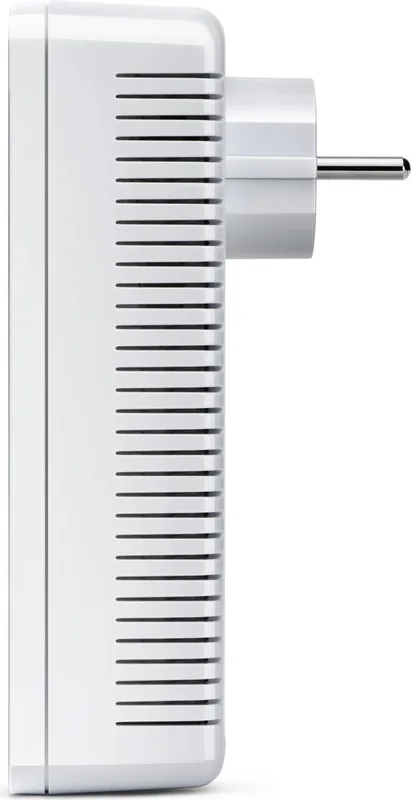
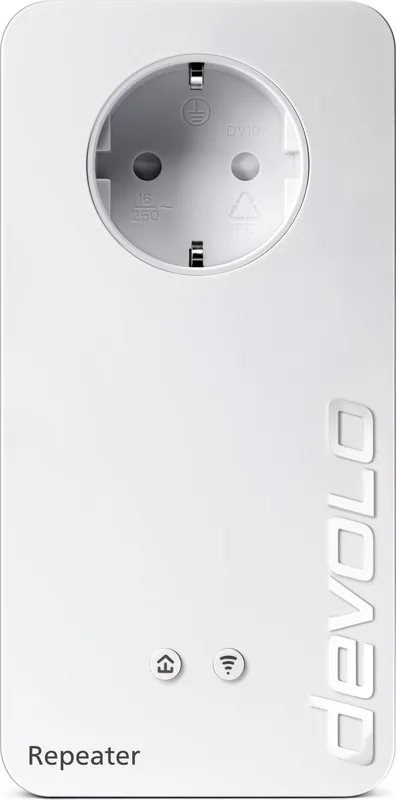
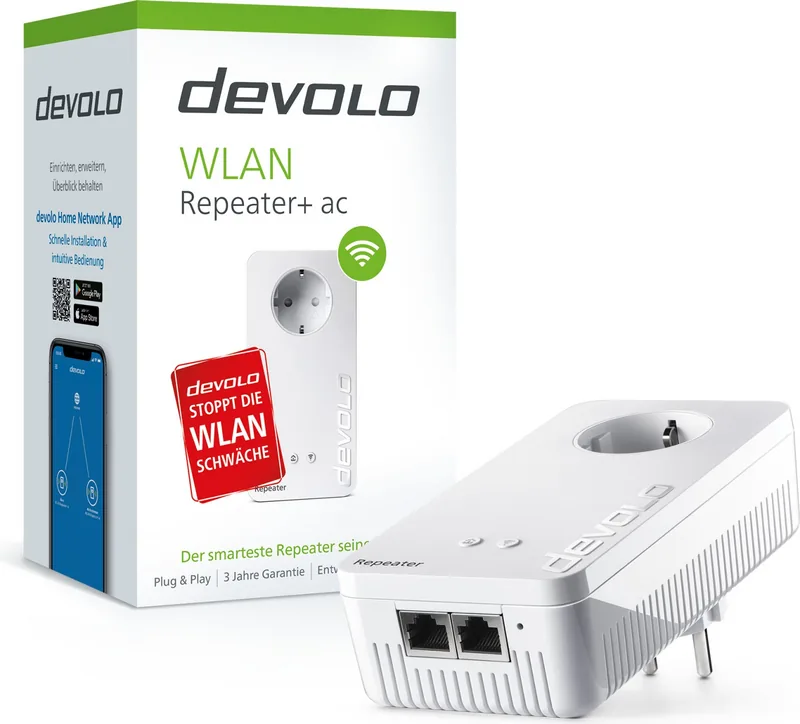
Comprehensive Home Networking Solution with devolo WLAN Repeater+ ac
Expanding your Wi-Fi network coverage should not require complicated engineering or expensive professional installation services. The devolo WLAN Repeater+ ac offers a practical alternative for homeowners seeking to eliminate dead zones completely. This device supports the latest Wi-Fi ac standards providing data transmission speeds reaching up to 1200 Mbps per channel. Dual-band operation allows for reduced interference across 2.4 GHz and 5 GHz frequency ranges simultaneously. Crossband repeating technology optimizes data flow by changing frequency bands to minimize congestion effectively throughout your home.
Initial configuration is designed for user friendliness through multiple channels including a dedicated mobile app and a web-based interface. The devolo Home Network App simplifies the process by detecting the device automatically during setup steps. Users can select repeater mode to extend existing wireless signals or access point mode for wired backbone connections. Two Ethernet ports facilitate stable connections for devices requiring consistent bandwidth such as media players or desktop computers. The integrated electrical socket ensures you can charge other devices without losing a wall outlet. This practical design feature saves space and maintains cord management effectively while keeping your setup tidy.
Network security remains a priority with support for WPA3 encryption protocols for modern wireless standards protecting data transmission. The built-in web interface allows for granular control over network settings including guest networks and parental controls for family safety. Schedule control features let you define specific times when Wi-Fi access is available for added security or energy saving. Mesh functionality enables fast roaming so mobile devices switch access points without interruptions during movement. Beamforming technology directs signal strength specifically toward connected clients for better performance and reliability. Home indicators provide visual feedback regarding connection status and data transmission rates clearly. Reset buttons allow recovery to factory defaults quickly if issues arise.
Technical specifications indicate operation within standard indoor temperature ranges and humidity levels for optimal reliability during daily use. Proper ventilation is essential during operation to prevent heat development inside the housing components and ensure longevity. Safety guidelines prohibit outdoor use due to moisture and temperature exposure risks that could damage the unit permanently. The device complies with European safety directives and CE conformity standards for public use in compliance with regulations. Users can manage firmware updates directly through the system menu to ensure ongoing security patches are applied automatically without manual intervention required. Configuration settings can be saved locally for backup purposes or restored later if network changes are needed quickly. This flexibility supports different network environments across various locations easily for users needing portability. Proper disposal follows WEEE directive guidelines for electronic equipment recycling processes to protect the environment. The manufacturer provides warranty conditions accessible through their official support channels for claims and assistance when needed. Installing the device requires following simple steps to ensure compatibility and safety during use effectively. This robust tool enhances connectivity significantly.
Search for 67,706 Manuals online


Type-in Brand or Model
Dane Hintz
7 months ago
Do you guarantee stable connectivity without frequent resets across multiple floors, given reports of inaccurate app signal reporting?
Manual.ly
7 months ago
Thank you for your inquiry. Placement is key; position the device where the app shows strong signal before moving it to the desired range. If disconnects occur, reset via the app or check router firmware. We back our products with a 2-year warranty against defects. Contact support if troubleshooting fails.