
devolo Magic 1 WiFi mini Manual
PDF manual · 63 Pages
English



Quick check
Incorrect answer, please try again.
Chat with your devolo Magic 1 WiFi mini manual using AI
Get instant AI answers from your devolo Magic 1 WiFi mini manual
Ask anything about the devolo Magic 1 WiFi mini. Answers come from this manual, with the pages they are based on.
Ask a Question
Do you recommend Magic 1 WiFi mini?
Yes NoFrequently Asked Questions
Plug the adapter directly into a wall socket. Use the dedicated pairing button on the device to connect it to your network. Follow the instructions in the devolo Cockpit software or web interface to finalize the configuration.
Is this answer helpful?
The device supports WPA3 encryption for Wi-Fi traffic and 128-bit AES encryption for Powerline data. You can also configure Guest Networks for secure visitor access.
Is this answer helpful?
No, it is recommended to plug the device directly into a wall socket. Power strips may impair the transmission of Powerline signals and reduce performance.
Is this answer helpful?
Yes, it supports Windows 7 or later, Ubuntu 13.10 or later, and Mac OS X 10.9 or later. Software tools are available for all these operating systems.
Is this answer helpful?
The Powerline connection supports speeds up to 1200 Mbps. The integrated Wi-Fi module supports up to 300 Mbps on the 2.4 GHz frequency band.
Is this answer helpful?
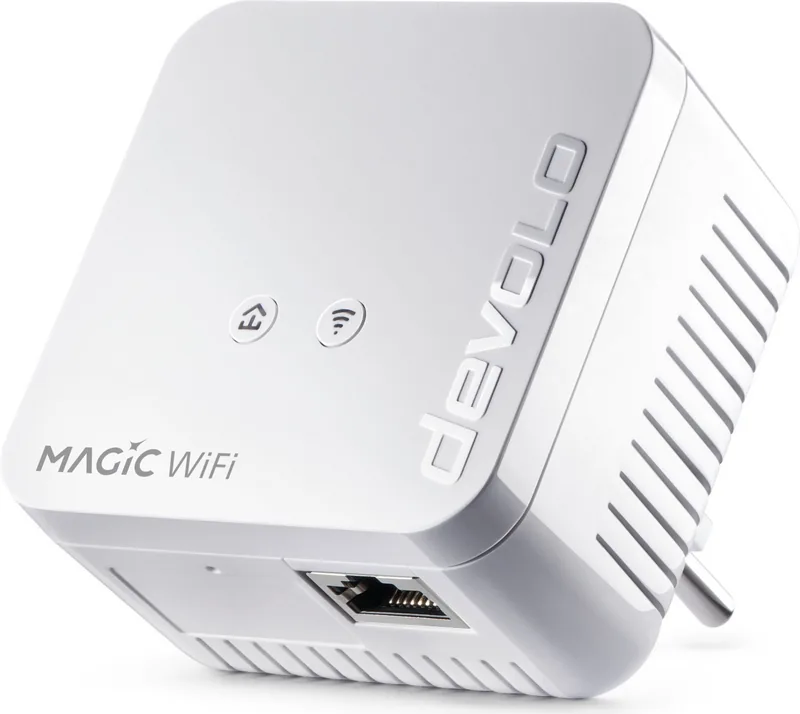
Yes, the adapter features one Ethernet network jack. You can connect stationery devices like computers or game consoles using a standard network cable.
Is this answer helpful?
Advantages and Disadvantages
Advantages

- Supports Powerline transmission speeds up to 1200 Mbps for reliable connectivity
- Mesh capability ensures seamless roaming for mobile devices throughout the home
- WPA3 and 128-bit AES encryption secure wireless and powerline data traffic
- Intuitive web interface and companion software simplify network management tasks
- G.hn architecture guarantees compatibility with other certified HomeGrid devices
Disadvantages

- Requires direct wall socket installation to prevent signal interference
- Limited to 2.4 GHz frequency band without 5 GHz network support
- Indoor use only, moisture and extreme temperatures can damage the unit
- Mesh settings require a common password across all network adapters
- Ventilation must not be obstructed to prevent heat buildup during operation
Product Specification
Chipset
Maxlinear 88LX5152 (Baseband), Maxlinear 88LX2720 (Analog)
Dimensions
2.68 x 2.68 x 1.61 inches
Compatibility
G.hn
Band Capability
Single Band, Mesh (Shared Band)
Product Description
Revolutionizing Home Networking with the devolo Magic 1 WiFi Mini
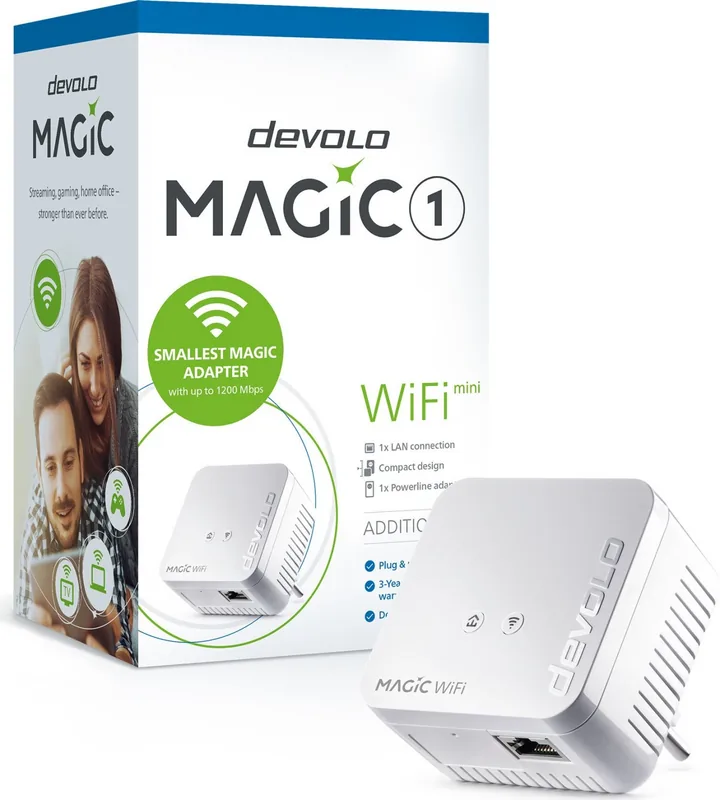
Transform your residence into a smart multimedia environment using advanced technology integrated directly into your electrical system. The devolo Magic 1 WiFi Mini stands out as a reliable solution for expanding internet coverage without adding messy cables. It utilizes the Powerline network to deliver data through existing wiring, ensuring stability where traditional routers cannot reach. This approach simplifies setup significantly for users seeking whole-home connectivity across multiple living spaces.
High-Speed Performance and Range
This gadget supports transmission speeds reaching 1200 Mbps over the Powerline connection using the G.hn architecture. It guarantees compatibility with other certified HomeGrid devices for seamless integration. The wireless capability offers speeds up to 300 Mbps on the 2.4 GHz frequency band. Mesh WiFi functionality ensures that mobile devices switch smoothly between access points, maintaining a consistent connection throughout the house. Air-time fairness prevents slower devices from bottlenecking the network speed for everyone.
Comprehensive Security Features
Protecting your digital assets is achieved through WPA3 encryption standards for wireless traffic. Furthermore, data traveling over the powerline network is secured with 128-bit AES encryption. This dual-layer approach minimizes external access risks significantly. You can control who joins your network via Guest Network settings or restrict access times with Parental Control capabilities. These features ensure your family internet experience remains safe and private at all times.
Easy Configuration and Software Tools
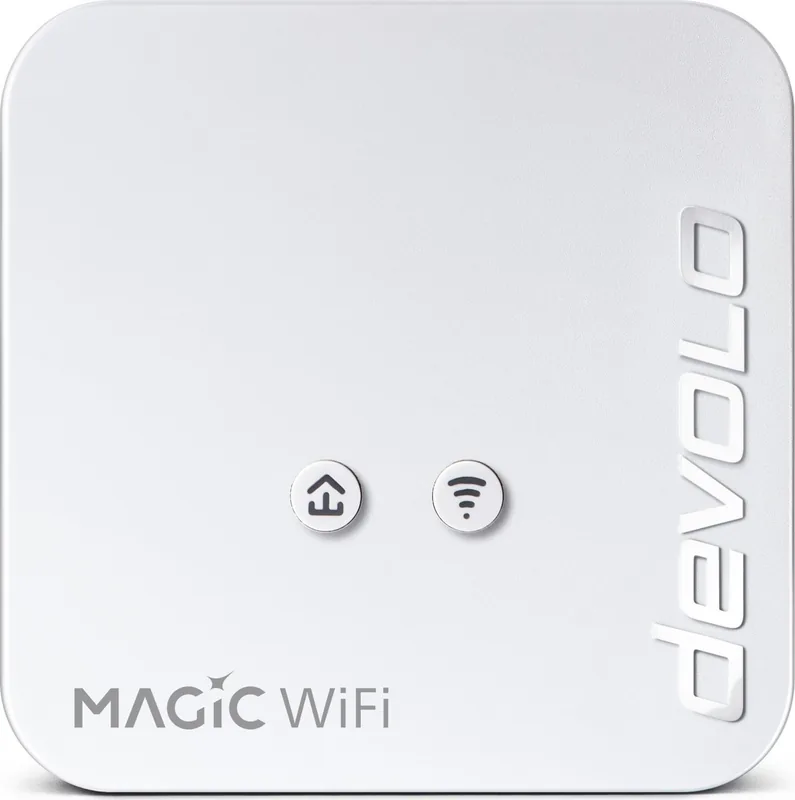
Configuration is handled through an intuitive web interface accessible via standard web browsers without needing extra software. Users can download the devolo Cockpit software or mobile applications for deeper management capabilities and monitoring. These tools simplify network setup, allowing automatic updates and detailed status reporting. System requirements include Windows 7, Ubuntu 13.10, or Mac OS X 10.9. The physical setup requires a simple plug-in process using the dedicated pairing button located on the front panel.
Operational Guidelines and Safety
For optimal results, install the unit directly into a wall socket rather than using power strips. This avoids signal interference and maximizes transmission quality for faster speeds. Keep the device indoors and away from moisture to prevent damage to internal components. Ensure ventilation is not blocked by covering vents or placing objects on top. Regularly check for firmware updates to maintain security patches and stability. Always refer to the devolo Magic 1 WiFi Mini Manual for detailed safety notices and warranty terms. This product completes your network infrastructure effectively and efficiently. Enjoy uninterrupted browsing and streaming experiences with this reliable hardware.
Search for 67,706 Manuals online


Type-in Brand or Model