
devolo dLAN 500 duo Manual
PDF manual · 33 Pages
English



Quick check
Incorrect answer, please try again.
Chat with your devolo dLAN 500 duo manual using AI
Get instant AI answers from your devolo dLAN 500 duo manual
Ask anything about the devolo dLAN 500 duo. Answers come from this manual, with the pages they are based on.
Ask a Question
Do you recommend dLAN 500 duo?
Yes No
Sarah König
9 months ago
How easy is the setup, and will this powerline kit give a stable internet connection between floors or through thick walls without frequent drops?

Manual.ly
9 months ago
Setup is usually plug-and-play: connect one adapter near your router, then plug the second adapter where you need internet and use the pairing button to establish the link (and optionally configure Wi-Fi via the Devolo Cockpit). Many users report stable connections for TVs, consoles, and receivers, even across different rooms or floors. For the best performance, plug into a proper wall outlet that is on the same electrical supply as the router as directly as possible. Avoid power strips or multi-plug extension sockets when possible, especially those far from the router, since this can reduce speed. If you need advanced settings (like changing Wi-Fi password), the Cockpit software provides the controls.
Video Manual
TP-Link AV600 Powerline Quick Setup
Frequently Asked Questions
It uses HomePlug AV2 technology to transmit internet data over your home's electrical wiring. You plug adapters into wall sockets near your router and devices, eliminating the need for new Ethernet cables.
Is this answer helpful?
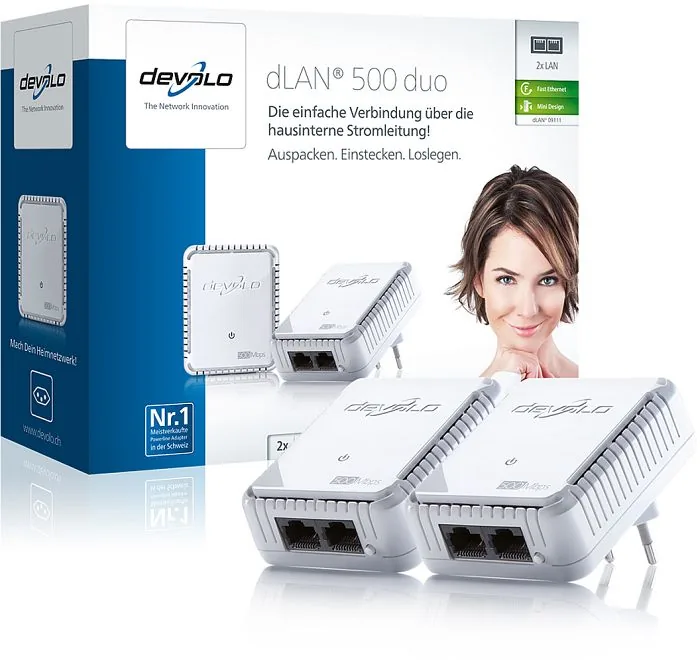
You receive two dLAN 500 duo adapters, two network cables, and a printed installation guide. This allows you to set up a network connection in two different rooms immediately.
Is this answer helpful?
You can activate 128-bit AES encryption using the button on the adapter or the dLAN Cockpit software. This prevents unauthorized access to your data traveling through the power lines.
Is this answer helpful?
Yes, each unit features two RJ-45 network ports. You can connect a computer and a gaming console or NAS drive simultaneously to share the internet connection.
Is this answer helpful?
Yes, it features Dynamic PowerSave. The device reduces power consumption automatically when connected equipment is idle or turned off to save energy costs.
Is this answer helpful?
No, installation takes minutes. Simply plug the devices into sockets and connect them with the included cables. The provided manual helps with configuration steps clearly.
Is this answer helpful?
The configuration software supports Windows, Mac OS X, and Linux Ubuntu systems. You can download the necessary files from the included CD or manufacturer website.
Is this answer helpful?
Advantages and Disadvantages
Advantages

- Powerline networking uses existing wiring, eliminating the need for new cables
- Dual RJ-45 ports allow connecting two devices per adapter simultaneously
- 128-bit AES encryption secures data transmission over power lines
- Dynamic PowerSave mode reduces energy consumption automatically when idle
- Flat design fits discreetly behind furniture without blocking adjacent sockets
Disadvantages

- Speed depends heavily on the quality of electrical wiring in the building
- Requires adapters on the same electrical circuit to communicate directly
- Performance degrades significantly when using incompatible older powerline adapters
- Physical location in specific wall outlet affects available signal strength
- No Wi-Fi capabilities means all devices require wired connection to adapter
Product Specification
Type
Powerline Adapter (Standalone), Bundle
Form Factor
2x Outlet Adapters
Connectivity
2x RJ-45 (10/100Base-T, 2 Devices)
Connection
1x HomePlug AV2 (2 Devices)
Transmission
1x HomePlug AV2 (200/500 Mb/s, OFDM 4096/1024/256/64 QAM, QPSK, BPSK, 128-bit AES, 2 Devices)
Dimensions
2.56x3.19x1.14in (WxHxD)
Compatibility
HomePlug AV2
Features
Bundle (2x Powerline Adapters)
Manufacturer Warranty
3 Years
Note
EU Version: 9120
Product Description
Transform Your Home Network with the devolo dLAN 500 duo Starter Kit
Expanding home network options often requires running new cables through walls or dealing with weak Wi-Fi signals. With the devolo dLAN 500 duo Starter Kit, you utilize existing power outlets to create a reliable wired connection. This technology relies on HomePlug AV2 standards to transmit data over electrical wiring efficiently. It allows connecting devices in rooms far from your router without complex infrastructure.
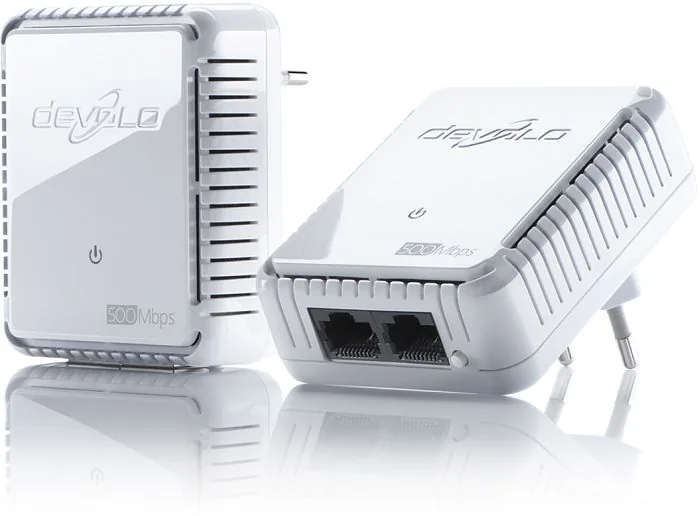
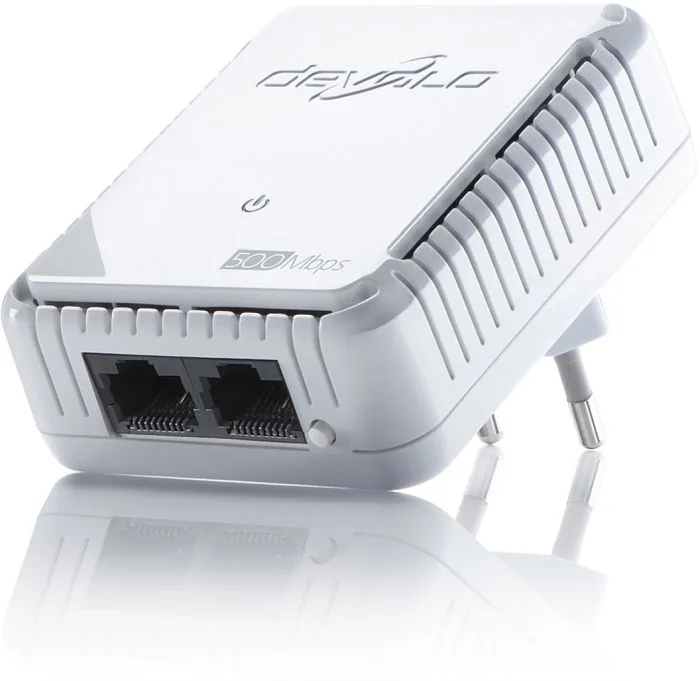
The kit includes two adapters ready to use. Each adapter comes equipped with two RJ-45 network ports. This 2x RJ-45 configuration allows you connect multiple devices like a gaming console and a media player to the single adapter. It simplifies connectivity in rooms where the router is not located. You do not need to purchase additional extenders for every endpoint in your home.
Security is a major concern for modern users concerned about privacy within their network environment. The devolo dLAN 500 duo offers AES 128-bit encryption for your data packets. You can activate this feature easily using the dedicated button on the device or through the dLAN Cockpit software application. This ensures that your data traveling over the power lines is protected from unauthorized access by neighbors or intruders. The process is straightforward and secure for all household members using the network.
Energy efficiency is another highlight for environmentally conscious consumers who monitor their consumption closely yearly. The adapters feature a patented Dynamic PowerSave mode that reacts automatically to inactivity levels. When no network activity is detected or peripheral devices are fully shut down, the unit lowers its consumption significantly. This Green-IT approach helps reduce electricity costs and environmental impact without manual intervention from users. It saves money on monthly energy bills.
Installation is straightforward and happens in minutes without technical expertise. You plug the adapters into wall sockets and connect them to your devices using standard network cables. The 2-pack Manual included provides guidance on setup and configuration details for Windows, Mac, or Linux systems. Whether you need to bridge your internet connection or connect multiple computers, this solution offers high speeds up to 200 Mbit/s. It supports HD video streaming without buffering issues.
The design is sleek and flat, allowing for discreet placement behind furniture without blocking adjacent sockets. Status LEDs indicate connection quality and power modes clearly with different colors like green for HD streaming. With this Starter Kit, extending your LAN becomes as simple as plugging into a standard wall socket. It works across different electrical systems within a building and simplifies internet sharing significantly for all users.
Search for 67,706 Manuals online


Type-in Brand or Model
Lukas Schmidt
7 months ago
Does this adapter work well through thick concrete walls, and is it necessary to avoid power strips for maximum speed?
Manual.ly
6 months ago
Our dLAN 500 adapters are designed to transmit data through your existing wiring, effectively bypassing thick walls that block WiFi signals. For the best speed and stability, we recommend plugging directly into a wall socket rather than a power strip or surge protector, as these can interfere with the signal. Installation is simple: just plug in, wait for the connection to establish, and you can enjoy a stable wired connection throughout your home without running new cables.