
devolo Mesh WiFi 2 Manual
PDF manual · 398 Pages
English



Quick check
Incorrect answer, please try again.
Chat with your devolo Mesh WiFi 2 manual using AI
Get instant AI answers from your devolo Mesh WiFi 2 manual
Ask anything about the devolo Mesh WiFi 2. Answers come from this manual, with the pages they are based on.
Ask a Question
Do you recommend Mesh WiFi 2?
Yes NoFrequently Asked Questions
Yes, you can expand your network by adding more devolo Mesh WiFi 2 adapters. Simply plug them in and press the PLC button on an existing unit to pair the new one automatically.
Is this answer helpful?
It is compatible with most standard routers and HomeGrid certified products. However, it does not work with older dLAN series devices due to different underlying technologies.
Is this answer helpful?
You can enable the guest network via the web interface or the devolo Cockpit app. It creates a separate SSID with its own password so guests can surf without accessing your private files.
Is this answer helpful?
Yes, the adapter includes a PowerSave mode that automatically reduces energy consumption when data traffic is low, helping to lower your electricity usage.
Is this answer helpful?
Pressing the reset button for more than 10 seconds restores factory settings, removing all configurations and passwords. All devices will need to be re-paired manually.
Is this answer helpful?
Advantages and Disadvantages
Advantages

- Delivers seamless whole-home Gigabit Wi-Fi coverage eliminating dead zones
- Supports up to 100 connected devices simultaneously with high efficiency
- Includes an integrated power socket for convenient use of other appliances
- Features advanced security with WPA2/WPA3 encryption and parental controls
Disadvantages

- Not compatible with older dLAN Powerline devices due to technical differences
- Performance may decrease if adapters are plugged into multi-plug strips instead of walls
- Initial setup requires specific pairing steps which might confuse non-tech users
Product Specification
Type
Powerline adapter, WLAN access point, bundle
Form factor
2x socket adapters
Connection
2x RJ-45 (10/100/1000Base-T, 2 devices), 1x G.hn (WLAN access point, 2 devices)
Link
1x G.hn (2-86MHz, 2 devices), 1x WLAN 802.11a/b/g/n/ac (1x 2.4GHz/1x 5GHz, simultaneous, including 802.11h/k/r/v, WPS button, 2 devices)
Transmission rate
1x G.hn (1200/2400Mb/s, OFDM 4096/1024/256/64 QAM, QPSK, BPSK, 128bit AES, 2 devices), 1x 2.4GHz WLAN (300Mb/s, 2x2, 2 devices), 1x 5GHz WLAN (867Mb/s, 2x2, 2 devices)
Dimensions
3.0x6.0x1.6in (WxDxH)
Compatibility
G.hn
Features
MU-MIMO, TPC/DFS, IPv6, integrated outlet (2 devices), roaming, mesh (shared band), bundle (2x Powerline/WLAN access point)
Band capability
Dual band (simultaneous), mesh (shared band)
Set consists of
2x Access Point (2x 1000Base-T LAN)
Manufacturer warranty
three years
Note
EU version 8759
Product Description
Transform Your Home with Seamless Gigabit Wi-Fi
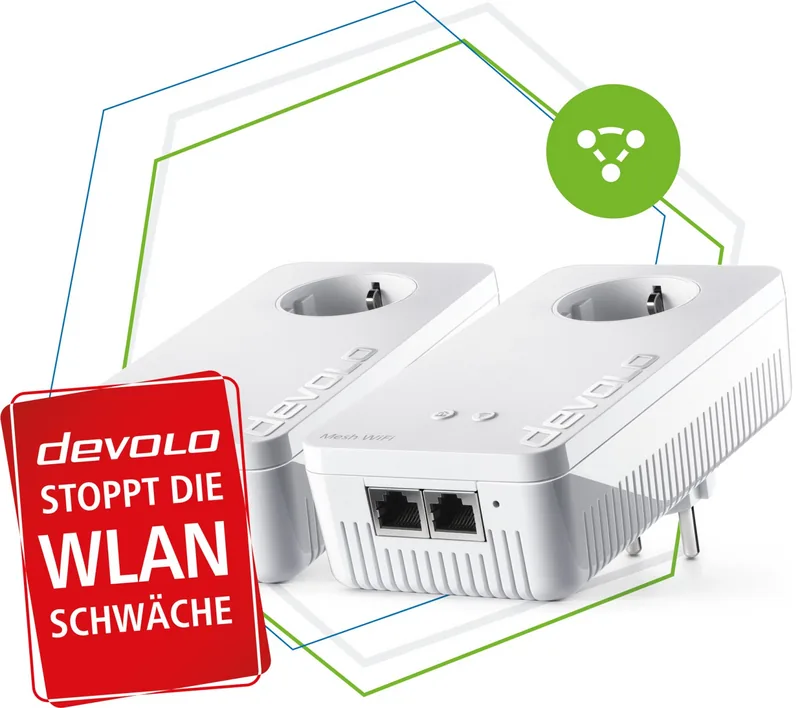
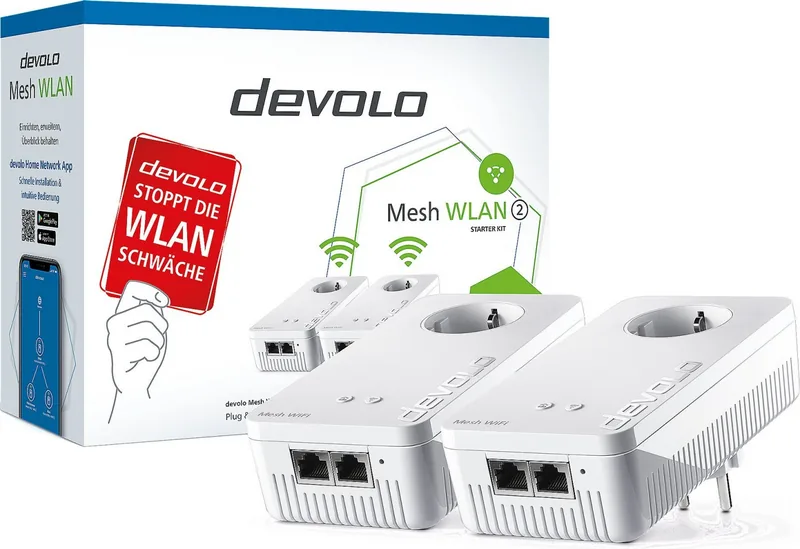
Are you tired of dead zones and buffering screens? The devolo Mesh WLAN 2 Starter Kit, a 2er-Bundle, is designed to revolutionize your home internet experience. This powerful system replaces your traditional router setup with a pure mesh network that ensures truly seamless Wi-Fi coverage throughout your entire living space. Forget about wireless gaps; this kit delivers maximum performance with speeds reaching up to 1200 Mbit/s for wireless connections.
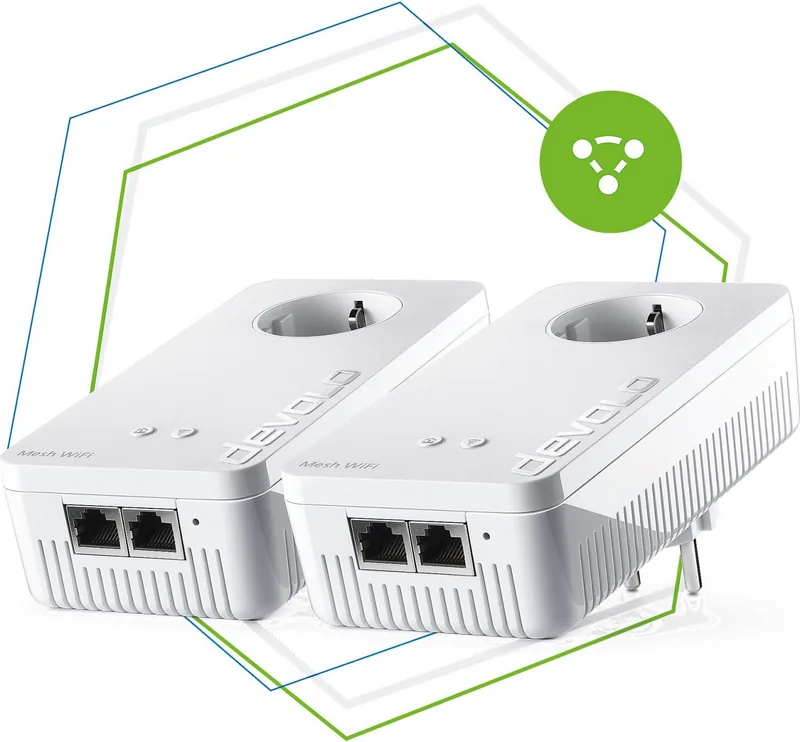
The devolo Mesh WiFi 2 adapters are engineered for simplicity and stability. Upon plugging the units into standard wall sockets, they automatically establish a secure connection within minutes. The system utilizes advanced tri-band technology, combining high-speed Wi-Fi ac with Powerline communication over G.hn standards. This dual approach distributes the internet signal efficiently through both radio waves and existing electrical wiring, ensuring stable connectivity even in areas far from the main router.
Equipped with four internal antennas, each adapter manages data streams for multiple devices simultaneously thanks to Multi-User-MIMO technology. Features like Airtime Fairness ensure that faster devices do not get slowed down by older ones, while Band Steering automatically directs devices to the optimal frequency band between 2.4 GHz and 5 GHz. The integrated smart socket allows you to plug in other electronics without worrying about losing power or reducing transmission speed, as the built-in filter minimizes interference.
Security is paramount with WPA2 and WPA3 encryption standards protecting your network. You can also enjoy practical features such as Parental Controls to manage screen time, a Guest Network for visitors, and Config Sync to keep all settings uniform across your entire mesh. Whether you are streaming 4K video, gaming online, or working from home, the devolo Mesh WLAN 2 provides the robust foundation needed for modern digital life.
Search for 67,706 Manuals online


Type-in Brand or Model