

Free Eizo Manuals – Read, Download & Print
45 Manuals
Manuals
47 Pages
40 Pages
43 Pages
72 Pages
57 Pages
47 Pages
47 Pages
36 Pages
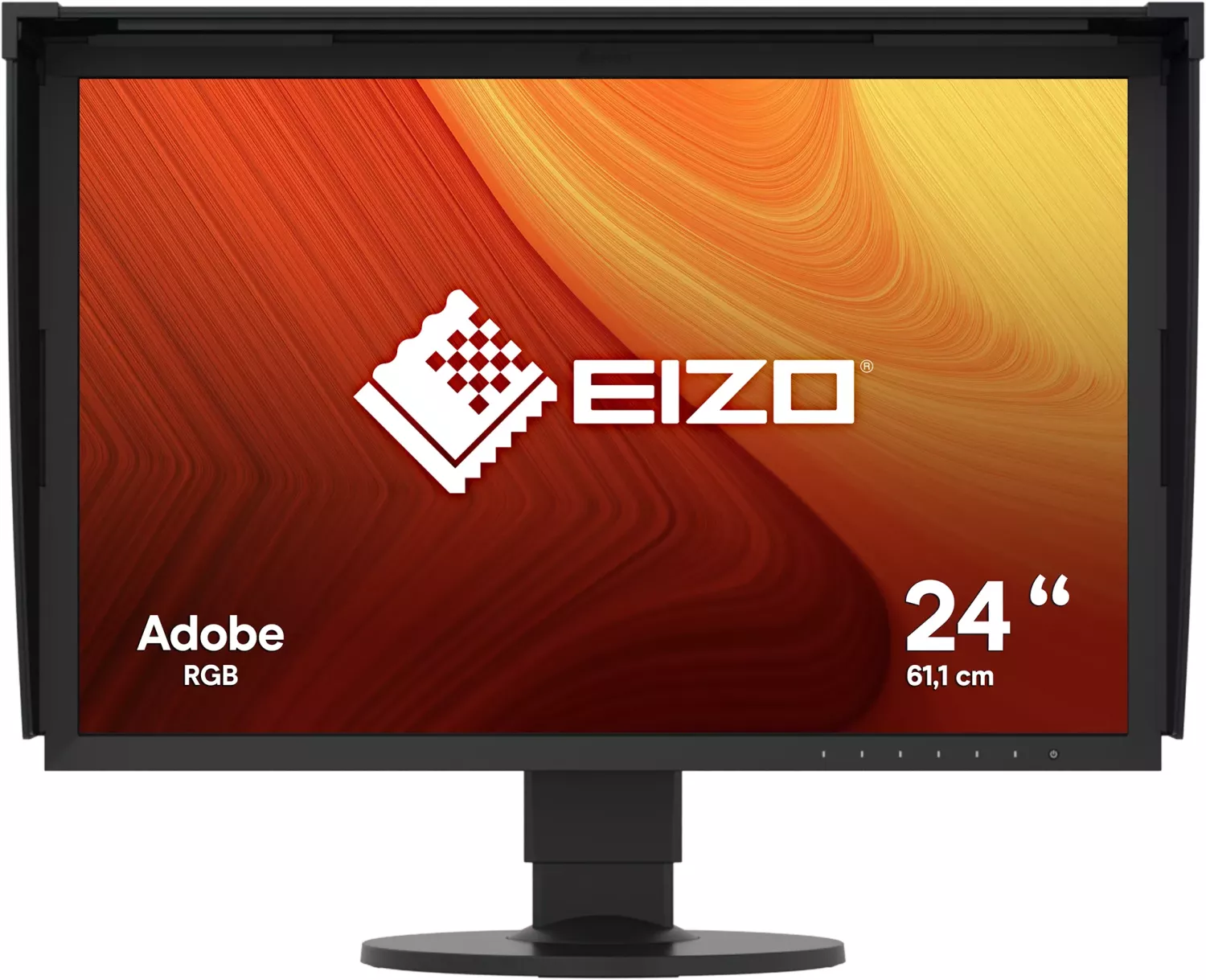
75 Pages
73 Pages
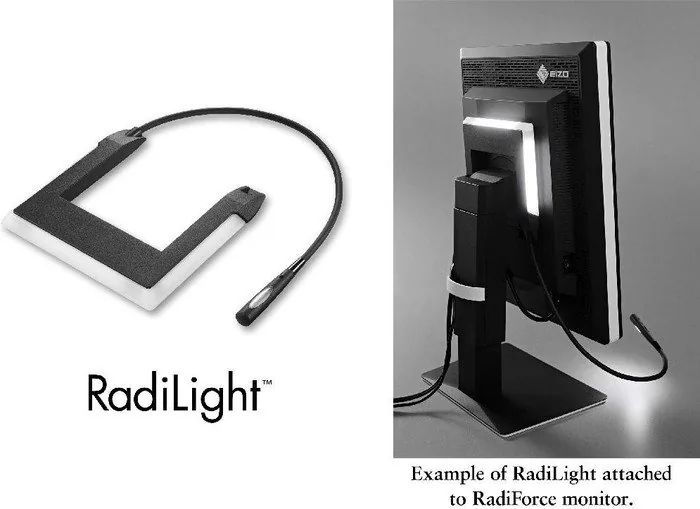
16 Pages
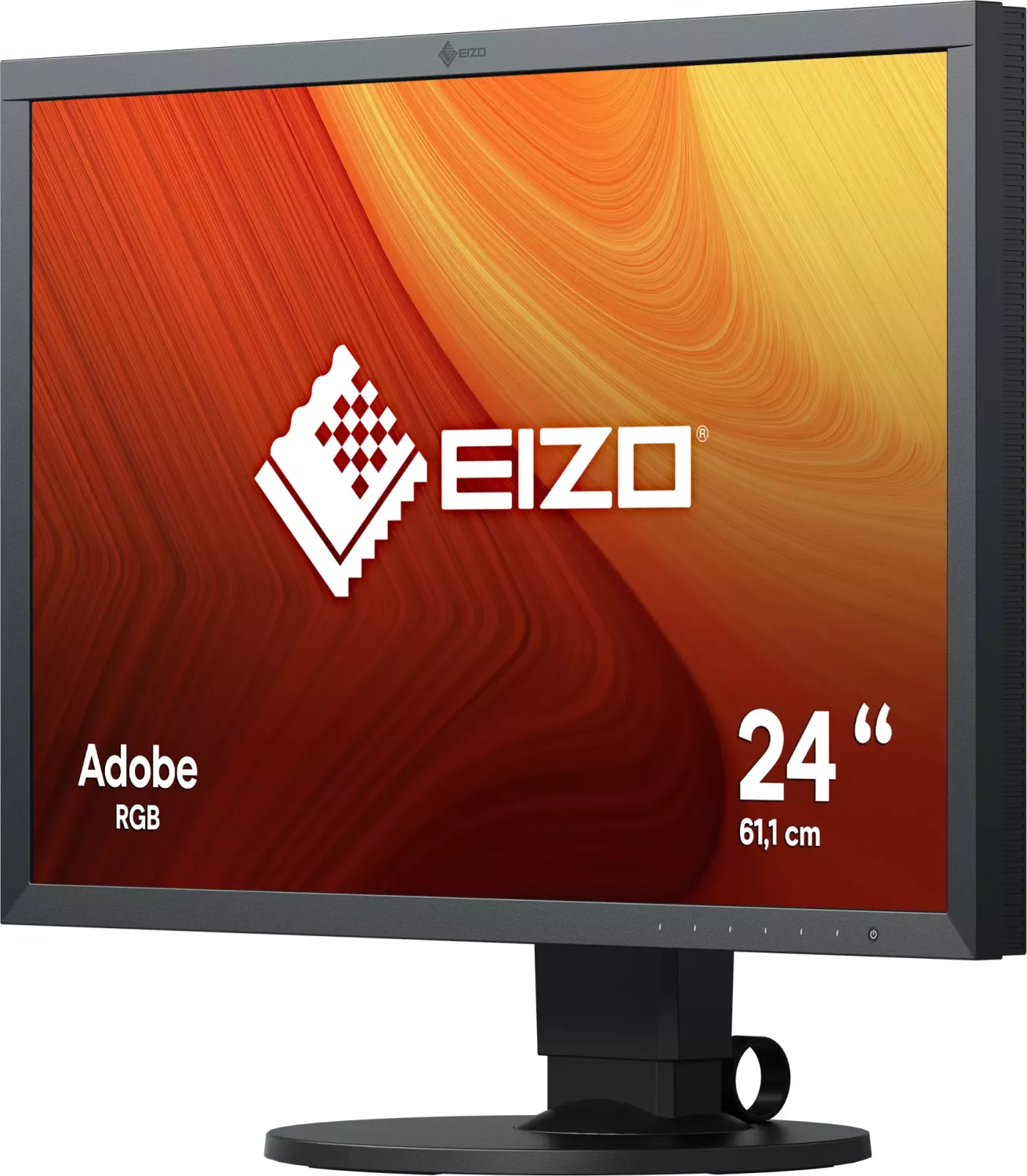
68 Pages
43 Pages
42 Pages
49 Pages
48 Pages
43 Pages
52 Pages
43 Pages
49 Pages
76 Pages
63 Pages
42 Pages
42 Pages
43 Pages
38 Pages
49 Pages
49 Pages
42 Pages
39 Pages
42 Pages
43 Pages
11 Pages
51 Pages
53 Pages
26 Pages
39 Pages
104 Pages
56 Pages
51 Pages
40 Pages
22 Pages
1 Pages
42 Pages
75 Pages
Categories

Free Eizo Manuals - Read, Download & Print
Find Eizo Manuals for Monitors and Display Solutions
Looking for a free Eizo manual? This page helps users locate and use manuals for Eizo monitors, ColorEdge displays, FlexScan screens, medical imaging monitors, industrial displays, and related accessories. Product manuals provide important information for setup, daily operation, maintenance, troubleshooting, and safe use. Whether you are installing a professional color management display in a studio or adjusting an office monitor at home, the correct manual can make the process easier.
Eizo products are known for precise image quality, ergonomic design, and professional display features. Many models include advanced settings that are best understood with the official user documentation. Manuals can explain menu controls, input selection, calibration options, color presets, power settings, cable connections, and cleaning recommendations. They are also useful when a monitor is being installed in a workplace, shared by several users, or configured for specialized software.
Read Eizo Manuals Online
Reading an Eizo manual online is a convenient way to access product information without storing a file on your device. Online manuals can be useful when you need a quick answer while connecting a display, changing the screen resolution, selecting an input source, or finding a specific feature in the on-screen display menu.
A typical Eizo user guide may include sections covering:
- Safety precautions and proper installation
- Parts, buttons, ports, and indicator lights
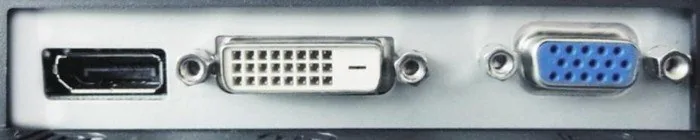
- Connecting DisplayPort, HDMI, DVI, USB, or other cables
- Adjusting brightness, contrast, color temperature, and screen position
- Using presets, EcoView functions, and power-saving settings
- Configuring USB hubs, speakers, or built-in network features where available
- Troubleshooting no-image, flickering, color, and signal issues
- Cleaning and care instructions
- Technical specifications and supported signal formats
Online reading is especially helpful for checking details from a phone, tablet, or computer while the monitor is in use. Use the table of contents or document search feature to quickly find terms such as "brightness," "calibration," "USB," "DisplayPort," or "troubleshooting."
Download Eizo User Guides and PDF Manuals
Downloading an Eizo manual gives you access to product instructions even when an internet connection is unavailable. PDF manuals are easy to save, search, share within a work team, and keep with other equipment records. A downloaded guide can also be useful for IT departments, photographers, designers, healthcare facilities, laboratories, and businesses that manage multiple displays.
Before downloading a manual, confirm the exact model number shown on the monitor label, packaging, invoice, or system inventory list. Eizo model names can be similar, but different versions may have different ports, stand adjustments, firmware functions, supported resolutions, and menu options. Choosing the documentation for the correct model helps prevent setup errors and ensures that the instructions match the equipment in front of you.
For best results, save the manual using a clear file name that includes the monitor model and document type. For example, you may keep separate files for the user manual, setup guide, calibration instructions, and safety information. This makes future reference faster, particularly when several Eizo displays are used in the same location.
Print Eizo Manuals When You Need a Paper Copy
Printing an Eizo manual can be practical for workstations, repair areas, studios, training rooms, and offices. A printed guide lets users review instructions away from the screen and can be useful during installation when the monitor is not yet connected to a computer.
You do not always need to print an entire manual. Printing selected pages can save paper while providing the most useful information. Consider printing sections that cover cable connections, stand assembly, menu navigation, troubleshooting, safety warnings, and cleaning procedures. If the manual includes diagrams of ports or control buttons, printing those pages can help identify the correct connections quickly.
When printing, use the document preview to check page orientation and image scaling. Some manuals include wide diagrams, tables, or color illustrations that may be clearer in landscape mode. If color accuracy is not essential for the printed copy, grayscale printing may reduce ink or toner use. Keep printed documentation in a labeled folder near the workstation so it remains available to staff and users.
How to Identify the Correct Eizo Model
Finding the right manual starts with identifying the exact Eizo product model. The model number is commonly located on a label on the back or underside of the monitor. It may also appear in the monitor's on-screen information menu, on the original box, or in purchase documentation.
Check the full model number carefully, including letters, numbers, suffixes, and regional variations. A model family may contain several related displays with different screen sizes, panel types, connectivity, or feature sets. For example, one display may include USB-C power delivery while another model in the same range may use different ports. The correct manual will describe the controls and features that apply to your specific unit.
If you are unsure of the model, compare the physical ports, button layout, stand design, and screen size with product information. Avoid relying only on the series name. A manual for a similar display may offer general guidance, but the exact model documentation is the most reliable source for specifications and operating instructions.
Common Eizo Manual Topics
Setup and Connections
Setup instructions explain how to attach the stand, position the display, connect video cables, and select the appropriate input. They may also describe recommended display settings for computers, workstations, and external devices. Follow safety guidance when moving or mounting a monitor, especially larger professional displays.
Picture and Color Settings
Eizo monitors often provide detailed image controls. Manuals can explain brightness, contrast, gamma, color temperature, sharpness, black level, and preset modes. Professional models may include additional color management or calibration-related functions. Use the manual to understand what each setting changes before making adjustments.
Ergonomics and Comfort
Many Eizo displays include adjustable stands and features intended to support comfortable viewing. The manual may show how to change height, tilt, swivel, or rotation. It can also describe brightness control, power-saving functions, and features designed to reduce eye strain during extended use.
Troubleshooting
Troubleshooting sections are useful when a monitor does not turn on, shows no signal, displays an incorrect resolution, produces unusual colors, or fails to wake from sleep mode. Start with basic checks such as power connections, input selection, cable condition, and computer display settings. The manual may provide specific indicator light meanings and recommended steps for the model.
Safe Use and Care Information
Eizo manuals typically include important safety and maintenance guidance. Place the display on a stable surface or use a compatible mounting system. Maintain adequate ventilation around the unit, avoid blocking vents, and keep liquids away from electronic components. Use only appropriate cables and power sources described for the product.
For cleaning, turn off the monitor and follow the guidance provided for the display surface and enclosure. Avoid harsh chemicals, abrasive cloths, and excessive moisture. Proper care can help protect the panel coating, reduce dust buildup, and maintain reliable operation.
Make the Most of Your Eizo Display Documentation
A free Eizo manual is a useful reference for new owners, experienced users, technicians, and organizations managing professional displays. Read it online for quick help, download it for offline access, or print important pages for easy reference. By using the correct model-specific guide, you can set up your display properly, understand its available functions, troubleshoot common issues, and maintain it with confidence.
Always review the latest available documentation for your exact Eizo model, especially before installation, firmware-related changes, advanced configuration, or service work. The right manual helps you get the best performance from your Eizo monitor while supporting safe, efficient, and informed use.
Search for 67,706 Manuals online


Type-in Brand or Model