
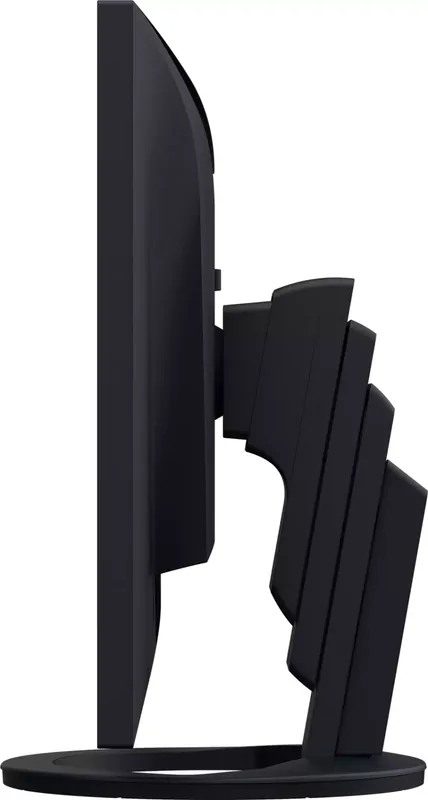
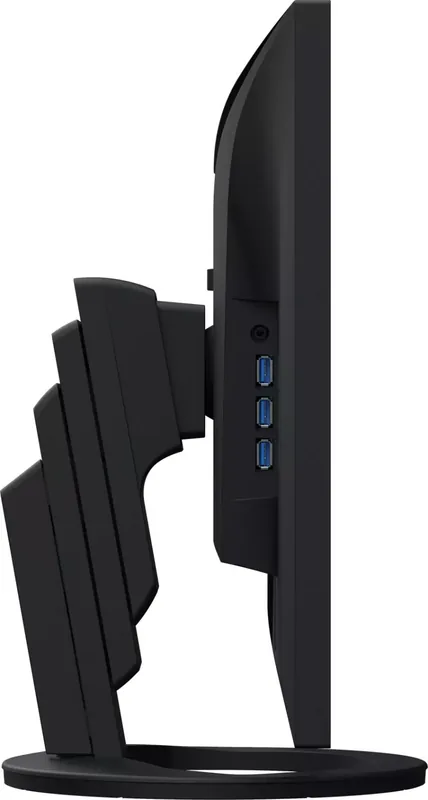
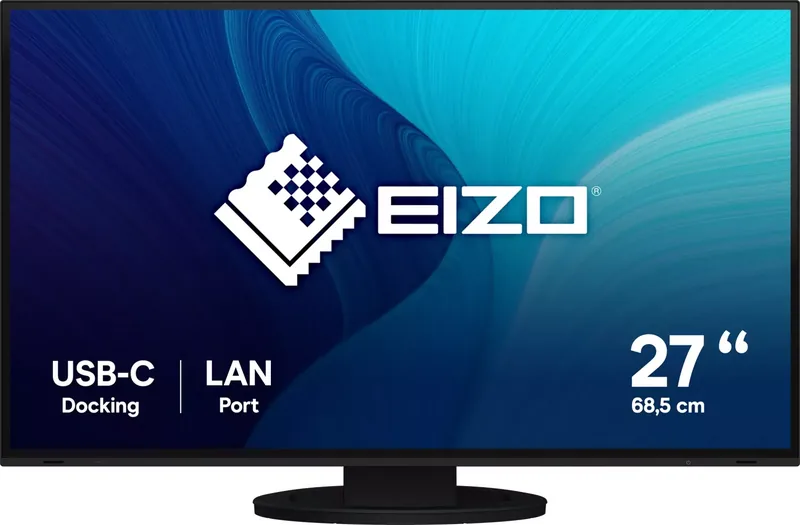
Eizo FlexScan EV2795 Manual
PDF manual · 42 Pages
English



Quick check
Incorrect answer, please try again.
Chat with your Eizo FlexScan EV2795 manual using AI
Get instant AI answers from your Eizo FlexScan EV2795 manual
Ask anything about the Eizo FlexScan EV2795. Answers come from this manual, with the pages they are based on.
Ask a Question
Do you recommend FlexScan EV2795?
Yes NoFrequently Asked Questions
The monitor supplies a maximum of 70 W of power to a connected notebook PC when used as an external monitor with USB Power Delivery.
Is this answer helpful?
Remove the optional arm screws, detach the arm, insert tabs into holes on the back panel, and slide the stand upward until it clicks.
Is this answer helpful?
Yes, the monitor supports daisy chain connection to link up to four monitors using the USB Type-C output terminal.
Is this answer helpful?
Standard modes include User1, User2, sRGB, Paper, Movie, and DICOM for different display purposes like printing or medical images.
Is this answer helpful?
Yes, the monitor supports Microsoft Windows 10 and 8.1 as well as macOS Sierra or later operating systems.
Is this answer helpful?
Periodic cleaning is recommended using a soft cloth moistened with water or ScreenCleaner to avoid damaging the cabinet or LCD.
Is this answer helpful?
Obstructing the ambient light sensor on the lower side of the monitor prevents the Auto EcoView function from adjusting brightness correctly.
Is this answer helpful?
Advantages and Disadvantages
Advantages

- USB Type-C connection supports up to 70W power delivery for laptops and video transfer.
- Daisy chain connection allows up to four monitors to be linked for multi-screen setups.
- Built-in docking station includes LAN port and USB hub for easy network connectivity.
- EcoView features automatically adjust brightness to save power and reduce eye strain.
- IPS panel offers 178 degree viewing angles and 2560 by 1440 resolution.
Disadvantages

- Monitor display requires 30 minutes to stabilize after power is turned on.
- Potential for afterimages or burn-in if static images are displayed for extended periods.
- Limited region adjustment means performance may vary outside the original shipping area.
- LCD panel care is required to avoid pressure marks or interference patterns from strong touching.
- USB 3.0 communication speed reduces to 2.0 standards when Daisy Chain is enabled.
Product Specification
Function
Monitor (stationary)
Diagonal
27" (27.0")
Resolution
2560x1440 (QHD), 16:9, 109ppi
Panel
IPS
Backlight
LED, Blue Light Filter, flicker-free
Brightness
350 cd/m^2 (typical)
Contrast
1,000:1 (static)
Response Time
5ms (GtG)
Refresh Rate
60Hz (2560x1440)
Signal Frequency
31-76kHz (H) / 59-61Hz (V)
Ports
1x HDMI 1.4, 1x DisplayPort 1.2, 1x USB-C 3.0 with DisplayPort 1.2 (Upstream, 5Gb/s, PD 70W), 1x USB-C 3.0 with DisplayPort 1.2 (Downstream, 5Gb/s, PD 15W), 1x USB-B 3.0 (Upstream, 5Gb/s), 3x USB-A 3.0 (Downstream, 5Gb/s), 1x 3.5mm Jack (Line-Out), 1x RJ-45 1Gb LAN, 1x AC-In C13 (Power Input)
Shape
Straight (Flat)
Viewing Angles
178°/178°
Coating
Non-glare (Matte)
Color Depth
8-bit (16.7 Million colors)
Frame Rate Compensation
Unknown
LUT (Lookup Table)
10-bit, Factory Calibration
Certifications/Standards
TCO 9
Speakers
Speakers (2x 1W)
Ergonomics
with Stand, height adjustable (6.97 in), Pivot (+/- 90°), Swivel (+/- 172°), Tilt (+35°/-5°)
VESA Mount
100x100 (Included)
Power Consumption
164W (max), 16W (typical), 0.5W (Standby), 16W (Energy Label (old A+++ to G))
Energy Efficiency SDR (A to G)
16kWh/1000h (D)
Energy Efficiency (old) (A+++ to G)
23.4kWh (A+)
Features
Security Lock (Kensington Security Slot), Light Sensor, KVM Switch, Slim Bezel, HDCP 2.2
Screen-to-Body Ratio
92.13% (Calculated)
Dimensions
24.06x14.53x9.06 in (WxHxD) with Stand Compressed, 24.06x14.06x2.20 in (WxHxD) without Stand
Weight
18.74 lbs (with Stand), 12.57 lbs (without Stand)
Power Supply
Internal
Warranty
Five Years (On-Site Exchange Service)
USB Specification
Link
Product Description
Eizo FlexScan EV2795 Monitor Review
The Eizo FlexScan EV2795 monitor stands out as a premium display solution designed for professionals and general users alike. This 27-inch IPS panel delivers stunning 2560 by 1440 resolution with wide viewing angles. Color accuracy is exceptional, making it ideal for creative work and office applications. The screen supports multiple input methods including DisplayPort and HDMI. A standout feature is the USB Type-C connectivity which combines video, data, and power into a single cable. This allows for a tidy desk setup and efficient workflow.
Users can charge powered notebooks up to 70 watts through the USB connection. This powerful docking station function supports network connectivity via the built-in LAN port. It simplifies connections for devices that lack Ethernet ports. Power management is another strong point. EcoView functions automatically adjust brightness based on ambient light. This reduces power consumption significantly. The EcoView Optimizer also adjusts brightness according to the input signal white level.
Installation is flexible with a stand that tilts, swivels, and pivots. The stand height provides vertical adjustment for ergonomic comfort. It can also be removed for VESA arm mounting. Color modes are customizable for sRGB, movie, and paper viewing. Users can adjust specific color settings like temperature and gamma. The setting menu allows for detailed control over picture expansion and sharpness. Maintenance is straightforward. Periodic cleaning is recommended. Do not use harsh chemicals. The stand section should not be moved while detached. Safety precautions include checking for condensation in cold rooms. The display stabilizes after thirty minutes of use.
Overall, this monitor offers high utility and reliability for daily office tasks or multimedia consumption. The build quality feels robust. The bezels are narrow for better multi-monitor experiences. Audio is handled by built-in speakers. Headphone jacks provide private listening options. Daisy chain connections allow up to four monitors. KVM functions enable switching between two PCs. For full technical depth, users often consult the Eizo FlexScan EV2795 Manual. This combination of features makes it a versatile choice for modern workspaces requiring flexibility and performance without clutter. It supports multiple operating systems including Windows and macOS. Security features include a Kensington lock slot for theft prevention. The power indicators show status clearly. A screen saver prevents image burn-in effectively. Drivers for the network port may need installation on Windows.
Search for 67,706 Manuals online


Type-in Brand or Model