
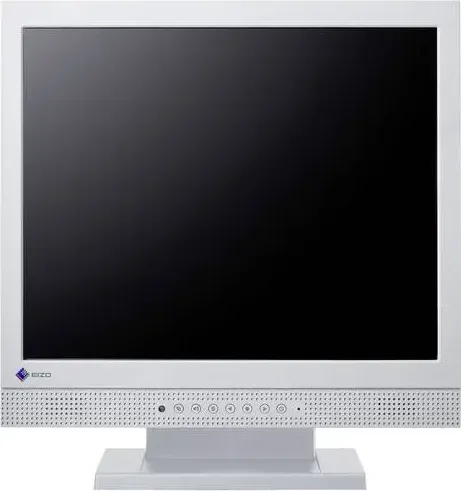
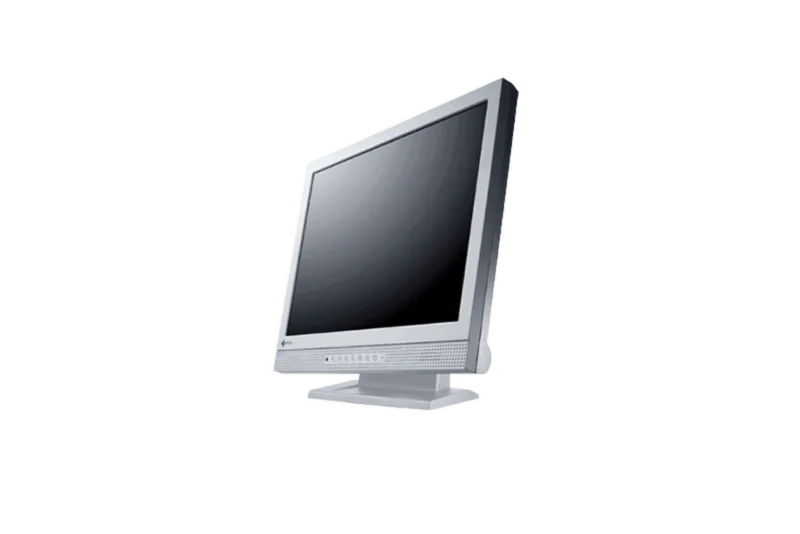
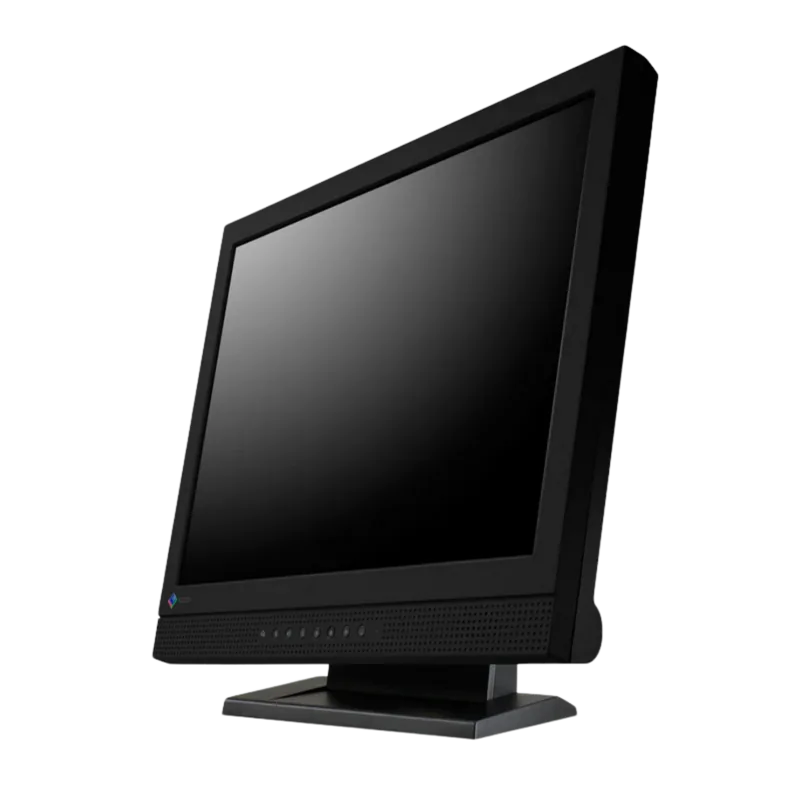
Eizo DuraVision FDS1721T Manual
PDF manual · 52 Pages
English



Quick check
Incorrect answer, please try again.
Chat with your Eizo DuraVision FDS1721T manual using AI
Get instant AI answers from your Eizo DuraVision FDS1721T manual
Ask anything about the Eizo DuraVision FDS1721T. Answers come from this manual, with the pages they are based on.
Ask a Question
Do you recommend DuraVision FDS1721T?
Yes NoFrequently Asked Questions
It is well suited for general office work, document viewing, and interactive tasks that benefit from a compact 17-inch touch display. Its square resolution also works nicely with older business applications.
Is this answer helpful?
Yes. It includes a Surface Acoustic Wave touch panel designed for accurate touch operation. The design is durable and can support use with gloves in appropriate conditions.
Is this answer helpful?
The monitor supports both DVI-D digital input and D-Sub analog input. It also uses USB for touch-panel communication and includes audio input/output support.
Is this answer helpful?
Yes. Auto EcoView can change brightness based on ambient light. This helps improve comfort and can reduce unnecessary power consumption during use.
Is this answer helpful?
Use a soft cloth slightly dampened with water and avoid alcohol, thinner, benzene, wax, or abrasive cleaners. Do not let liquid enter gaps around the panel or frame.
Is this answer helpful?
Yes. The monitor supports VESA-compatible mounting when the original stand is removed. Follow the arm or stand instructions carefully and use suitable screws and angles.
Is this answer helpful?
Advantages and Disadvantages
Advantages

- 17-inch 1280 × 1024 panel suits document work and classic software layouts.
- Touch panel uses Surface Acoustic Wave technology for durable, accurate input.
- Auto EcoView and EcoView Index help reduce power use and eye strain.
- DVI-D, D-Sub, USB touch support, and speakers make setup more flexible.
Disadvantages

- 17-inch square format may feel small compared with modern widescreen monitors.
- Touch support is Windows-focused and not compatible with Mac OS.
- Analog use may require manual clock, phase, and position adjustments.
- The panel needs warm-up time before precise calibration is recommended.
Product Specification
Touchscreen
acoustic, Single-Touch
Diagonal
17"/17.01in
Resolution
1280x1024, 5:4
Brightness
200cd/m2
Contrast
1.000:1 (static), no information (dynamic)
Response Time
5ms
Viewing Angle
170 degrees/160 degrees
Panel
TN
Backlight
White-LED
HDR
N/A
Refresh Rate
60Hz
Signal Frequency
no information (horizontal), no information (vertical)
Connections
1x VGA (60Hz@1280x1024), 1x DVI, 1x 3.5mm jack (Line-In), 1x 3.5mm jack (Line-Out)
Other Connections
1x USB-B 2.0 (480Mb/s) (Touch function)
Ergonomics
N/A
VESA
100x100 (occupied)
Power Consumption
no information (maximum), 29W (typical), no information (energy label old A+++ to G), 0.6W (Standby)
Dimensions (WxHxD)
14.96x15.67x6.18in
Weight
10.58lb
Special Features
Speakers (2x 0.5W), Light Sensor
Manufacturer Warranty
three years
Product Description
Eizo DuraVision FDS1721T, 17" LCD Touch Monitor
The Eizo DuraVision FDS1721T is a compact 17-inch color LCD monitor built for practical everyday use, especially in workspaces that need dependable visuals and responsive touch input. Its 1280 × 1024 resolution gives it a classic square layout that works well for office tasks, control-room style interfaces, and applications where vertical space matters more than widescreen entertainment.
A major strength of this model is its Surface Acoustic Wave touch panel. The touch surface is designed for accurate control and strong durability, and it can support operation with gloves in suitable conditions. That makes the display a good fit for environments where fast interaction, frequent use, or cleaner-touch workflows are important. The LED backlight also contributes to lower power consumption while helping maintain efficient, stable performance over time.
Eizo includes several comfort and energy-saving tools that improve the overall experience. Auto EcoView adjusts brightness to match surrounding light, while EcoView Index helps users understand power-saving performance at a glance. For longer sessions, the monitor also supports color modes such as Custom, EyeCare, sRGB, and Text, making it easier to tailor the screen to documents, mixed media, or color-matching tasks. Brightness, contrast, temperature, gain, smoothing, and audio volume can all be adjusted through the on-screen menu.
The connectivity is practical as well. With both DVI-D and D-Sub input options, the FDS1721T can work in mixed analog and digital setups. It also includes USB touch connectivity and stereo speakers, which adds convenience for desktop use. If needed, the monitor can be paired with a VESA-compatible arm, giving it more flexibility for custom installation or tighter desks.
What makes the Eizo DuraVision FDS1721T stand out is its focus on dependable, controlled operation rather than flashy extras. The guidance around warm-up time, cleaning, brightness tuning, and screen adjustment reflects a monitor designed to stay consistent and comfortable in daily use. For buyers who want a durable touch display with thoughtful power-saving features and straightforward controls, it remains a solid and well-balanced choice.
Notes
- Wait about 30 minutes after power-on before making final adjustments.
- Use gentle cleaning methods and avoid harsh chemicals.
- Lower brightness for comfort and to help preserve long-term display quality.
- Avoid pressing or scratching the touch panel with hard objects.
Search for 67,706 Manuals online


Type-in Brand or Model