
Eizo FlexScan EV2480 Manual
PDF manual · 40 Pages
English



Quick check
Incorrect answer, please try again.
Chat with your Eizo FlexScan EV2480 manual using AI
Get instant AI answers from your Eizo FlexScan EV2480 manual
Ask anything about the Eizo FlexScan EV2480. Answers come from this manual, with the pages they are based on.
FlexScan EV2480 Maintenance Schedule
Use a soft cloth dampened with water or ScreenCleaner. Do not use alcohol, thinner, benzine, wax, or abrasive cleaners.
If using an optional swing arm or stand, periodically check that screws are sufficiently tightened to prevent the monitor from falling.
Ask a Question
Do you recommend FlexScan EV2480?
Yes NoFrequently Asked Questions
The monitor supplies a maximum of 70 watts of power to connected notebook PCs when using the included CC200SS-5A or CC200SSW-5A cables.
Is this answer helpful?
Yes, the monitor can be rotated 180 degrees to be used upside down or attached to an optional arm for vertical positioning.
Is this answer helpful?
It uses an ambient light sensor on the front of the monitor to detect room brightness and automatically adjusts the screen brightness for comfort and energy savings.
Is this answer helpful?
It has a DICOM color mode for displaying medical digital images, but it is not intended for diagnostic purposes.
Is this answer helpful?
Missing or lit pixels are normal characteristics of LCD panels and do not indicate a malfunction, provided the effective dot percentage is 99.9994% or higher.
Is this answer helpful?
No, the USB downstream port will not operate when the main power of the monitor is turned off unless Compatibility Mode is enabled and the monitor is in power saving mode.
Is this answer helpful?
Use a soft cloth moistened with water or ScreenCleaner. Avoid alcohol, thinner, or abrasive cleaners which can damage the panel.
Is this answer helpful?
Advantages and Disadvantages
Advantages

- Supports USB Power Delivery with up to 70 W charging for notebooks
- Includes Auto EcoView ambient light sensor for energy efficiency
- Versatile connectivity with DisplayPort, HDMI, and USB-C
- Multiple color modes including sRGB, Paper, and DICOM
- Built-in USB hub simplifies peripheral connections
Disadvantages

- Requires specific USB cables for full 70 W power delivery
- Auto EcoView cannot be used when DICOM mode is selected
- Menu language cannot be changed in Administrator Settings
- No native support for HDMI CEC control
- Afterimages may occur if static images are displayed too long
Product Specification
Function
Monitor (stationary)
Diagonal
23.8" (60.5cm)
Resolution
1920x1080 (FHD), 16:9, 93ppi
Panel
IPS
Backlight
LED, blue light filter, flicker-free
Brightness
250cd/m^2 (typical)
Contrast
1000:1 (static)
Response Time
5ms (GtG)
Refresh Rate
60Hz (1920x1080)
Signal Frequency
31-68kHz (H) / 59-61Hz (V)
Connections
1x HDMI 1.4, 1x DisplayPort, 1x USB-C 3.0 with DisplayPort (Upstream, 5Gb/s, PD 70W), 4x USB-A 3.0 (Downstream, 5Gb/s), 1x 3.5mm jack (Line-Out), 1x AC-In C13 (Power)
Shape
straight (flat)
Viewing Angle
178°/178°
Coating
non-glare (matte)
Color Depth
8bit (16.7M colors)
FRC
unknown
LUT (Lookup Table)
10bit, factory calibration
Certifications/Standards
TCO 9
Speakers
Speakers (2x 1W)
Ergonomics
with stand, height adjustable (191mm), Pivot (+/-90°), rotatable (+/-172°), tiltable (+35°/-5°)
VESA
100x100 (occupied)
Power Consumption
142W (max), 11W (typical), 0.5W (standby)
Energy Efficiency SDR (A to G)
12kWh/1000h (C)
Features
security lock (Kensington Security Slot), light sensor, slim bezel
Screen-to-Body Ratio
90.70% (calculated)
Dimensions
538x332x230mm (WxDxH) with stand compressed, 538x320x57mm (WxDxH) without stand
Weight
7.40kg (with stand), 4.70kg (without stand)
Power Supply
internal
Warranty
five years (on-site exchange service)
USB Spelling
Link
Product Description
Eizo FlexScan EV2480 - Read, Download & Print Free
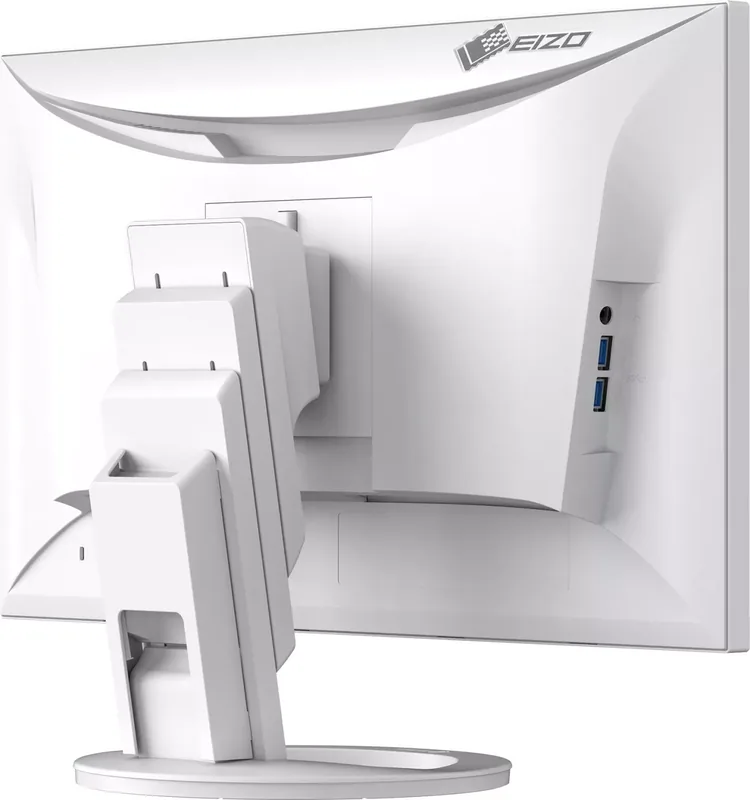
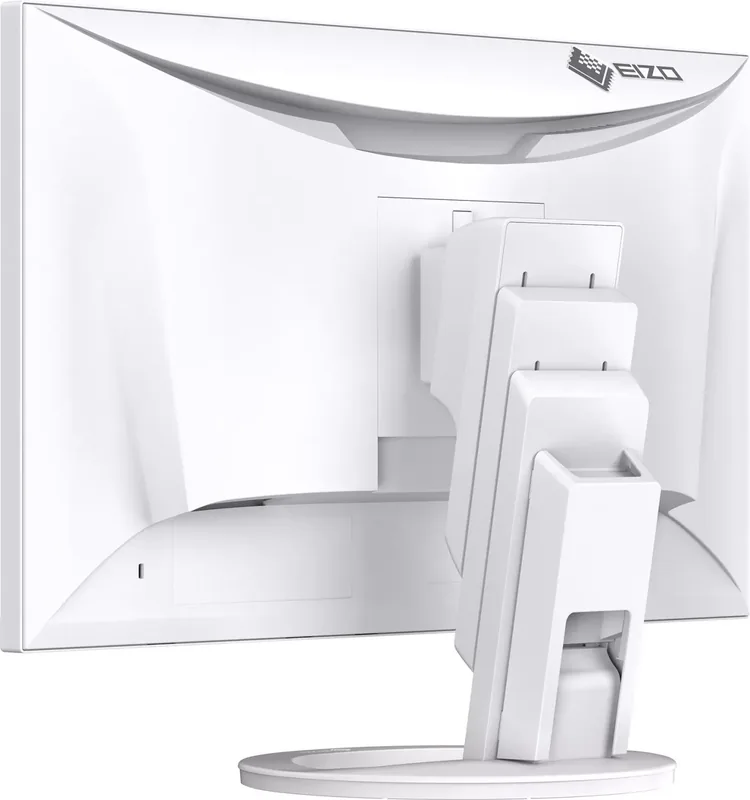
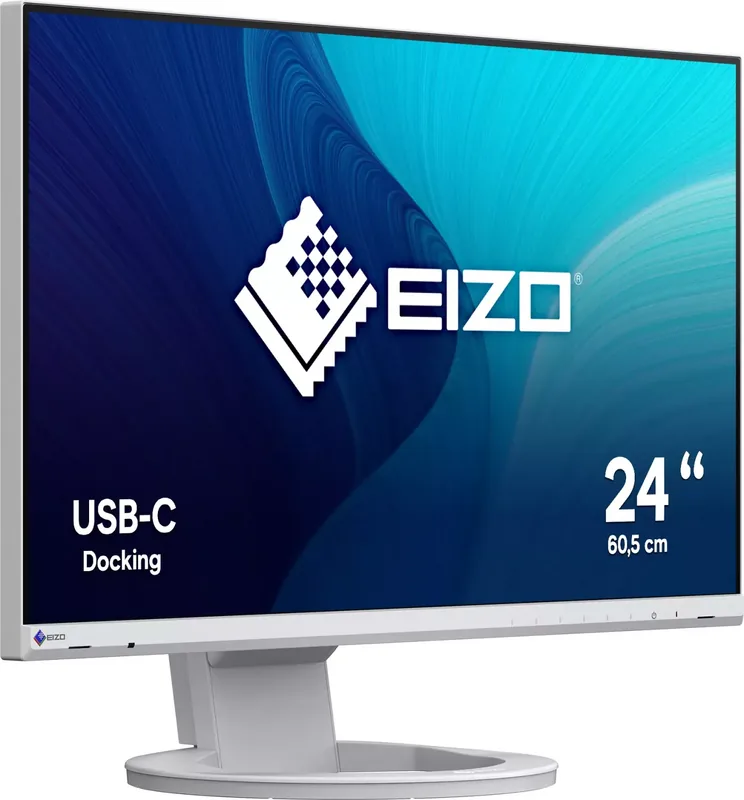
The Eizo FlexScan EV2480 is a versatile 23.8-inch IPS monitor designed for professionals who demand precision and flexibility in their daily workflow. This display excels in general office tasks, multimedia consumption, and creative work, offering a robust feature set that adapts to various environments. With its high degree of installation flexibility, users can rotate the screen 180 degrees for portrait mode or attach it to an optional arm for multi-monitor setups. The monitor supports DisplayPort Alt Mode and USB Power Delivery via its USB-C connector, allowing a single cable to transmit video signals and deliver up to 70 watts of power to compatible notebook PCs.
One of the standout features of the EV2480 is its advanced EcoView technology. The Auto EcoView function utilizes an ambient light sensor to automatically adjust screen brightness based on the surrounding environment, reducing eye strain and saving energy. Additionally, the EcoView Optimizer 2 adjusts brightness according to the white level of the input signal, ensuring consistent visual quality while minimizing power consumption. The monitor includes multiple color modes such as sRGB, Paper, Movie, and DICOM, making it suitable for everything from printing photos to viewing medical images.
Connectivity is comprehensive, featuring HDMI, DisplayPort, and USB-C inputs alongside a built-in USB hub with four downstream ports. This allows users to connect peripherals like keyboards, mice, and webcams directly to the monitor. The Screen InStyle utility further enhances productivity by enabling keyboard shortcuts to switch input signals or change color modes automatically based on the active software. Whether you are working in a bright office or a dimly lit room, the EV2480 provides a stable, high-quality display experience tailored to your needs.
Notes:
- Wait at least 30 minutes after turning on the monitor before adjusting settings for optimal stability.
- Do not use alcohol or abrasive cleaners on the screen to prevent damage.
- Take regular breaks every hour to reduce eye fatigue.
Search for 67,706 Manuals online


Type-in Brand or Model