
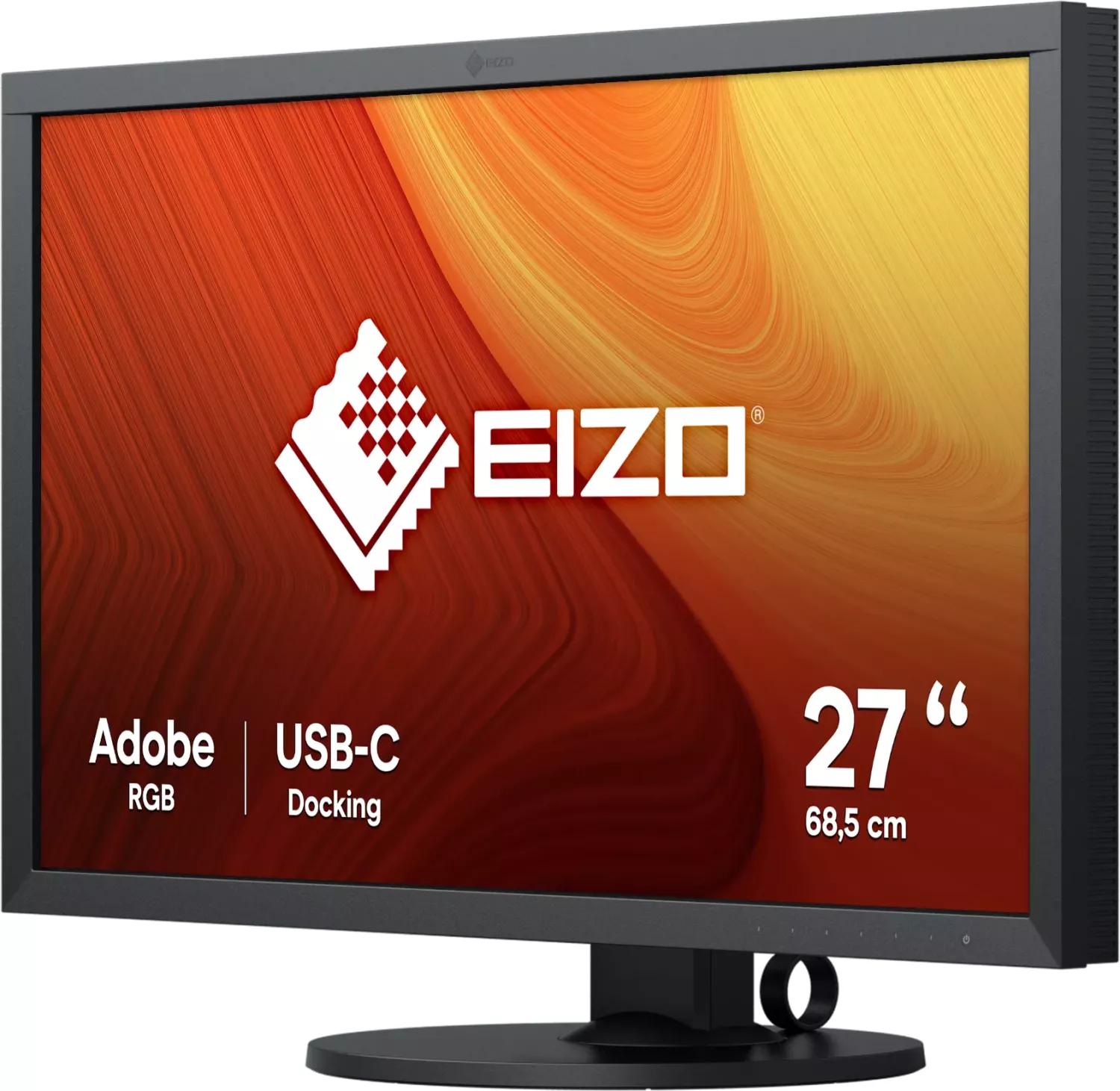
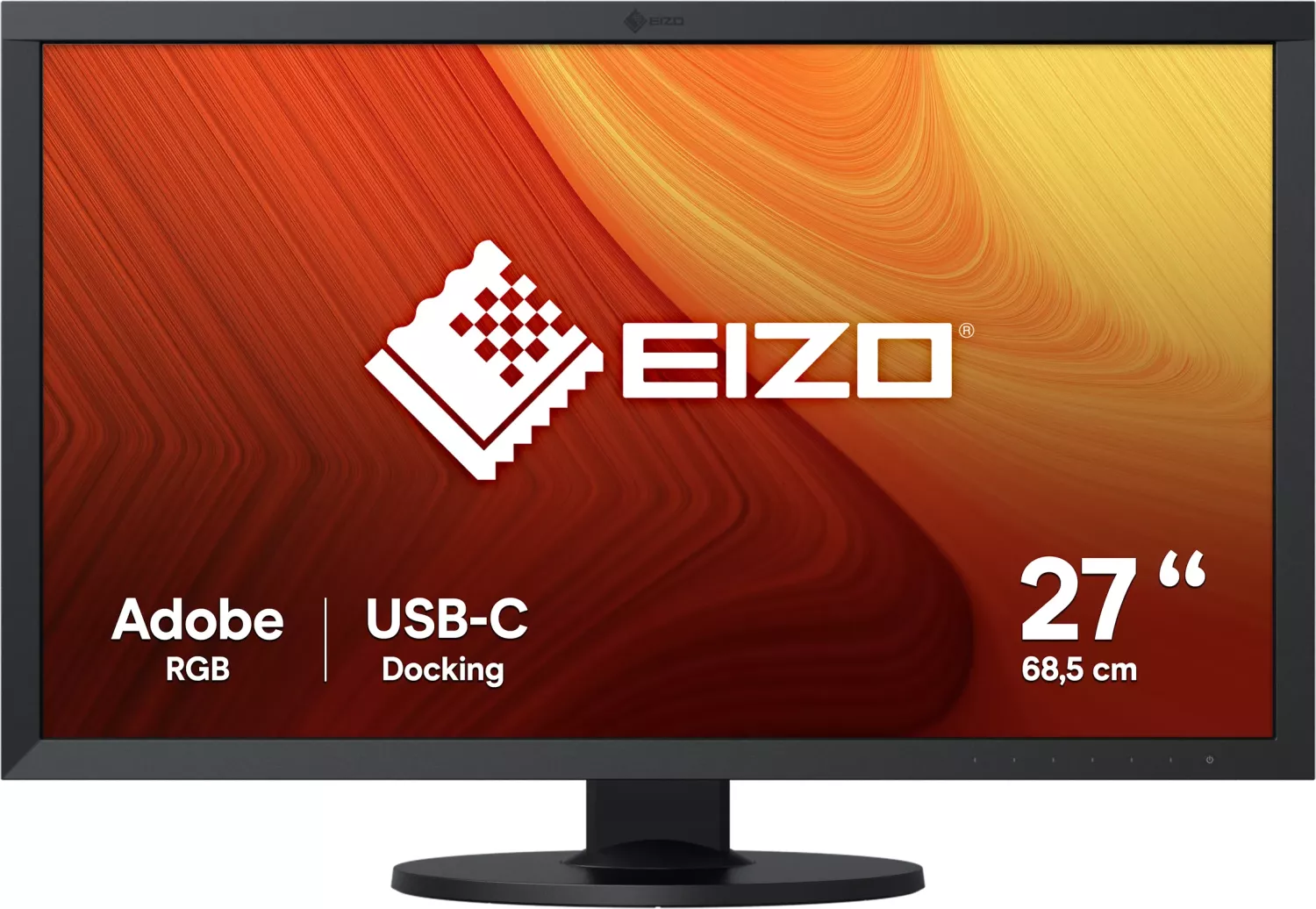
Eizo ColorEdge CS2731 Manual
PDF manual · 47 Pages
English



Quick check
Incorrect answer, please try again.
Chat with your Eizo ColorEdge CS2731 manual using AI
Get instant AI answers from your Eizo ColorEdge CS2731 manual
Ask anything about the Eizo ColorEdge CS2731. Answers come from this manual, with the pages they are based on.
Ask a Question
Do you recommend ColorEdge CS2731?
Yes No
Hudson Gutkowski
9 months ago
Does the
Video Manual
How to calibrate an EIZO ColorEdge monitor
Frequently Asked Questions
The CS2731 uses a 27" IPS panel with a native resolution of 2560 × 1440, supporting approximately 10‑bit color output and a wide color gamut (around 99% Adobe RGB coverage typical).
Is this answer helpful?
Yes. The monitor supports hardware calibration using EIZO’s ColorNavigator (ColorNavigator 7). Calibration creates and stores settings in CAL slots (CAL1–CAL7) and is required for advanced color accuracy and consistent results after changing DUE or other settings.
Is this answer helpful?
Yes. The USB‑C port supports DisplayPort Alt Mode for video and USB Power Delivery to supply up to 60 W to a connected laptop. Ensure your laptop’s USB‑C port supports PD and DisplayPort Alt Mode for both functions to work.
Is this answer helpful?
Avoid displaying static images for long periods. Use the screen saver or power save features, turn the monitor off periodically, and reduce brightness to extend panel/backlight life. If afterimages occur, change the image or power the monitor off for several hours.
Is this answer helpful?
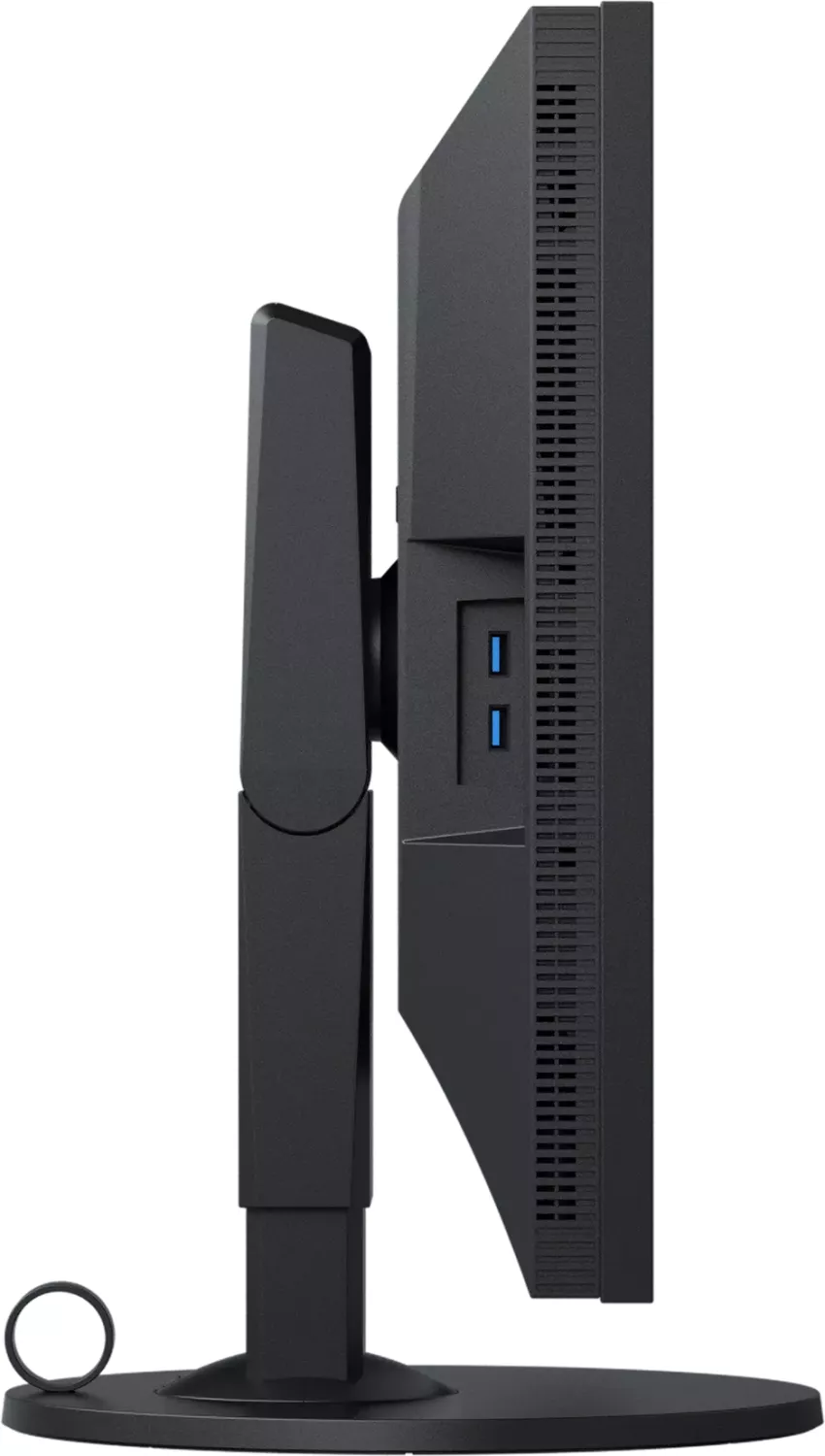
The monitor includes USB‑C (DisplayPort Alt Mode), DisplayPort, HDMI, and DVI inputs, plus upstream USB (Type‑C and Type‑B) and downstream USB‑A ports (USB 3.1 Gen1 and USB 2.0). It also has a cable holder, security lock slot and support for VESA mounting.
Is this answer helpful?
Use the Digital Uniformity Equalizer (DUE) feature. Administrator settings allow prioritizing Uniformity or Brightness. After changing DUE settings, re‑calibrate the monitor with ColorNavigator to ensure accurate and consistent results.
Is this answer helpful?
Wipe with a soft cloth moistened with water or use EIZO ScreenCleaner (recommended). Avoid alcohol, antiseptic solutions, thinners, benzine, wax or abrasive cleaners, which can damage the panel or cabinet finish.
Is this answer helpful?
Advantages and Disadvantages
Advantages

- Wide‑gamut 27" IPS panel with 2560×1440 resolution and 10‑bit color for accurate color work.
- Hardware calibration support (ColorNavigator) and multiple CAL slots for color management.
- USB‑C with DisplayPort Alt Mode and up to 60 W power delivery for notebook convenience.
- Ergonomic stand (height, tilt, swivel, 90° rotation) plus VESA/optional arm support.
- Built‑in USB 3.1 Gen1 hub and cable management for tidy, productive workspaces.
Disadvantages

- 60 W USB‑C power may be insufficient for some power‑hungry laptops.
- No built‑in speakers; separate audio solution required.
- Calibration or DUE changes require re‑calibration to maintain consistency.
- Potential afterimages/burn‑in if static images are displayed for extended periods.
- Some advanced settings disabled unless using EIZO‑specified cables and software.
Product Specification
Function
Monitor (stationary)
Diagonal
27" (27.01in)
Resolution
2560x1440 (QHD), 16:9, 109ppi
Panel
IPS
Backlight
LED, flicker-free
Brightness
350cd/m² (typical)
Contrast
1,000:1 (static)
Response Time
16ms (GtG)
Refresh Rate
60Hz (2560x1440)
Signal Frequency
26-89kHz (H) / 23-61Hz (V)
Connections
1x HDMI 1.4, 1x DisplayPort 1.2, 1x DVI, 1x USB-C 3.0 with DisplayPort 1.2 (Upstream, 5Gb/s, PD 60W), 1x USB-B 3.0 (Upstream, 5Gb/s), 2x USB-A 3.0 (Downstream, 5Gb/s), 2x USB-A 2.0 (Downstream, 480Mb/s), 1x AC-In C13 (Power Connector)
Shape
straight (flat)
Viewing Angle
178°/178°
Coating
non-glare (matte)
Color Depth
10bit (1.07 billion colors)
FRC
yes (8bit+2bit)
sRGB
100%
Adobe RGB
99%
DCI-P3
95%
LUT (Lookup Table)
16bit, Hardware Calibration
Operation
mechanical buttons
Ergonomics
with stand, height adjustable (6.10in), Pivot (+90°), rotatable (+/-172°), tiltable (+35°/-5°)
VESA
100x100 (occupied)
Power Consumption
159W (maximum), 42W (typical), 1W (Standby), 42W (Energy label old A+++ to G)
Energy Efficiency SDR (A to G)
36kWh/1000h (G)
Energy Efficiency old (A+++ to G)
61.3kWh (B)
Special Features
Security Lock (Kensington Security Slot)
Screen-to-Body Ratio
83.33% (calculated)
Dimensions
25.12x15.91x10.43in (WxHxD) with stand compressed, 25.12x14.88x2.95in (WxHxD) without stand
Color
black (display frame) / black (bottom bezel) / black (stand) / black (rear)
Weight
22.27lb (with stand), 14.33lb (without stand)
Power Supply
internal
Warranty
five years (on-site exchange service)
USB Notation
Link
Product Description
Eizo ColorEdge CS2731, 27" Manual — Product Overview
The Eizo ColorEdge CS2731 is a 27-inch wide‑gamut IPS monitor aimed at creatives who need accurate color reproduction for photography, design and general multimedia work. Designed with a 2560 x 1440 resolution, 10‑bit color support and an LED backlight, the CS2731 delivers a large working area, fine gradation and stable viewing angles. Native Adobe RGB coverage and multiple color modes (sRGB, Adobe RGB, user presets and calibration slots) make it flexible for color-managed workflows.
Ergonomics and connectivity are core strengths. The monitor includes a fully adjustable stand with 155 mm height range, tilt, swivel and 90° rotation for portrait use. Connectivity covers DisplayPort, HDMI, DVI and USB‑C (DisplayPort Alt Mode + up to 60 W USB Power Delivery), plus a built‑in USB hub (USB 3.1 Gen 1 downstream and upstream ports) to simplify desktop setups and device charging. Dual‑link DVI support and a cable holder are provided for tidy installations.
Color control and calibration are emphasized. The ColorEdge supports hardware calibration via EIZO’s ColorNavigator software (Advanced/CAL modes), a Digital Uniformity Equalizer (DUE) to minimize brightness/color unevenness, and fine adjustments such as gamma, color temperature, gain, hue/saturation per color, gamut clipping and picture expansion modes. Multiple user and factory calibration slots (CAL1–CAL7) let studios store and switch profiles easily.
Practical considerations in daily use include guidance on panel stabilization (allow ~30 minutes after power on), burn‑in/afterimage avoidance (use screen saver/power save and turn the monitor off periodically), cleaning recommendations (use water or EIZO ScreenCleaner; avoid alcohol, thinners or abrasives), and pixel tolerance information (high effective dot percentage). The manual also covers menu operation, custom front keys, administrator settings (input detection, key locks, compatibility mode), troubleshooting, physical installation (VESA/optional arm, stand removal) and regulatory information.
Overall, the ColorEdge CS2731 is built for color‑critical work with robust calibration tools, flexible connectivity, and professional ergonomics — a solid choice for photographers, graphic artists, and designers who need reliable color accuracy in a 27" form factor.
Notes
- Supports USB‑C with DisplayPort Alt Mode and up to 60 W charging; verify device support for PD/video.
- Recommended native resolution: 2560 x 1440. Use dual‑link DVI if connecting via DVI.
- Use ColorNavigator 7 for hardware calibration and to set CAL modes.
- Avoid displaying static images for long periods to prevent afterimages or burn‑in.
Search for 67,706 Manuals online


Type-in Brand or Model
alexandra98
10 months ago
The product has a 'zero-pixel-fault' guarantee. Does it also cover dead sub-pixels (not just stuck bright pixels) so I can get a replacement?