
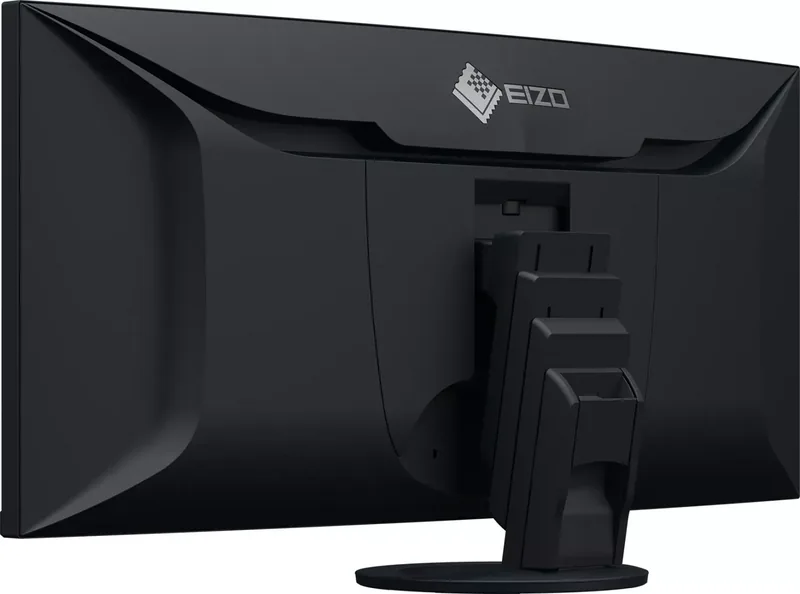
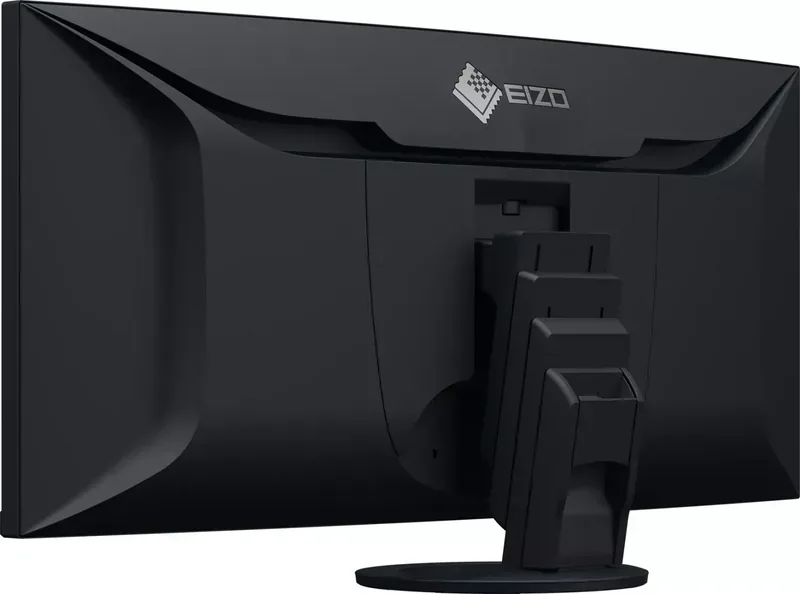
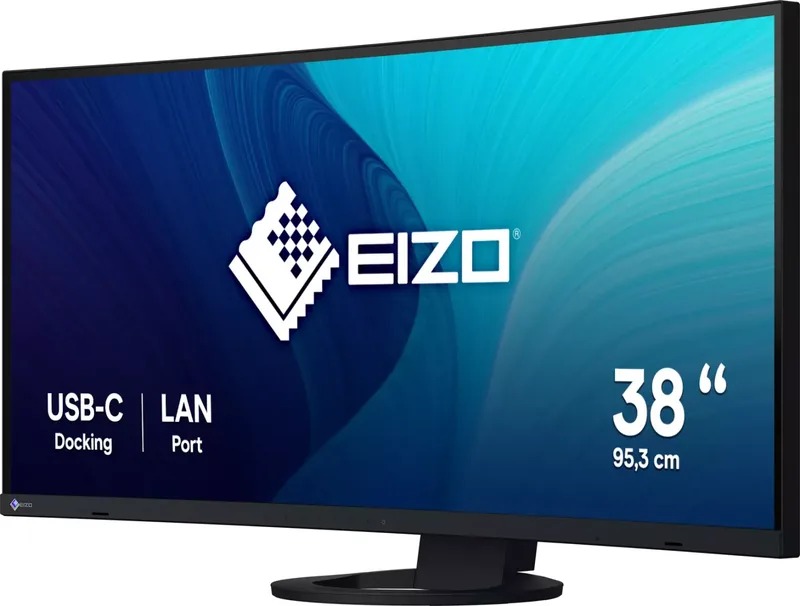
Eizo FlexScan EV3895 Manual
PDF manual · 51 Pages
English



Quick check
Incorrect answer, please try again.
FlexScan EV3895 Maintenance Schedule
Wipe stains with a soft cloth dampened with water or ScreenCleaner. Do not use alcohol, thinner, wax, or abrasive cleaners.
To prevent eye fatigue during long work sessions, take a 10-minute pause every hour.
When using an optional arm or stand, periodically check that VESA mounting screws are sufficiently tightened to prevent the monitor from loosening.
Ask a Question
Do you recommend FlexScan EV3895?
Yes NoFrequently Asked Questions
The monitor supports USB Power Delivery with a maximum output of 85 watts when connected via the recommended USB-C cables.
Is this answer helpful?
Yes, the monitor supports Picture-by-Picture mode, allowing you to display up to three different computer signals simultaneously.
Is this answer helpful?
Yes, it includes stereo speakers with a total output of 2 watts plus a headphone jack for private audio listening.
Is this answer helpful?
No, the Screen InStyle utility is currently designed to run only on Windows operating systems.
Is this answer helpful?
Use the built-in screen saver or turn off the monitor regularly. Avoid displaying static images for extended periods without variation.
Is this answer helpful?
The Eizo FlexScan EV3895 has a native resolution of 3840 x 1600 pixels on a 37.5-inch curved panel.
Is this answer helpful?
Advantages and Disadvantages
Advantages

- Curved 3840x1600 display provides an immersive, wide viewing area
- Picture-by-Picture supports up to three simultaneous input windows
- USB-C port delivers 85W power and acts as a docking station
- EcoView sensor auto-adjusts brightness to save energy and reduce eye strain
- Specialized color modes include sRGB, Paper, Movie, and DICOM
Disadvantages

- Screen InStyle software only supports Windows operating systems
- Native resolution limits some PbyP layouts to reduced size displays
- Requires specific USB-C cables to achieve full 85W charging speed
- Ambient light sensor must not be blocked for Auto EcoView to function
- Initial warm-up time of 30 minutes is needed for stable image quality
Product Specification
Function
Monitor (stationary)
Diagonal
37.5" (95.3cm)
Resolution
3840x1600 (UWQXGA), 24:10, 111ppi
Panel
IPS (AH-IPS), Manufacturer: LG Display
Backlight
LED, Blue light filter, flicker-free
Brightness
300cd/m^2 (typical)
Contrast
1000:1 (static)
Response Time
5ms (GtG)
Refresh Rate
60Hz (3840x1600)
Signal Frequency
31-99kHz (H) / 29-61Hz (V)
Connections
2x HDMI 1.4, 1x DisplayPort 1.2, 1x USB-C 3.0 with DisplayPort 1.2 (Upstream, 5Gb/s, PD 85W), 2x USB-B 3.0 (Upstream, 5Gb/s), 4x USB-A 3.0 (Downstream, 5Gb/s), 1x 3.5mm jack (Line-Out), 1x RJ-45 1Gb LAN, 1x AC-In C13 (Power In)
Shape
Curved, 2300R/2.30m
Viewing Angle
178°/178°
Coating
Non-glare (matte)
Color Depth
8bit (16.7 Million Colors)
FRC
N/A (8bit native)
sRGB
100%
DCI-P3
94%
LUT (Lookup Table)
10bit, Factory Calibration
Certifications/Standards
TCO 9
Speakers
Speakers (2x 1W)
Ergonomics
With stand, height adjustable (7.6 inches), Pivot N/A, Swivel (+/- 35 degrees), Tilt (+35/-5 degrees)
VESA
100x100 (occupied)
Power Consumption
194W (max), 28W (typical), 0.5W (Standby), 35W (Energy Label old A+++ to G)
SDR Energy Efficiency (A to G)
29kWh/1000h (E)
Old Energy Efficiency (A+++ to G)
51.1kWh (A)
Features
Security lock (Kensington Security Slot), Presence sensor, Light sensor, KVM switch, Picture-in-Picture, Slim Bezel, HDCP 2.2
Screen-to-Body Ratio
90.53% (calculated)
Dimensions
35.2x16.2x9.4 inches (WxDxH) with stand compressed, 35.2x15.7x4.3 inches (WxDxH) without stand
Weight
29.1 lbs (with stand), 20.94 lbs (without stand)
Power Supply
Internal
Warranty
Five years (On-site Exchange Service)
USB Spelling
Link
Product Description
Experience Productivity with the Eizo FlexScan EV3895
The Eizo FlexScan EV3895 redefines the multi-monitor workspace by combining a massive curved display with versatile connectivity. This 37.5-inch LCD monitor features a stunning WQHD+ resolution of 3840 x 1600 pixels, offering a seamless panoramic view that eliminates the need for multiple screens. The curved design enhances immersion and reduces eye strain during long work sessions, making it ideal for professionals who demand precision and comfort.
One of the standout features is the Picture-by-Picture (PbyP) capability, which allows users to view up to three different input signals simultaneously on a single screen. Whether you are comparing code across different environments or monitoring multiple data streams, this flexibility boosts efficiency. The monitor supports various connection options including DisplayPort, HDMI, and USB-C, ensuring compatibility with modern laptops and desktops.
The built-in docking station functionality transforms the EV3895 into a central hub. Through the USB-C port, users can connect peripherals, access a network via the integrated LAN port, and charge devices with up to 85 watts of power delivery. This simplifies cable management and creates a clean, organized desk setup. Additionally, the EcoView technology automatically adjusts brightness based on ambient light conditions, promoting energy savings and reducing eye fatigue.
For color-critical tasks, the monitor offers specialized modes such as sRGB, Paper, Movie, and DICOM. These presets ensure accurate color reproduction for photography, document editing, video playback, and medical imaging. The Screen InStyle software further enhances control, allowing users to manage settings remotely and switch between inputs using keyboard shortcuts. With its robust build quality and ergonomic stand, the Eizo FlexScan EV3895 stands out as a premium solution for demanding professional environments.
Search for 67,706 Manuals online


Type-in Brand or Model