
Eizo DuraVision FDS1921T-F Manual
PDF manual · 56 Pages
English



Quick check
Incorrect answer, please try again.
Chat with your Eizo DuraVision FDS1921T-F manual using AI
Get instant AI answers from your Eizo DuraVision FDS1921T-F manual
Ask anything about the Eizo DuraVision FDS1921T-F. Answers come from this manual, with the pages they are based on.
DuraVision FDS1921T-F Maintenance Schedule
Use the optional ScreenCleaner. Do not use alcohol, thinner, benzene, wax, or abrasive cleaners as they may damage the surface.
Take a 10-minute rest every hour to avoid eye fatigue caused by staring at the monitor for long periods.
Ask a Question
Do you recommend DuraVision FDS1921T-F?
Yes NoFrequently Asked Questions
Open the Windows Control Panel, navigate to Tablet PC Settings, click Setup in the Display tab, and follow the on-screen prompts to touch the crosshairs. Ensure the monitor is connected via USB for the touch feature to function correctly.
Is this answer helpful?
The Eizo DuraVision FDS1921T-F supports a native resolution of 1280 x 1024 pixels. It can also handle other resolutions, but image quality may vary depending on the scaling settings used.
Is this answer helpful?
Yes, this model is designed to be used without the stand. You can attach an optional VESA-compatible arm or stand by removing the existing base section, provided you follow the installation instructions carefully.
Is this answer helpful?
Yes, the DisplayPort input transmits both image and audio signals through a single cable. However, your graphics board must be compatible with audio output over DisplayPort for this feature to work.
Is this answer helpful?
It takes approximately 30 minutes for the electrical parts to stabilize after powering on the monitor. You should wait at least this long before performing any color or screen adjustments for the most accurate results.
Is this answer helpful?
Missing or lit pixels are considered normal characteristics of LCD panels and are not classified as malfunctions. The effective dot percentage is guaranteed to be 99.9994% or higher.
Is this answer helpful?
Advantages and Disadvantages
Advantages

- Supports multi-touch with Surface Acoustic Wave technology for intuitive interaction
- Features three signal inputs including DisplayPort for combined audio and video transmission
- Includes FineContrast function with multiple display modes for accurate color reproduction
Disadvantages

- Sold without a stand requiring separate purchase of mounting hardware
- Touch functionality may require specific USB driver configuration and calibration
- Analog auto-adjustment does not work below 800x600 resolution or with partial screens
Product Specification
Touchscreen
acoustic (SAW), Multi-Touch
Diagonal
19"/19.0 in
Resolution
1280x1024, 5:4
Brightness
380 cd/sq ft
Contrast
1,000:1 (static), not specified (dynamic)
Response Time
5 ms
Viewing Angle
170°/160°
Panel
TN
Coating
non-glare (matte), hardness grade 7H
Backlight
White-LED, flicker-free
HDR
N/A
Color Depth
8bit (16.7 million colors)
Refresh Rate
60 Hz
Signal Frequency
31-81 kHz (horizontal), 55-76 Hz (vertical)
Connections
1x VGA, 1x DVI, 1x DisplayPort, 1x 3.5mm jack (Line-Out)
Other Connections
1x USB-B (touch function)
Ergonomics
N/A
VESA
100x100 (free)
Power Consumption
30 W (max), 9 W (typical), not specified (old energy label A+++ to G), 0.7 W (standby)
Dimensions (WxDxH)
17.1x14.1x2.2 in
Weight
12.79 lbs
Features
Speakers
Manufacturer Warranty
three years (on-site exchange service)
Product Description
Eizo DuraVision FDS1921T-F Without Stand: A Touchscreen Powerhouse
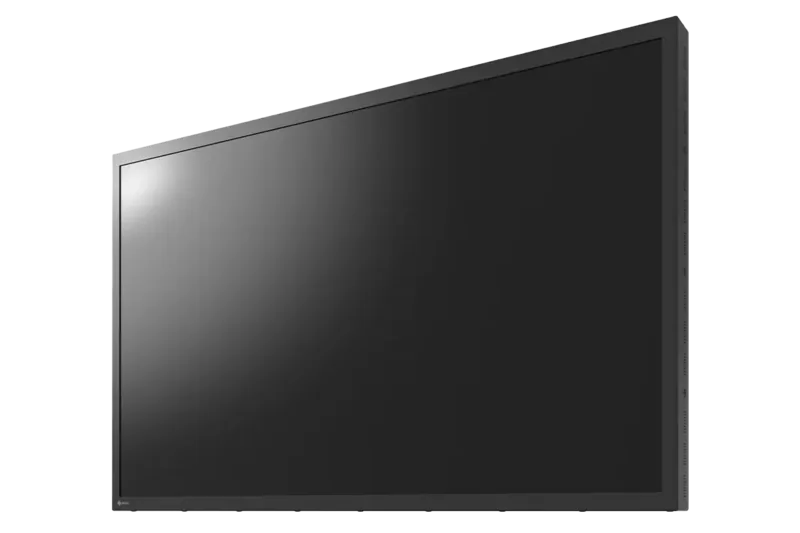
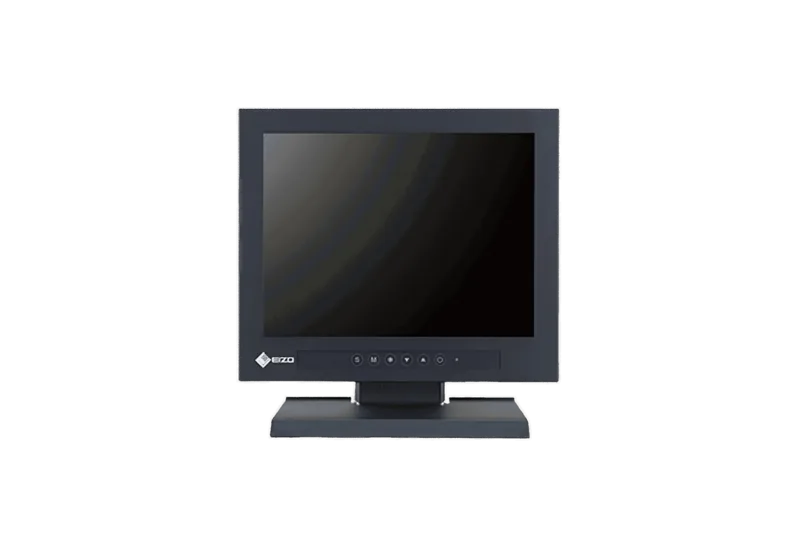
The Eizo DuraVision FDS1921T-F is a robust 19-inch color LCD monitor designed for precision and interactivity. This specific model is sold without a stand, offering flexibility for users who prefer to mount the display on an optional arm or VESA-compatible bracket. The sleek design features a low-profile footprint that saves desk space while delivering a high-quality viewing experience. It supports a native resolution of 1280 by 1024 pixels, ensuring crisp text and detailed graphics for professional tasks.
At the heart of this monitor lies Surface Acoustic Wave technology, which provides responsive multi-touch capabilities compatible with Windows 11, 10, 8.1, and 7. Users can enjoy smooth navigation and direct interaction with applications using up to two simultaneous touch points. The bezel has been flattened to facilitate comfortable touch operations across the entire screen surface. Connectivity is handled through three versatile input terminals: one DVI-D port, one DisplayPort, and one D-Sub connector. The DisplayPort input is particularly notable as it carries both video and audio signals through a single cable, simplifying setup for multimedia workflows.
Color accuracy is a priority for the DuraVision series, supported by the FineContrast function. This feature allows users to select from various display modes, including User1, User2, and sRGB, to match specific application needs. Advanced color adjustments such as brightness, contrast, gamma, saturation, hue, and gain are available for fine-tuning. The monitor also includes power-saving functions like Eco Timer and Auto Power-OFF to reduce energy consumption when idle. Cleaning and maintenance are straightforward, though users are advised to avoid harsh chemicals and use the recommended ScreenCleaner product to preserve the panel integrity. This manual serves as a comprehensive guide for setup, calibration, and troubleshooting to ensure optimal performance.
Search for 67,706 Manuals online


Type-in Brand or Model