
Eizo ColorEdge CG2700S Manual
PDF manual · 75 Pages
English



Quick check
Incorrect answer, please try again.
Chat with your Eizo ColorEdge CG2700S manual using AI
Get instant AI answers from your Eizo ColorEdge CG2700S manual
Ask anything about the Eizo ColorEdge CG2700S. Answers come from this manual, with the pages they are based on.
Ask a Question
Do you recommend ColorEdge CG2700S?
Yes NoFrequently Asked Questions
The monitor has a built-in sensor that automatically measures the screen's output. You can set a schedule for it to run daily, weekly, or monthly. It adjusts brightness, gamma, and color gamut to match your target settings without needing an external meter.
Is this answer helpful?
This mode allows the monitor to detect the type of input signal, such as SDR or HDR, and automatically switch to the correct color settings. This eliminates the need for manual adjustments when changing sources or projects.
Is this answer helpful?
Yes, the USB-C port supports USB Power Delivery and can supply up to 92 watts of power. This allows you to charge compatible laptops while transmitting video and data through a single connection.
Is this answer helpful?
Yes, a monitor hood is included as a standard accessory. It uses magnets for easy attachment and removal, effectively blocking external light reflections to ensure accurate color perception.
Is this answer helpful?
The LCD panel needs time to stabilize after being turned on. Waiting at least three minutes ensures that the temperature and brightness levels are constant, leading to more accurate calibration results.
Is this answer helpful?
Advantages and Disadvantages
Advantages

- Built-in calibration sensor enables automated self-calibration for consistent color accuracy
- Supports both HDR PQ and HLG formats for versatile video production workflows
- USB-C connectivity provides video, data, and up to 92W power delivery via a single cable
- Includes a magnetic monitor hood to eliminate glare and improve contrast in bright rooms
- SYNC_SIGNAL mode automatically adjusts settings when switching between SDR and HDR inputs
Disadvantages

- Requires a warm-up period of at least three minutes for display stabilization
- High brightness settings may reduce backlight lifespan if used continuously for long periods
- External measurement device still recommended for absolute reference verification
- Docking station features require specific USB cables to achieve maximum power output
- Cannot switch between SDR and HDR modes without waiting thirty minutes for thermal stability
Product Specification
Function
Monitor (stationary)
Diagonal
27" (26.98 in)
Resolution
2560x1440 (QHD), 16:9, 109 ppi
Panel
IPS
Backlight
LED, flicker-free
Brightness
400 cd/m^2 (typical)
Contrast
1,600:1 (static)
Response Time
19ms (GtG)
Refresh Rate
60Hz (2560x1440)
Signal Frequency
26-89kHz (H) / 23-61Hz (V)
Connectors
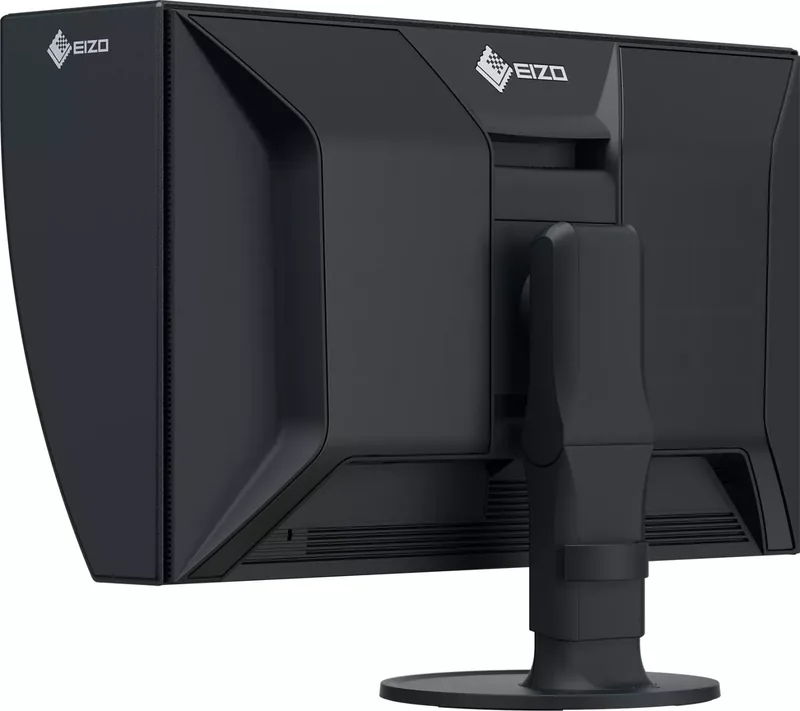
1x HDMI 1.4 (60Hz@2560x1440), 1x DisplayPort 1.2 (60Hz@2560x1440), 1x USB-C 3.0 with DisplayPort 1.2 (Upstream, 5Gb/s, PD 92W, 60Hz@2560x1440), 1x USB-B 3.0 (Upstream, 5Gb/s), 2x USB-A 3.0 (Downstream, 5Gb/s), 2x USB-A 2.0 (Downstream, 480Mb/s), 1x RJ-45 1Gb LAN, 1x AC-In C13 (Power)
Shape
straight (flat)
Viewing Angle
178°/178°
Coating
non-glare (matte)
Color Depth
10bit (1.07 billion colors)
FRC
N/A (10bit native)
Adobe RGB
99%
DCI-P3
98%
LUT (Lookup Table)
16bit, Hardware Calibration
Ergonomics
with stand, height adjustable (155mm), Pivot (+90°), swivel (+/-172°), tiltable (+35°/-5°)
VESA
100x100 (mounted)
Power Consumption
187W (max), 17W (typical), 0.5W (standby)
Energy Efficiency SDR (A to G)
18kWh/1000h (E)
Features
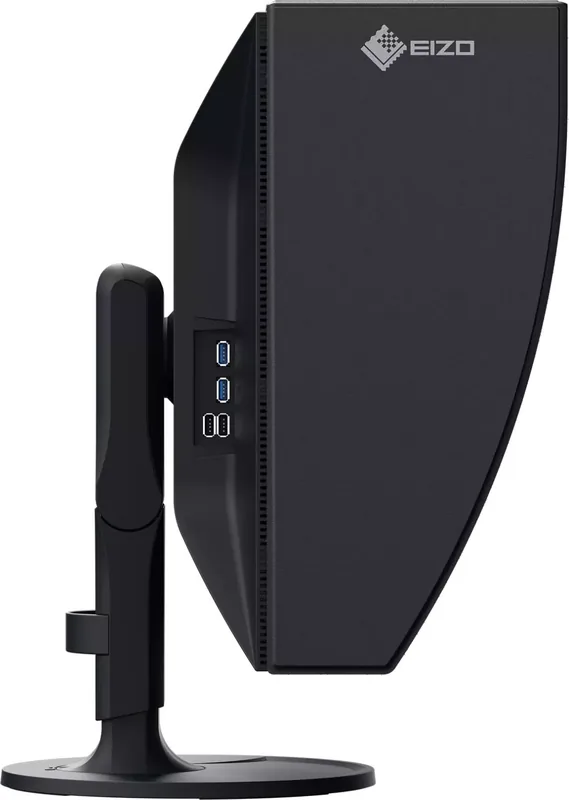
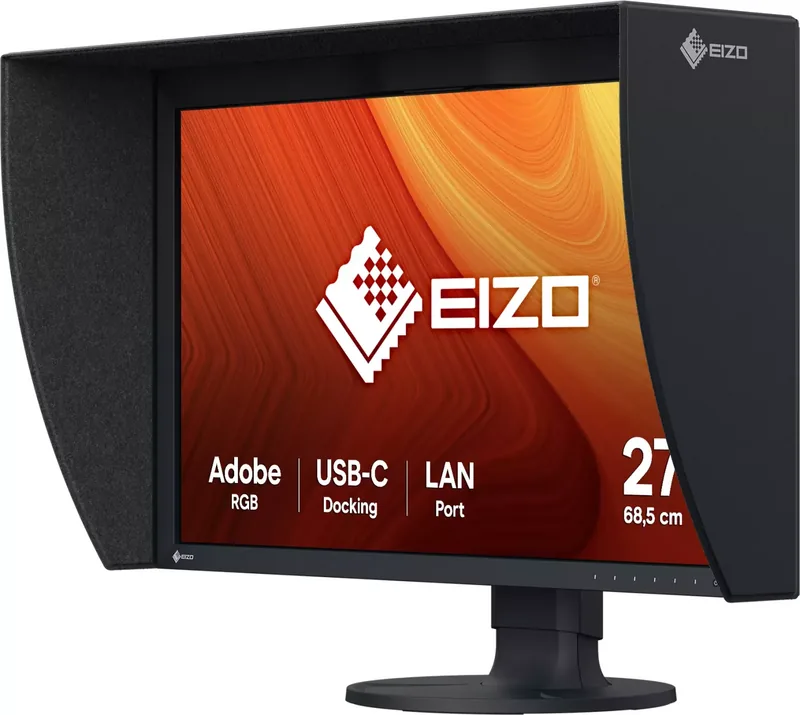
KVM switch, anti-glare hood, HDCP 2.3
Screen-to-Body Ratio
80.77% (calculated)
Dimensions
638x415.9x245mm (WxDxH) with stand compressed, 638x390x86.2mm (WxDxH) without stand
Color
black (display frame) / black (lower bezel) / black (stand) / black (back)
Weight
9.40kg (with stand), 6.40kg (without stand)
Power Supply
internal
Warranty
five years (on-site exchange service)
USB Spelling
Link
Product Description
Eizo ColorEdge CG2700S 27: The Professional Standard for Color Accuracy
The Eizo ColorEdge CG2700S 27 stands as a premier choice for professionals demanding uncompromising color fidelity. Designed specifically for high-end workflows such as digital photography, graphic design, and video production, this monitor delivers exceptional performance through its advanced internal calibration capabilities. Users can rely on the built-in sensor to maintain consistent color reproduction over time without needing external hardware every single day.
One of the standout features is the comprehensive support for HDR content. Whether working with the PQ format for streaming and movies or the Hybrid Log Gamma format for broadcasts, this display handles both seamlessly. The monitor automatically switches to optimal settings when the input signal changes between SDR and HDR thanks to the SYNC_SIGNAL mode. This ensures that creators never have to manually adjust complex parameters during critical editing sessions.
Connectivity is another area where the CG2700S excels. It includes a robust USB-C port that supports DisplayPort Alt Mode and delivers up to 92 watts of power. This allows users to connect a single cable to their notebook PC for video transmission, data transfer, and charging simultaneously. The integrated docking station function further enhances productivity by providing a LAN port and USB hub, making it easy to manage peripherals and network connections even on devices lacking native ports.
For those focused on precision, the SelfCalibration system is indispensable. It automates the calibration process based on user-defined schedules, ensuring the screen remains accurate throughout its lifespan. The monitor also comes with a standard hood to block out ambient light reflections, which is crucial for maintaining contrast and color integrity in bright environments. With a wide array of color modes including BT.2020, DCI-P3, and Adobe RGB, this tool adapts perfectly to any professional standard required.
Important Notes
- Allow the monitor to warm up for at least three minutes before starting work to ensure stable display performance.
- Avoid displaying static images for extended periods to prevent afterimages or burn-in on the LCD panel.
- Use only the provided or specified cables to ensure full functionality of the docking station and power delivery features.
Search for 67,706 Manuals online


Type-in Brand or Model