
Eizo FlexScan EV2785 Manual
PDF manual · 42 Pages
English



Quick check
Incorrect answer, please try again.
Chat with your Eizo FlexScan EV2785 manual using AI
Get instant AI answers from your Eizo FlexScan EV2785 manual
Ask anything about the Eizo FlexScan EV2785. Answers come from this manual, with the pages they are based on.
Ask a Question
Do you recommend FlexScan EV2785?
Yes NoFrequently Asked Questions
It combines 4K resolution, USB-C charging, wide connectivity, and ergonomic adjustments in a monitor focused on professional productivity and comfortable daily use.
Is this answer helpful?
Yes. Its USB-C port can carry video and power at the same time, which makes it especially convenient for modern laptops and cleaner desk setups.
Is this answer helpful?
Yes. It includes HDMI, DisplayPort, and USB-C inputs, so you can connect several devices and switch between them as needed.
Is this answer helpful?
Yes. PbyP mode lets you display two input sources side by side, which is useful for comparing content or working across two computers.
Is this answer helpful?
The monitor offers modes like sRGB, Paper, Movie, and DICOM, plus user-defined modes for more personalized display tuning.
Is this answer helpful?
Yes. It includes Auto EcoView and EcoView Optimizer 2, both of which help reduce power consumption while keeping the screen comfortable to view.
Is this answer helpful?
Advantages and Disadvantages
Advantages

- 4K UHD resolution delivers sharp text and detailed visuals for work.
- USB-C supports video, data, and charging through one cable.
- Ergonomic stand allows height, tilt, swivel, and rotation adjustments.
- EcoView features help reduce power use and improve viewing comfort.
Disadvantages

- Not designed for high-end gaming, despite having an overdrive option.
- DICOM mode is for viewing support, not medical diagnosis.
- USB-C and signal behavior may depend on compatible devices and settings.
- Some advanced functions require menu navigation that may take time to learn.
Product Specification
Function
Monitor (stationary)
Diagonal
27" (27.01in)
Resolution
3840x2160 (4K UHD), 16:9, 163ppi
Panel
IPS
Backlight
LED, Blue light filter, flicker-free
Brightness
350cd/m² (typical)
Contrast
1,300:1 (static)
Response time
5ms (GtG)
Refresh rate
60Hz (3840x2160)
Signal frequency
31-134kHz (H) / 59-61Hz (V)
Connections
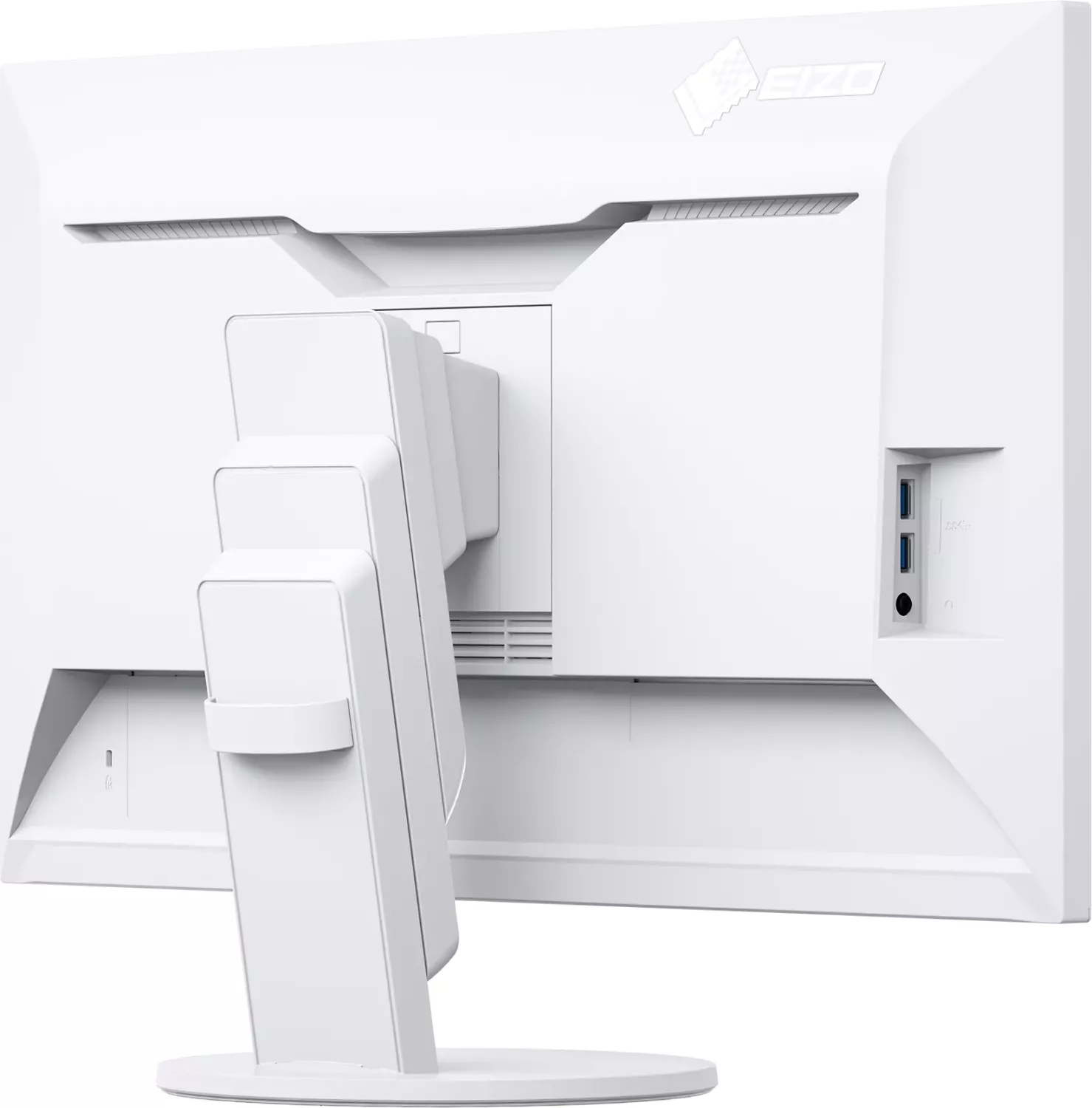
2x HDMI 2.0, 1x DisplayPort 1.2, 1x USB-C 3.0 with DisplayPort 1.2 (Upstream, 5Gb/s, PD 60W), 2x USB-A 3.0 (Downstream, 5Gb/s), 1x 3.5mm jack (Line-Out), 1x 3.5mm jack (Line-In), 1x AC-In C13 (Power connection)
Shape
straight (flat)
Viewing angle
178°/178°
Coating
non-glare (matte)
Color depth
8bit (16.7 million colors)
FRC
N/A (8bit native)
sRGB
100%
LUT (Lookup table)
10bit, Factory calibration
Certifications/Standards
DICOM
Speakers
Speakers (2x 1W)
Ergonomics
with stand, height adjustable (7.01in), Pivot (+90°), rotatable (+172°), tiltable (+35°/-5°)
VESA
100x100 (occupied)
Power consumption
163W (maximum), 31W (typical), 0.5W (Standby), 36W (Energy label old A+++ to G)
Energy efficiency SDR (A to G)
28kWh/1000h (G)
Energy efficiency old (A+++ to G)
52.6kWh (A)
Special features
Light sensor, Picture-in-Picture, Slim Bezel
Screen-to-Body Ratio
92.39% (calculated)
Dimensions
24.06x21.46x9.06in (WxHxD) with stand compressed, 24.06x14.02x1.97in (WxHxD) without stand
Weight
18.08lb (with stand), 10.79lb (without stand)
Power supply
internal
Warranty
five years (On-site replacement service)
USB notation
Link
Product Description
Eizo FlexScan EV2785: A Clean 4K Workspace for Everyday Productivity
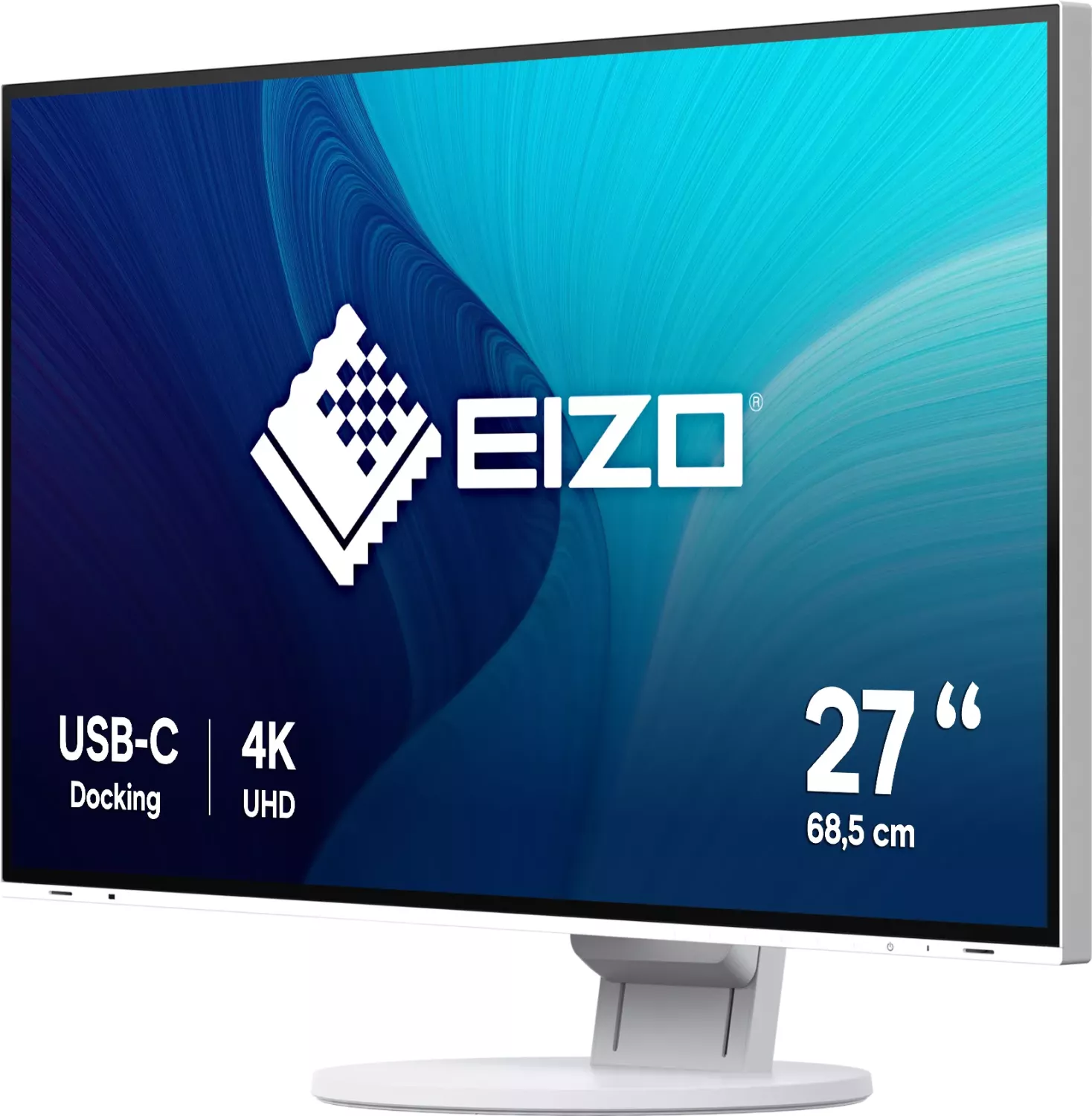
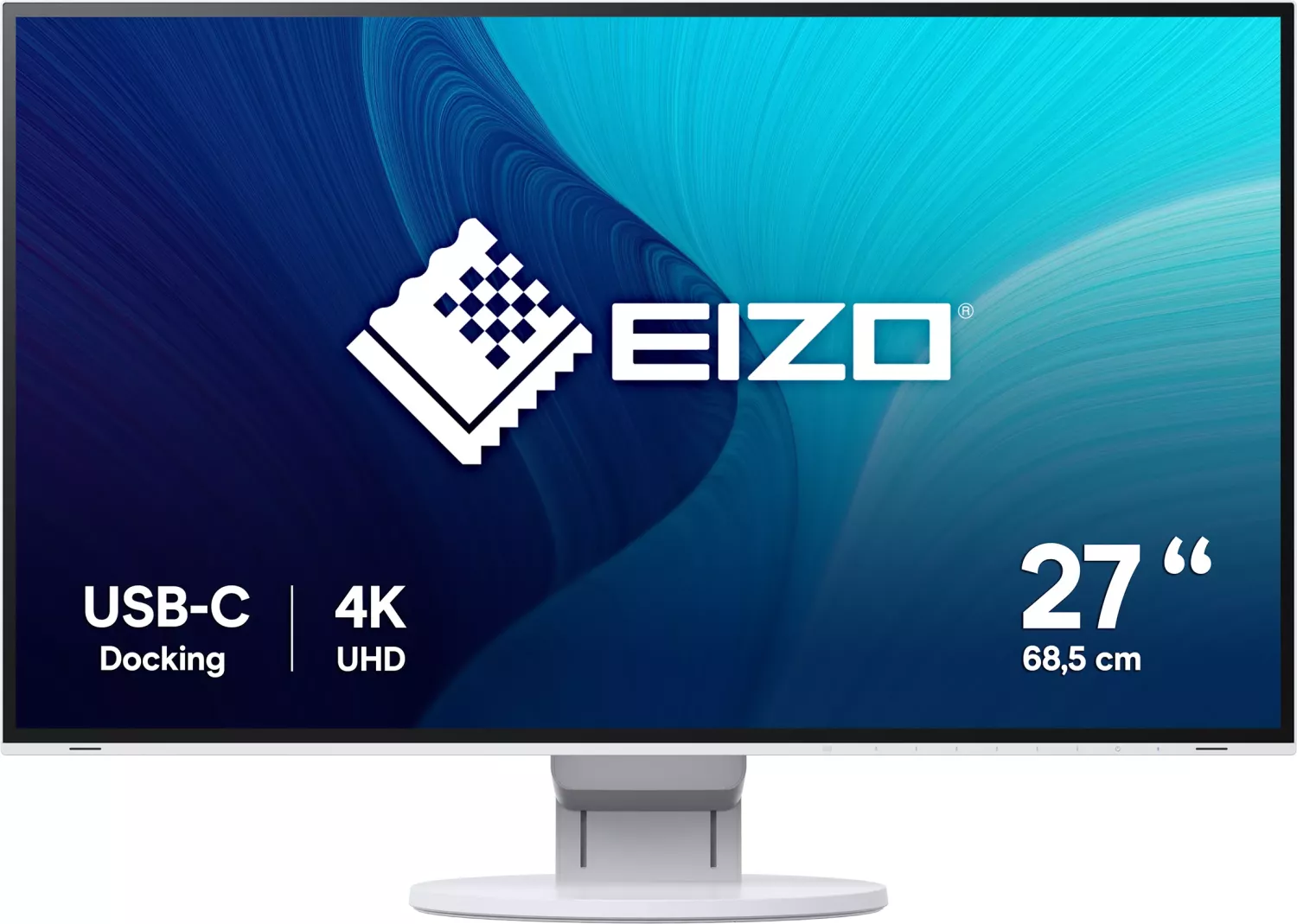
The Eizo FlexScan EV2785 Manual highlights a monitor designed for professionals who want sharp visuals, flexible connectivity, and low-effort comfort in a single desktop solution. The FlexScan EV2785 is a 27-inch 4K UHD color LCD monitor that focuses on practical productivity rather than flashy extras, making it a strong fit for offices, home workstations, and multi-device setups.
One of its biggest strengths is the USB-C connection with DisplayPort Alt Mode and USB Power Delivery. That means a compatible laptop can send video to the screen while also receiving power through the same cable, helping reduce desk clutter. The monitor also includes HDMI and DisplayPort inputs, so switching between a notebook, desktop PC, or other source is straightforward. For users who like side-by-side workflows, Picture-by-Picture support makes it easier to compare documents, manage dashboards, or work across two systems at once.
Image quality is another major advantage. The 3840 × 2160 resolution delivers crisp text and detailed graphics, while the IPS panel offers wide viewing angles and consistent color from different positions. The EV2785 also includes preset display modes such as sRGB, Paper, Movie, and DICOM, allowing users to adapt the screen for photos, reading, media, or specialized image viewing. Built-in adjustment tools like brightness, contrast, gamma, saturation, and overdrive help fine-tune the display to match different tasks.
Eizo also puts a strong focus on comfort and efficiency. Auto EcoView adjusts brightness based on ambient light, while EcoView Optimizer 2 helps reduce power use without making the screen feel dim or flat. The stand supports height adjustment, tilt, swivel, and rotation, which makes it easier to build an ergonomic setup. Add in a USB hub, speakers, headphone jack, and cable management accessories, and the EV2785 becomes a well-rounded monitor for daily use.
Notes
- Best suited for productivity, office work, and mixed-device workflows.
- USB-C with charging is ideal for cleaner laptop-based desks.
- DICOM mode is included, but it is not intended for diagnostic use.
- Long-term use is supported by energy-saving and eye-comfort features.
Search for 67,706 Manuals online


Type-in Brand or Model