
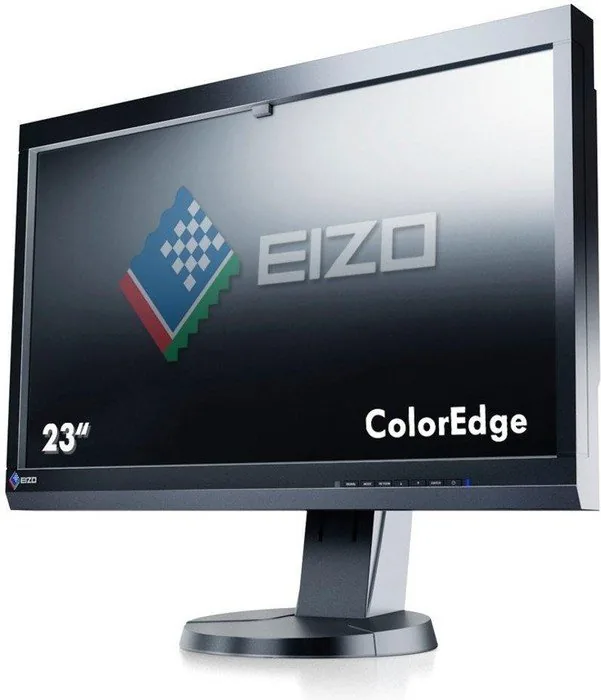
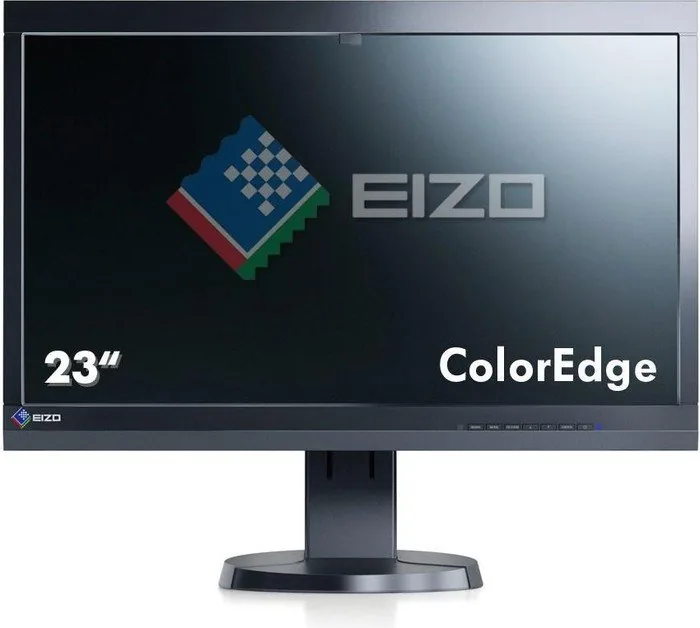
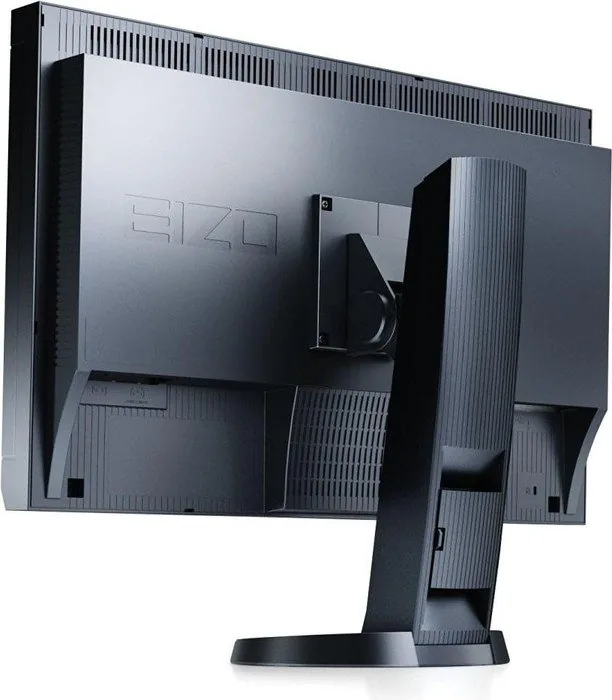
Eizo ColorEdge CS230 Manual
PDF manual · 76 Pages
English



Quick check
Incorrect answer, please try again.
Chat with your Eizo ColorEdge CS230 manual using AI
Get instant AI answers from your Eizo ColorEdge CS230 manual
Ask anything about the Eizo ColorEdge CS230. Answers come from this manual, with the pages they are based on.
Ask a Question
Do you recommend ColorEdge CS230?
Yes No
Lukas Weber
8 months ago
Does this monitor support accurate 10-bit color grading for professional work?

Manual.ly
8 months ago
Yes, verified users confirm accurate 10-bit color grading capabilities. If you experience any hardware issues, our replacement process is efficient, often resolving non-functional units within one day. This display is recommended for professional workflows.
Frequently Asked Questions
The native resolution is 1920 pixels horizontally and 1080 lines vertically, providing high-definition clarity for graphic design and photo editing tasks.
Is this answer helpful?
Yes, the monitor features multiple color modes such as User1, Paper, Adobe RGB, sRGB, and CAL modes to accommodate different color matching standards and workflows.
Is this answer helpful?
The monitor has a built-in sensor for SelfCorrection which maintains accuracy over time. However, users should review settings in ColorNavigator regularly for optimal results.
Is this answer helpful?
It supports DVI-I, HDMI, and DisplayPort inputs, allowing flexible connectivity with various computers and multimedia devices while supporting HDCP for protected content.
Is this answer helpful?
Yes, it includes Auto EcoView and standard power save functions that adjust brightness based on ambient light and reduce consumption when the monitor is idle.
Is this answer helpful?
Yes, it supports portrait mode. You can rotate the screen 90 degrees clockwise and change the adjustment menu orientation for vertical display setups.
Is this answer helpful?
Advantages and Disadvantages
Advantages

- Built-in correction sensor enables automatic SelfCorrection technology for consistent display quality
- IPS panel provides wide 178-degree viewing angles with consistent color reproduction
- Supports multiple color modes including Adobe RGB and sRGB for professional workflows
- Ergonomic stand allows tilt, height, and swivel adjustments for comfortable viewing
- Multiple connection options including DVI-I, HDMI, and DisplayPort for versatile setups
Disadvantages

- Requires a 30-minute warm-up period for electrical parts to stabilize before use
- No built-in audio speakers support, requiring external audio devices for sound
- Full ColorNavigator licensing may be required for advanced calibration features
- HDMI signals on some models may not display using the entire physical screen
- Calibration software requires a USB connection to the monitor for data transfer
Product Specification
Function
Monitor (Stationary)
Diagonal
23 inch (23.00 inches)
Resolution
1920x1080 (FHD), 16:9, 96ppi
Panel
IPS (E-IPS), Manufacturer: LG Display (LM230WF3-SLD1)
Backlight
LED, flicker-free
Brightness
300 cd/m^2 (Typical)
Contrast
1,000:1 (Static)
Response Time
10.5ms (GtG)
Refresh Rate
60Hz (1920x1080)
Signal Frequency
26-68kHz (H) / 24-63Hz (V)
Connectors
1x HDMI, 1x DisplayPort, 1x DVI, 2x USB-B 2.0 (Upstream, 480Mb/s), 2x USB-A 2.0 (Downstream, 480Mb/s), 1x AC-In C13 (Power In)
Shape
Straight (Flat)
Viewing Angle
178^o/178^o
Coating
Non-Glare (Matte)
Color Depth
10bit (1.07 Billion Colors)
FRC
Yes (8bit+2bit)
sRGB
97%
Adobe RGB
75%
DCI-P3
75%
LUT (Lookup Table)
16bit, Hardware Calibration (Eizo SelfCalibration)
Controls
Mechanical Buttons
Ergonomics
with Stand, height adjustable (6.30 inch), Pivot (+90^o), rotatable (+/-172^o), tiltable (+30^o/-0^o)
VESA
100x100 (Mounted)
Power Consumption
54W (Max), 21W (Typical), 0.5W (Standby), 36W (Old Energy Label A+++ to G)
Old Energy Efficiency (A+++ to G)
52.6 kWh (C)
Screen-to-Body-Ratio
75.94% (Calculated)
Dimensions
21.42 x 20.87 x 9.84 inch (WxDxH) with Stand compressed, 21.42 x 13.90 x 2.95 inch (WxDxH) without Stand
Color
Black (Display Bezel) / Black (Lower Bezel) / Black (Stand)
Weight
16.53 lbs (with Stand), 10.58 lbs (without Stand)
Power Supply
Internal
Warranty
five years (On-Site Exchange Service)
USB Notation
Left
Product Description
The Professional Standard for Color Accuracy in Modern Workflows
The Eizo ColorEdge CS230 is a high-performance display tailored for creative professionals who demand extreme precision. To ensure optimal performance and safety, users should carefully consult the Eizo ColorEdge CS230, 23 Manual for detailed setup instructions regarding power connections and initial calibration. This 23-inch LCD panel utilizes high-quality IPS technology to deliver consistent colors from wide viewing angles up to 178 degrees horizontally and vertically. With a native resolution of 1920 by 1080 pixels, this monitor supports high-definition workflows efficiently for video editing and graphic design tasks.
Color Management and Precision Features
Color accuracy is the primary focus of this device and a selling point for its class. It supports multiple color modes including standard sRGB and wide Adobe RGB gamuts to cater to various specific workflows in print and digital media. Advanced adjustments allow users to tweak gamma, hue, saturation, and gain levels individually for precise control. The built-in correction sensor enables SelfCorrection technology, automatically maintaining display fidelity over time without needing external hardware probes constantly connected during operation.
Physical Design and Connectivity Options
Ergonomics are vital for long work sessions in studio environments. The monitor stand offers tilt, adjustable height, and swivel adjustments for comfortable viewing regardless of desk size. It includes versatile DVI-I, HDMI, and DisplayPort inputs for broad connectivity with modern and legacy devices. Users can switch inputs easily using the front-mounted buttons. A power-saving feature reduces energy consumption during idle periods significantly, aligning with green office standards.
Software Suite and Calibration Procedures
Comprehensive software support is included on the EIZO LCD Utility Disk. Tools like ColorNavigator help generate ICC profiles for color matching across different devices. Users can adjust brightness and contrast remotely through the provided application interfaces. Regular updates and firmware checks ensure the system remains compatible with new operating systems like Windows 10 or macOS. For detailed troubleshooting, the documentation provides step-by-step guides for resolving signal issues safely without damaging the panel.
Resolution and Signal Settings
Flexible resolution options allow the screen to adapt to different graphics cards. The user can enable 10-bit color output via DisplayPort for smoother gradients in supported applications. HDMI settings allow for noise reduction in video playback. Screen size settings can be adjusted to Full or Normal depending on the aspect ratio of the incoming signal. This flexibility ensures the monitor works well with legacy systems or the latest gaming PCs without distortion.
Final Thoughts on Performance
Investing in this monitor enhances productivity for photographers and editors daily. Proper maintenance and following the manual prevent common issues like backlight flicker or dead pixels appearing on the screen. It requires a thirty-minute warm-up period for electrical parts to stabilize before calibration. Overall, it represents a solid choice for color-critical environments demanding reliability and precision in daily creative tasks without compromise.
Usage Notes
Always connect the power cord provided with the product. Signal cables specified by the manufacturer are required for warranty coverage. Place the monitor on a stable surface away from direct sunlight to avoid overheating. If the screen appears dark or flickers after long use, contact a local representative for potential panel replacement.
Search for 67,706 Manuals online


Type-in Brand or Model
Thomas Weber
7 months ago
Does this monitor support 10-bit colorgrading, and how fast is the replacement for defective units?
Manual.ly
7 months ago
Yes, the screen supports 10-bit color depth suitable for professional workflows like colorgrading. If a unit arrives defective, we typically process replacements within one day. Please contact our support team immediately to initiate this process and ensure minimal downtime.