
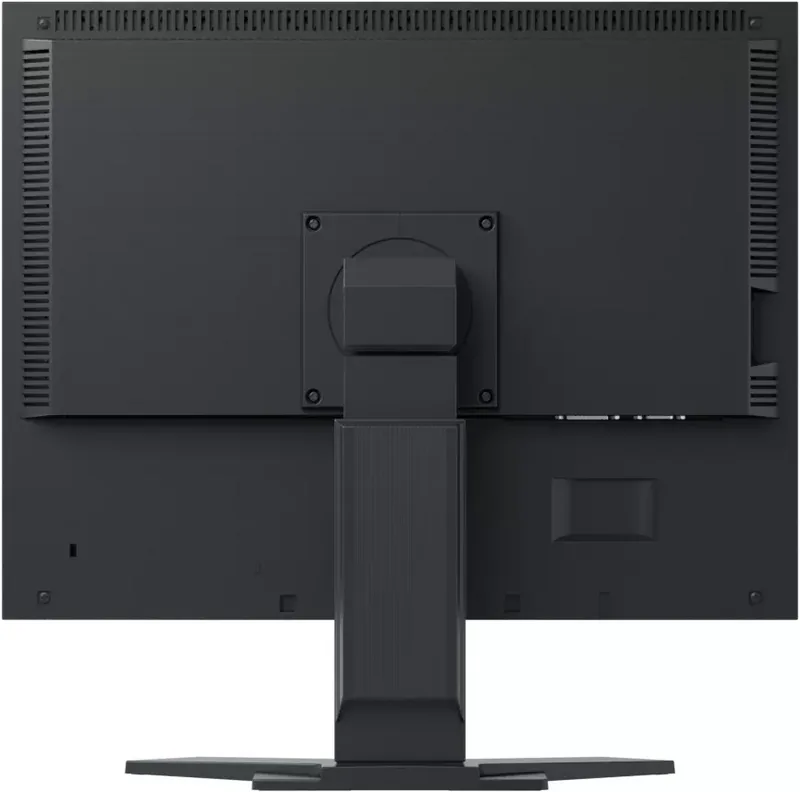
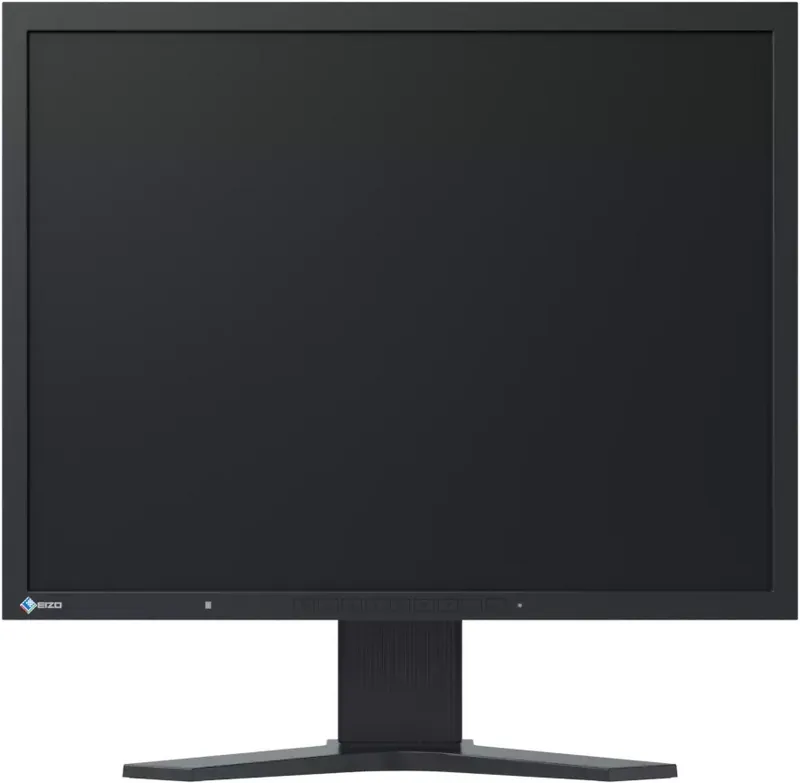
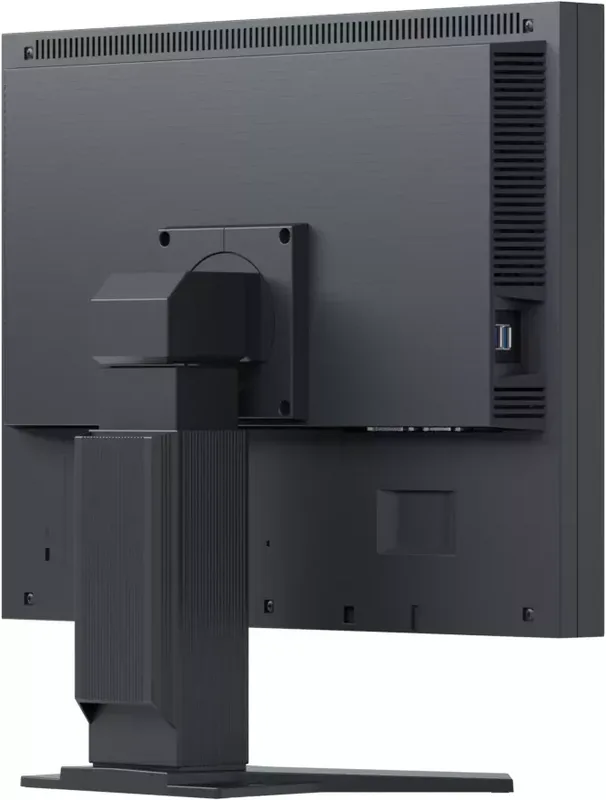
Eizo FlexScan S2133 Manual
PDF manual · 63 Pages
English



Quick check
Incorrect answer, please try again.
Chat with your Eizo FlexScan S2133 manual using AI
Get instant AI answers from your Eizo FlexScan S2133 manual
Ask anything about the Eizo FlexScan S2133. Answers come from this manual, with the pages they are based on.
Ask a Question
Do you recommend FlexScan S2133?
Yes NoFrequently Asked Questions
Connect the appropriate signal cable such as DisplayPort or DVI to the monitor input connector. Ensure the graphics board supports the resolution. Use the D-Sub connector for analog signals if necessary. The USB cable must also be connected to enable the USB hub function if peripherals are needed. Check the compatibility tables in the technical specifications for best results.
Is this answer helpful?
The warranty period is limited to five years from the date of purchase or 30000 hours of use. This covers defects in the product during normal use. Repairs may be replaced or fixed at no charge. Proof of purchase is required for claims. Normal deterioration of consumable parts is not covered.
Is this answer helpful?
Yes, an optional arm or stand can be attached by removing the included stand section. Ensure the arm conforms to the VESA standard with 100 mm clearance. Follow the instructions in the setup guide for safe attachment. Connect cables after attaching the arm to ensure stability.
Is this answer helpful?
Periodic cleaning is recommended to keep the monitor looking new and prolong operation. Use a soft cloth moistened with water. Do not use alcohol thinner or abrasive cleaners. Avoid scratching the panel with sharp objects. Wait for dew condensation to disappear before turning power on.
Is this answer helpful?
The monitor supports a resolution of 1600 by 1200 pixels. This is the recommended resolution for the best image quality. The VESA standard is applicable for most digital and analog signals. The graphics board should support the required vertical scan frequency.
Is this answer helpful?
Advantages and Disadvantages
Advantages

- Five year warranty covers defects and damage for peace of mind in business environments.
- USB hub functionality simplifies peripheral connections and reduces cable clutter on the desk.
- Auto EcoView adjusts brightness based on ambient light to reduce eye strain effectively.
- Multiple input options including DisplayPort and D Sub support diverse hardware setups.
- EcoView Optimizer 2 reduces power consumption without compromising screen quality visibility.
Disadvantages

- Analog signal requires manual adjustments for position and clock settings regularly.
- No HDMI port included which limits compatibility with some modern devices.
- Stand height adjustment is limited compared to dedicated ergonomic arm mounts.
- Power saving features require configuration changes to activate fully on older systems.
- Backlight lifetime is fixed and replacement requires professional service assistance later.
Product Specification
Function
Monitor (stationary)
Diagonal
21.3 inches (21.30 inches)
Resolution
1600x1200 (UXGA), 4:3, 94 ppi
Panel
IPS
Backlight
LED
Brightness
420 cd/m2 (typical)
Contrast
1,500:1 (static)
Response Time
6ms (GtG)
Refresh Rate
60Hz (1600x1200)
Frequencies
31-76kHz (H) / 59-61Hz (V)
Ports
1x VGA (60Hz@1600x1200), 1x DisplayPort, 1x DVI, 1x USB-B 2.0 (Upstream, 480Mb/s), 2x USB-A 2.0 (Downstream, 480Mb/s), 1x AC-In C13 (Power Input)
Shape
Straight (flat)
Viewing Angle
178 deg / 178 deg
Surface
Non-glare (matte)
Color Depth
8bit (16.7 Million colors)
FRC
Unknown
Certifications/Standards
EPEAT Gold
Controls
Mechanical buttons
Ergonomics
With stand, height adjustable (3.23 inches), Pivot (+90 deg), swivel (+/-35 deg), tilt (+40 deg / -0 deg)
VESA Mount
100x100 (used)
Power Consumption
45W (max), 13W (typical), 0.3W (Standby)
SDR Energy Efficiency (A to G)
17kWh/1000h (E)
Features
Security lock (Kensington Security Slot), Light sensor
Screen-to-Body Ratio
83.69% (calculated)
Dimensions
18.31x17.13x8.21 inches (WxHxD) with stand compressed, 18.31x14.21x2.52 inches (WxHxD) without stand
Weight
17.86 lbs (with stand), 11.24 lbs (without stand)
Power Supply
Internal
Warranty
five years (On-site Exchange Service)
USB Orientation
Left
Product Description
The Eizo FlexScan S2133 Manual often highlights its robust design for office environments. This 21.3 inch monitor utilizes high precision technology to ensure clarity in every display session. Users can enjoy a native resolution of 1600 by 1200 pixels which is ideal for productivity tasks and detailed work. The IPS panel technology supports wide viewing angles for shared workspaces without color shifting issues. Connectivity remains versatile with DisplayPort DVI and D Sub inputs available for various system requirements and legacy equipment. Advanced features like the FineContrast mode allow users to adapt the screen to specific content types including documents and movies. Power management is a strong suit with EcoView Optimizer 2 reducing energy use while maintaining brightness levels. The built in ambient light sensor adjusts automatically throughout the day ensuring eye comfort.
Setup involves connecting cables and utilizing the utility disk for software installation. The ScreenManager Pro software aids in on screen adjustments easily without physical buttons. Cleaning requires a soft cloth and water while avoiding harsh chemicals to prevent casing damage. Warranty coverage extends for five years or thirty thousand hours of operation providing peace of mind for businesses. Troubleshooting guides suggest checking connections and using auto adjustment functions for best signal stability and clarity. Users are advised to wait thirty minutes after power on for electrical parts to stabilize before fine tuning colors.
The monitor includes a USB hub for peripheral connectivity which simplifies desk cabling and organizes workspace effectively. Security features like the Kensington slot help protect against theft in public settings or shared offices. Adjustment buttons on the front panel include power menu navigation and input selection controls for intuitive operation. Screen Size changing allows full screen enlargement for presentations while retaining aspect ratios where necessary for content. Resetting settings to default provides a quick fix for configuration errors or user preferences. Ergonomic adjustments allow tilt swivel and height changes to suit individual posture preferences during long sessions.
This product adheres to regulatory standards like FCC TCO and ENERGY STAR for safety and efficiency compliance. The LED backlight ensures longevity while managing heat effectively during extended hours of use over years. Overall it serves as a reliable solution for standard business graphics and general computing tasks requiring stability. For further details on specific settings and calibration procedures consult the Eizo FlexScan S2133 Manual for complete technical specifications. Users should also note the importance of environmental conditions for humidity and temperature. Regular maintenance helps to maintain the display performance over time. The device is designed to operate reliably across a wide range of usage scenarios provided the cables and power are secure. Proper ventilation is essential to prevent overheating during operation.
Search for 67,706 Manuals online


Type-in Brand or Model