
Eizo DuraVision FDF2304W-IP Manual
PDF manual · 36 Pages
English



Quick check
Incorrect answer, please try again.
Chat with your Eizo DuraVision FDF2304W-IP manual using AI
Get instant AI answers from your Eizo DuraVision FDF2304W-IP manual
Ask anything about the Eizo DuraVision FDF2304W-IP. Answers come from this manual, with the pages they are based on.
Ask a Question
Do you recommend DuraVision FDF2304W-IP?
Yes NoFrequently Asked Questions
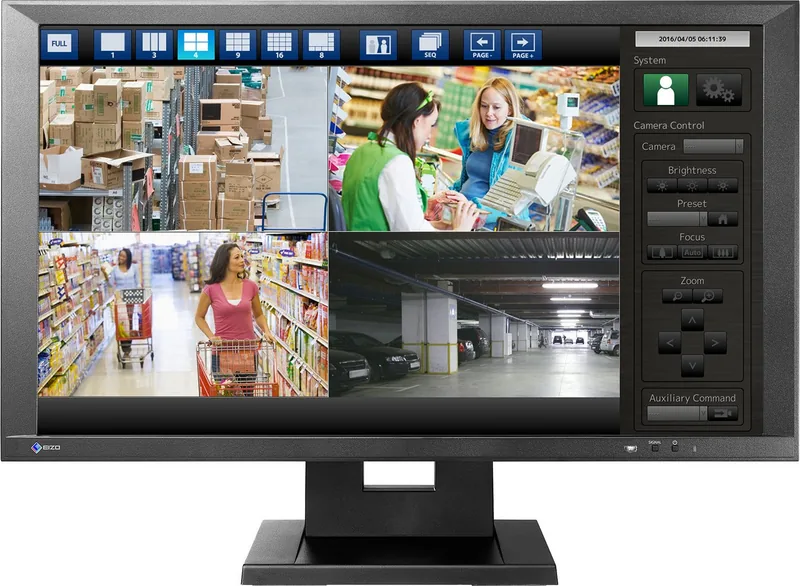
The Eizo DuraVision FDF2304W-IP can support the display of up to sixteen network cameras simultaneously. This capability is dependent on the network setup and bandwidth. The monitor utilizes IEEE802.3ab standards for connection via network hubs. Each camera can be assigned to a specific position on the screen using the setup wizard.
Is this answer helpful?
The native resolution of this 23-inch monitor is 1920 by 1080 pixels. This Full HD resolution allows for clear detail when viewing security feeds. The screen size is 58 cm diagonally. The IPS panel technology helps maintain color accuracy at this resolution.
Is this answer helpful?
Yes, the monitor features an HDMI input for digital signals. It supports various video signal formats including 480p and 1080p at different refresh rates like 50Hz or 60Hz. This allows users to connect network video recorders or other video sources for monitoring.
Is this answer helpful?
Users must be cautious when handling the AA batteries for the remote control. Do not dismantle short-circuit or throw batteries in water. Use batteries of the same type and replace them all at once. If leakage occurs, wash the area immediately.
Is this answer helpful?
Yes, the device includes two USB input ports. These support the USB 2.0 specification and can provide power or data connectivity. This feature allows for basic menu operations using a USB mouse without relying solely on the remote control.
Is this answer helpful?
The monitor should not be used outdoors or in dusty or moist environments. Avoid locations with corrosive gases like sulfur dioxide. Direct sunlight and heat generating devices nearby should also be avoided to prevent damage and safety hazards.
Is this answer helpful?
Advantages and Disadvantages
Advantages

- IPS panel ensures wide 178 degree viewing angles.
- Supports up to 16 network cameras simultaneously.
- Includes HDMI port for versatile signal input.
- Easy Setup wizard simplifies initial configuration.
- Sturdy build with Eizo reliability standards.
Disadvantages

- Stand only tilts up and down without rotation.
- Requires specific network hub for camera connection.
- Manual has extensive safety warnings to follow.
- Remote control batteries must be replaced correctly.
- Specific voltage requirements for different regions.
Product Specification
Feature
Monitor (stationary)
Screen Size
23 inches
Resolution
1920x1080 (FHD), 16:9, 96 ppi
Panel
IPS
Backlight
LED, flicker-free
Brightness
300 cd/m2 (typical)
Contrast
1,000:1 (static)
Response Time
8ms (GtG)
Refresh Rate
60Hz (1920x1080)
Signal Frequency
31-68kHz (H) / 49-61Hz (V)
Connections
1x HDMI 1.4, 1x USB-B 2.0 (Upstream, 480Mb/s), 2x USB-A 2.0 (Downstream, 480Mb/s), 1x RJ-45 1Gb LAN, 1x AC In C13 (Power connection)
Shape
straight (flat)
Viewing Angle
178° / 178°
Coating
non-glare (matte)
Color Depth
10-bit (1.07 billion colors)
Frame Rate Control
unknown
Controls
mechanical buttons
Ergonomics
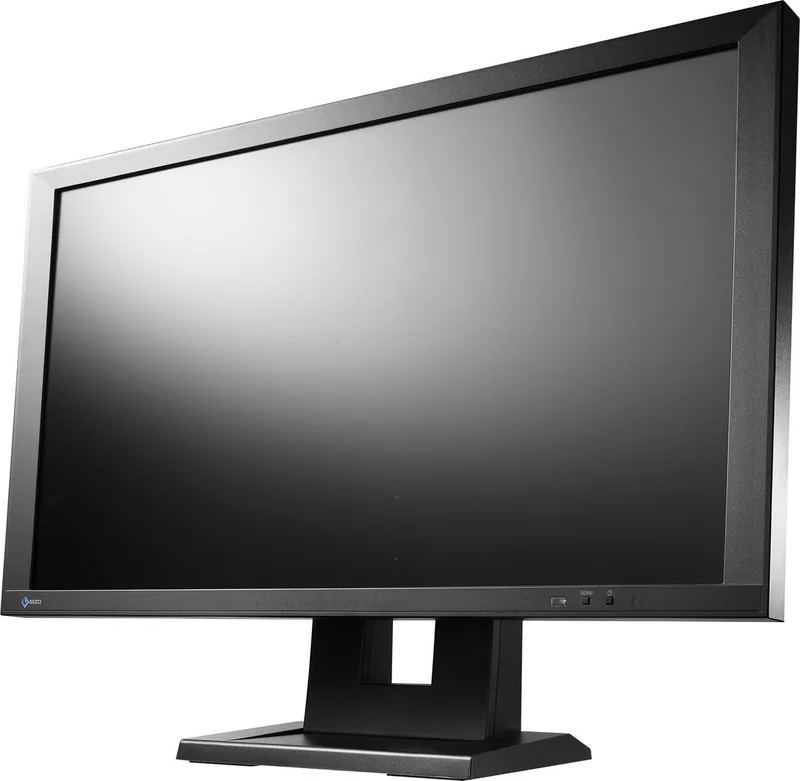
with stand, height adjustable N/A, Pivot N/A, rotatable N/A, tiltable (+30° / -0°)
VESA Mount
100x100 (Standard)
Power Consumption
61W (max), 3W (Standby), 39W (Old Energy Label A+++ to G)
Old Energy Efficiency (A+++ to G)
56.9kWh (C)
Features
Security lock (Kensington Security Slot)
Screen-to-Body Ratio
79.70% (Calculated)
Dimensions
22.17x16.18x6.18in (WxHxD) with stand folded, 22.17x12.80x2.48in (WxHxD) without stand
Color
black (display frame) / black (lower bezel) / black (stand)
Weight
17.42 lbs (with stand), 12.13 lbs (without stand)
Power Supply
Internal
Warranty
2 years (On-site replacement service)
USB Notation
Link
Product Description
Eizo DuraVision FDF2304W-IP Review
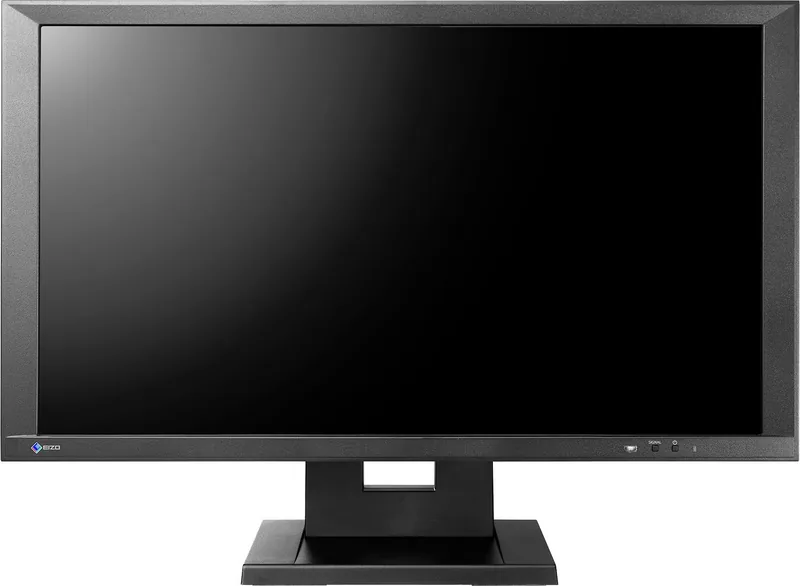
The Eizo DuraVision FDF2304W-IP is a specialized 23-inch monitor designed primarily for security and surveillance applications. This display integrates seamlessly with network cameras to provide crystal clear quality monitoring solutions. Users looking for a reliable tool will find the 23-inch Manual highly detailed regarding installation and configuration. This device stands out in the market due to its IPS panel technology which ensures wide viewing angles and consistent color reproduction across the 1920 by 1080 native resolution. The screen size is exactly 58 cm diagonally which makes it ideal for desk use.
Setting up the system is intuitive thanks to the Easy Setup wizard. This feature allows users to configure date, time, and network settings directly on the screen. You can connect up to sixteen network cameras simultaneously through a standard network hub utilizing the IEEE802.3ab standard. For additional connectivity, an HDMI port is available for video signals, supporting various input formats including VGA and D-Sub. This makes it versatile for different security setups. The setup process ensures that even technical barriers are overcome during initial deployment phases.
The build quality reflects Eizo standards with a sturdy frame designed for continuous operation. However, safety precautions are emphasized in the documentation. Users must ensure proper grounding and avoid placing the device in environments with dust or moisture. The manual warns against disassembling the unit yourself to maintain safety standards regarding electricity and heat. Battery safety for the remote control is also highlighted to prevent leakage or explosion risks. Proper handling is crucial to prevent physical damage during transport or daily operation.
Technical specifications include a response time of approximately sixteen milliseconds. This ensures low latency when monitoring live feeds. The monitor consumes sixty-one watts or less during peak usage. Its dimensions are compact enough for multi-monitor rigs. The product supports USB input for basic menu operations without needing the remote. Overall, the Eizo DuraVision FDF2304W-IP offers a robust solution for professional monitoring needs. Regarding the manual guide, it covers everything from initial unpacking to final display adjustments. The remote control setup is also explained clearly for convenient access without touching the screen buttons. This flexibility is beneficial in security rooms where the operator might be seated far away. Connectivity options remain a strong point of this hardware model.
Notes
Always refer to the latest version available online. Keep all the packaging materials for future shipping options if needed.
Search for 67,706 Manuals online


Type-in Brand or Model