
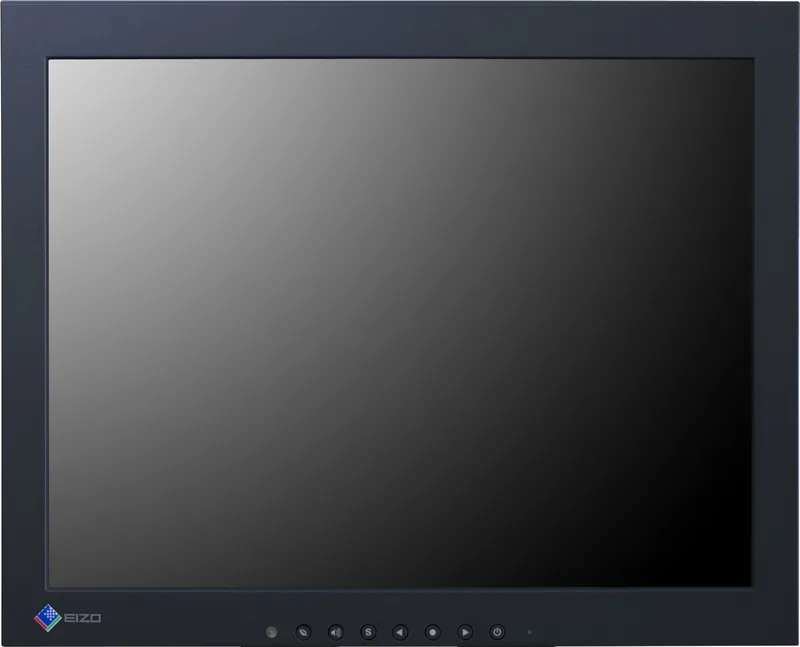
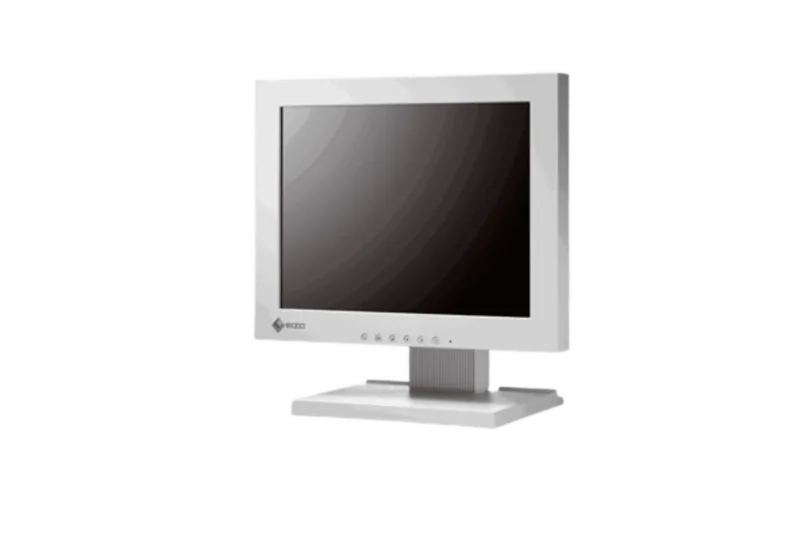
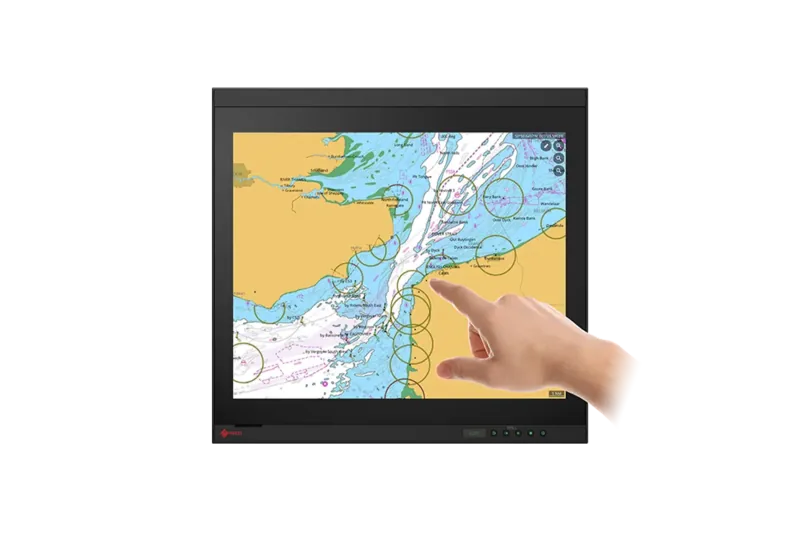
Eizo DuraVision FDX1203-P Manual
PDF manual · 104 Pages
English



Quick check
Incorrect answer, please try again.
Chat with your Eizo DuraVision FDX1203-P manual using AI
Get instant AI answers from your Eizo DuraVision FDX1203-P manual
Ask anything about the Eizo DuraVision FDX1203-P. Answers come from this manual, with the pages they are based on.
DuraVision FDX1203-P Maintenance Schedule
Use a soft cloth moistened with water or optional ScreenCleaner. Do not use alcohol, thinner, benzene, wax, or abrasive cleaners.
To prevent eye strain, take a rest for approximately 10 minutes after every hour of continuous viewing.
Ask a Question
Do you recommend DuraVision FDX1203-P?
Yes NoFrequently Asked Questions
No, it is designed for enclosure mounting to ensure safety. Using the bare monitor separately can cause electric shock or equipment damage.
Is this answer helpful?
No audio output is provided in this industrial display model. It focuses on visual data presentation for machinery.
Is this answer helpful?
Windows XP through Windows 11 are supported depending on the specific variant. Mac OS is not supported for touch drivers.
Is this answer helpful?
Yes, the surface hardness is rated at 2H for durability. Avoid using sharp objects or abrasive tissues on the panel.
Is this answer helpful?
Use a soft cloth with water. Avoid alcohol, solvents, or wax as they may damage the coating or casing.
Is this answer helpful?
Video signals are standard, but touch drivers focus on Windows primarily. Basic display functionality should work generally.
Is this answer helpful?
Typical response time is 25 milliseconds for black to white transitions on the 12.1 inch model variants.
Is this answer helpful?
Advantages and Disadvantages
Advantages

- Robust design for industrial enclosure mounting without exposed components.
- Clear 12.1-inch display with LED backlight for longevity and efficiency.
- Flexible connectivity with DVI-D and analog D-Sub input options.
- Touch capability available on selected variants for intuitive control.
- Low power consumption helps reduce overall system energy usage.
Disadvantages

- Requires external cabinet for safe standalone use and electrical safety.
- TN panel technology offers narrower viewing angles compared to IPS.
- Touch models need specific driver installation for full functionality.
- Power input requires DC terminal block connections rather than standard plugs.
- Not suitable for consumer home entertainment or gaming purposes.
Product Specification
Function
Monitor (stationary)
Diagonal
12.1 inch (12.09 in)
Resolution
1024x768 (XGA), 4:3, 106 ppi
Panel
TN
Backlight
LED
Brightness
920 cd/m2 (typical)
Contrast
600:1 (static)
Response Time
25ms (GtG)
Refresh Rate
60Hz (1024x768)
Signal Frequency
24-61kHz (H) / 55-76Hz (V)
Connections
1x VGA, 1x DVI, 1x AC-In C13 (Power inlet)
Shape
Straight (flat)
Viewing Angle
160 deg/140 deg
Color Depth
8-bit (16.7 Million Colors)
FRC
Unknown
Ergonomics
Without base, height adjustable N/A, pivot N/A, rotatable N/A, tiltable N/A
VESA
100x100 (free)
Power Consumption
15W (maximum), 0.5W (standby)
Screen-to-body ratio
63.43% (calculated)
Dimensions
11.77 x 9.41 x 2.19 in (W x H x D) without base
Color
Black (display bezel) / black (bottom frame) / black (rear cover)
Weight
5.29 lbs (without base)
Power Supply
Internal
Warranty
Two years (On-site exchange service)
USB notation
Link
Product Description
Eizo DuraVision FDX1203-P Overview
In the world of industrial automation, selecting the right display interface determines system efficiency. The Eizo DuraVision FDX1203-P (without stand), 12.1 offers a reliable visual output for embedded systems. Designed for enclosure integration, this monitor eliminates the clutter of traditional desktop setups. It provides essential visibility for operators managing complex machinery processes daily. With its rugged build quality, it withstands conditions found on factory floors better than consumer electronics.
Display Specifications
The screen features a 12.1-inch diagonal visible area utilizing TN panel technology. A native resolution of 1024 by 768 pixels ensures sufficient detail for schematic diagrams and software interfaces. LED backlighting delivers stable luminance throughout the operating life cycle. Operators can configure color modes to suit specific visibility requirements. The panel responds quickly to input changes, minimizing lag during critical operations. Brightness adjustments help mitigate glare in well-lit industrial environments effectively. Temperature ranges are maintained to ensure stable electronic performance during storage and transport.
Integration Features
Connecting this unit to a host computer involves straightforward wiring protocols. Dual signal input options include DVI-D digital ports alongside standard analog video jacks. Power consumption remains low at approximately fifteen watts under load, aiding energy conservation. Touch-enabled models utilize resistive film layers for durable interaction points. External mounting screws secure the device firmly within metal cabinets. Proper grounding prevents static discharge issues that could affect internal circuitry performance. Cable management is simplified with included clamping hardware for securing wires neatly.
Operational Guidelines
Safety protocols dictate that bare units must remain housed to prevent electrical hazards. Liquid ingress protection relies heavily on proper enclosure sealing around the perimeter. Users should avoid sharp objects that could puncture the front glass surface. Dust accumulation reduces optical clarity over time, necessitating periodic gentle cleaning procedures. If condensation occurs during temperature shifts, power should remain off until dryness returns. Following these steps guarantees long-term reliability and preserves warranty status for industrial clients worldwide. The setup process requires a thirty-minute warm-up period for the display electronics to stabilize fully. This ensures accurate color reproduction and consistent image quality from the start of every shift.
Search for 67,706 Manuals online


Type-in Brand or Model