
Eizo FlexScan EV3285 Manual
PDF manual · 48 Pages
English



Quick check
Incorrect answer, please try again.
Chat with your Eizo FlexScan EV3285 manual using AI
Get instant AI answers from your Eizo FlexScan EV3285 manual
Ask anything about the Eizo FlexScan EV3285. Answers come from this manual, with the pages they are based on.
FlexScan EV3285 Maintenance Schedule
Take a 10-minute break every hour to prevent eye fatigue.
Wipe the casing and LCD display with a soft cloth dampened with water. Do not use alcohol or other chemicals.
Ask a Question
Do you recommend FlexScan EV3285?
Yes NoFrequently Asked Questions
It is best suited for office work, multitasking, CAD-style tasks, and general professional use. The 4K resolution and large 31.5-inch panel make it easy to keep multiple windows open and readable at the same time.
Is this answer helpful?
Yes. Its USB-C connection supports video, data, and USB Power Delivery up to 60 W, so many laptops can run from a single cable while staying charged during use.
Is this answer helpful?
Yes. It supports Picture-by-Picture and Picture-in-Picture modes, allowing two or more inputs to be displayed simultaneously. This is useful for comparing sources, monitoring a second device, or reducing the need to switch inputs.
Is this answer helpful?
It includes several color modes such as sRGB and user presets, which help with flexible viewing and basic color matching. It is designed for professional use, though exact color workflow needs depend on the user’s setup and calibration.
Is this answer helpful?
Yes. The stand can be removed and the display can be attached to a compatible VESA arm or stand. Make sure the accessory follows the required VESA dimensions and can safely support the monitor’s weight.
Is this answer helpful?
Check the power connection, rear power switch, input selection, and signal cable. Also confirm the PC is on and sending a supported resolution and refresh rate. If needed, try another cable or input source.
Is this answer helpful?
Advantages and Disadvantages
Advantages

- 31.5-inch 4K IPS panel offers sharp detail and generous space for multitasking.
- USB-C supports video, data, and up to 60 W charging for cleaner laptop setups.
- PbyP and PinP modes make it easy to view multiple sources at once.
- EcoView tools and ergonomic stand help improve comfort during long work sessions.
Disadvantages

- Advanced menus and settings may feel complex for users who only want basic plug-and-play use.
- Motion handling is fine for work, but it is not aimed at fast gaming performance.
- Some functions depend on compatible cables, ports, and device support.
- DICOM mode exists, but the monitor is not meant for diagnostic medical use.
Product Specification
Function
Monitor (stationary)
Diagonal
31.5" (31.50in)
Resolution
3840x2160 (4K UHD), 16:9, 140ppi
Panel
IPS
Backlight
LED, Blue Light Filter, flicker-free
Brightness
350cd/m² (typical)
Contrast
1,300:1 (static)
Response Time
5ms (GtG)
Refresh Rate
60Hz (3840x2160)
Signal Frequency
31-134kHz (H) / 29-61Hz (V)
Connections
2x HDMI 1.4, 1x DisplayPort 1.2, 1x USB-C 3.0 with DisplayPort 1.2 (Upstream, 5Gb/s, PD 60W), 2x USB-A 3.0 (Downstream, 5Gb/s), 1x 3.5mm Jack (Line-Out), 1x AC-In C13 (Power Connection)
Shape
straight (flat)
Viewing Angle
178°/178°
Coating
non-glare (matte)
Color Depth
8bit (16.7 Million Colors)
FRC
N/A (8bit native)
sRGB
98%
LUT (Lookup Table)
10bit, Factory Calibration
Certifications/Standards
EPEAT Gold, DICOM
Speakers
Speakers (2x 1W)
Ergonomics
with Stand, height adjustable (5.87in), Pivot N/A, swivel (+172°), tilt (+35°/-5°)
VESA
100x100 (occupied)
Power Consumption
163W (maximum), 30W (typical), 0.5W (Standby), 30W (old energy label A+++ to G)
Energy Efficiency SDR (A to G)
34kWh/1000h (G)
Old Energy Efficiency (A+++ to G)
43.8kWh (A)
Special Features
Security Lock (Kensington Security Slot), Light Sensor, Picture-in-Picture, Slim Bezel
Screen-to-Body Ratio
91.71% (calculated)
Dimensions
28.23x16.81x9.06in (WxHxD) with stand compressed, 28.23x16.38x2.05in (WxHxD) without stand
Weight
24.25lb (with stand), 16.76lb (without stand)
Power Supply
internal
Warranty
five years
USB Naming Convention
Link
Product Description
Eizo FlexScan EV3285: a polished 4K workspace monitor
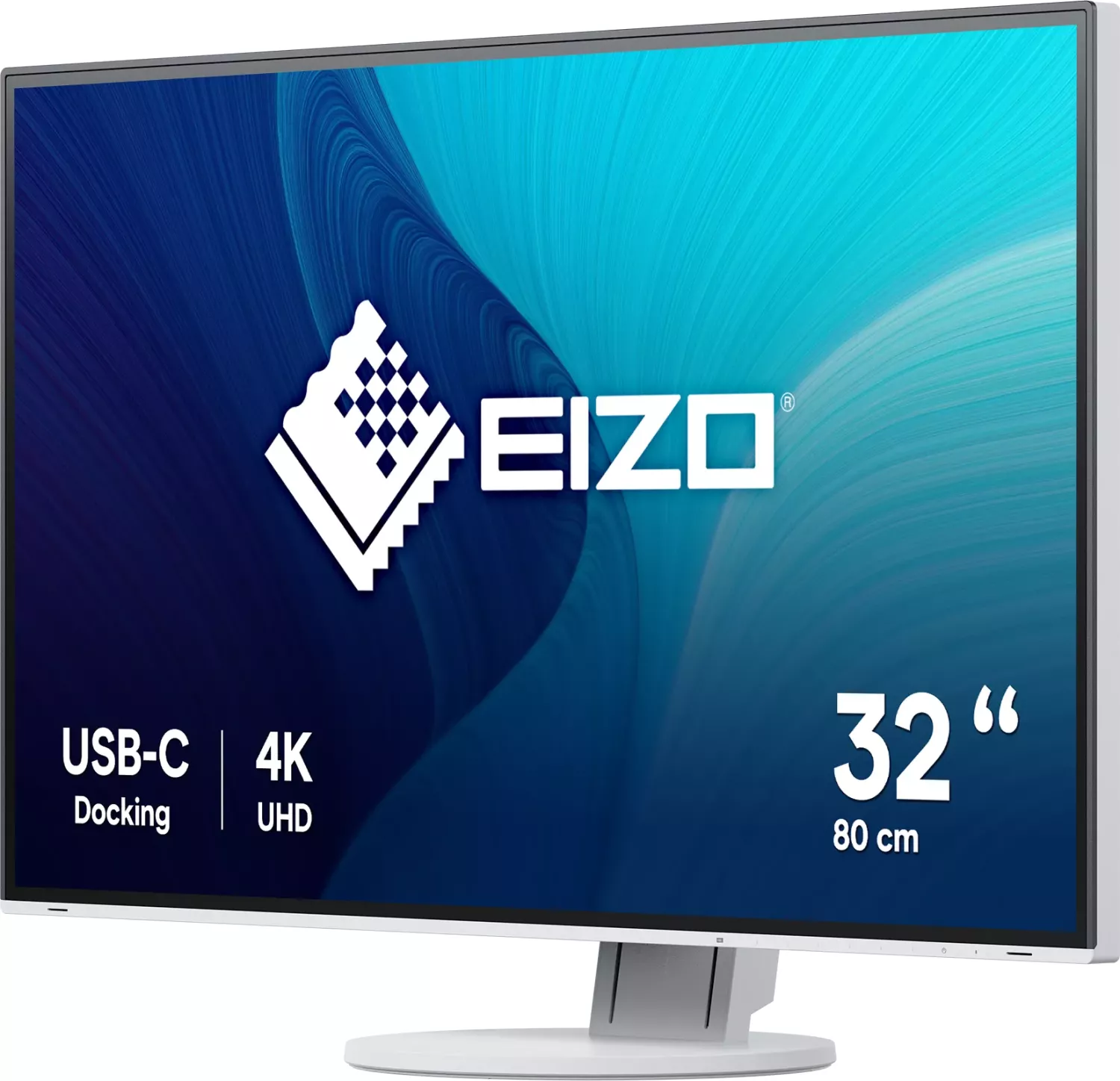
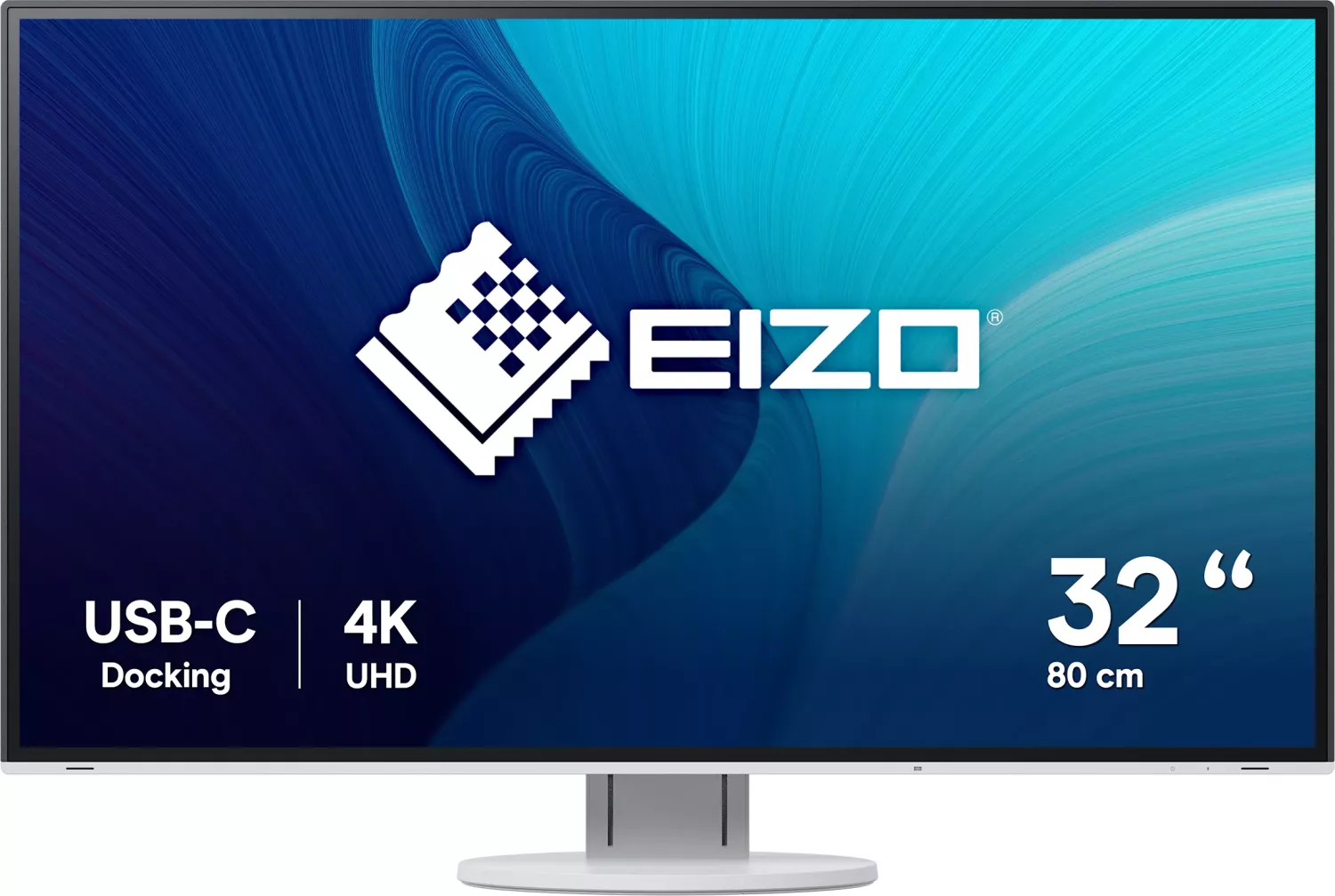
The Eizo FlexScan EV3285 is built for people who want a spacious, sharp, and dependable display for everyday professional use. With a 31.5-inch IPS panel and 3840 × 2160 resolution, it gives you plenty of room for side-by-side windows, detailed spreadsheets, creative tools, and CAD-style work. It feels especially well suited to long work sessions, where clarity and comfort matter just as much as raw screen size.
A major highlight is its USB-C connectivity. With one cable, the monitor can handle video, data, and up to 60 W of power delivery, which makes laptop setups simpler and cleaner. That single-cable convenience is paired with HDMI, DisplayPort, USB hub support, and audio options, so the EV3285 can fit into a wide range of desk arrangements. For users juggling multiple devices, the built-in Picture-by-Picture and Picture-in-Picture functions add real value by letting different sources appear at the same time.
The monitor also focuses on comfort and efficiency. Auto EcoView adjusts brightness based on ambient light, while EcoView Optimizer 2 fine-tunes brightness according to the input signal. These tools help reduce unnecessary power consumption and make the display easier on the eyes during extended workdays. Eizo’s color modes, including sRGB, Paper, Movie, and DICOM, make the screen flexible enough for office tasks, media viewing, and specialized image display.
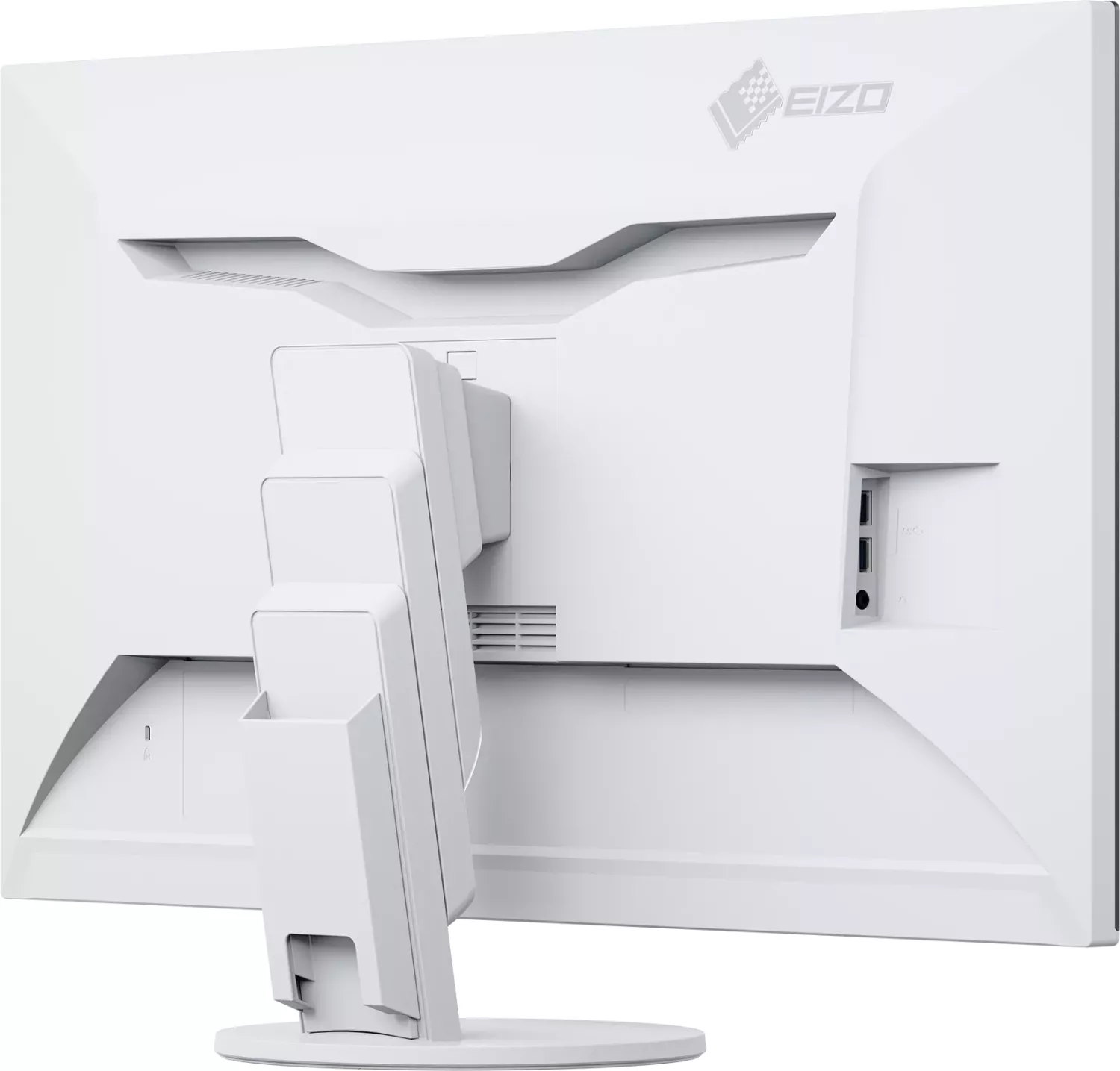
Design-wise, the EV3285 keeps things practical. The stand supports height adjustment, tilt, and swivel, helping users find a natural viewing position without extra accessories. If a more advanced setup is needed, the monitor can also be mounted on a compatible VESA arm. Small details like the cable holder and organized rear ports reinforce its focus on a tidy, efficient workspace.
For anyone comparing productivity monitors, the Eizo FlexScan EV3285 Manual points to a display that balances premium usability with thoughtful control. It is not flashy for the sake of it; instead, it aims to be the kind of monitor that quietly improves daily work.
Notes
- Ideal for productivity, multitasking, and professional desk setups.
- DICOM mode is available, but it is not intended for diagnostic use.
- Recommended cables and compatible USB-C/DP Alt Mode devices improve reliability.
- Moderate brightness settings can help preserve comfort and panel longevity.
Search for 67,706 Manuals online


Type-in Brand or Model