

Top 5 Graphics Cards
75 products
Our five best-rated picks right now, based on real user ratings.
-
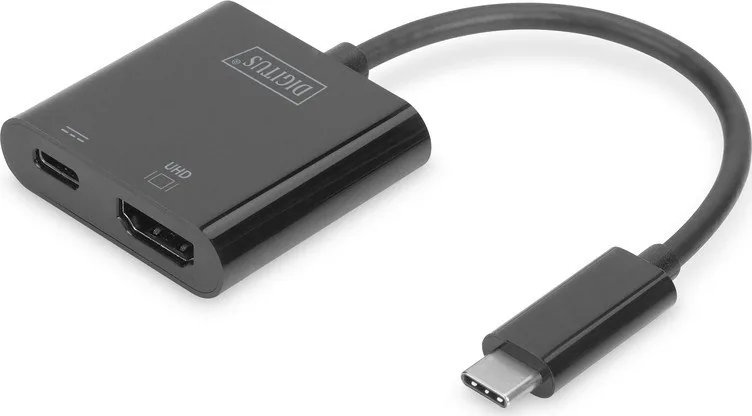
Digitus USB-C to HDMI Multiport Adapter
4.8 · 5 ratings
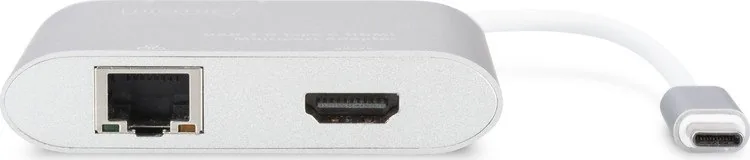
The Digitus USB-C to HDMI Multiport Adapter in sleek black expands a single USB-C port into HDMI, USB-A and a USB-C power pass-through, designed for laptops, tablets and modern workstations. It enables an external display connection up to 4K@30Hz, a SuperSpeed USB 3.0 port for data and charging of peripheral devices, and a USB-C PD input that can deliver up to 60 W to power your host device while using the adapter.
Read the manual -
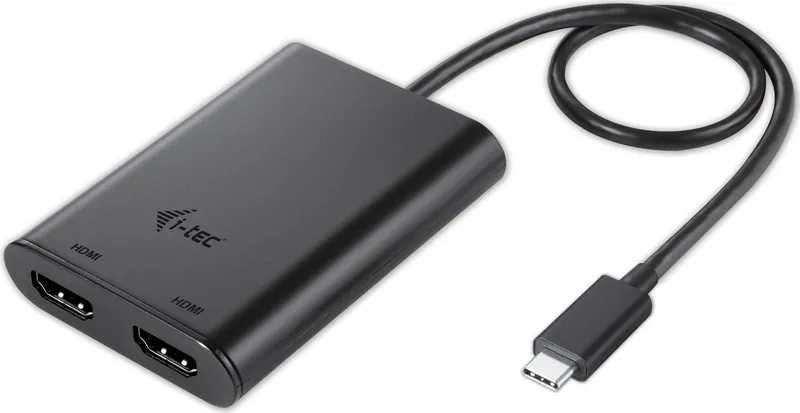
i-tec Dual 4K HDMI
5.0 · 1 rating
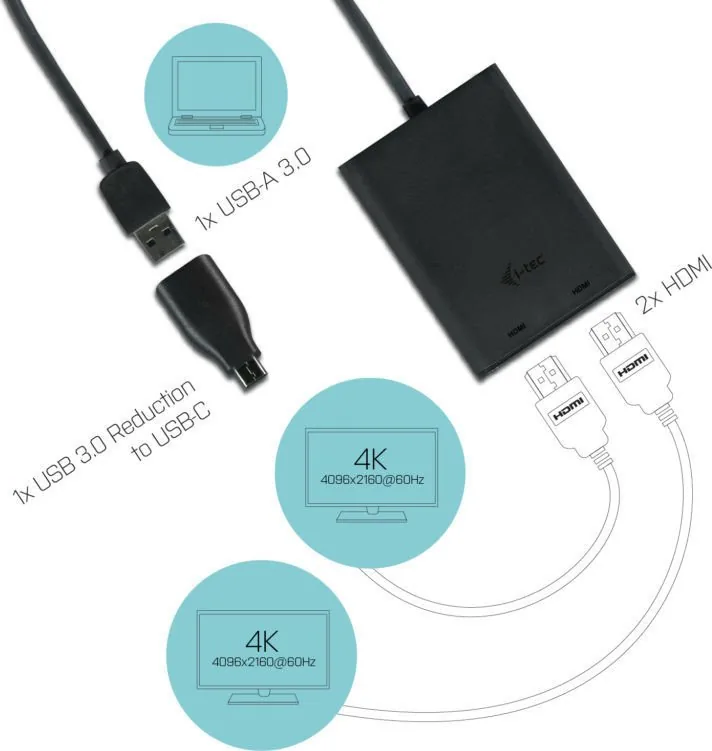
If your workflow depends on multiple displays, the i-tec USB-C Dual 4K HDMI Video Adapter is a compact tool that can make a big difference. It connects through USB-C or Thunderbolt 3 and gives you two HDMI outputs for monitors, TVs, or projectors.
Read the manual -
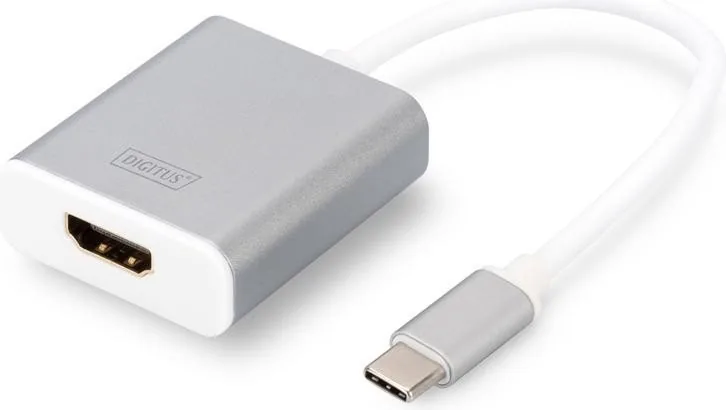
Digitus DA-70836
5.0 · 1 rating
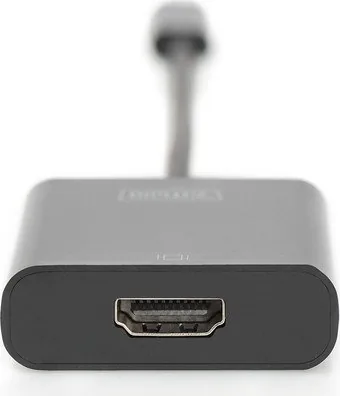
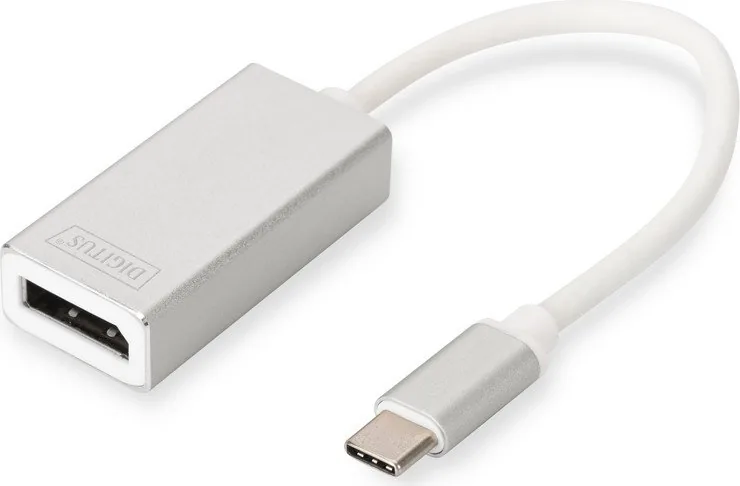
The Digitus USB-C to HDMI Adapter white is a compact display adapter designed to connect a USB-C equipped computer or tablet to an HDMI monitor, television, or projector. Known under product code DA-70836, it offers a practical way to extend a workspace, mirror a presentation, enjoy streamed media, or play games on a larger screen without carrying a bulky docking station.
Read the manual -

Digitus DA-70837
5.0 · 1 rating
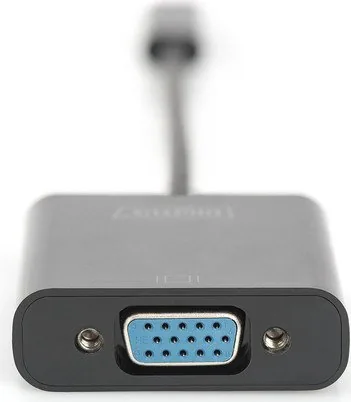
The Digitus USB-C to VGA Adapter white Manual introduces a compact and useful accessory for anyone who still relies on VGA monitors or projectors. Designed for USB-C laptops and modern devices, this adapter makes it easy to connect to older display equipment without the hassle of installing drivers or carrying bulky converters.
Read the manual -
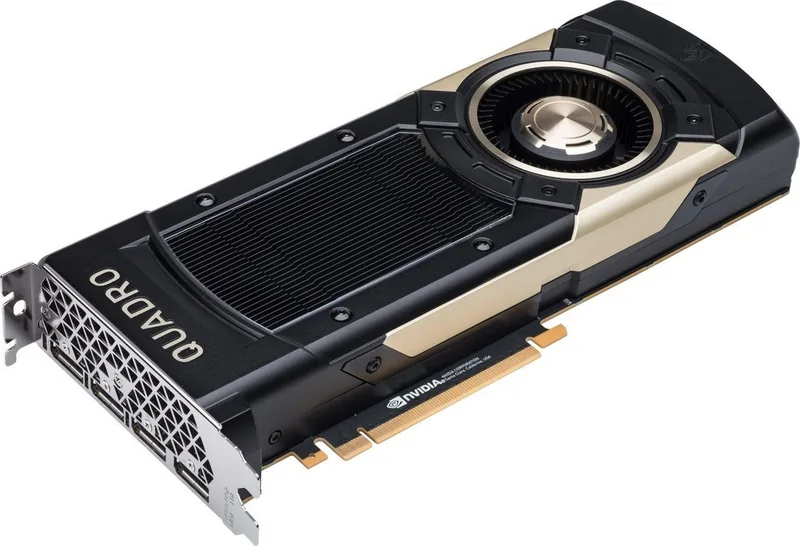
PNY Quadro GV100
5.0 · 1 rating
The PNY Quadro GV100 is a workstation-class GPU engineered for demanding professional workflows. Built around NVIDIA's Volta architecture and equipped with 32GB of HBM2 memory, the GV100 targets creators, engineers, and researchers who require large memory capacity, high compute throughput, and reliable multi-display support.
Read the manual
The Best Graphics Cards Right Now
The five graphics cards at the top of this page are the best-rated graphics cards on the site right now, ranked by real user ratings. Entry-level, mid-range and high-end gaming GPUs and workstation cards all compete for a place, and the list updates as new ratings come in.
What Makes a Great Graphics Card
- Performance for your resolution: 1080p, 1440p or 4K gaming each need a different level of power.
- Video memory (VRAM): enough memory for high textures and resolutions; more is better for 4K and creative work.
- Ray tracing and upscaling: modern lighting effects and AI upscaling boost image quality and frame rates.
- Cooling and noise: large heatsinks and fans keep the card cool and quiet.
- Power and size: check your power supply's wattage and connectors, and the card length and width against your case.
- Outputs: HDMI 2.1 and DisplayPort for high-refresh monitors and TVs.
Best Graphics Cards for Every Need
Best Graphics Cards for 1080p Gaming
Smooth gaming at Full HD for a great price.
Best Graphics Cards for 1440p Gaming
The sweet spot of sharpness and high frame rates.
Best Graphics Cards for 4K Gaming
Top performance for high resolutions and ray tracing.
Best Graphics Cards for Creators
Lots of VRAM and fast encoding for video editing, 3D and AI work.
Best Compact Graphics Cards
Short, efficient cards for small form factor PCs.
How the Top 5 Is Ranked
The top graphics cards are chosen by real user ratings. A card with many good ratings ranks above one with a single perfect rating, because a few votes are pulled toward the site-wide average. On a tie, the card with more ratings comes first, then the newest.
Frequently Asked Questions
What is the best graphics card right now?
The best-rated graphics cards right now are the five at the top of this page, ranked by real user ratings.
How much VRAM do I need?
More VRAM helps at higher resolutions and texture settings; check the requirements of the games and software you use.
How often does the list change?
Whenever new ratings come in or new cards are added.
More Graphics Cards
2 Pages
2 Pages
4 Pages
3 Pages
48 Pages
3 Pages

4 Pages
3 Pages
2 Pages

2 Pages

4 Pages
2 Pages
2 Pages
15 Pages
3 Pages
2 Pages
3 Pages
3 Pages
13 Pages
2 Pages
2 Pages
40 Pages
4 Pages
28 Pages
13 Pages
15 Pages
1 Pages
1 Pages
16 Pages
16 Pages
8 Pages
15 Pages
12 Pages
15 Pages
8 Pages
2 Pages
2 Pages
2 Pages
2 Pages
8 Pages
56 Pages
16 Pages
32 Pages

2 Pages
2 Pages
2 Pages
2 Pages
38 Pages
8 Pages
16 Pages
Search for 67,706 Manuals online


Type-in Brand or Model