
Fantec UMP-HDMI4K Manual
PDF manual · 2 Pages
English



Quick check
Incorrect answer, please try again.
Ask a Question
Do you recommend UMP-HDMI4K?
Yes NoFrequently Asked Questions
Yes. The adapter supports HDMI 2.0 resolutions including 4096x2160 and 3840x2160 at 60Hz, provided your host device’s USB-C port supports video output and you use an HDMI 2.0-capable cable and display.
Is this answer helpful?
No drivers are required for supported systems. The adapter is plug-and-play on Windows 10 and macOS 10.12.5 or newer. Ensure your operating system is up to date and your USB-C port supports DisplayPort Alternate Mode or Thunderbolt.
Is this answer helpful?
Not necessarily. The adapter requires a USB-C port that supports video output (DisplayPort Alt Mode or Thunderbolt). Many phones and some laptops with USB-C do not provide video out, so verify your device specifications first.
Is this answer helpful?
The package includes one Fantec UMP-HDMI4K USB-C to HDMI adapter and a user manual. No HDMI cable is included, so you should supply an HDMI 2.0 or better cable for 4K@60Hz use.
Is this answer helpful?
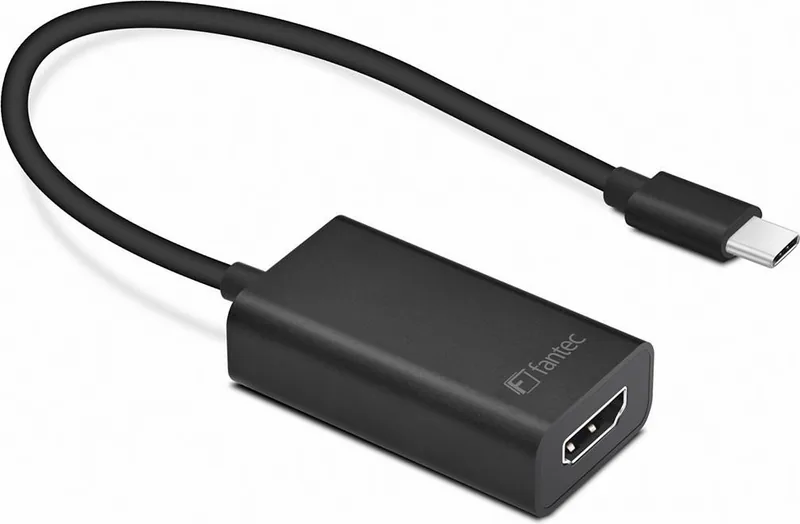
The adapter is lightweight (about 30 g) and compact (49x28x20 mm) with an aluminum housing that offers a premium look and added durability, making it easy to carry in a laptop bag or travel kit.
Is this answer helpful?
Yes. When connected to a compatible USB-C video port and an HDMI display, you can mirror or extend your desktop, adding an extra monitor for productivity or presentation scenarios.
Is this answer helpful?
The adapter operates in typical consumer ranges: working temperature 0–50°C and storage temperature -20–50°C. Avoid extreme conditions to ensure longevity and reliable performance.
Is this answer helpful?
Advantages and Disadvantages
Advantages

- Supports HDMI 2.0 up to 4K@60Hz for high-quality video output.
- Plug-and-play driver-free operation on Windows 10 and macOS 10.12.5+.
- Compact, lightweight aluminum housing for durability and portability.
- Short integrated cable simplifies setup and reduces clutter.
- Works as an additional HDMI output for mirroring or extending displays.
Disadvantages

- Requires a USB-C port with video/Thunderbolt support—won’t work on all USB-C ports.
- Short 20 cm cable may limit placement flexibility in some setups.
- No active electronics for signal boosting—long HDMI runs may need extenders.
- Limited to host OS support listed; older systems may need updates.
- Single HDMI output—no multi-monitor hub functionality built in.
Product Specification
Input
USB-C 3.0
Output
HDMI 2.0
Resolution
4096x2160@60Hz
Manufacturer's Warranty
one year
Product Description
Fantec UMP-HDMI4K USB-C to HDMI Adapter Manual
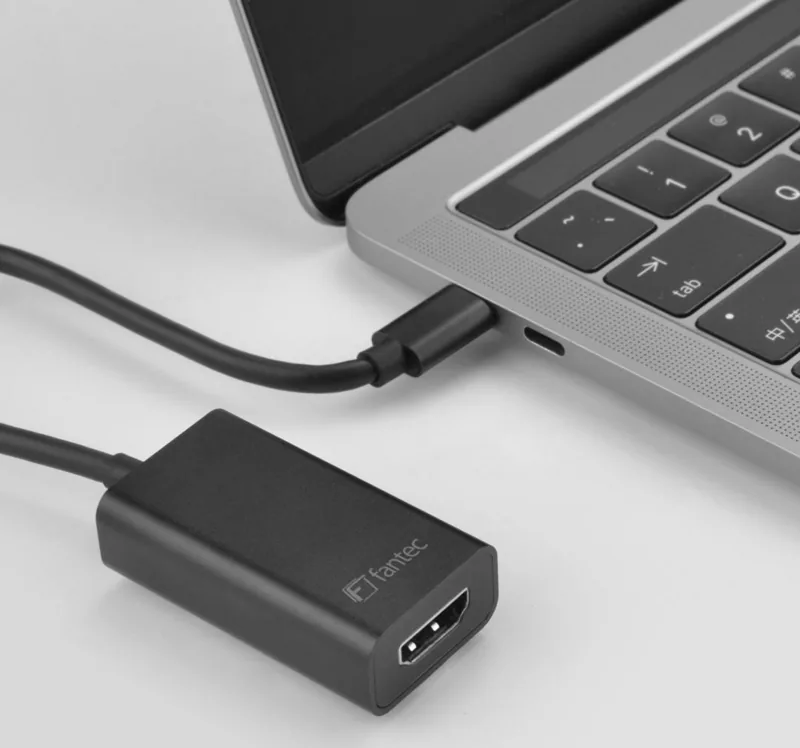
The Fantec UMP-HDMI4K USB-C to HDMI Adapter is a compact, aluminum-finished dongle that converts a USB-C (Thunderbolt 3 compatible) port into a full-featured HDMI 2.0 output supporting up to 4K@60Hz. Designed for modern laptops like MacBook and ChromeBook Pixel as well as any computer with a compatible USB-C port, this plug-and-play adapter requires no drivers on supported systems (Windows 10, macOS 10.12.5 and above). The short integrated cable (approximately 20 cm) and lightweight 30 g body make it easy to carry and use as an additional video output alongside existing ports. With support for common resolutions including 4096x2160, 3840x2160, 1080p and 720p at 60Hz, it’s suitable for connecting monitors, TVs, projectors and other HDMI-equipped displays for mirroring or extending desktops.
Key Design and Usage Notes
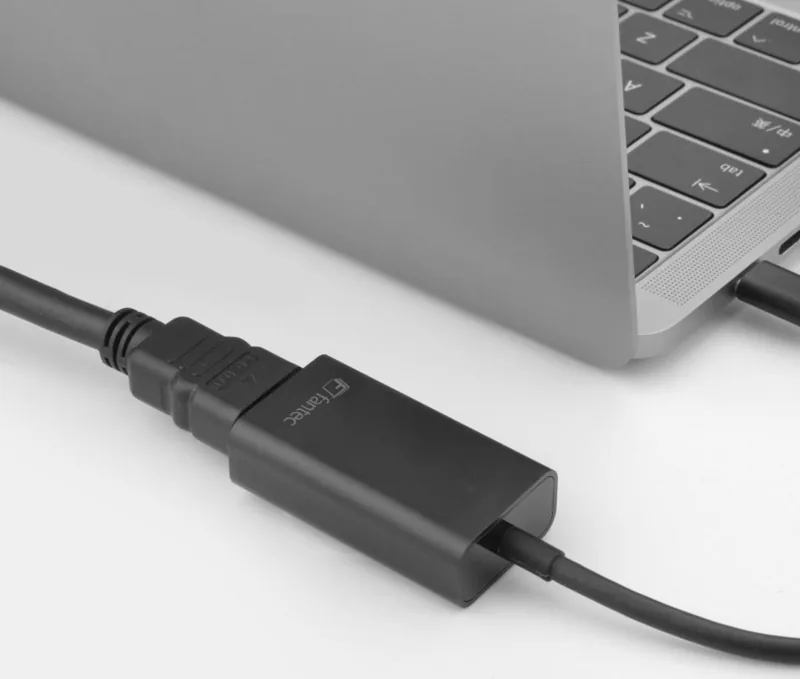
The adapter’s aluminum housing offers a durable, premium look while helping dissipate heat. Operation is straightforward: plug the USB-C connector into a compatible port on your computer, connect an HDMI cable from the adapter to your display, and the HDMI output becomes available immediately. It supports HDMI 2.0 signaling for high-bandwidth video and works as an easy solution to add or duplicate a laptop’s display. The device operates in typical consumer temperature ranges and is compact enough to stay in a laptop bag or workstation kit.
Package and Compatibility
Each package includes one UMP-HDMI4K adapter and a user manual. The adapter is compatible with USB-C ports that support DisplayPort/Thunderbolt alternate mode; it’s driver-free for supported OS versions. Because it relies on the host’s USB-C video capabilities, ensure your device’s USB-C port supports video output before purchasing.
Final Thoughts
For users needing a simple, reliable way to add 4K@60Hz HDMI output from a USB-C laptop or PC, the Fantec UMP-HDMI4K delivers a no-fuss, portable solution. Its metal finish, small footprint, and driver-free operation make it a practical accessory for content creators, business professionals, and home entertainment setups.
Notes:
- Confirm your device’s USB-C supports video (DisplayPort Alt Mode/Thunderbolt) before use.
- Use a certified HDMI 2.0 cable for best 4K@60Hz performance.
- Keep firmware/drivers of your host OS up to date for compatibility.
Search for 67,706 Manuals online


Type-in Brand or Model