
Lindy USB-C to VGA, USB-A and USB-C PD 43230 Manual
PDF manual · 8 Pages
English



Quick check
Incorrect answer, please try again.
Chat with your Lindy USB-C to VGA, USB-A and USB-C PD 43230 manual using AI
Get instant AI answers from your Lindy USB-C to VGA, USB-A and USB-C PD 43230 manual
Ask anything about the Lindy USB-C to VGA, USB-A and USB-C PD 43230. Answers come from this manual, with the pages they are based on.
Ask a Question
Do you recommend USB-C to VGA, USB-A and USB-C PD 43230?
Yes NoFrequently Asked Questions
It lets you connect a VGA monitor or projector, add a USB device through USB-A, and charge a laptop through USB-C Power Delivery from a single USB-C port.
Is this answer helpful?
No. The adapter works without drivers or extra software, as long as your computer supports USB-C DisplayPort Alternate Mode for video output.
Is this answer helpful?
Yes. If you connect a compatible USB-C power supply, you can charge your laptop while using the VGA output and the USB-A port.
Is this answer helpful?
It supports a maximum resolution of 1920 x 1200 at 60Hz, which is suitable for office work, presentations, and general productivity.
Is this answer helpful?
It is compatible with computers that have a USB-C port supporting DisplayPort Alternate Mode, including many MacBooks, Ultrabooks, and notebooks.
Is this answer helpful?
The package includes the USB-C to VGA / USB-A / USB-C-PD adapter and the manual. Cables and power supplies are not included.
Is this answer helpful?
Advantages and Disadvantages
Advantages

- Combines VGA output, USB expansion, and USB-C charging in one compact adapter.
- No driver installation is needed, so setup is fast and straightforward.
- Supports up to 1920 x 1200 at 60Hz for clear everyday display use.
- USB-C Power Delivery input supports charging up to 60W while in use.
Disadvantages

- VGA output depends on a USB-C port that supports DisplayPort Alternate Mode.
- A VGA cable and USB-C power supply must be purchased separately.
- The USB-C charging port is for power only and does not transfer data.
- Limited to legacy VGA displays, so it is not ideal for modern-only setups.
Product Specification
Input
USB-C 3.0
Output
VGA
Resolution
max. 1920x1080@60Hz
Special Features
USB-Hub (1x USB-C 3.0, 1x USB-A 3.0), USB-C Power Delivery
Manufacturer's Warranty
2 years
Product Description
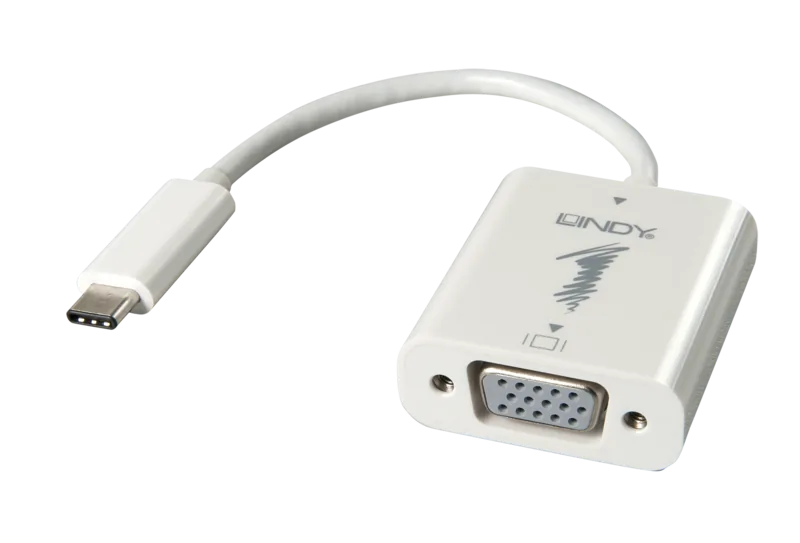
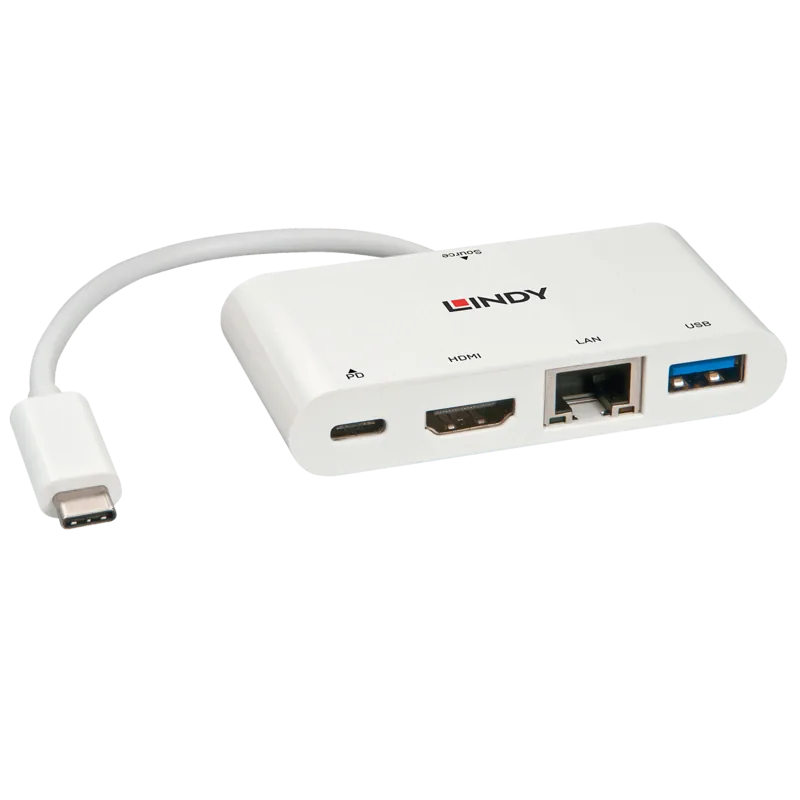
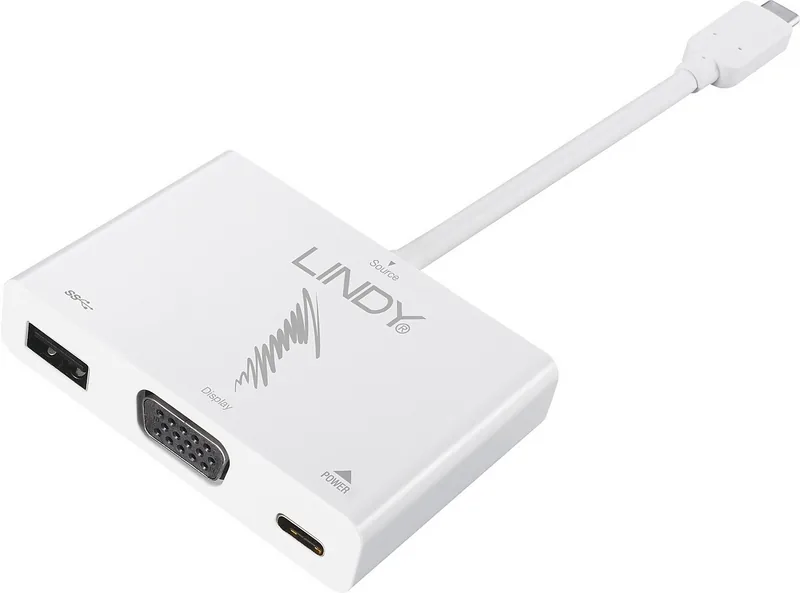
Lindy USB-C to VGA Multiport Adapter White
The Lindy USB-C to VGA Multiport Adapter White is a practical companion for anyone who needs to turn a single USB-C port into a flexible workspace. Built for laptops, Ultrabooks, and MacBooks with DisplayPort Alternate Mode support, it combines three useful functions in one compact accessory: VGA video output, USB Type-A expansion, and USB-C Power Delivery charging.
A simple way to extend your laptop
This adapter is designed for users who still rely on VGA displays, projectors, or conference-room equipment. By connecting the adapter to a compatible USB-C port, you can mirror or extend your screen without installing drivers or extra software. The setup is quick, and the reversible USB-C connector makes everyday use easier.
The inclusion of a USB Type-A port adds extra convenience. It allows a mouse, keyboard, flash drive, or hub to be connected while the adapter is in use, making it a useful all-in-one option for travel, office desks, and presentations. Data transfer is supported at USB 3.1 Gen 1 speeds, while legacy USB 2.0 and 1.1 devices can also be used.
Charging and display in one device
Another strong point is the USB-C Power Delivery input, which supports charging up to 60W. That means you can keep your notebook powered while using the video output and USB expansion at the same time, provided you use a compatible USB-C charger. For mobile professionals, this reduces the number of cables needed on the desk.
The manual highlights support for resolutions up to 1920 x 1200 at 60Hz, which is ideal for business displays and everyday productivity. It is a straightforward solution for users who need reliable compatibility rather than flashy features. The Lindy USB-C to VGA Multiport Adapter White Manual also emphasizes that a compatible USB-C port with DisplayPort Alternate Mode is required for VGA functionality.
Best for practical setups
If you are connecting to older monitors, projectors, or presentation systems, this adapter offers a balanced mix of modern convenience and legacy support. Its white finish gives it a clean look, while the compact design keeps your setup tidy.
Notes
- Requires USB-C with DisplayPort Alternate Mode for video output.
- VGA cable and USB-C charger are not included.
- Power Delivery is for charging only, not data transfer.
- Best suited for office, education, and travel use.
Search for 67,706 Manuals online


Type-in Brand or Model