
Lindy USB-C to VGA Manual
PDF manual · 2 Pages
English



Quick check
Incorrect answer, please try again.
Chat with your Lindy USB-C to VGA manual using AI
Get instant AI answers from your Lindy USB-C to VGA manual
Ask anything about the Lindy USB-C to VGA. Answers come from this manual, with the pages they are based on.
Ask a Question
Do you recommend USB-C to VGA?
Yes NoFrequently Asked Questions
It works when your USB-C port supports DisplayPort Alternate Mode. If your USB-C port does not support this feature, the adapter will not provide video output.
Is this answer helpful?
No. The adapter relies on DisplayPort Alternate Mode over USB-C, so you should not need additional drivers or software. After connecting, configure the monitor using your operating system display settings.
Is this answer helpful?
For the VGA model, the maximum supported resolution is 1920 x 1200 at 60Hz. Actual performance can depend on your computer, monitor, and cable.
Is this answer helpful?
No. The adapter is powered directly from the USB port, so there is no external PSU connection required.
Is this answer helpful?
You need a suitable VGA male-to-male cable to connect the adapter to your monitor. The required cable is not included, so select one that matches your monitor input.
Is this answer helpful?
The adapter includes a 2-year warranty from purchase and free lifetime technical support from Lindy.
Is this answer helpful?
Advantages and Disadvantages
Advantages

- Compatible with USB-C computers that support DisplayPort Alternate Mode
- No additional drivers or software required
- Powered via the USB port, no external power supply needed
- VGA output up to 1920 x 1200 at 60Hz
- 2-year warranty plus free lifetime technical support
Disadvantages

- Only works if your USB-C port supports DisplayPort Alternate Mode
- VGA is analog, so image quality may be lower than digital connections
- Requires an appropriate VGA male-to-male cable (not included)
Product Specification
Input
USB-C
Output
VGA
Resolution
max. 1920x1200@60Hz
Manufacturer's Warranty
two years
Product Description
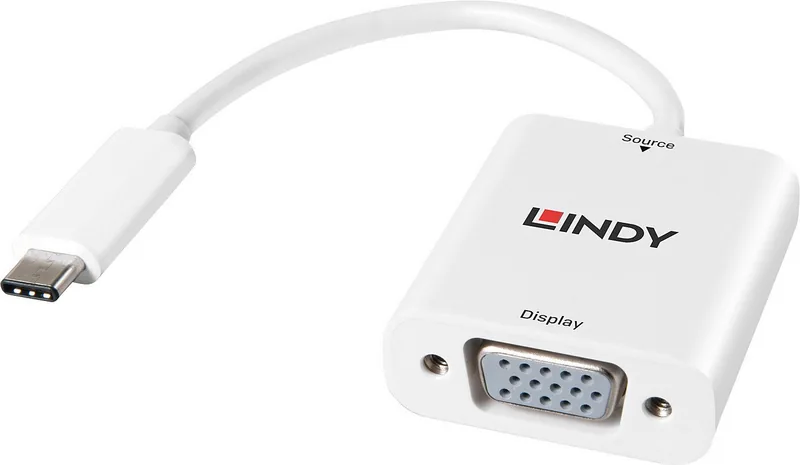
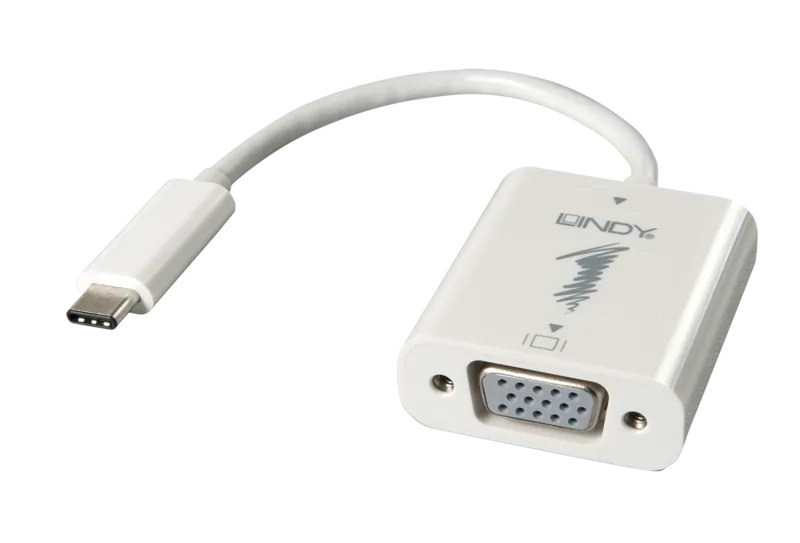
Lindy USB-C to VGA Adapter white
Turn a compatible USB-C port into a reliable video connection with the Lindy USB-C to VGA Adapter white. Designed for everyday office and home use, it lets you attach a VGA monitor to a laptop or desktop that supports DisplayPort Alternate Mode. With a simple plug-in approach, the adapter helps you get moving quickly, whether you are giving a presentation, extending your workspace, or setting up a temporary workstation.
Seamless setup with DisplayPort Alternate Mode
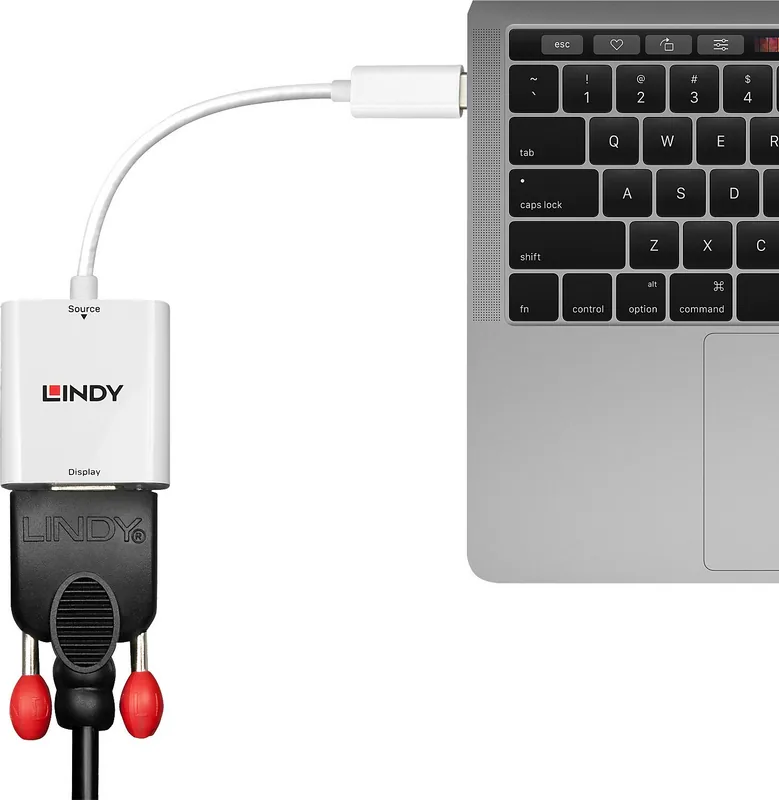
The adapter uses your USB-C connection as the video output path, avoiding extra drivers or software. Connect the USB-C plug of the adapter to your computer, then link the VGA output to your monitor using an appropriate male-to-male VGA cable (not included). Once connected, your system should detect the display in the usual way.
Performance you can plan around
The VGA variant supports up to 1920 x 1200 at 60Hz, making it suitable for crisp business graphics, spreadsheets, and general desktop use. The unit is powered directly from the USB port, so there is no need for an external power supply.
Built for support and peace of mind
Lindy backs this adapter with a 2-year warranty and free lifetime technical support, giving you confidence for long-term use. It is also designed to meet relevant regulatory requirements, including CE and FCC compliance for home and office environments.
Key results
- Works with USB-C devices that support DisplayPort Alternate Mode
- Plug-and-play style setup without installing drivers or extra software
- USB-powered operation with no external PSU required
- VGA output up to 1920 x 1200 at 60Hz for clear day-to-day display needs
Pros and cons
Pros
- Compatible with USB-C computers supporting DisplayPort Alternate Mode
- No additional drivers or software required
- Powered via USB port for simple, cable-light setups
- Up to 1920 x 1200 at 60Hz on the VGA model
- Includes 2-year warranty and free lifetime technical support
Cons
- Requires a USB-C port with DisplayPort Alternate Mode support
- VGA is an analog format, which may look less sharp than digital outputs
- A suitable male-to-male VGA cable is needed (not included)
Notes
- For best results, match your USB-C output capabilities and use appropriate display cabling.
- Please recycle responsibly according to local WEEE regulations when the product reaches end of life.
Search for 67,706 Manuals online


Type-in Brand or Model