

Free Bresser Manuals – Read, Download & Print
52 Manuals
Manuals
84 Pages
32 Pages
64 Pages
60 Pages
40 Pages
32 Pages
68 Pages
24 Pages
48 Pages
44 Pages
32 Pages
20 Pages
44 Pages

44 Pages
104 Pages
16 Pages
36 Pages
20 Pages
64 Pages
1 Pages
68 Pages
44 Pages
64 Pages
111 Pages
16 Pages

8 Pages
12 Pages
68 Pages
36 Pages
56 Pages
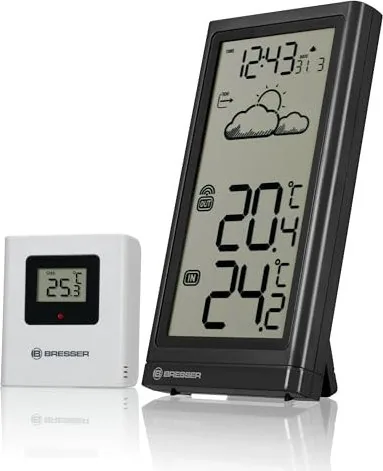
40 Pages
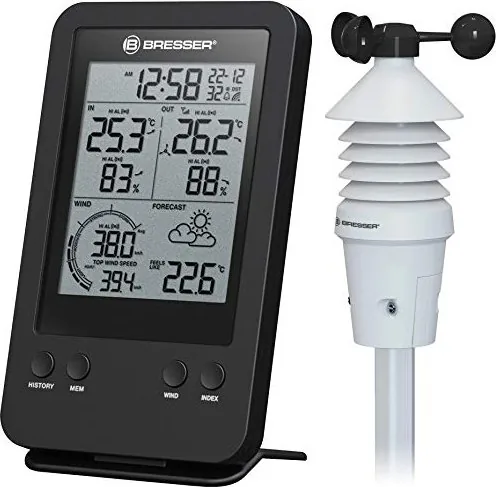
60 Pages
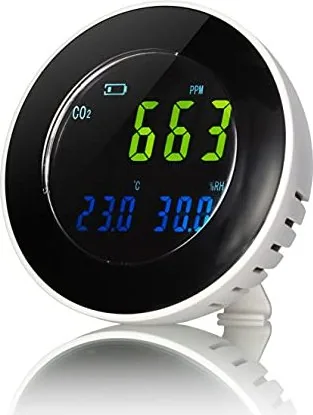
44 Pages
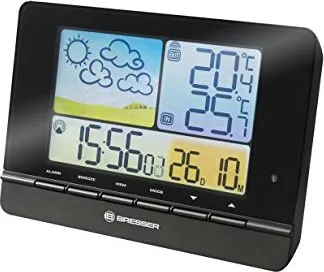
12 Pages
88 Pages
20 Pages
116 Pages
44 Pages
40 Pages
84 Pages
104 Pages
88 Pages
2 Pages

28 Pages
40 Pages
36 Pages

52 Pages
20 Pages
44 Pages
24 Pages
Categories


Free Bresser Manuals - Read, Download & Print
Find free Bresser manuals for a wide range of optical, weather, science, and measurement products. Whether you need instructions for a telescope, binoculars, microscope, weather station, camera accessory, alarm clock, or sensor, a clear manual can help you set up your device correctly and use its full range of features. Read Bresser manuals online, download them for offline access, or print a copy for quick reference whenever you need it.
Find the Right Bresser User Manual
Bresser products are designed for home observation, education, outdoor activities, weather monitoring, and scientific discovery. Because product functions can vary by model, using the correct manual is important. A matching guide provides model-specific information about included parts, controls, power requirements, installation, maintenance, safety, and troubleshooting.
Start by checking the product name, item number, or model designation on the device, packaging, receipt, or product label. This information helps distinguish between similar Bresser models. Once you have identified the correct model, you can locate the relevant operating instructions and keep them available for future use.
Common Bresser Product Categories
Bresser manuals are often available for many popular product types, including:
- Telescopes, refractors, reflectors, and astronomy accessories
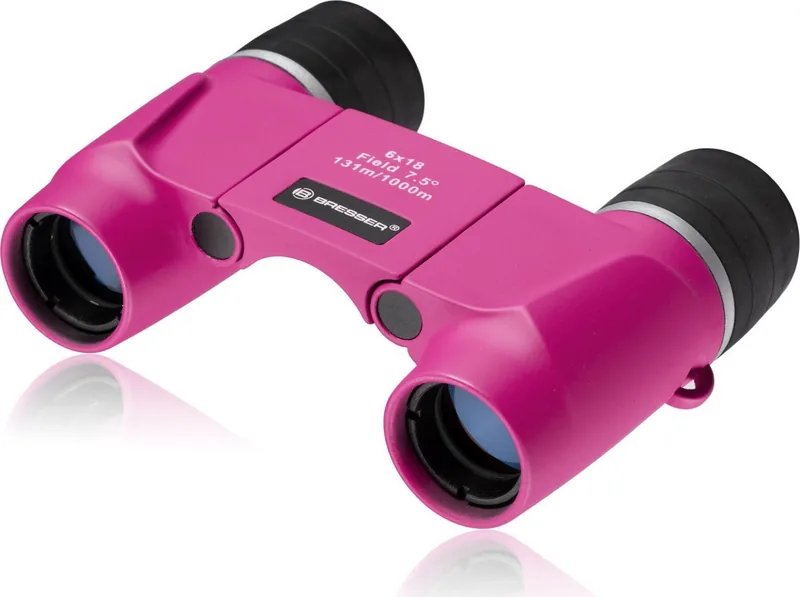
- Binoculars, spotting scopes, monoculars, and rangefinders
- Microscopes, laboratory equipment, and educational science kits
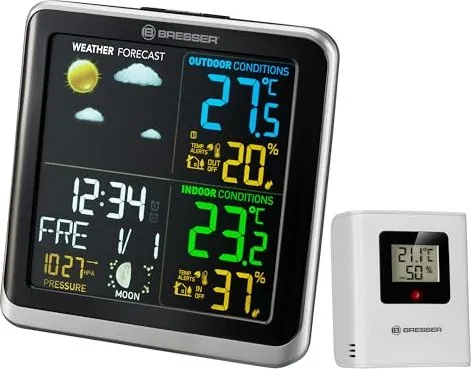
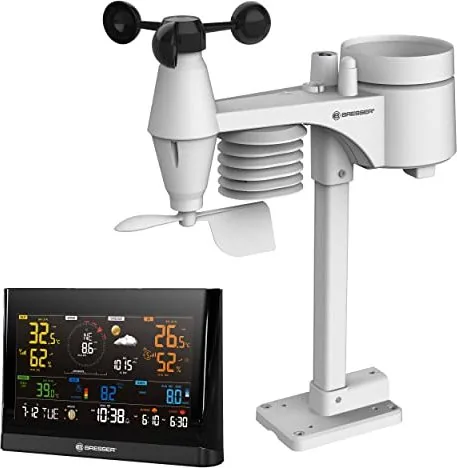
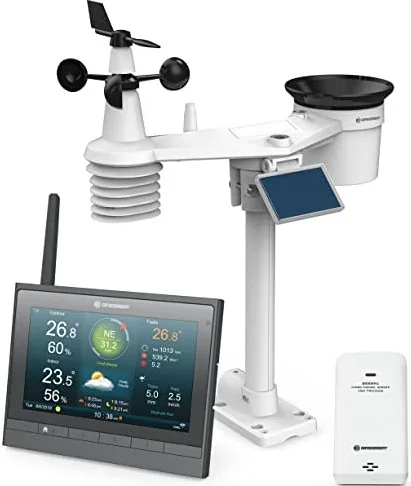
- Weather stations, thermo-hygrometers, rain gauges, and outdoor sensors
- Digital clocks, radio-controlled clocks, and alarm clocks
- Cameras, trail cameras, action cameras, and photo accessories
- Magnifiers, night vision devices, and optical instruments
- Tripods, mounts, adapters, and other observation equipment
Each category may include products with different controls, display layouts, wireless settings, and assembly requirements. Reading the manual before first use can prevent avoidable setup errors and help protect delicate optical or electronic components.
Read Bresser Manuals Online
Reading a manual online is a convenient option when you need an answer quickly. Digital manuals make it easy to review setup diagrams, button descriptions, technical specifications, and care guidance without searching for a printed booklet. This is especially useful if the original documentation has been misplaced or if you are away from home.
Online manuals can help you check important details such as battery placement, sensor pairing, wireless transmission range, calibration steps, telescope alignment, microscope illumination, and time zone settings. For complex products, use the table of contents or document search function to jump directly to the topic you need.
Useful Reasons to Read the Manual First
A Bresser manual is more than a basic instruction sheet. It can explain the intended use of the product and identify limitations that may not be obvious at first glance. Reviewing the guide can help you:
- Assemble the product in the correct order
- Install batteries or connect power safely
- Pair a weather station with its outdoor sensor
- Understand display icons and measurement units
- Select suitable eyepieces or magnification settings
- Focus and align optical equipment properly
- Configure alarms, alerts, dates, and time settings
- Learn cleaning and storage recommendations
- Identify warning messages and common faults
For astronomy and microscopy products, the manual may also include practical advice on positioning, lighting, focusing, and selecting accessories. These details can improve results and make the equipment easier to use for beginners and experienced users alike.
Download Bresser Manuals for Offline Access
Downloading a Bresser manual gives you a permanent reference file that can be saved on a computer, phone, tablet, or cloud storage account. Offline access is useful when you are traveling, camping, attending an observation session, or setting up equipment in an area with limited internet service.
Save the manual using a clear file name that includes the product model. You may also want to store purchase information, warranty details, and setup notes in the same folder. This makes it easier to find everything related to your device later.
Benefits of Keeping a Downloaded Copy
A downloaded manual is practical for long-term ownership. You can use it when changing batteries, moving a weather sensor, cleaning a lens, replacing an accessory, or restoring settings after a reset. Digital copies are also useful for households, classrooms, clubs, and shared workspaces where more than one person uses the same equipment.
Before downloading, confirm that the manual language and model number match your product. Similar devices may have different versions depending on region, release year, included sensor, display type, or power adapter. Using the wrong instructions can lead to incorrect settings or missing features.
Print a Bresser Manual When You Need a Paper Copy
Printing a manual is a simple solution for users who prefer paper instructions. A printed guide can be kept near a telescope, microscope workstation, weather display, storage cabinet, or tool area. It is easy to annotate pages with personal notes, highlight important steps, or mark frequently used sections.
For large manuals, consider printing only the most useful pages, such as quick-start instructions, setup diagrams, troubleshooting tables, maintenance information, and technical specifications. Double-sided printing can reduce paper use while still giving you a handy reference document.
What to Print for Quick Setup
If you do not need the complete manual, print these sections first:
- Package contents and product overview
- Assembly or installation instructions
- Battery and power information
- Sensor pairing or connection steps
- Control button and display icon explanations
- First-time configuration instructions
- Cleaning and maintenance guidance
- Troubleshooting and reset procedures
Keeping these pages in a protective folder is useful for devices stored in garages, workshops, observatories, classrooms, or outdoor monitoring locations.
Bresser Weather Station Manual Help
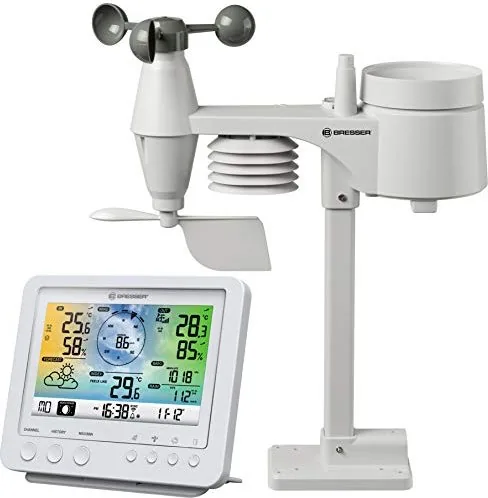
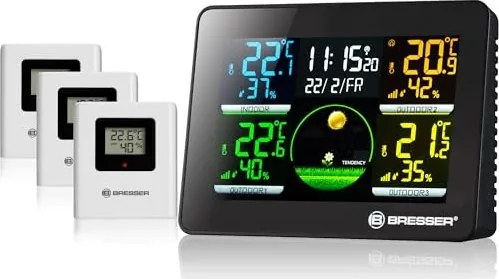
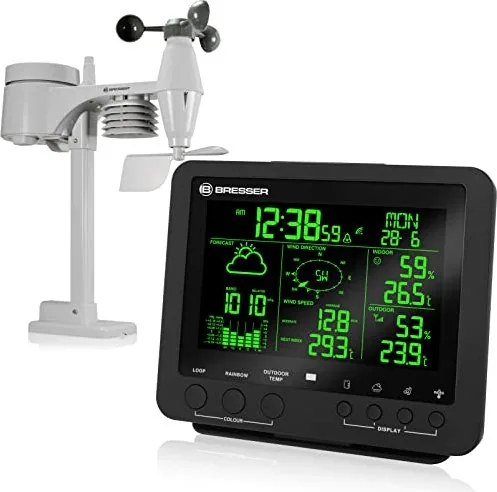
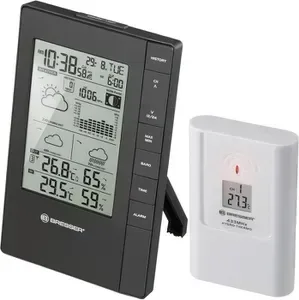
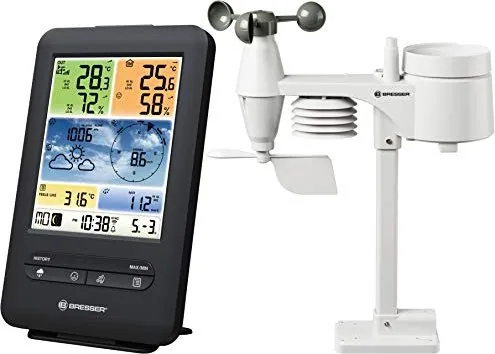
Bresser weather stations often include an indoor display unit and one or more remote outdoor sensors. The manual can explain how to insert batteries, choose a transmission channel, set the time and date, connect the sensor, select Celsius or Fahrenheit, and understand weather trend symbols.
If readings are missing or inaccurate, check the manual for placement recommendations. Outdoor sensors should generally be positioned away from direct heat sources, enclosed spaces, and surfaces that may affect temperature or humidity readings. The guide may also explain signal range, channel selection, low-battery icons, and reset steps.
Bresser Telescope and Binocular Instructions
Optical equipment benefits from careful handling. A Bresser telescope manual can guide you through tripod setup, mount adjustment, finder scope alignment, eyepiece selection, and basic observation techniques. It may also explain how to avoid pointing optical instruments toward the sun, which can cause serious damage to equipment and eyesight.
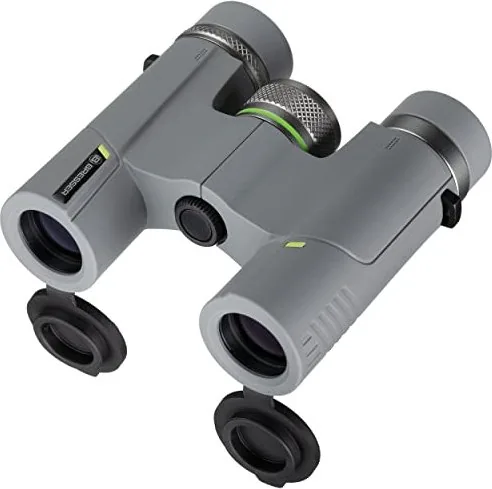
Binocular and spotting scope instructions can provide useful information about focusing, diopter adjustment, interpupillary distance, lens care, and storage. Following these recommendations helps maintain image quality and protects coatings, seals, and mechanical parts.
Cleaning and Care for Optical Devices
Use only appropriate lens-cleaning materials and avoid rough cloths, household cleaners, or excessive pressure. Remove loose dust with a blower or soft brush before wiping a lens. Store optical products in a dry, protected location and allow equipment to acclimate when moving between major temperature differences. The specific manual may include additional care instructions for waterproof, fog-resistant, or electronic models.
Bresser Microscope Manual Support
A microscope manual can help users identify the objective lenses, eyepieces, stage controls, illumination settings, and focus knobs. It may explain the correct order for preparing slides, adjusting light, starting at low magnification, and moving to higher magnification. These steps are valuable for students, families, schools, and hobby users who want clear and sharp observations.
Always carry a microscope securely, keep lenses clean, and cover the instrument when it is not in use. If the microscope includes LED illumination, digital imaging, or battery power, review the manual for charging, replacement, and safe operating instructions.
Troubleshooting Common Bresser Issues
Many common issues can be resolved by checking the manual before seeking repairs. Start with the basics: inspect batteries, confirm power connections, verify settings, and make sure accessories are installed correctly. For wireless products, check sensor distance, channel selection, and possible signal interference.
A manual may provide reset instructions for frozen displays, lost sensor connections, incorrect time synchronization, or unusual readings. Follow the stated sequence carefully, as some devices require batteries to be removed and reinstalled in a specific order. If a problem continues, use the model number when looking for official product support, replacement parts, or warranty information.
Keep Your Bresser Instructions Accessible
Free Bresser manuals make it easier to get reliable guidance throughout the life of your product. Read instructions online for immediate help, download a copy for convenient offline use, or print essential pages for a dependable paper reference. With the right manual at hand, you can set up your equipment with confidence, understand its features, maintain it properly, and enjoy better results from every observation, measurement, and discovery.
Search for 67,706 Manuals online


Type-in Brand or Model