
Bresser REX II Manual
PDF manual · 104 Pages
English



Quick check
Incorrect answer, please try again.
Chat with your Bresser REX II manual using AI
Get instant AI answers from your Bresser REX II manual
Ask anything about the Bresser REX II. Answers come from this manual, with the pages they are based on.
Ask a Question
Do you recommend REX II?
Yes NoFrequently Asked Questions
The printer provides a generous print volume measuring 280 x 250 x 300 mm, allowing for large projects.
Is this answer helpful?
Yes, the model supports WLAN connectivity for transferring files and controls without physical cables.
Is this answer helpful?
The regular guarantee period lasts for five years starting from the official date of purchase.
Is this answer helpful?
Users should use the leveling buttons under the platform guided by the on-screen interface instructions.
Is this answer helpful?
The REXprint slicer software is utilized for preparing 3D models for export and printing.
Is this answer helpful?
Advantages and Disadvantages
Advantages

- Wireless LAN connectivity allows for flexible file transfers without constant cable connections.
- Large print volume of 280 x 250 x 300 mm accommodates substantial models easily.
- Intuitive touch screen interface simplifies navigation and real-time status monitoring effectively.
- Five-year warranty period provides long-term security for the device investment.
Disadvantages

- Manual bed leveling requires user attention and patience for optimal print results.
- Recommended filament use limits compatibility to specific brands for best performance.
- Heavy weight of 30 kg makes portability difficult for frequent relocation.
- Single extruder configuration restricts simultaneous multi-color printing capabilities.
Product Specification
Process
Fused Filament Fabrication (FFF)
Configuration
1x movable print head (left/right, front/back), 1x movable print bed (up/down)
Design
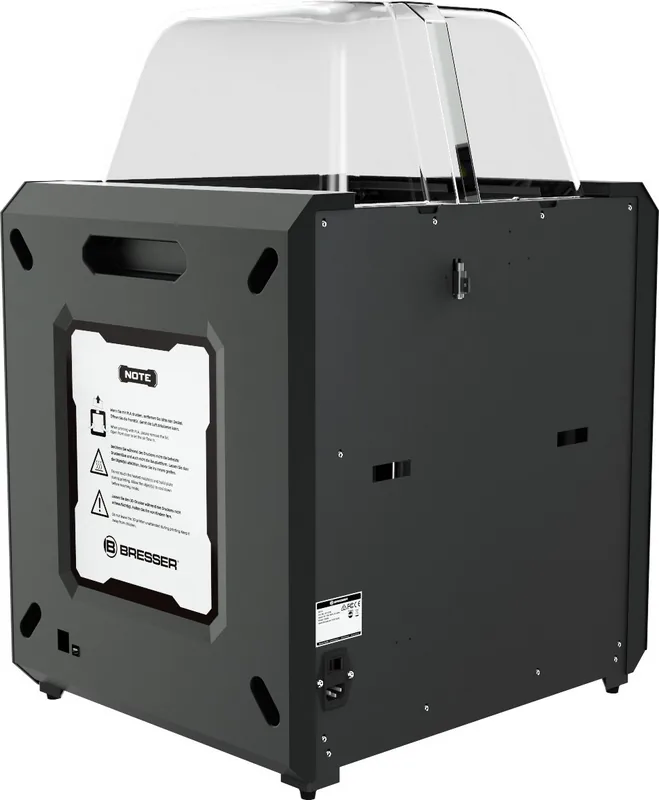
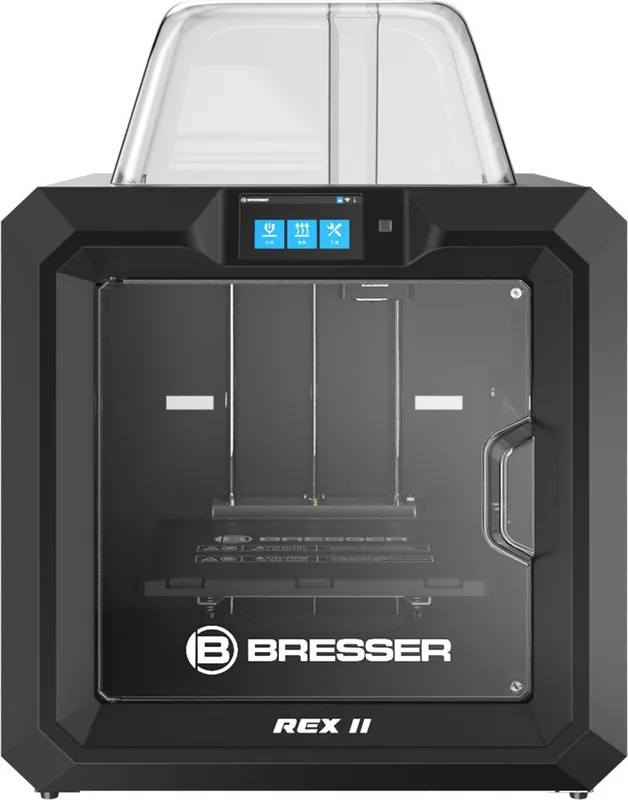
Complete unit, enclosed print chamber (viewing window on lid, viewing window on front, front door), all-metal frame, embedded controller, integrated filament holder
Recommended Materials
1.75mm filament, open system (53mm spool inner diameter), ABS, ASA, PETG/PET, PLA
Build Volume
11.02x11.81x9.84 inches (WxHxD)
Extruder Setup
1x print head (1x print nozzle with mono-feed, 0.4mm, Brass, interchangeable, 122-464 deg F), 1x Direct Extruder
Layer Height
0.05-0.40mm
Accuracy X
11um
Accuracy Y
11um
Accuracy Z
2.5um
Print Speed
30-150mm/s printing
Build Plate
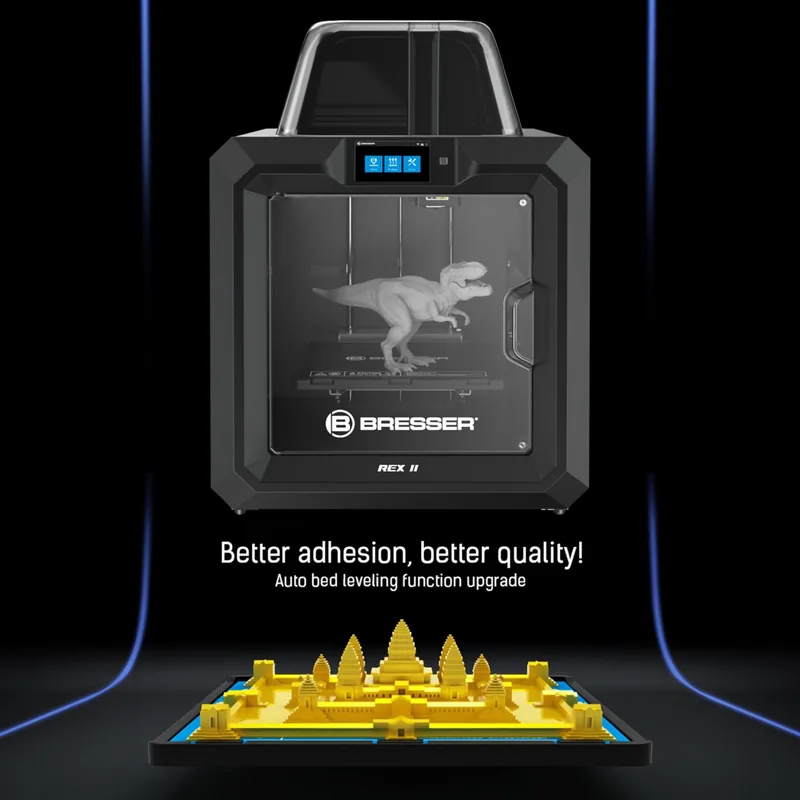
square, heated (104-239 deg F), removable, flexible, automatic bed leveling
Interfaces
USB-A 2.0, Wi-Fi, 1x RJ-45 (10/100Base-T)
Camera
with web interface
Scanner
N/A
Additional Features
N/A
Display
5" Diagonal, color, Touchscreen, IPS
Control
Touchscreen, 8GB integrated memory, optional via computer, optional via cloud
Noise Level
42dB(A)
Power Supply
100-250V, 150W
Operating Environment
59-86 deg F, 20-70% RH
Dimensions
19.29x22.05x21.65 inches (WxHxD)
Weight
66.14 lbs (empty)
Color
black (chassis), black (build plate)
Package Contents
1x Printer, 2x 1.10 lbs PLA filament (black, white), tool set
Features
Filament sensor, print chamber lighting, print chamber ventilation, Auto-Resume after power failure
Warranty
5 years
Product Description
Unleash Creativity with Advanced 3D Technology
Stepping into the world of additive manufacturing has never been easier for makers globally to explore new creative horizons. The Bresser REX II WLAN 3D Printer stands out as a robust choice for hobbyists and professionals alike looking for true reliability and support. This machine brings precision engineering to your workspace, offering a substantial print volume of 280 x 250 x 300 mm for large projects. You can create large objects with ease while maintaining high accuracy in your final results consistently across different materials.
Understanding Your Machine
To get the most out of this equipment, it is crucial to familiarize yourself with the setup process thoroughly before beginning any printing tasks. The Bresser REX II WLAN 3D Printer Manual provides essential insights into safe operation and maintenance procedures for machine longevity. It covers everything from unpacking components to hardware structure details without overwhelming the user during setup. You will learn how to install filament correctly using the internal sensor and level the printing platform effectively using the intuitive interface buttons. Safety instructions emphasize keeping the environment clean and avoiding flammable materials during operation completely to protect all property.
Software and Connectivity
Connectivity is a major highlight of this specific model design for modern studios and personal workshops. You can transfer files via USB stick or utilize wireless LAN capabilities for streamlined workflows directly from your computer or laptop system. The included REXprint software allows for detailed model preparation with various editing tools like scaling and rotating objects efficiently. Features like automatic supports and raft generation ensure your prints adhere well to the build plate consistently without failure during long prints. You can adjust layer resolution settings to balance speed and quality depending on your specific project needs accurately every time.
Long-Term Reliability
Bresser stands behind their hardware with significant confidence in the manufacturing process and comprehensive quality control checks. The device comes with a five-year regular guarantee period starting from the official purchase date clearly stated on paperwork. This warranty coverage applies to the device unit itself, ensuring peace of mind regarding long-term usage and performance stability over years. Keep your proof of purchase safe to validate claims efficiently if any issues arise unexpectedly. The 12.7 cm touch screen interface simplifies navigation, displaying real-time status updates during operation for better user control and monitoring.
Final Thoughts
Embracing this technology opens doors to customization and innovation within your home workshop or business studio environment. From designing models from scratch to utilizing advanced 3D scans, the possibilities are endless for creative expression and prototyping needs worldwide. Always adhere to the temperature guidelines and safety protocols detailed in the guidance material provided by the manufacturer strictly. Proper filament storage prevents decay, ensuring consistent material quality for every extrusion cycle during production runs. By respecting the operational limits and caring for the machine daily, you extend its lifespan significantly for future long-term use.
Search for 67,706 Manuals online


Type-in Brand or Model