

Free Seagate Manuals – Read, Download & Print
57 Manuals
Manuals
31 Pages
37 Pages
34 Pages
33 Pages
23 Pages
57 Pages
62 Pages

32 Pages
31 Pages
35 Pages
94 Pages
37 Pages
52 Pages
51 Pages

51 Pages
63 Pages
28 Pages
66 Pages
35 Pages
43 Pages
29 Pages
32 Pages
33 Pages
30 Pages
40 Pages
32 Pages
30 Pages
58 Pages
68 Pages
90 Pages
69 Pages
40 Pages
29 Pages
60 Pages
47 Pages
61 Pages

28 Pages
88 Pages
32 Pages
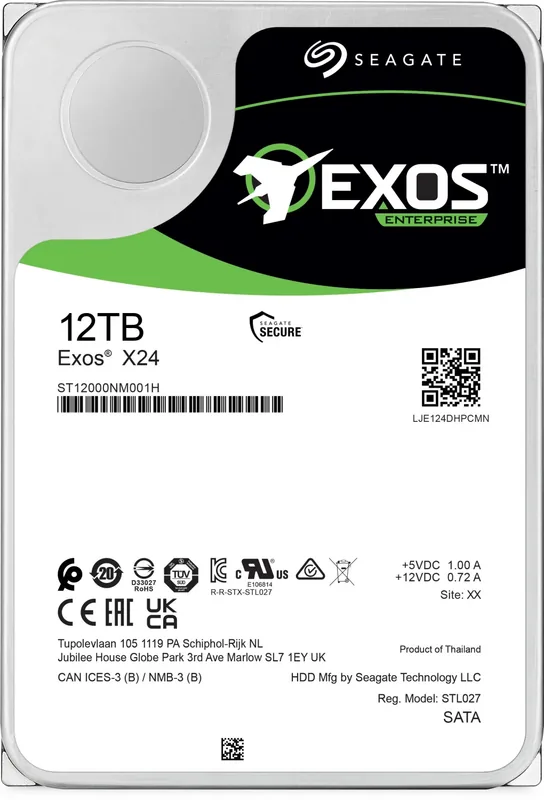
60 Pages
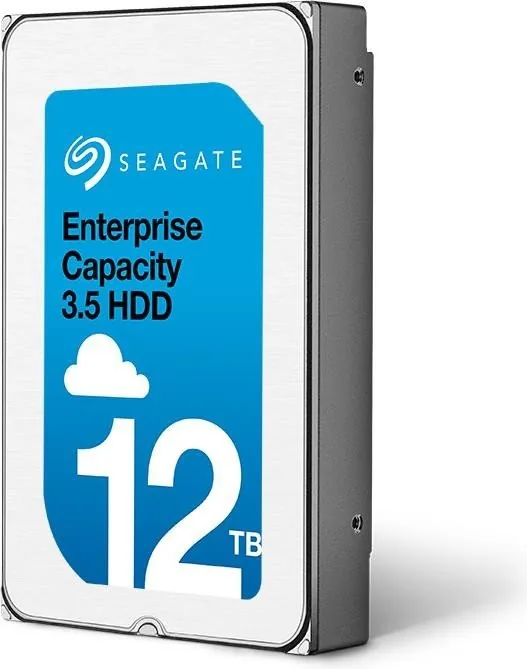
37 Pages
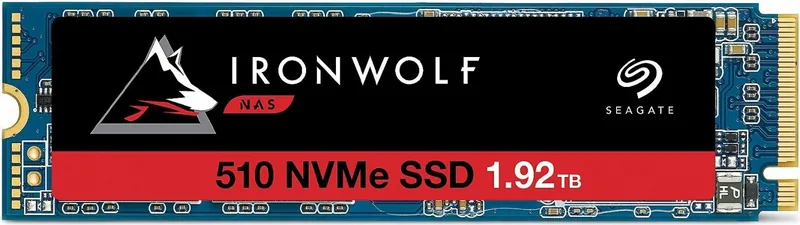
27 Pages
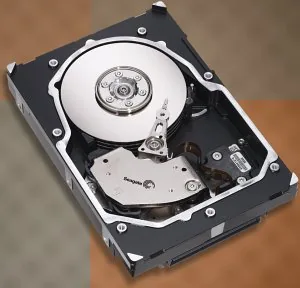
108 Pages
8 Pages
55 Pages
54 Pages
56 Pages
58 Pages
71 Pages
90 Pages
Categories

Free Seagate Manuals - Read, Download & Print
Find free Seagate manuals for hard drives, external storage devices, SSDs, NAS systems, backup products, and related accessories. Whether you need setup instructions, troubleshooting help, product specifications, warranty details, or safe operating guidance, Seagate manuals make it easier to understand and use your storage hardware correctly. Read manuals online, download a copy for later reference, or print important pages for quick access.
Find the Right Seagate Manual
Seagate has produced a wide range of storage products for home users, gamers, creative professionals, and businesses. Manuals may vary by product family, model number, capacity, connection type, and release year. Before downloading documentation, check the label on your device, packaging, or original purchase record for the exact model name or part number.
Common Seagate product categories include:
- External hard drives
- Portable hard drives
- Desktop storage systems
- Internal HDDs
- Internal SSDs
- Gaming storage devices
- NAS and network storage products
- Backup drives
- USB hubs and docks
- Expansion storage solutions
Using the correct manual is important because connection steps, supported operating systems, software features, and technical specifications can differ between models. A guide for one external drive may not apply to another device with a different USB interface, power adapter, or bundled software package.
Read Seagate Manuals Online
Reading a Seagate manual online is a convenient way to get answers without saving files to your computer or phone. Online documentation can help you quickly review installation steps, locate indicator light meanings, identify ports, and understand basic maintenance requirements.
Most manuals begin with an overview of the device and its included components. This section may show what comes in the box, explain the purpose of cables and adapters, and identify the controls or status LEDs on the product. It is useful to review this information before connecting a new drive, especially if the package contains multiple accessories.
Online manuals are also helpful when you are away from your main computer. You can open a guide from a mobile browser, tablet, or another workstation when setting up storage in an office, media room, or home network.
Download Seagate User Guides
Downloading a Seagate manual gives you an offline copy that can be stored on your computer, smartphone, tablet, or cloud folder. This is especially useful if you need instructions while traveling, working in a location with unreliable internet access, or performing a system upgrade.
Downloaded manuals can be searched for terms such as "format," "backup," "password," "firmware," "USB," or "troubleshooting." Search tools save time when you need to find a specific section in a long guide. Keeping a local copy can also be helpful for IT support staff who maintain multiple systems and need product documentation available at any time.
When saving a manual, use a clear file name that includes the Seagate product family and model number. For example, include the drive name, capacity, and interface when possible. Organized documentation makes it easier to find the right guide later and prevents confusion between similar products.
Print Important Setup and Safety Pages
Printing a Seagate manual can be useful for hands-on installation, repair planning, inventory work, and workplace reference. A printed quick-start section lets you follow connection instructions without switching between screens. It can also be helpful to print warranty information, support contacts, technical specifications, or maintenance procedures.
For most users, there is no need to print an entire manual. Consider printing only the sections that you use most often, such as:
- Initial setup instructions
- Cable and power connection diagrams
- Compatible operating system information
- LED status descriptions
- Backup and restore guidance
- Troubleshooting checklists
- Safety notices
- Warranty terms
Printing selected pages saves paper while giving you a practical reference near your desk, server rack, entertainment center, or workstation.
Seagate External Drive Setup Help
Many Seagate manuals explain how to connect an external drive through USB or another supported interface. Setup often involves connecting the drive to a computer, waiting for the operating system to detect it, and confirming that the device appears in the file manager or disk utility.
Some drives are ready to use immediately, while others may require formatting or software installation depending on your operating system and intended use. Manuals can explain the available file system options and the effects of formatting. Formatting can erase existing data, so always review the instructions carefully and confirm that important files are backed up before making changes.
A user guide may also cover safe disconnect procedures. Properly ejecting an external drive reduces the risk of interrupted file transfers and potential data corruption. This is particularly important when copying large media libraries, project files, system backups, or archives.
Backup Software and Data Protection
Seagate product documentation often includes information about backup tools, synchronization features, recovery options, and third-party software compatibility. Backup guidance may describe how to select folders, schedule automatic backups, choose a destination drive, and restore files when needed.
A reliable backup strategy should not depend on a single device. Important documents, photos, videos, and business files should be stored in more than one location whenever possible. Manuals can help with drive-specific setup, but users should also verify that backups are actually running and that files can be restored successfully.
Review the documentation for details about supported backup applications, account requirements, encryption settings, and available storage plans. If a manual mentions passwords or security features, record important credentials securely and avoid storing recovery information only on the same drive being protected.
Troubleshooting Common Seagate Drive Issues
Seagate manuals often provide practical troubleshooting steps for common storage problems. If a drive is not recognized, runs slowly, disconnects unexpectedly, or makes unusual noises, the guide may help identify possible causes and recommended next steps.
Basic troubleshooting may include checking the cable connection, trying another USB port, testing a different cable, restarting the computer, confirming power supply connections, and reviewing disk management tools. For desktop drives, make sure the power adapter is firmly connected and appropriate for the device. For portable drives, avoid using damaged cables or unstable USB hubs during important transfers.
If a drive is detected but does not appear in a file browser, it may need to be initialized, assigned a drive letter, mounted, or checked for file system errors. Follow the documentation carefully before formatting any storage device. If the drive contains valuable files, avoid actions that could overwrite data and consider professional data recovery support when necessary.
Specifications and Compatibility Details
A Seagate manual or product guide can provide useful technical details, including capacity, dimensions, weight, power requirements, interface type, transfer capability, environmental limits, and operating system compatibility. These details are valuable when comparing products, planning storage upgrades, or confirming that a drive will work with an existing computer or console.
Compatibility information can be especially important for gaming systems, televisions, routers, NAS devices, and older computers. A drive may require a specific file format, USB version, available power level, or firmware version to work as intended. Check the manual before purchasing extra cables, adapters, enclosures, or expansion hardware.
Care, Handling, and Storage Tips
Storage devices should be handled carefully to protect both the hardware and the data stored on it. Seagate manuals may include safety instructions for placement, ventilation, cleaning, transport, and environmental conditions. Keep drives away from liquids, excessive heat, direct sunlight, and unstable surfaces.
Avoid moving a hard disk drive while it is actively operating, particularly during data transfers. Use the correct power adapter for externally powered products and do not force connectors into ports. Store portable drives in a protective case when traveling, and keep cables organized to prevent damage to connectors.
Get More Value From Your Seagate Device
Free Seagate manuals are useful resources for new installations, daily use, maintenance, and problem solving. By reading the correct guide, downloading a copy for offline access, and printing the most useful pages, you can set up your storage device with confidence and keep important information close at hand. From external backup drives to internal SSDs and network storage products, clear documentation helps you protect data, improve reliability, and make the most of your Seagate hardware.
Search for 67,706 Manuals online


Type-in Brand or Model