
Seagate FireCuda Compute Manual
PDF manual · 30 Pages
English



Quick check
Incorrect answer, please try again.
Chat with your Seagate FireCuda Compute manual using AI
Get instant AI answers from your Seagate FireCuda Compute manual
Ask anything about the Seagate FireCuda Compute. Answers come from this manual, with the pages they are based on.
Ask a Question
Do you recommend FireCuda Compute?
Yes NoFrequently Asked Questions
It combines hard-drive capacity with flash acceleration, so frequent files and common tasks can load faster than on a standard HDD while keeping a large storage space.
Is this answer helpful?
The lineup includes 500GB, 1TB, and 2TB options, giving users choices for lightweight upgrades or larger game and media storage needs.
Is this answer helpful?
Yes, especially for thin notebooks or compact systems that use a 7mm 2.5-inch SATA drive bay. It offers a practical mix of storage, compatibility, and improved responsiveness.
Is this answer helpful?
It is faster than a typical HDD for frequently used data, but it still cannot match the speed of a full SSD for all workloads, especially random access and heavy multitasking.
Is this answer helpful?
Yes. It supports S.M.A.R.T. monitoring and works with Seagate SeaTools diagnostics, which help track drive status and run self-tests when needed.
Is this answer helpful?
It is rated for 400G operating shock and 1000G non-operating shock, and it also includes quiet motor design and power-management modes for everyday reliability.
Is this answer helpful?
Advantages and Disadvantages
Advantages

- Hybrid design adds 8GB NAND cache for quicker access to common files and faster everyday responsiveness.
- Slim 7mm SATA form factor makes it easy to fit into many laptops and compact systems.
- Low-power modes, quiet operation, and Fluid Dynamic Bearing help support efficient, quieter use.
- Strong shock ratings and S.M.A.R.T./SeaTools support improve durability and maintenance visibility.
Disadvantages

- 5400 RPM mechanical speed cannot match the instant performance of a full SSD.
- Rated workload is limited to under 55 TB per year, which may concern heavy-write users.
- Hybrid caching helps most with repeated files, so less-used data still feels like a normal HDD.
- Usable capacity can be lower than the label suggests after formatting and system overhead.
Product Specification
Form factor
2.5" (Width), 0.28" (Thickness/Height)
Interface
SATA 6Gb/s
Rotational speed
5400/min
Cache
128MB
Recording Method
Shingled Magnetic Recording (SMR), Drive Managed SMR
Sectors
4KB with Emulation (512e)
Special Features
8GB SSD-Cache (MLC-NAND)
Warranty
60 Months
Attention/Note/Trivia
Note: Unmarked OEM/System Builder hard drives in circulation. Reduced warranty performance possible. Manufacturer's warranty verifiable via serial number.Important: For use within a RAID array, hard drives with different recording methods (CMR, SMR) should not be combined. When using SMR hard drives in a RAID array, it is important to ensure that the RAID controller (or the NAS system) is compatible with SMR hard drives, so that the partially blocked recording behavior of SMR is not falsely interpreted as a "hardware defect".
Product Description
Seagate FireCuda Compute SSHD HDD: Smart Storage with a Performance Edge
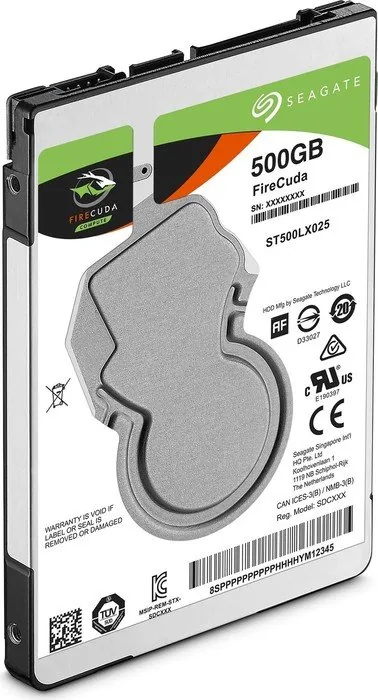
If you are looking into the Seagate FireCuda Compute SSHD HDD Manual, the standout idea behind this drive is simple: combine the comfort of large hard-drive storage with a burst of flash-assisted responsiveness. FireCuda blends a 5400 RPM mechanical platform with 8GB of NAND cache, giving it a hybrid character that aims to speed up the files you use most often without giving up the capacity and value of a traditional HDD.
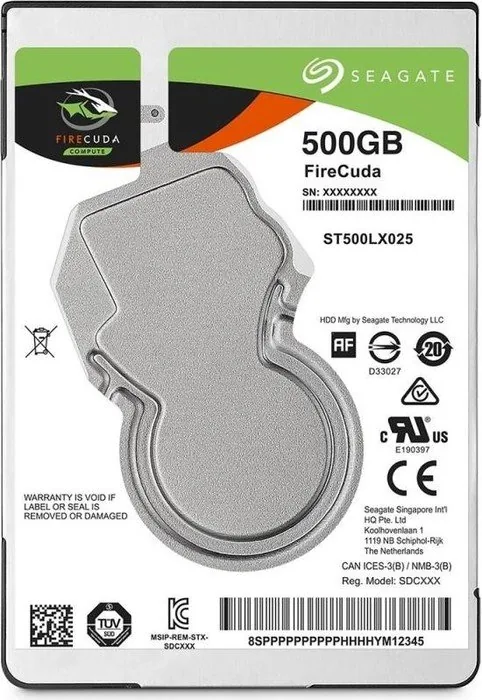
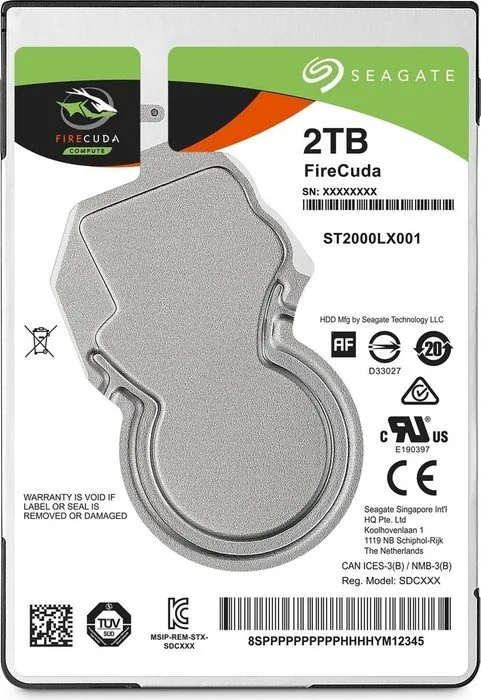
The lineup includes 500GB, 1TB, and 2TB models, all built around a slim 7mm 2.5-inch form factor and a SATA 6Gb/s interface. That makes the drive a practical fit for thin laptops, compact systems, and upgrades where space and compatibility matter. With a 128MB cache buffer, Native Command Queuing, and support for multiple ATA transfer modes, FireCuda is designed to keep everyday tasks feeling smooth and responsive.
What makes this family especially interesting is its balance. It is not trying to be a pure SSD replacement; instead, it focuses on smart acceleration for boot files, applications, and frequently accessed data. The result is a drive that can feel quicker in real-world use than a standard HDD, while still offering the cost-effective capacity many users need for games, media libraries, and general storage.
Seagate also pays attention to durability and operating comfort. The drive is rated for 400G operating shock and 1000G non-operating shock, includes quiet Fluid Dynamic Bearing motor technology, and supports power-management modes that help reduce consumption when the system is idle. SeaTools support and S.M.A.R.T. monitoring add an extra layer of confidence for users who want to keep an eye on drive health over time.
For creators, students, and everyday PC users, FireCuda makes sense as a hybrid upgrade path: faster than a typical spinning drive in many common scenarios, yet still straightforward and economical. It is a useful choice when you want a little more speed, a lot of storage, and a familiar SATA setup that does not require a complicated installation.
Notes
- Best suited for systems that value capacity and everyday responsiveness.
- Performance gains are strongest for frequently used data and repeated tasks.
- Actual usable capacity may be slightly lower than the advertised figure.
- Keep workload expectations in mind for long-term reliability.
Search for 67,706 Manuals online


Type-in Brand or Model