
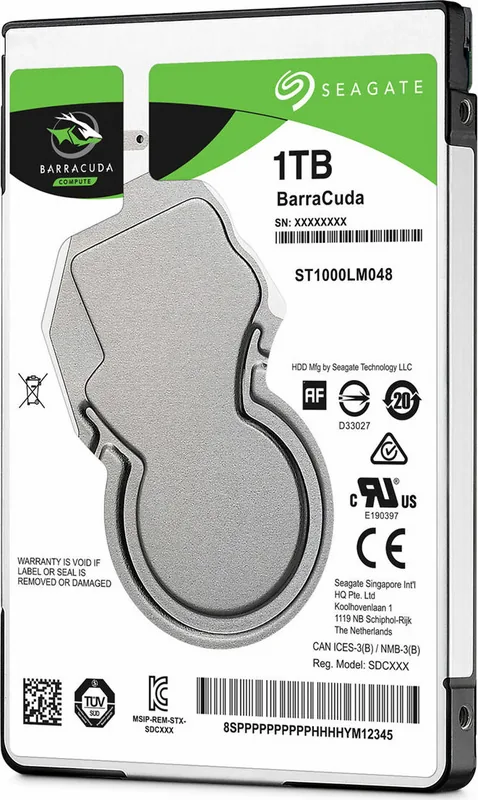
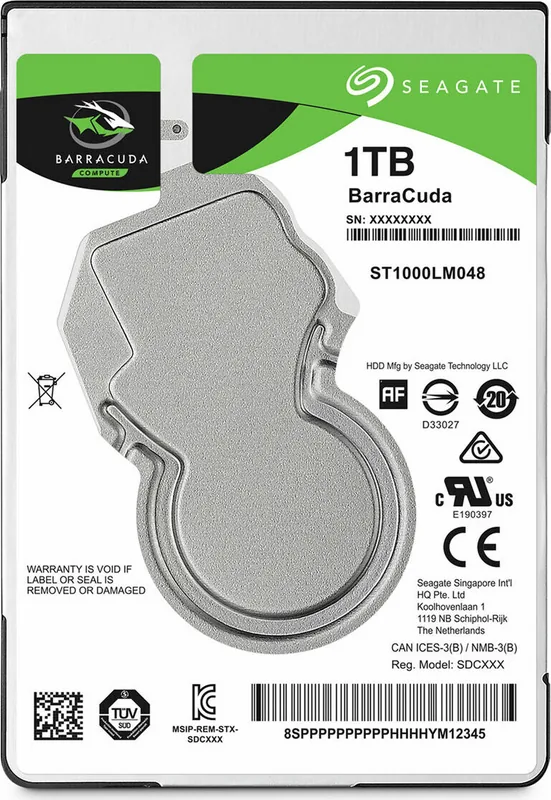
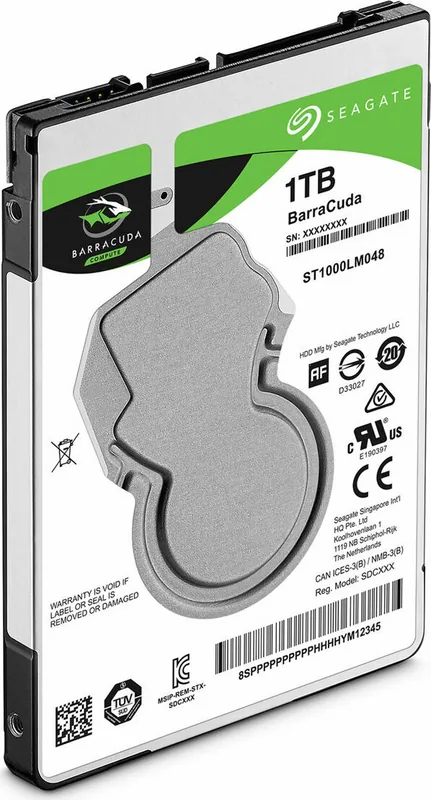
Seagate BarraCuda Compute Manual
PDF manual · 33 Pages
English



Quick check
Incorrect answer, please try again.
Chat with your Seagate BarraCuda Compute manual using AI
Get instant AI answers from your Seagate BarraCuda Compute manual
Ask anything about the Seagate BarraCuda Compute. Answers come from this manual, with the pages they are based on.
Ask a Question
Do you recommend BarraCuda Compute?
Yes NoFrequently Asked Questions
It combines high-capacity storage with a compact 2.5-inch design, SATA 6Gb/s connectivity, and quiet 5400 RPM operation. It is a practical choice for users who need more space without moving to a larger drive form factor.
Is this answer helpful?
The main models covered are 3TB, 4TB, and 5TB versions. These capacities make the drive suitable for large media collections, backups, and general-purpose storage in laptops or compact desktop systems.
Is this answer helpful?
It is mainly aimed at large storage and dependable everyday use. While its transfer rate is respectable, it is still a mechanical HDD, so it is slower than an SSD in boot time and app launch speed.
Is this answer helpful?
Yes. It supports SATA 6Gb/s, Native Command Queuing, hot-plug compatibility, and several ATA transfer modes. These features help it work smoothly in many current systems and enclosures.
Is this answer helpful?
Power use is relatively low for a hard drive. The manual lists different states such as active read/write, idle, standby, and sleep, with low-power modes designed to reduce energy use when the drive is not busy.
Is this answer helpful?
The drive should be handled with ESD protection, mounted correctly, and kept within its workload limits. The manual also notes that users should flush the cache or use standby commands before controlled power-off to reduce data loss risk.
Is this answer helpful?
It is best for users who need a lot of internal storage at a good value, especially for backups, files, photos, videos, and everyday computing where quiet operation and compatibility matter more than maximum speed.
Is this answer helpful?
Advantages and Disadvantages
Advantages

- Large 2.5-inch capacity options make it useful for space-heavy storage needs.
- SATA 6Gb/s support and hot-plug compatibility improve system flexibility.
- Quiet 5400 RPM operation and fluid dynamic bearing design help reduce noise.
- S.M.A.R.T. support and SeaTools diagnostics add useful health monitoring.
Disadvantages

- Slower than SSDs, so boot and app loading speeds are more modest.
- Rated workload is limited to under 55TB per year for best reliability.
- Write-cache data can be lost if power is interrupted unexpectedly.
- Requires careful handling, ESD precautions, and proper mounting during install.
Product Specification
Interface
SATA 6Gb/s
Rotational speed
5400 rpm
Cache
128MB
Recording method
Shingled Magnetic Recording (SMR), Drive Managed SMR
Sectors
4KB with emulation (512e)
Warranty
24 Months
Product Description
Seagate BarraCuda Compute 2.5" HDD: Compact Capacity for Everyday Storage
The Seagate BarraCuda Compute 2.5" HDD is built for users who need dependable storage in a slim, laptop-friendly form factor. Designed around the SATA 6Gb/s interface, it blends broad compatibility with practical capacity options, including 3TB, 4TB, and 5TB models. For a blog post focused on storage upgrades, this drive stands out as a balanced choice for general computing, media libraries, backups, and portable systems that still rely on traditional hard-disk value.
One of the biggest strengths of this drive family is density. With a 5400 RPM spindle speed, 128MB cache, and data transfer rates reaching up to 140 MB/s, it delivers solid everyday performance for bulk storage tasks. It is not trying to compete with an SSD for raw speed; instead, it focuses on offering generous space, steady operation, and lower cost per terabyte. That makes it a sensible pick for users who prioritize capacity over ultra-fast boot times.
The drive also brings a thoughtful set of engineering details. It supports Native Command Queuing, S.M.A.R.T. monitoring, hot-plug compatibility, and multiple SATA transfer modes. Seagate also emphasizes quiet operation through its fluid dynamic bearing motor, which helps keep noise down in compact desktops and notebooks. Power use is modest too, with low-power idle and standby modes that help support energy-aware systems.
From a durability perspective, the BarraCuda Compute line is designed for everyday reliability. It includes strong shock and vibration ratings, a workload limit of under 55TB per year, and guidance for safe handling during installation. The manual also highlights important best practices such as using ESD protection, proper mounting torque, and flushing cache before shutdown to reduce the risk of data loss.
In short, this is a storage drive that focuses on practical utility. It is ideal for users who want large internal capacity, a familiar SATA connection, and predictable behavior in a wide range of systems.
Notes
- Best suited for bulk storage, backups, and mixed everyday workloads.
- Careful installation matters: ESD protection and proper mounting are essential.
- Like most HDDs, it favors capacity and value over SSD-level responsiveness.
Search for 67,706 Manuals online


Type-in Brand or Model