
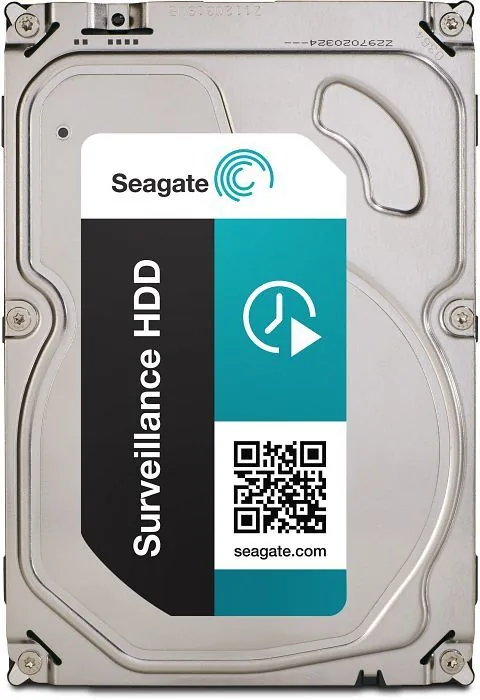
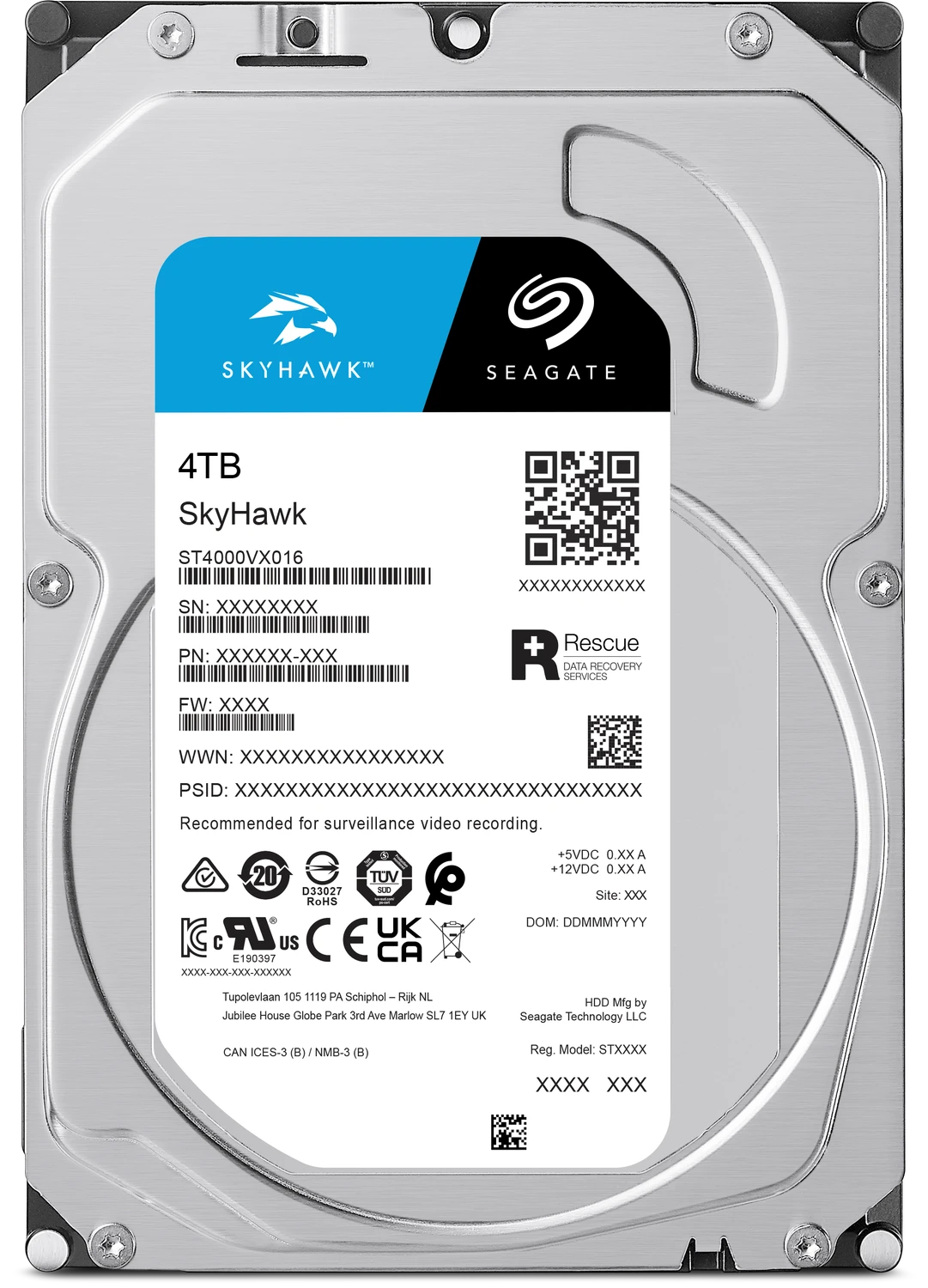
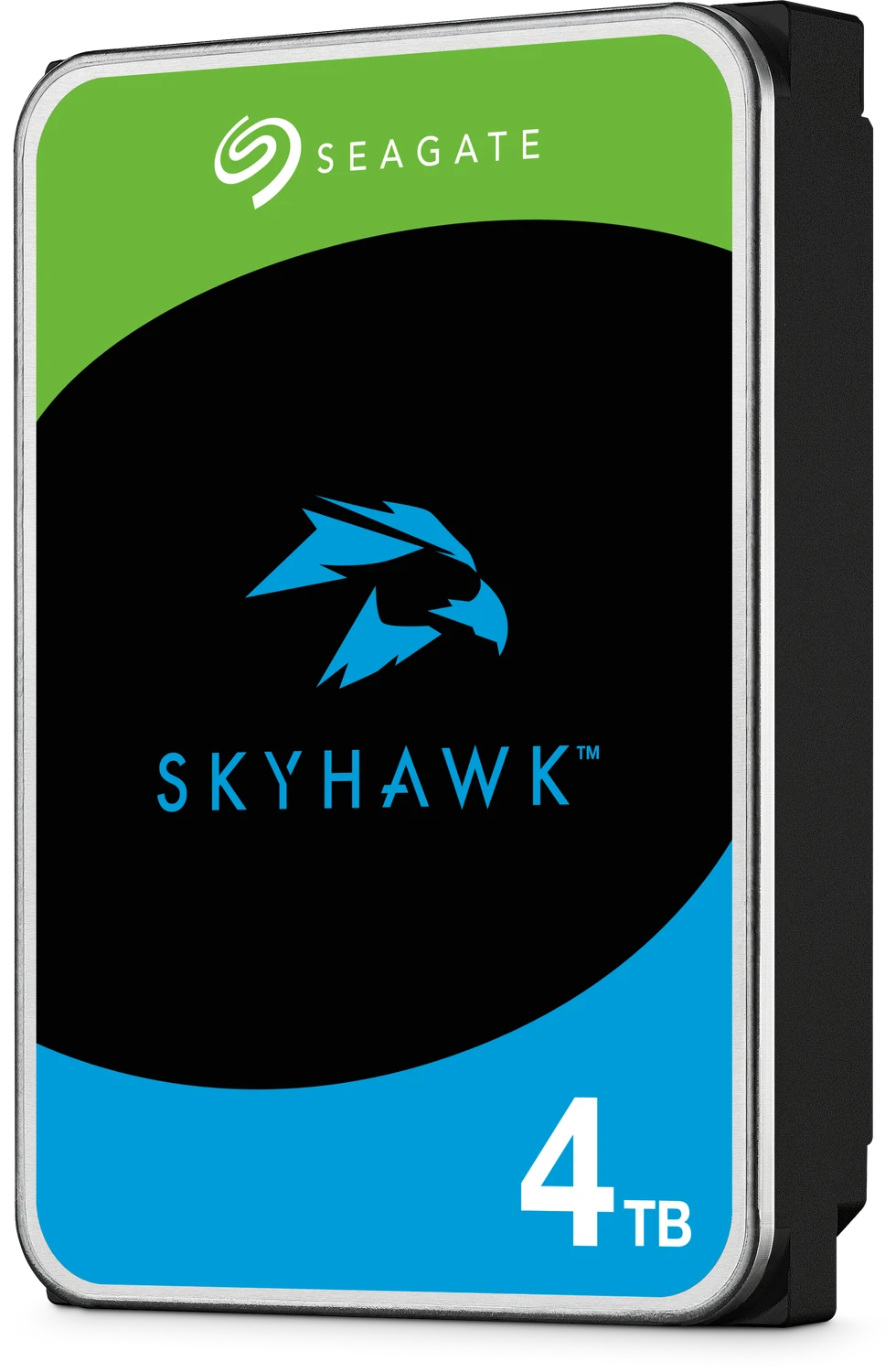
Seagate Surveillance HDD Manual
PDF manual · 34 Pages
English



Quick check
Incorrect answer, please try again.
Chat with your Seagate Surveillance HDD manual using AI
Get instant AI answers from your Seagate Surveillance HDD manual
Ask anything about the Seagate Surveillance HDD. Answers come from this manual, with the pages they are based on.
Ask a Question
Do you recommend Surveillance HDD?
Yes NoVideo Manual
Failure Rate Analysis - Best 10Tb+ hard drives: Seagate, Western Digital or Toshiba?
Frequently Asked Questions
The drive is optimized for continuous, sequential video-recording workloads—DVRs, NVRs, and surveillance systems—providing consistent streaming performance, low frame-loss risk, and firmware tuned for long-duration write activity rather than random enterprise I/O.
Is this answer helpful?
Yes. It supports SATA hot-plug compatibility, latching connectors, and is engineered for multi-bay environments with rotational vibration mitigation, but ensure proper backplane and enclosure cooling and follow Seagate’s mounting torque and clearance recommendations.
Is this answer helpful?
Operating drive-case temperatures are rated up to 70°C with ambient derating above 305 m. The drive tolerates wide humidity ranges and specific shock/vibration levels; proper ventilation, spacing, and system-level thermal monitoring are recommended to maintain reliability.
Is this answer helpful?
Seagate rates the drive for an average annual workload of up to 180 TB/year and indicates support for up to 64 cameras, depending on camera resolution, encoding, and retention policies. Exceeding the rating can reduce expected reliability.
Is this answer helpful?
Yes. The drive supports S.M.A.R.T. attributes and self-tests. Use compatible BIOS or monitoring software (e.g., SeaTools) to enable S.M.A.R.T., run diagnostics, and monitor parameters like temperature, error counts, and self-test results to anticipate failures.
Is this answer helpful?
Spin-up inrush is limited to ≤1.8 A peak on 12V to reduce power-strain at startup. Typical operating power is around 5.5 W; idle modes and power-management features (Idle, Standby, Sleep) can lower consumption. Design the PSU and stagger spin-up to avoid exceeding power budgets.
Is this answer helpful?
Some models include a Rescue option or can be covered by Seagate’s Recovery Services. Rescue terms define eligibility, limits, and disclaimers. Check Seagate’s service pages or warranty lookup with serial/model to confirm availability and terms.
Is this answer helpful?
Advantages and Disadvantages
Advantages

- Optimized for 24/7 surveillance with firmware tuned for consistent streaming and low frame loss.
- 4TB capacity with 512e (4K physical) offers large storage and broad system compatibility.
- Rotational vibration mitigation and thermal monitoring improve reliability in multi-bay enclosures.
- Supports up to 64 cameras and an average annual workload rating of up to 180 TB/year.
- SATA 6Gb/s interface, hot-plug support, and latching connectors simplify installation and maintenance.
Disadvantages

- Not intended for heavy enterprise random I/O workloads; optimized for sequential video writes.
- Lower RPM and focus on acoustics may limit peak throughput compared to high-performance drives.
- Workload rating (180 TB/year) can be exceeded in aggressive deployments, impacting longevity.
- Operating up to 70°C requires careful chassis cooling to avoid thermal stress over time.
- Some advanced recovery features require separate Rescue service enrollment and may have terms/limits.
Product Specification
Capacity
4TB (corresponds to approx. 3,725.29GiB or 3.64TiB, further information here)
Form factor
3.5" (Width)
Interface
SATA 6Gb/s
Rotational speed
5,900/min
Cache
64MB
Power consumption
8W (Operating), 5.4W (Idle)
Noise level
25dB(A) (Operating), 25dB(A) (Idle)
Recording method
Conventional Magnetic Recording (CMR)
Sectors
4KB with Emulation (512e)
Special features
suitable for continuous operation (24/7), suitable for DVR
Warranty
36 Months
Attention/Note/Trivia
Note: Unmarked OEM/System Builder hard drives in circulation. Reduced warranty performance possible. Manufacturer's warranty verifiable via the serial number.Important: For use within a RAID array, hard drives with different recording methods (CMR, SMR) should not be combined. When using SMR hard drives in a RAID array, ensure that the RAID controller (or the NAS system) is compatible with SMR hard drives, so that the partially blocked recording behavior of SMR is not falsely interpreted as a "hardware defect".
Product Description
Seagate Surveillance HDD 4TB, 24/7, 512e / 3.5" / SATA 6Gb/s Manual
The Seagate Surveillance HDD 4TB (512e, 3.5", SATA 6Gb/s) is engineered specifically for continuous video-recording systems. Built for 24/7 operation, this drive balances capacity, sustained streaming performance, and long-term reliability to serve DVRs, NVRs, and multi-camera surveillance deployments. With a 4TB formatted capacity and enterprise-grade features tuned for video workloads, it supports high camera counts and constant-write environments while minimizing interruptions.
Designed to handle sustained write-intensive workloads, the Surveillance HDD delivers a moderate spindle speed and optimized firmware that prioritize consistent command completion times and on-the-fly error correction. TGMR recording technology increases areal density, while rotational vibration mitigation and thermal monitoring preserve performance in multi-bay enclosures. The drive supports up to 64 cameras and an annual workload rating up to 180 TB/year, making it suitable for small-to-medium surveillance installations.
Interface and compatibility are straightforward: the drive uses the SATA 6Gb/s interface with native command queuing, ATA AV streaming commands, and S.M.A.R.T. monitoring. It features standard 512e emulation (4K physical with 512-byte logical sectors), 64MB cache, and a typical sustained OD read rate around 190 MB/s. Hot-plug capability, latching SATA connectors, and support for common backplane configurations make installation and serviceability easy in NAS or surveillance chassis.
Durability and environment specs reflect the surveillance use case—operating drive-case temperatures up to 70°C, wide humidity and altitude tolerances, and shock/vibration ratings appropriate for mounted arrays. Power management options (Active, Idle, Standby, Sleep) help reduce energy use when drives are not under heavy load, and the spin-up current is controlled (≤1.8 A peak) to ease power budget concerns in multi-drive systems.
Seagate includes SeaTools diagnostics and, on select models, Rescue data-recovery service options. The manual outlines warranty lookup, regulatory compliance (CE, FCC, regional EMC marks), and installation guidance including handling, mounting, and SATA cabling practices.
Notes
- Optimized firmware ensures smooth streaming and minimized frame loss under sustained writes.
- 4TB capacity with 512e logical sectors (4K native physical) provides compatibility with many systems.
- Designed for compact multi-drive enclosures; adhere to mounting and thermal clearance guidelines.
Search for 67,706 Manuals online


Type-in Brand or Model
Sean Campbell
9 months ago
I see reviews saying the Seagate drive loses its file system and some units fail after a few days. What can I do to prevent this and what should I do if it happens?
Manual.ly
9 months ago
If you experience file system corruption or sudden failures, treat it as a data-safety issue first: back up any important data immediately. Then check the basics that commonly cause errors: confirm stable SATA data and power connections, try a different SATA port/cable, and avoid powering off or unplugging the drive during writes. In Windows, run a disk check (chkdsk) and verify SMART status using your system or a SMART tool. If the drive reports SMART errors, reoccurring I/O errors, or the failure repeats quickly, stop using it and request warranty/RMA. Also update any relevant firmware for your host/controller and reformat only after the drive is confirmed healthy.