
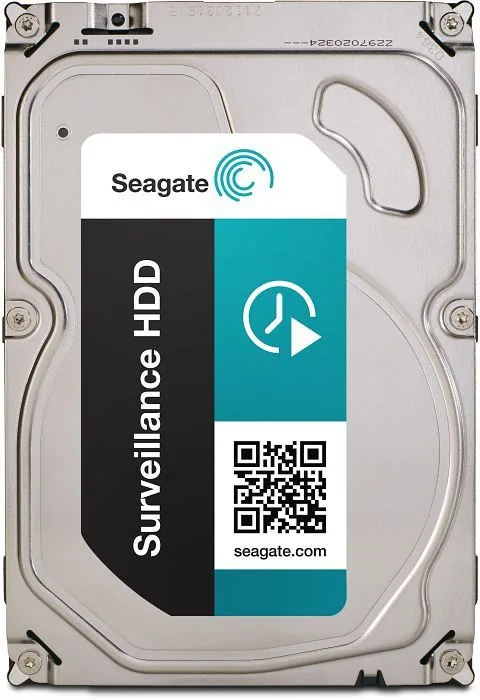
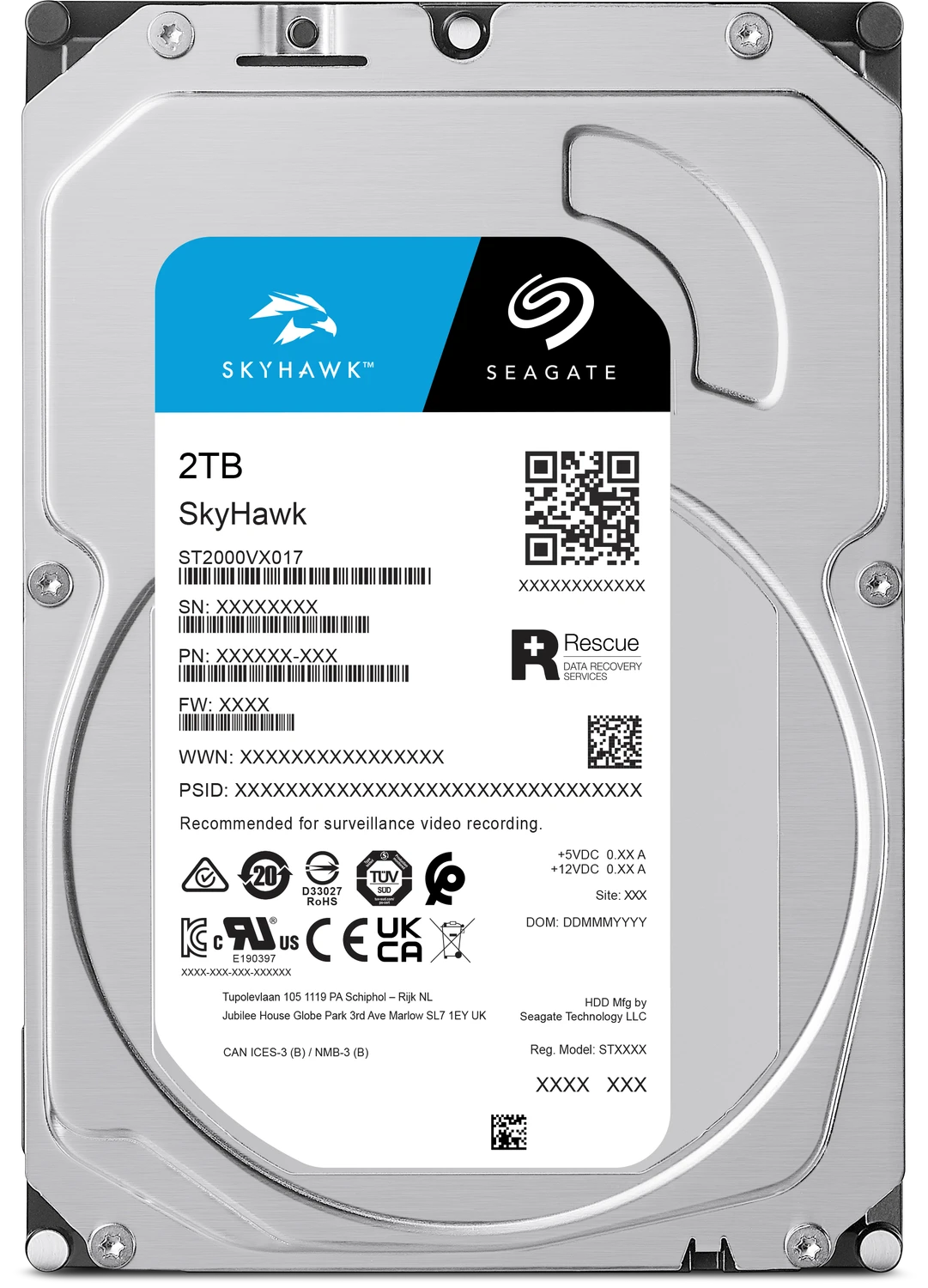
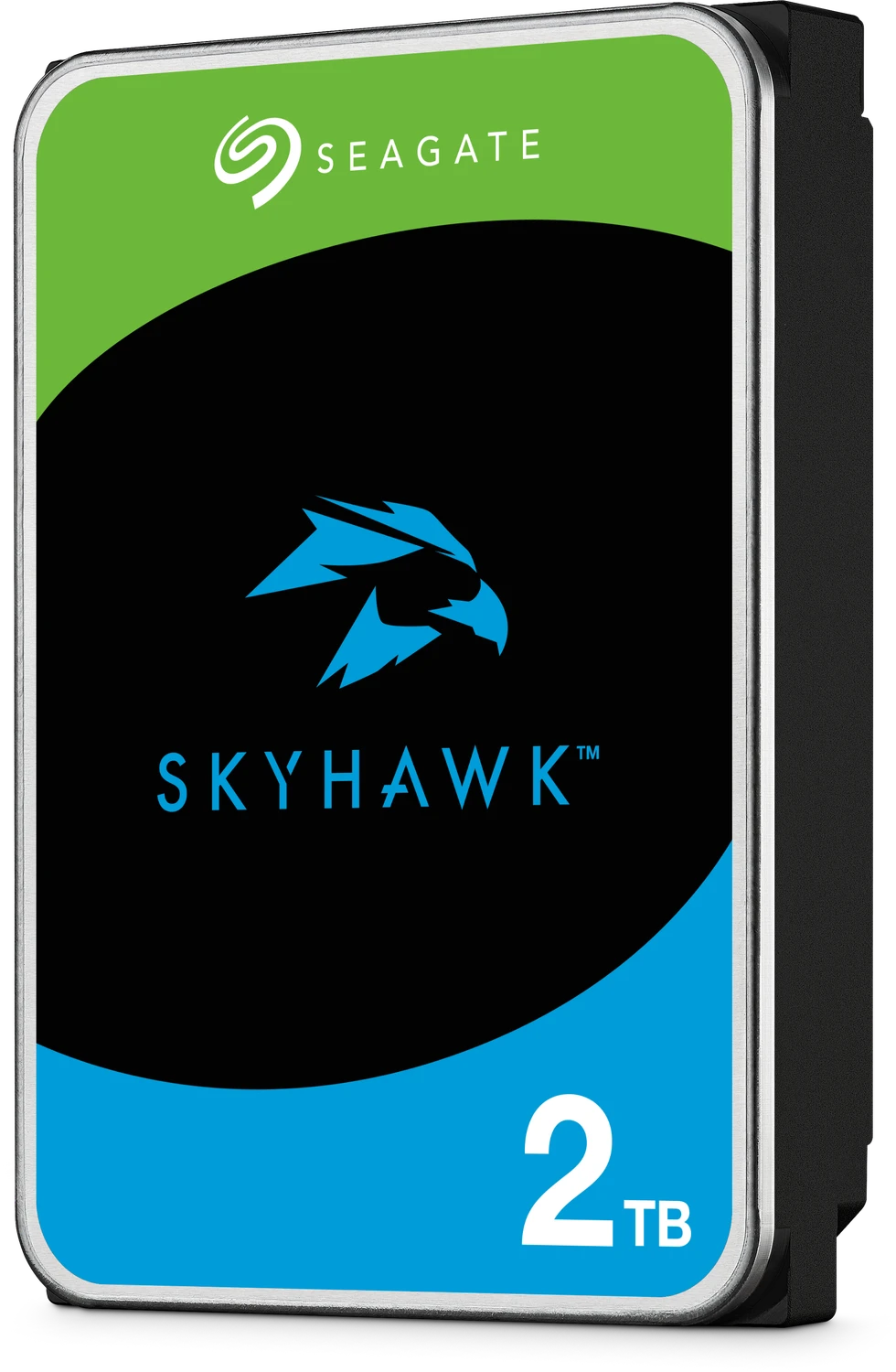
Seagate Surveillance HDD Manual
PDF manual · 35 Pages
English



Quick check
Incorrect answer, please try again.
Chat with your Seagate Surveillance HDD manual using AI
Get instant AI answers from your Seagate Surveillance HDD manual
Ask anything about the Seagate Surveillance HDD. Answers come from this manual, with the pages they are based on.
Ask a Question
Do you recommend Surveillance HDD?
Yes NoFrequently Asked Questions
It is designed for continuous video surveillance storage, especially in DVR and NVR systems that record around the clock. The drive focuses on reliability, stable streaming, and low-noise operation rather than general-purpose desktop performance.
Is this answer helpful?
Yes. The drive is built for 24/7 use and includes features such as thermal monitoring, built-in error recovery, and workload ratings that suit always-on security environments.
Is this answer helpful?
It uses a SATA 6Gb/s interface. That makes it easy to connect in standard surveillance systems and compatible enclosures that accept 3.5-inch SATA hard drives.
Is this answer helpful?
The product information lists support for up to 64 cameras, depending on the recorder, system design, bitrate, and retention settings used in the installation.
Is this answer helpful?
512e means the drive uses 4K native sectors internally while presenting 512-byte sectors at the interface. This helps compatibility with systems that expect legacy sector sizing.
Is this answer helpful?
Yes, within its stated limits. The drive case temperature can operate up to 70°C, which is helpful for surveillance cabinets and compact enclosures with limited airflow.
Is this answer helpful?
Use proper anti-static handling, ensure good airflow, mount the drive securely, and stay within the recommended workload and temperature ranges for best reliability.
Is this answer helpful?
Advantages and Disadvantages
Advantages

- Built for 24/7 surveillance workloads with steady recording performance and reliability.
- Supports up to 64 cameras and an annual workload rating of 180TB, fitting demanding security systems.
- Quiet 5900 RPM operation with built-in error recovery helps maintain smooth video capture.
- Standard 3.5-inch SATA 6Gb/s design makes installation simple in common DVR/NVR setups.
Disadvantages

- 2TB capacity may be limiting for larger multi-camera systems with long retention needs.
- Performance is optimized for surveillance, so it is less suited to general high-speed desktop use.
- Workload should stay within the 180TB/year rating to preserve reliability and drive health.
- Mechanical HDD design means slower access and more sensitivity than solid-state storage.
Product Specification
Capacity
2TB (corresponds to approx. 1862.65GiB or 1.82TiB, further information on this)
Form Factor
3.5" (Width)
Interface
SATA 6Gb/s
Rotational Speed
5900/min
Cache
64MB
Power Consumption
5.6W (Operating), 4W (Idle)
Noise Level
24dB(A) (Operating), 23dB(A) (Idle)
Recording Method
Conventional Magnetic Recording (CMR)
Sectors
4KB with Emulation (512e)
Special Features
suitable for continuous operation (24/7), suitable for DVR
Warranty
36 Months
Attention/Note/Trivia
Note: Unmarked OEM/System Builder hard drives in circulation. Reduced warranty performance possible. Manufacturer warranty verifiable via serial number. Important: For use within a RAID array, hard drives with different recording methods (CMR, SMR) should not be combined. When using hard drives with SMR in a RAID array, ensure that the RAID controller (or the NAS system) is compatible with SMR hard drives to avoid misinterpreting the partially blocked recording behavior of SMR as a "hardware defect".
Product Description
Seagate Surveillance HDD 2TB, 24/7, 512e / 3.5" / SATA 6Gb/s Manual
The Seagate Surveillance HDD 2TB is built for video systems that never really take a break. Designed for 24/7 operation, this drive focuses on steady recording, dependable playback, and the kind of endurance security setups demand. It is a 3.5-inch SATA 6Gb/s hard drive with 512e formatting, making it a practical fit for DVRs, NVRs, and multi-drive surveillance enclosures where continuous writing matters more than flashy benchmark numbers.
What makes this model appealing is its surveillance-first design. Seagate tuned the drive for workloads that involve constant stream writing, frequent camera feeds, and long recording sessions. With support for up to 64 cameras and an annual workload rating of 180TB, the drive is positioned for small to mid-sized security environments that need reliable storage without constant maintenance. The manual also highlights thermal monitoring, acoustic control, and built-in error recovery, all of which help keep recordings stable in real-world installations.
The 2TB capacity is a balanced option for systems that need room for high-definition footage but do not require massive enterprise storage. It offers a 5900 RPM spindle speed, 64MB cache, and sustained transfer rates designed to keep video flowing smoothly. That combination helps reduce interruptions during long recording windows and supports dependable performance in compact surveillance bays.
Installation is straightforward thanks to the SATA interface and standard 3.5-inch form factor. The drive supports hot-plug functionality in compatible systems, latching SATA connectors, and flexible mounting options. Its operating temperature range is generous, reaching up to 70°C at the drive case, which is useful in warm cabinets or tightly packed security racks.
For users building or upgrading a surveillance system, the Seagate Surveillance HDD 2TB offers a clear value proposition: durable storage, low-noise operation, and features tailored to video workloads rather than general desktop use. It is especially attractive for installers who want a drive that can be configured once and trusted to keep recording around the clock.
Notes
- Best suited for surveillance recording and continuous capture
- Ideal for SATA-based DVR and NVR environments
- Workload limits should be respected for long-term reliability
- Good choice when quiet operation and thermal resilience matter
Search for 67,706 Manuals online


Type-in Brand or Model
aruecker33
8 months ago
Does this HDD make noticeable noise when it starts up, and is it actually fast enough for backups and general data storage?
Manual.ly
8 months ago
Based on customer feedback, the drive can be audible during spin-up/start but is not described as loud or annoying during normal use. Several reviewers report it is very quiet overall, including with a silent setup. Performance-wise, users mention good access times and a responsive feel for typical storage tasks like backups and large data archives. It is also commonly recommended as a reliable data-grab HDD rather than a replacement for an SSD. Durability sounds promising so far, though long-term reliability depends on your use and cooling.