
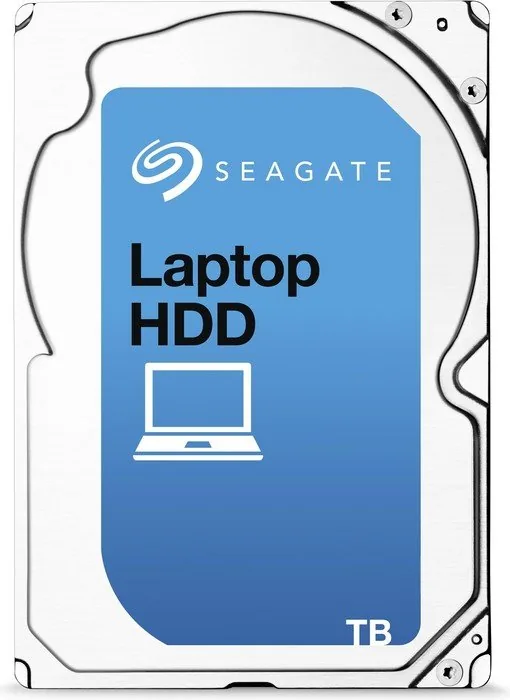
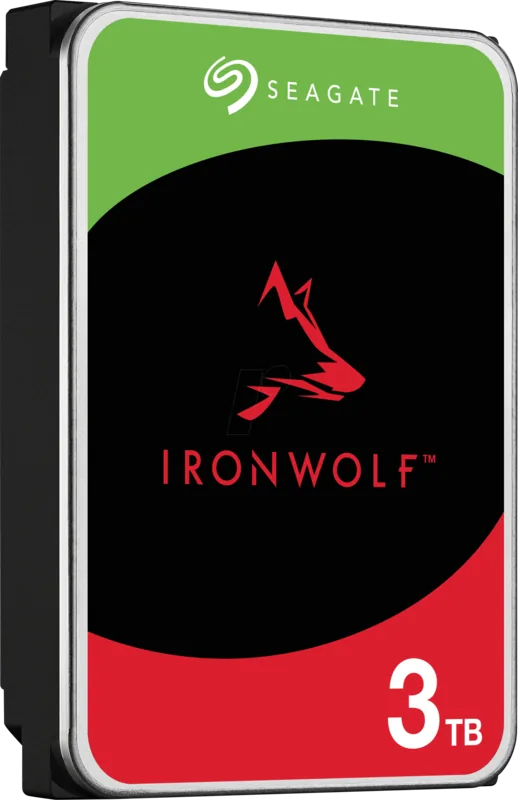
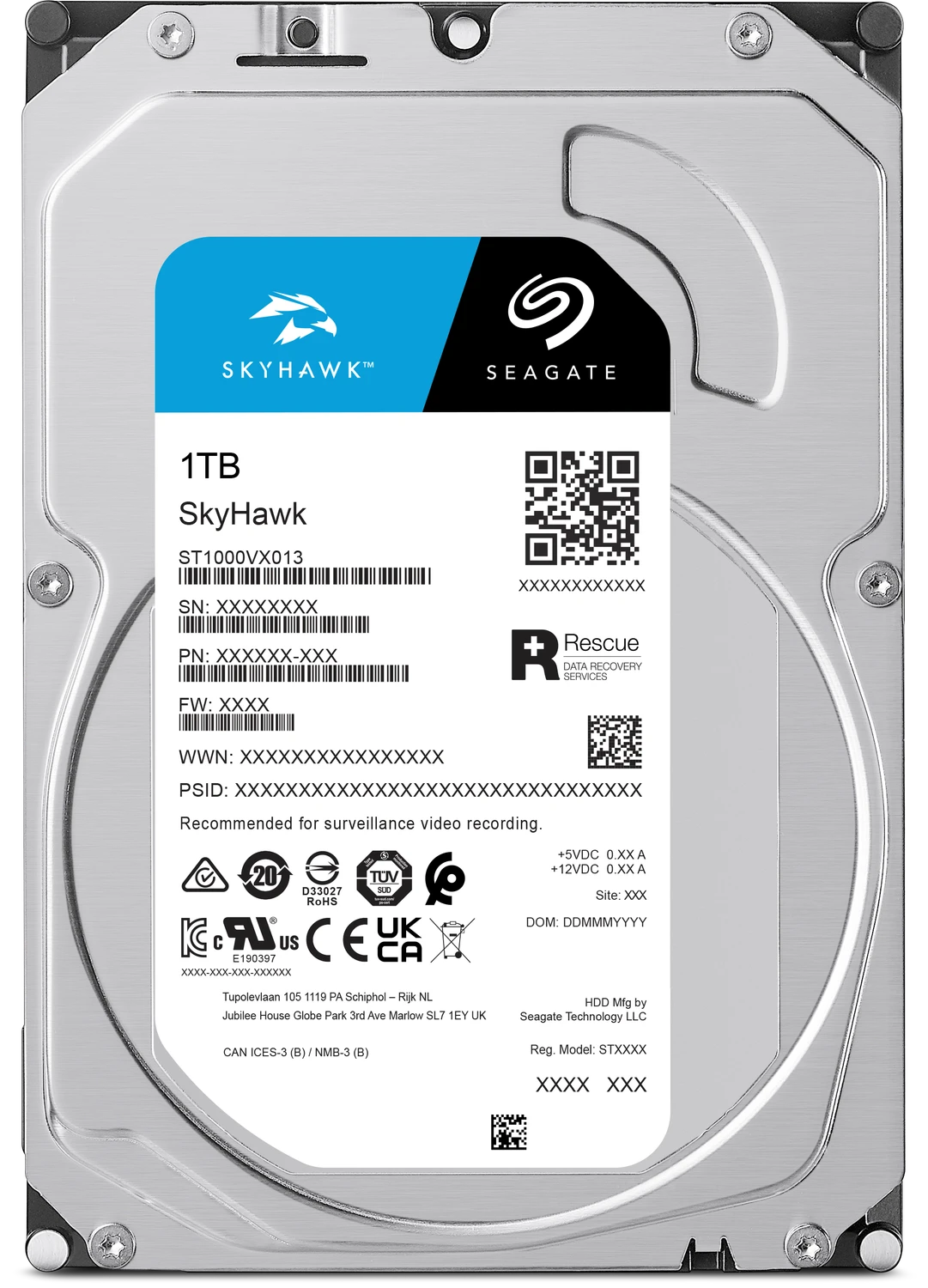
Seagate Laptop HDD Manual
PDF manual · 29 Pages
English



Quick check
Incorrect answer, please try again.
Chat with your Seagate Laptop HDD manual using AI
Get instant AI answers from your Seagate Laptop HDD manual
Ask anything about the Seagate Laptop HDD. Answers come from this manual, with the pages they are based on.
Ask a Question
Do you recommend Laptop HDD?
Yes NoFrequently Asked Questions
It is designed for high-capacity storage in laptops and compact systems. It works well for backups, media libraries, and general file storage where space matters more than top-tier speed.
Is this answer helpful?
Yes, if the laptop supports a 2.5-inch SATA drive. The SATA 6Gb/s interface offers wide compatibility, but you should always confirm bay size, connector type, and thickness before buying.
Is this answer helpful?
The drive spins at 5400 RPM and supports data transfer rates up to 130 MB/s. That is good for everyday storage tasks, though it will still be slower than an SSD.
Is this answer helpful?
Yes. It supports S.M.A.R.T. monitoring and can be checked with Seagate diagnostic tools. These features help track drive health and can warn you about potential issues early.
Is this answer helpful?
It is rated for 300G operating shock and 650G non-operating shock when properly mounted. That makes it suitable for mobile use, but careful handling is still important.
Is this answer helpful?
Keep the drive protected from static electricity, handle it by the edges, and mount it securely with the correct screws. Proper airflow and a stable fit help protect performance and reliability.
Is this answer helpful?
Advantages and Disadvantages
Advantages

- High 3TB capacity in a compact 2.5-inch form factor for mobile and space-limited systems.
- SATA 6Gb/s interface with up to 130 MB/s throughput supports broad compatibility and solid everyday use.
- Quiet 5400 RPM design, FDB motor, and 128MB cache help deliver smoother, low-noise operation.
- Strong resilience ratings, including 300G operating shock and 650G non-operating shock, improve durability.
Disadvantages

- Mechanical drive performance is slower than SSDs and less responsive for demanding workloads.
- Average latency and 5400 RPM speed make it better for storage than fast application loading.
- Recommended workload is limited to under 55 TB per year for best reliability.
- Installation requires careful ESD handling and secure mounting to avoid damage or performance issues.
Product Specification
Capacity
3TB (corresponds to approx. 2,793.97GiB or 2.73TiB, further information on this)
Form factor
2.5" (Width), 0.59" (Thickness/Height)
Interface
SATA 6Gb/s
Rotational speed
5,400 rpm
Cache
128MB
Power consumption
2.1W (Operating), 0.85W (Idle)
Noise level
26dB(A) (Operating), 24dB(A) (Idle)
Recording method
Shingled Magnetic Recording (SMR), Drive Managed SMR
Warranty
24 Months
Attention/Note/Trivia
Note: Unmarked OEM/System Builder hard drives in circulation. Reduced warranty performance possible. Manufacturer's warranty verifiable via serial number.Important: For use within a RAID array, hard drives with different recording methods (CMR, SMR) should not be combined. When using SMR hard drives in a RAID array, ensure that the RAID controller (or the NAS system) is compatible with SMR hard drives, so as not to misinterpret the partially blocked recording behavior of SMR as a "hardware defect".
Product Description
Seagate Laptop HDD 3TB, 2.5" / SATA 6Gb/s. Manual
The Seagate Laptop HDD 3TB, 2.5" / SATA 6Gb/s. Manual highlights a compact storage drive designed for users who need substantial space in a laptop-friendly size. Built on a 2.5-inch format and connected through SATA 6Gb/s, it fits naturally into notebooks, portable enclosures, and slim systems that still rely on traditional hard drive storage. The design focuses on balance: roomy capacity, broad compatibility, and steady everyday performance.
This drive is a practical option for storing large photo collections, video projects, backups, and software libraries. With a 5400 RPM spindle speed and a 128MB buffer, it is tuned for reliable daily access rather than flashy benchmark numbers. The fluid dynamic bearing motor helps keep operation smooth and quiet, while native command queuing and standard ATA support make it easier to work with modern controllers and older systems alike.
A major strength of this model is its mix of capacity and durability. The drive is rated for up to 130 MB/s data transfer, and it supports common features such as S.M.A.R.T., hot-plug operation, and diagnostic testing through Seagate tools. The hardware is also built with realistic mobile-use conditions in mind, including operating shock tolerance, vibration limits, temperature ranges, and humidity guidance. For builders and upgraders, that means the drive is not just about storage size; it is about fitting into real-world environments with minimal friction.
Power use is another important detail. The drive runs from a 5V supply and includes idle, low-power, standby, and sleep states to reduce consumption when full speed is not needed. It is intended for normal consumer workloads, with an annualized workload rating under 55 TB per year. That makes it a sensible choice for general-purpose laptops, media machines, and backup roles where dependable capacity matters more than SSD-level speed.
Notes
- Best suited for data storage, backups, and everyday laptop use.
- Handle with care during installation to avoid ESD damage.
- Secure mounting and proper airflow help maintain performance.
- Check host compatibility with SATA 6Gb/s and 2.5-inch drives.
Search for 67,706 Manuals online


Type-in Brand or Model
Sofia Brandt
10 months ago
Before ordering, what should I check about build height (Bauhöhe)? Will it fit on my setup?
Manual.ly
10 months ago
Please compare the product's specified build height with your available space before installing. Make sure the clearance in your setup (including any mounts, covers, or neighboring components) is larger than the stated Bauhoehe so nothing collides and everything fits correctly. If you tell us the maximum height you have available, we can help you verify compatibility based on the provided measurements.