
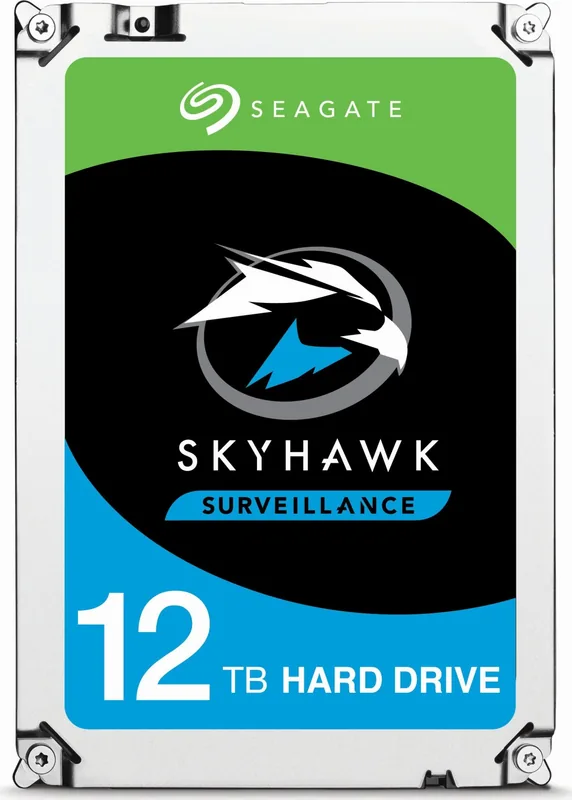
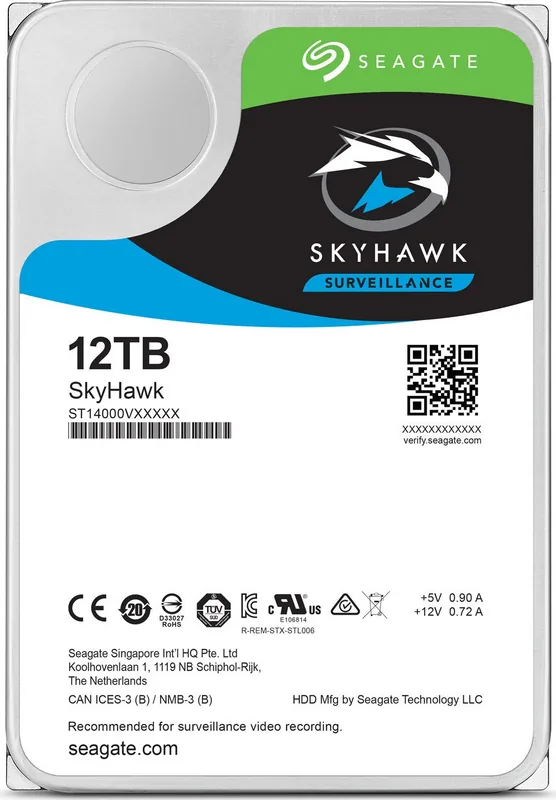
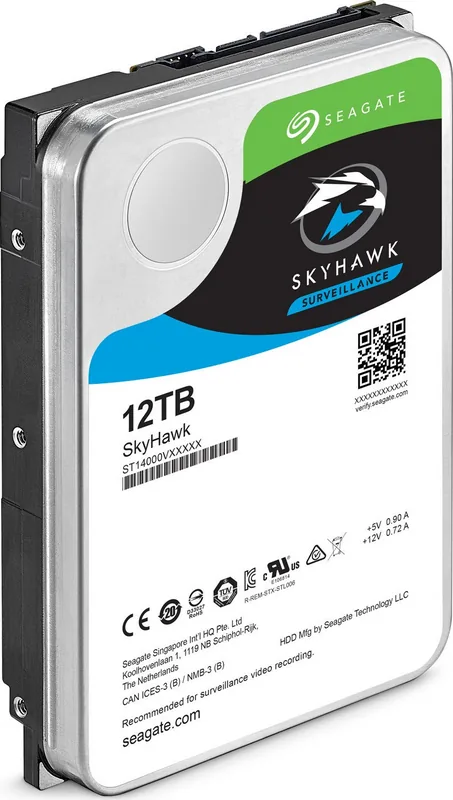
Seagate SkyHawk Manual
PDF manual · 52 Pages
English



Quick check
Incorrect answer, please try again.
Chat with your Seagate SkyHawk manual using AI
Get instant AI answers from your Seagate SkyHawk manual
Ask anything about the Seagate SkyHawk. Answers come from this manual, with the pages they are based on.
Ask a Question
Do you recommend SkyHawk?
Yes NoFrequently Asked Questions
The drive operates at a 7200 RPM spindle speed.
Is this answer helpful?
Many models in the series offer eight terabytes of usable space for data storage and surveillance recording.
Is this answer helpful?
Yes, the device supports hot plugging which simplifies maintenance windows effectively.
Is this answer helpful?
The Annualized Failure Rate is listed at 0.87 percent based on specific power on hours per year.
Is this answer helpful?
Visit the Seagate support page and enter the serial number, model number, and country of purchase.
Is this answer helpful?
The maximum drive reported temperature is eighty seven degrees Fahrenheit or seventy degrees Celsius.
Is this answer helpful?
Advantages and Disadvantages
Advantages

- High spindle speed ensures fast data access and quick recording.
- PowerChoice technology reduces energy consumption and heat generation.
- Vibration resistance protects integrity during movement and operation.
- Standard SATA compatibility simplifies integration with hosts.
- S.M.A.R.T technology tracks drive health proactively.
Disadvantages

- Noise levels can increase during seek operations.
- Power consumption remains higher in operating states.
- Specific environment limits must be strictly followed.
- Workload rate limit may degrade reliability if exceeded.
- Cache size is smaller compared to some enterprise drives.
Product Specification
Interface
SATA 6Gb/s
Sectors
4KB with Emulation (512e)
Warranty
36 Months
Warning/Note/Trivia
Note: Unmarked OEM/System Builder drives circulating. Reduced warranty coverage possible. Manufacturer warranty verifiable via serial number. Important: For use within a RAID array, drives with different recording methods (CMR, SMR) should not be combined. When using drives with SMR in a RAID array, ensure the RAID controller (or NAS system) is compatible with SMR drives to avoid mistakenly interpreting the partially blocked writing behavior in SMR as a "Hardware Defect".
Product Description
Comprehensive Guide To Seagate SkyHawk Performance
The Seagate SkyHawk is engineered specifically for video surveillance systems globally today. It ensures your security footage remains secure with high reliability metrics always. Users rely on this drive to handle constant writing loads in harsh environments daily. The specifications highlight a 7200 RPM spindle speed for fast data access consistently. This resource covers all essential aspects of usage and configuration clearly.
High Speed And Capacity
Maximum transfer rates reach up to 600 MB per second consistently under load. Large storage capacities allow extensive recording sessions without interruption ever. Many models offer eight terabytes of usable space for data storage. This capacity supports weeks of continuous recording without frequent overwrites needed for safety. High performance is key for security systems.
Power Efficiency Management
PowerChoice technology helps manage energy use during operation hours significantly. You can select specific power conditions for idle or standby states effectively right now. This feature reduces heat generation and significantly cuts electricity costs for installations globally. It ensures the drive survives longer in enclosed boxes efficiently over time. Power dissipation varies between idle and operating states significantly.
Installation Details And Setup
Configuring the drive involves point to point connections with the host system clearly. Standard SATA cables are required for proper connectivity and signal integrity always. Handling precautions prevent static damage during physical setup procedures on site. Mounting allows use in various orientations without restriction for flexibility. Dimensions align with standard form factors easily for integration. Minimum clearance is required around the entire perimeter of the drive for cooling. Use screws inserted no more than three point five millimeters into holes. Do not overtighten screws to prevent damage to the chassis frame.
Reliability Features Overview
Annualized failure rates indicate strong durability for constant operation cycles now. Vibration resistance protects integrity during movement or external shocks significantly. S.M.A.R.T technology tracks drive health proactively over time effectively. Users can access the Seagate SkyHawk HDD Manual for deeper technical insight and specifications online. The drive meets standard specifications for surveillance storage. The drive maintains stability even when workload exceeds baseline rates.
Environmental Considerations
Operating temperatures range from five degrees Celsius up to seventy degrees Celsius. Humidity levels must stay within specific non condensing limits always strictly. Altitude limits ensure proper operation at sea level or higher elevations. Corrosive environments should be avoided to protect internal electronics properly. Keep units in clean areas for best results consistently. Dust levels must stay low to prevent contamination in the air.
Final Thoughts On Deployment
This hard drive provides essential storage for monitoring needs securely today. It balances performance with longevity for security camera systems effectively now. Proper installation follows the general guidelines provided carefully and accurately. Always check warranty terms before purchase decisions for best value. Contact support if issues arise during deployment phases or setup. Warranty support is handled through designated channels for help.
Technical Notes
Verify compatibility with your specific host system before installation begins immediately. Contact technical assistance if issues arise during deployment or physical setup later. Monitor temperatures to ensure optimal performance remains stable during operation. Check power supply requirements to avoid voltage issues. Warranty is determined by serial number and model details online. Contact support if warranty claim is needed for protection of your data.
Search for 67,706 Manuals online


Type-in Brand or Model