
Seagate Game Drive M.2 Manual
PDF manual · 8 Pages
English



Quick check
Incorrect answer, please try again.
Chat with your Seagate Game Drive M.2 manual using AI
Get instant AI answers from your Seagate Game Drive M.2 manual
Ask anything about the Seagate Game Drive M.2. Answers come from this manual, with the pages they are based on.
Ask a Question
Do you recommend Game Drive M.2?
Yes NoFrequently Asked Questions
Yes, it is intended specifically for PlayStation 5 consoles.
Is this answer helpful?
Yes, formatting is needed if the drive was never used on a console.
Is this answer helpful?
You need a No. 1 Phillips screwdriver and well-lit room.
Is this answer helpful?
Yes, improper insertion or static electricity can cause damage.
Is this answer helpful?
Yes, the heatsink is pre-installed and should not be removed.
Is this answer helpful?
You will hear a click when the cover is properly secured.
Is this answer helpful?
Visit the Seagate support and warranty replacement website.
Is this answer helpful?
Advantages and Disadvantages
Advantages

- Pre-installed heatsink for optimal cooling performance.
- Officially licensed for PlayStation 5 expansion slots.
- PCIe Gen4 NVMe speeds for seamless loading.
- Compact dimensions fit standard M.2 slots.
Disadvantages

- Requires new drive formatting erasing existing data.
- Static electricity poses risk if not grounded.
- Must match specific screw spacer 80 mm groove.
- Requires Phillips screwdriver for installation process.
Product Specification
Type
Solid State Module (SSM)
Form Factor
M.2 2280
Interface
M.2 / M-Key (PCIe 4.0 x4)
Reliability Forecast
1.8 Million Hours (MTBF)
Cache
DRAM Cache memory volume not specified or different sizes possible (DDR4), SLC Cache
Protocol
NVMe 1.4
Features
M.2 Heatsink
Warranty
5 Years
Product Description
Upgrade Your PS5 Storage Experience
Gaming on the PlayStation 5 demands immense speed. Developers actively optimize titles to utilize the internal solid-state drive architecture for lightning-fast load times. However, as AAA game files grow larger with each year, the 825 GB of base storage often fills up quickly. This is where the Seagate Game Drive PS5 SSD, M.2 comes into play effectively. It is designed specifically to expand your console library without compromising performance during gameplay.
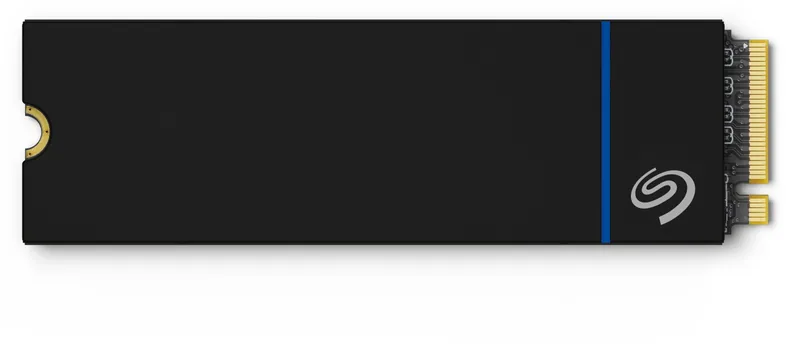
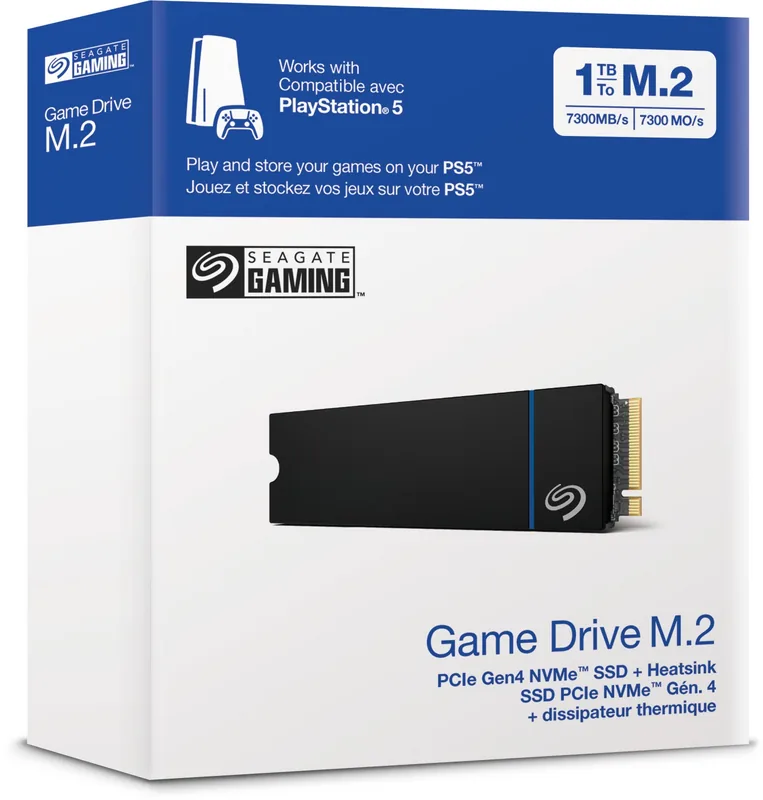
If you are looking for detailed guidance on this hardware, refer to the Seagate Game Drive PS5 SSD, M.2 Manual. Installation requires careful attention to hardware safety protocols at all times. The drive features a pre-installed heatsink, which helps manage thermal output during intensive gaming sessions. You must verify your system physically provides enough space before purchasing. The dimensions are strictly measured at 80.15 mm by 24.20 mm by 9.50 mm.
Before starting any work, ensure your system software is fully updated. Power down the console completely and disconnect all external cables. Wait for it to cool down completely. Static electricity can dangerously damage the internal components, so touch a grounded metal object before handling the drive. You will need a No. 1 Phillips screwdriver to remove the expansion slot cover. Before beginning the process, ensure all cables are removed. Back up any important data stored on the drive before formatting begins. Verify space is adequate as dimensions are 80.15 by 24.20 by 9.50 millimeters. Move the spacer to the groove marked eighty. Reconnect all cables only after the cover clicks.
Installation involves removing the base and positioning the console with the logo facing down. Once the cover is secured, the drive slots into the expansion connector. If this is your first time, the system will prompt you to format the drive. This process clears existing data. The drive supports PCIe Gen4 NVMe standards. By following the steps, you can add capacity to your console and continue playing your favorite titles without interruption.
Important Notes Do not power on the console while the cover is off. Ensure the game drive is inserted all the way to avoid terminal damage. If incorrectly inserted, permanent damage may occur. Reconnect the base after installation is complete.
Search for 67,706 Manuals online


Type-in Brand or Model