
Seagate Desktop HDD Manual
PDF manual · 29 Pages
English



Quick check
Incorrect answer, please try again.
Chat with your Seagate Desktop HDD manual using AI
Get instant AI answers from your Seagate Desktop HDD manual
Ask anything about the Seagate Desktop HDD. Answers come from this manual, with the pages they are based on.
Ask a Question
Do you recommend Desktop HDD?
Yes NoFrequently Asked Questions
Yes, the drive is compatible with Windows and Linux systems without needing special drivers for basic operations.
Is this answer helpful?
You should check the online support portal using the serial number for specific warranty details on this model.
Is this answer helpful?
Yes, it utilizes 4K physical sectors with 512e emulation for legacy compatibility.
Is this answer helpful?
Yes, it supports hot plug per SATA Revision 3.2 specification for flexibility.
Is this answer helpful?
Operating power is approximately 5.60 Watts for the 4 Terabyte model.
Is this answer helpful?
Yes, it is a standard 3.5 inch form factor desktop hard drive.
Is this answer helpful?
Yes, the drive supports S.M.A.R.T. monitoring and reporting features.
Is this answer helpful?
Advantages and Disadvantages
Advantages

- High 4TB storage capacity for media archives
- 512e sector format ensures OS compatibility
- SATA 6Gb/s interface enables fast data rates
- Quiet operation suitable for home environments
- Energy efficient power management modes
Disadvantages

- Mechanical parts prone to wear over time
- Slower performance compared to solid state drives
- Limited cache memory for intensive tasks
- Requires specific mounting torque to prevent damage
- No encryption hardware support on this model
Product Specification
Capacity
4TB (approximately 3725.29GiB or 3.64TiB, further information here)
Form Factor
3.5" (Width)
Interface
SATA 6Gb/s
Rotational Speed
5900 RPM
Cache
64MB
Power Consumption
7.5W (Active), 5W (Idle)
Sound Level
28dB(A) (Active), 23dB(A) (Idle)
Recording Method
Conventional Magnetic Recording (CMR)
Sectors
4KB with Emulation (512e)
Warranty
24 Months
Warning/Note/Trivia
Note: Unmarked OEM/System Builder drives are in circulation. Reduced warranty coverage is possible. Manufacturer warranty is verifiable via serial number. Important: For use within a RAID array, drives with different recording methods (CMR, SMR) should not be combined. When using SMR drives in a RAID array, ensure the RAID Controller (or the NAS System) is compatible with SMR drives to avoid misinterpreting the partially blocked recording behavior in SMR as a "Hardware Defect".
Product Description
Upgrade Your Digital Archive with Reliable Capacity
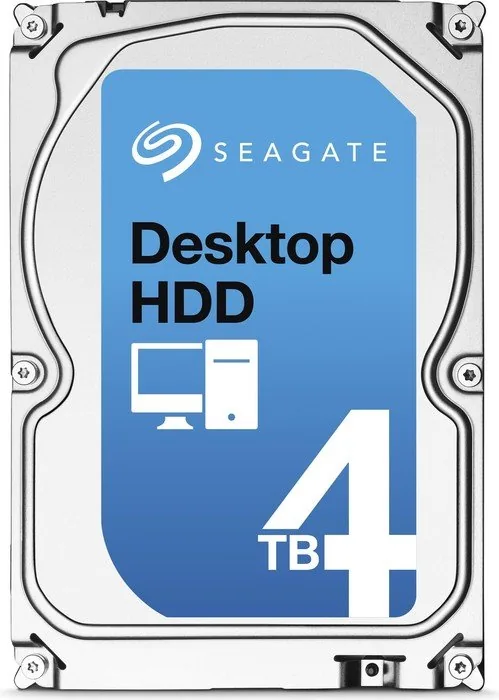
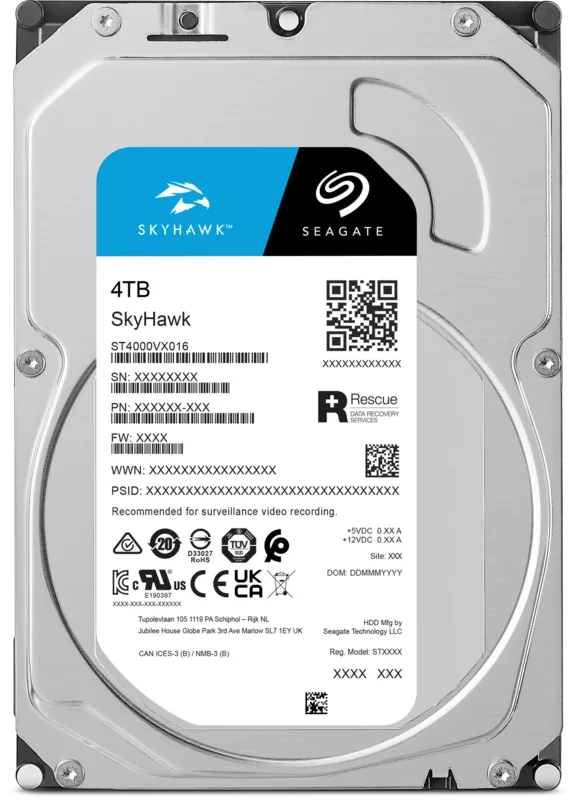
Start maximizing your storage potential with the Seagate Desktop HDD 4TB, 512e / 3.5" / SATA 6Gb/s. This drive offers substantial storage for media enthusiasts and professional users seeking reliable data retention. With four terabytes of space, you can safely archive vast collections of high resolution photos videos and critical files without constant management headaches. The 3.5 inch form factor ensures compatibility with standard desktop computer bays, making installation a straightforward process for tech savvy individuals upgrading their legacy systems.
Reliability is paramount in modern computing environments where data loss is not an option. This unit incorporates advanced technologies designed to maintain data integrity over time effectively. Features like SmartAlign simplify the transition to larger sector formats, while OptiCache boosts data access speeds significantly compared to previous generations. The drive operates quietly, with low acoustic signatures during idle periods, ensuring it does not disrupt your workflow or home entertainment systems. Power consumption is also optimized to remain energy efficient during various operational states for sustainable computing.
The SATA 6 Gb/s interface facilitates rapid data transfers, allowing users to move large files quickly without bottlenecking the system bus. The 512e configuration provides backward compatibility with older operating systems while utilizing modern 4K physical sector technology internally. This balance ensures that legacy software continues to function correctly without performance degradation or compatibility errors. You can utilize Native Command Queuing for improved performance in demanding applications.
Environmental specifications are robust, allowing operation within a defined temperature range. Shock resistance ensures durability during transport or minor impacts. The drive supports hot plug capabilities for flexibility in specific setups. Regular maintenance and proper mounting with torque specifications will extend lifespan significantly.
Notes
Ensure you secure the drive properly using 6 32 UNC mounting screws to avoid physical damage. Check your power supply unit capacity before installation to ensure stable voltage delivery. Use SATA data cables rated for high speeds to maximize transfer rates. Always handle the printed circuit board only at the edges.
System Compatibility Overview
Most modern motherboards support this interface natively. Windows and Linux distributions typically recognize the drive without additional driver installation. Verify your BIOS settings to enable SATA mode before installing the operating system if needed.
Search for 67,706 Manuals online


Type-in Brand or Model
Michael B.
7 months ago
I read mixed reviews regarding noise and reliability. Is this drive suitable for a quiet home setup and dependable for long-term storage?
Manual.ly
7 months ago
Most users find this drive excellent for archiving, citing high capacity and low noise levels in typical usage. While a small number of reviews mention idle humming or vibration when placed near the ear, the majority report quiet operation. Regarding reliability, most units run without issue for over a year, often in NAS or backup configurations. However, isolated cases of early failures or SMART errors do occur. If you need maximum reliability for critical data, frequent backups are advised. Overall, it offers strong value for non-critical storage tasks.