

Free ASRock Manuals – Read, Download & Print
68 Manuals
Manuals

92 Pages

64 Pages
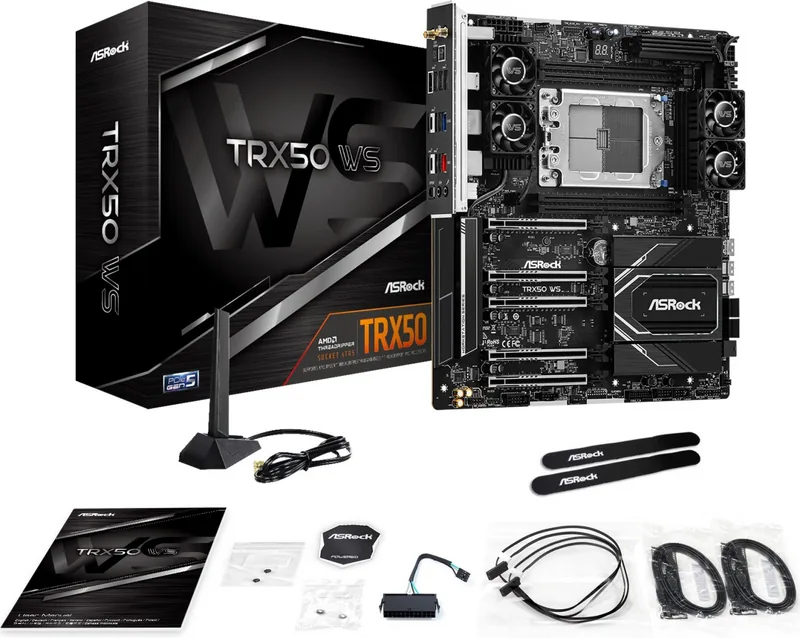
75 Pages
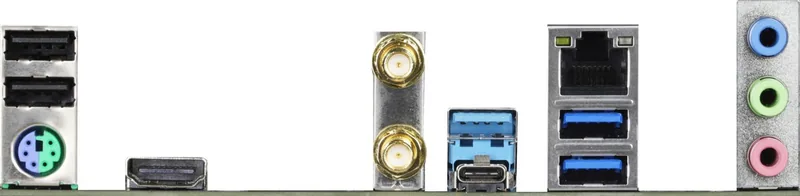
103 Pages
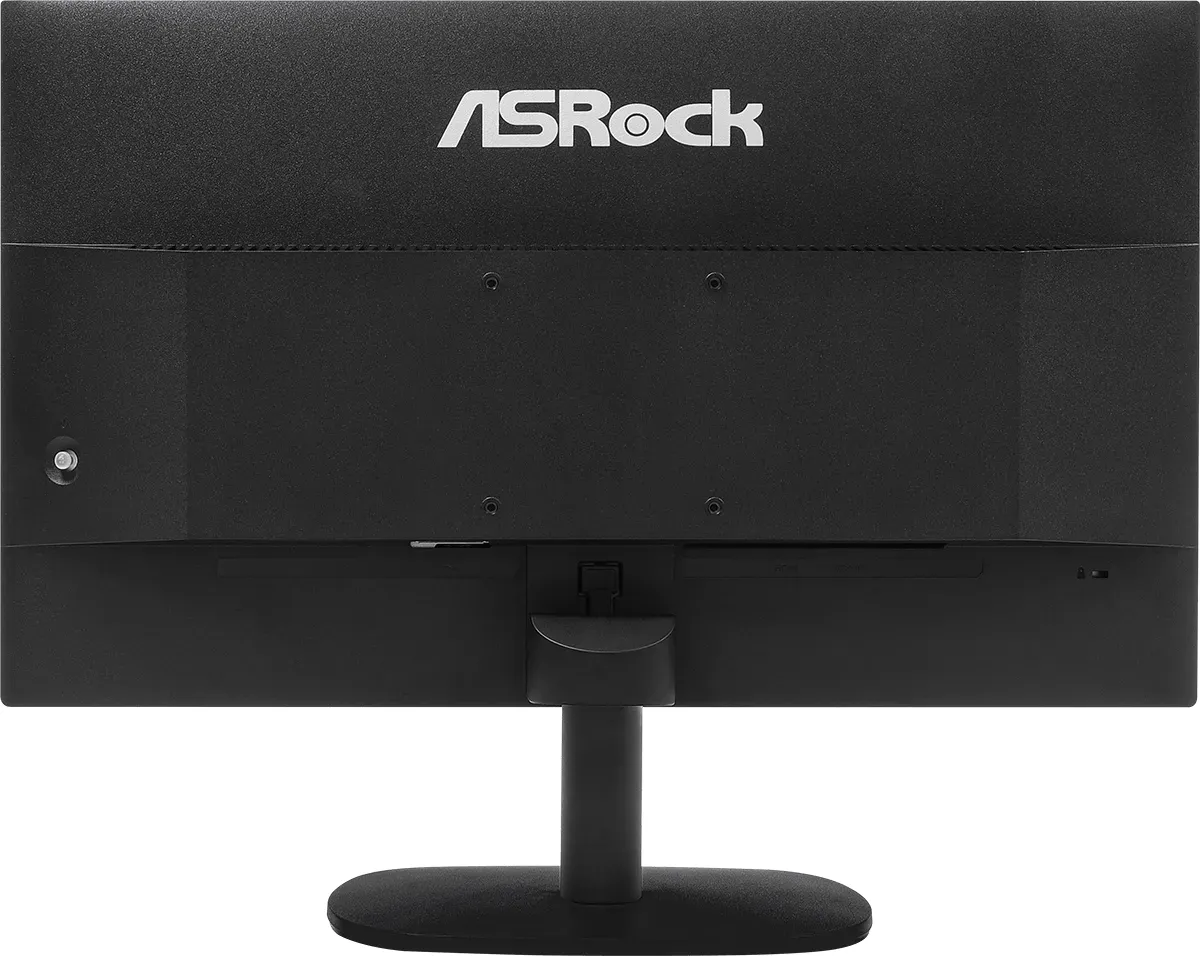
42 Pages
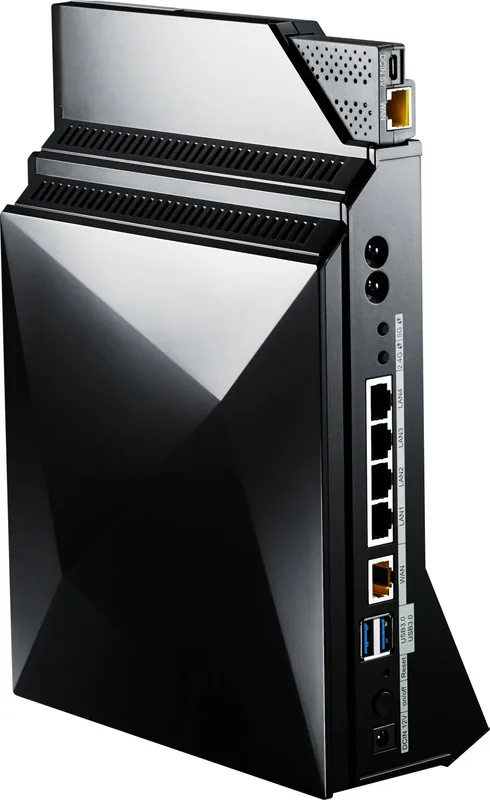
60 Pages
40 Pages
87 Pages
50 Pages
88 Pages
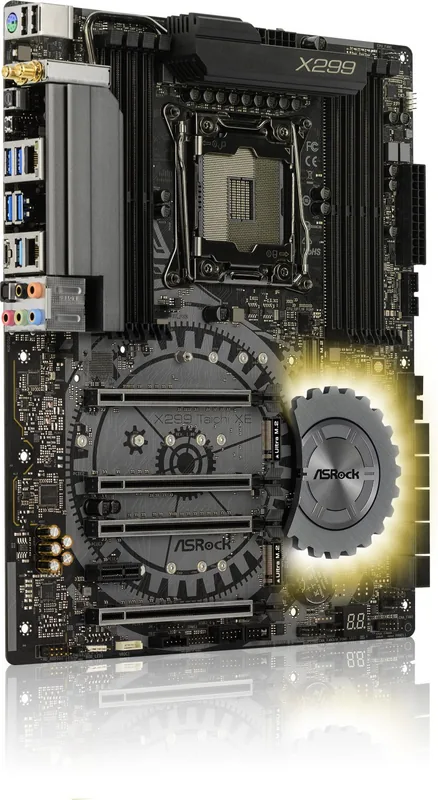
106 Pages
112 Pages
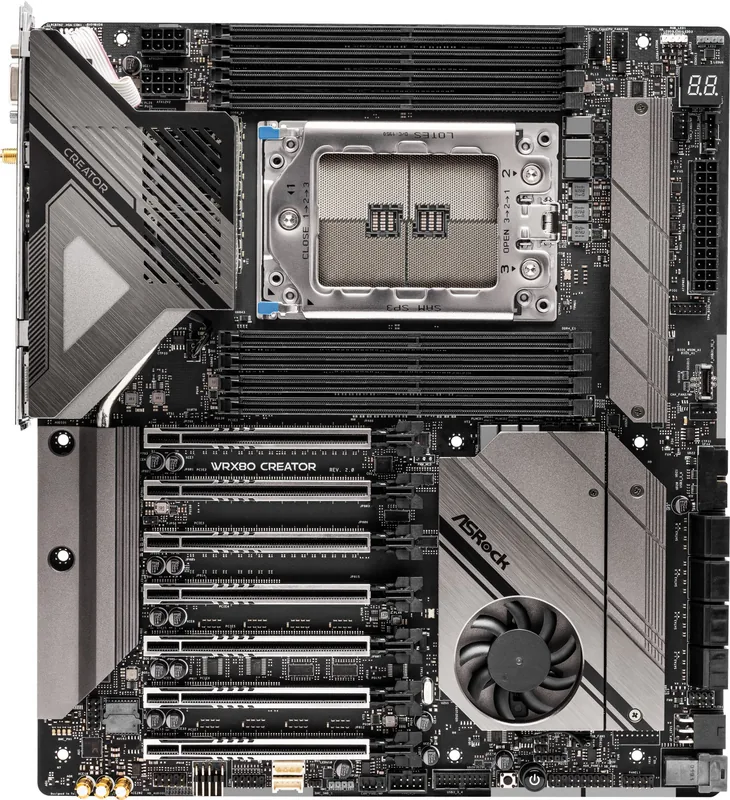
107 Pages
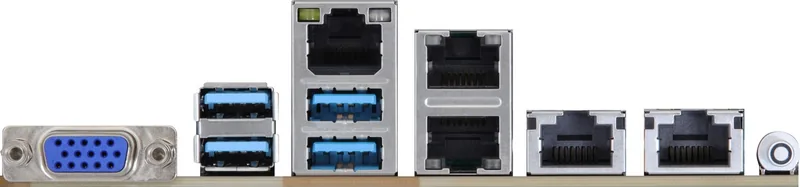
94 Pages
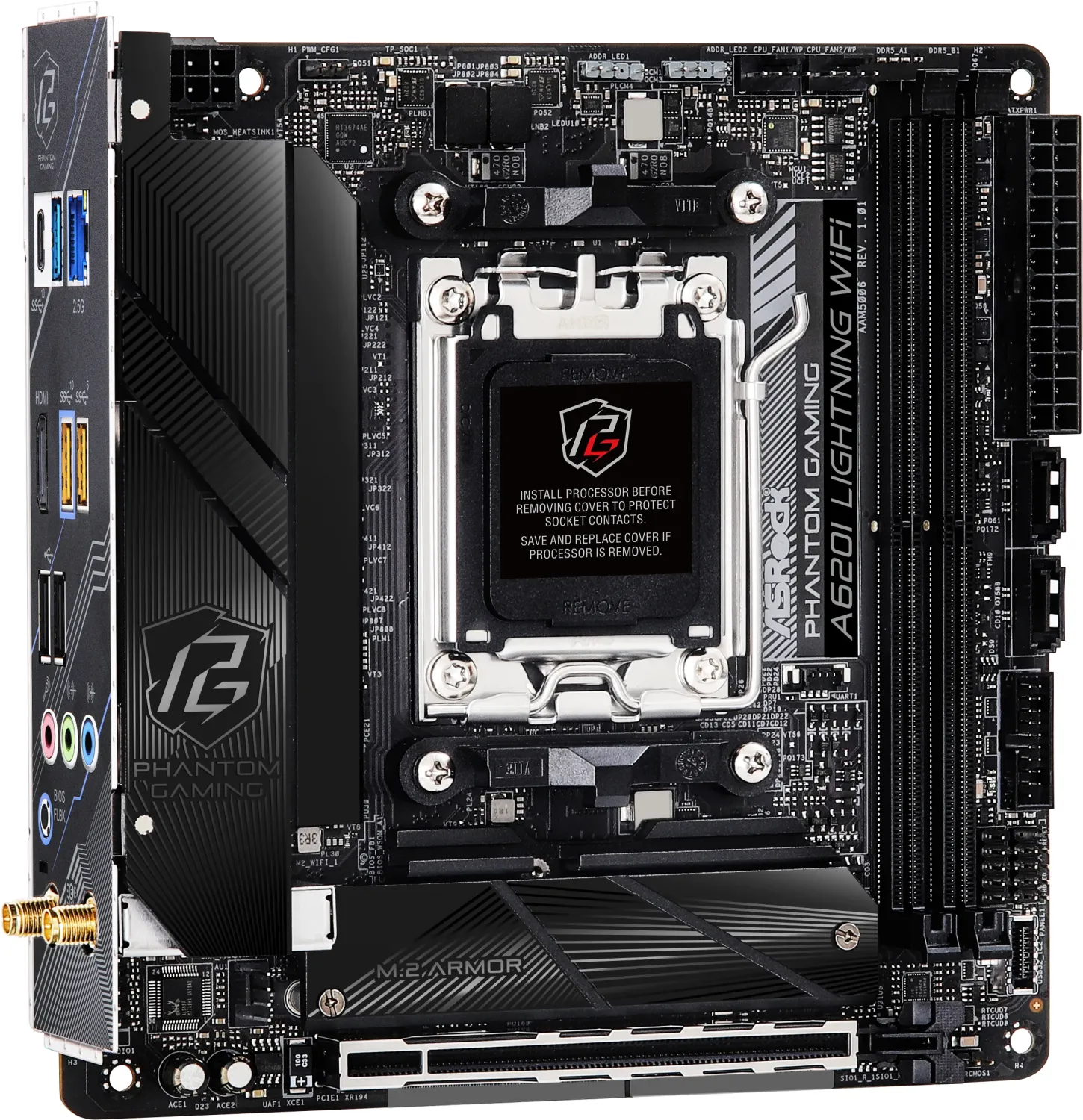
67 Pages
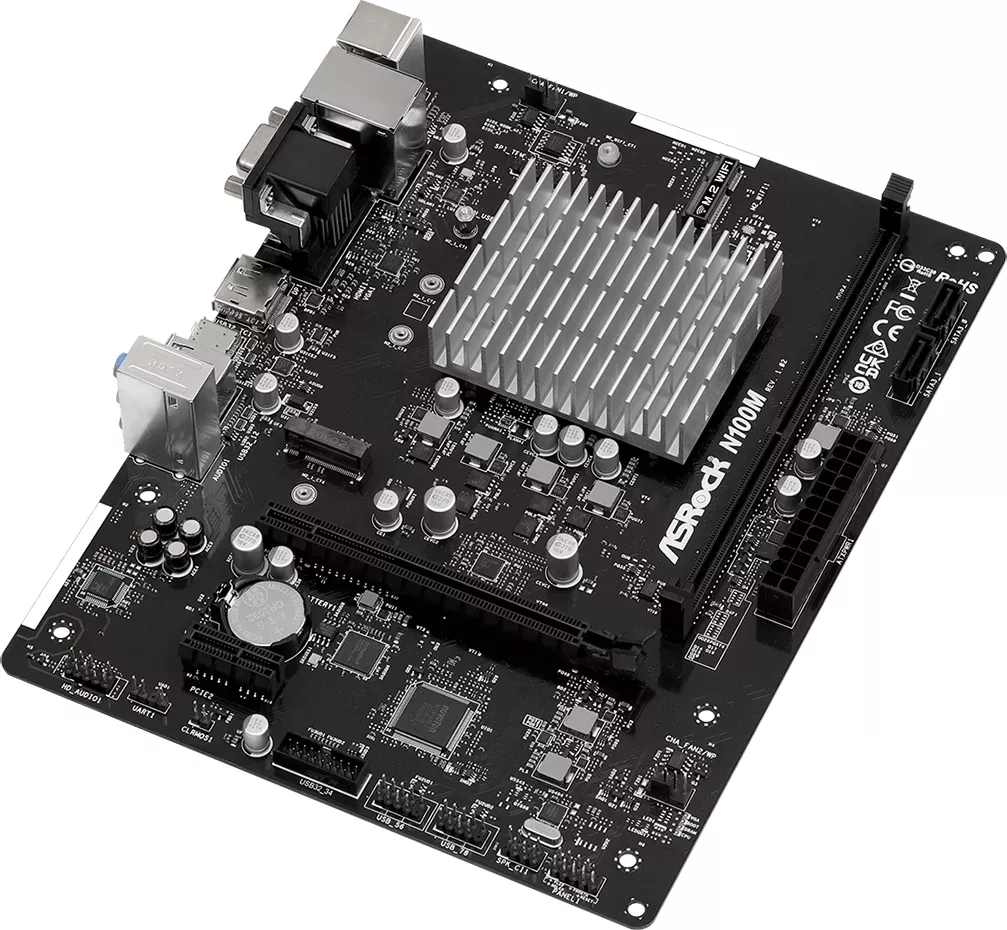
42 Pages
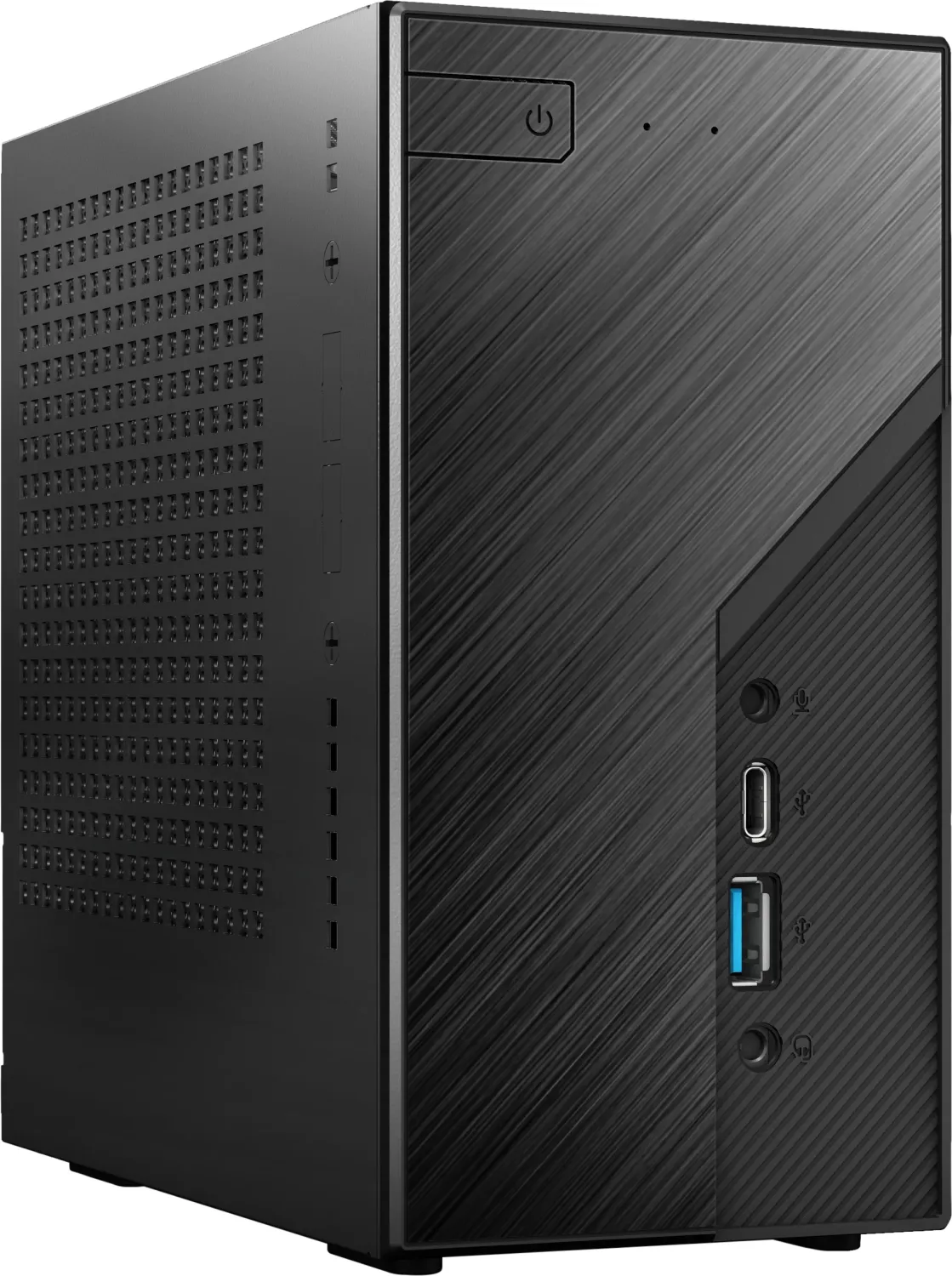
2 Pages
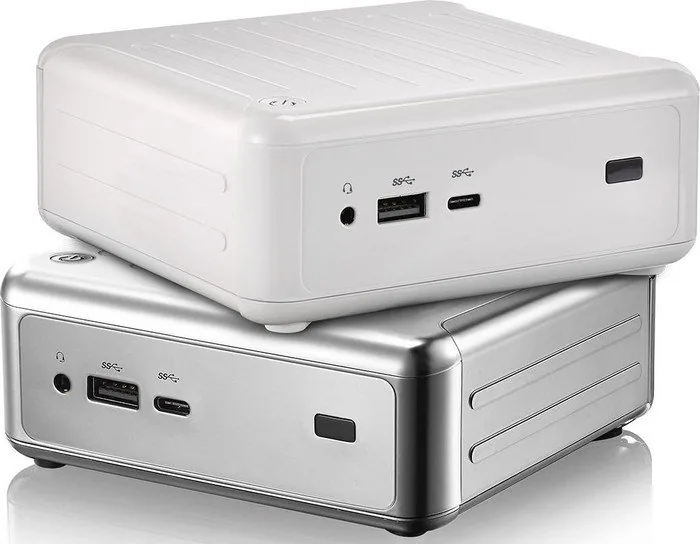
58 Pages
53 Pages
74 Pages
63 Pages
89 Pages
73 Pages
32 Pages
83 Pages
106 Pages
73 Pages
63 Pages
95 Pages
52 Pages
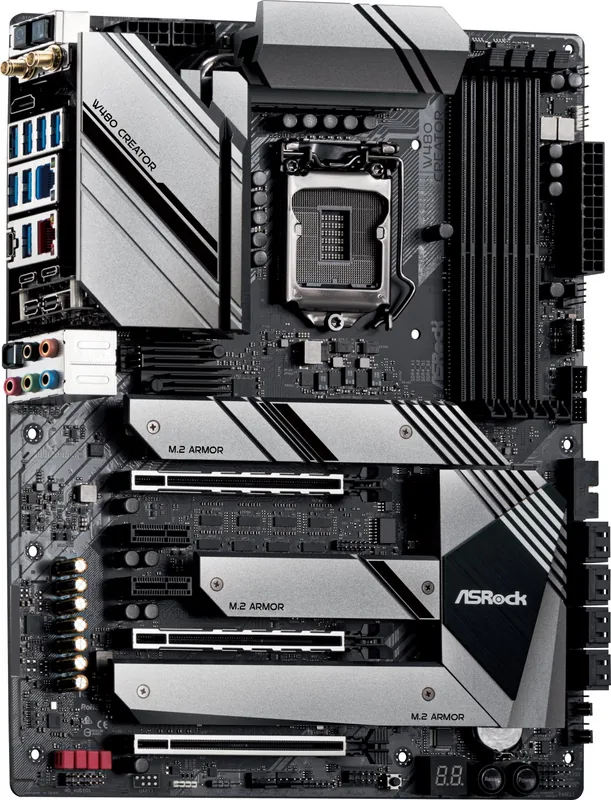
115 Pages
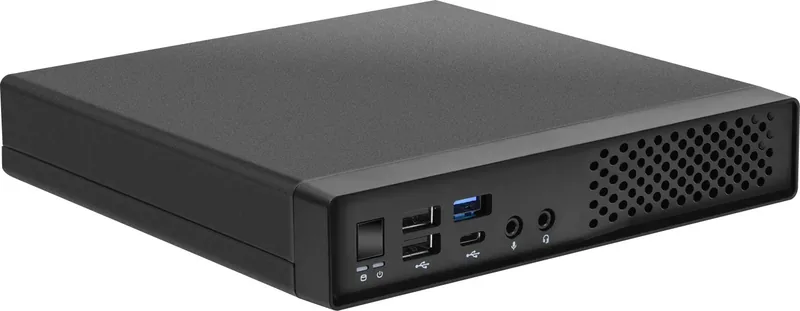
67 Pages
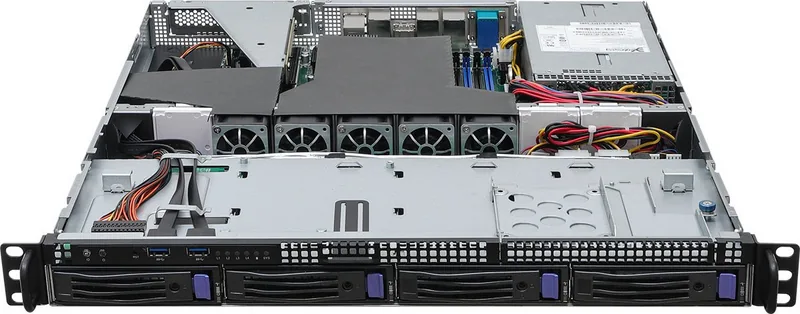
62 Pages
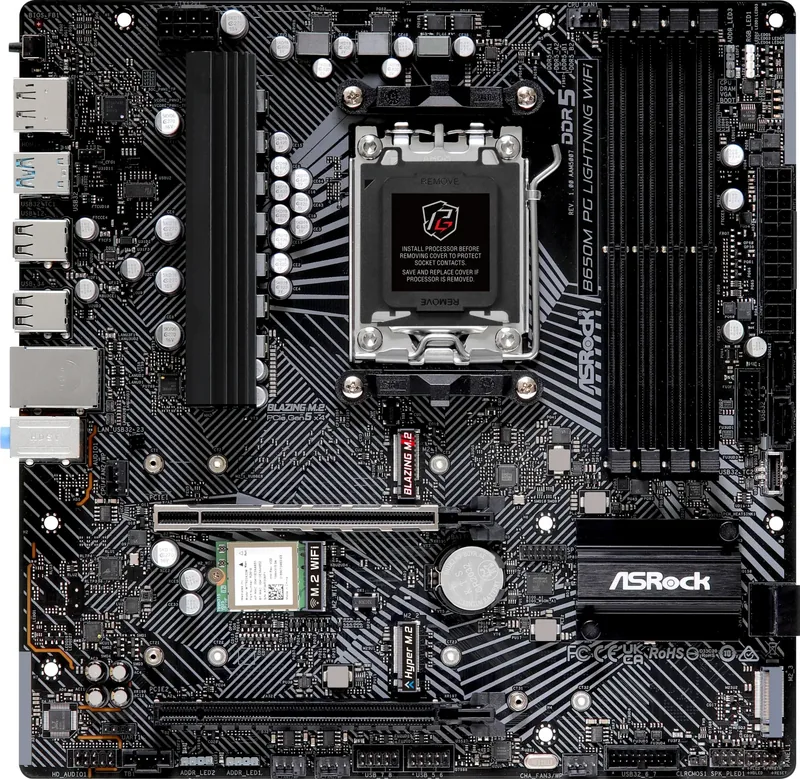
77 Pages
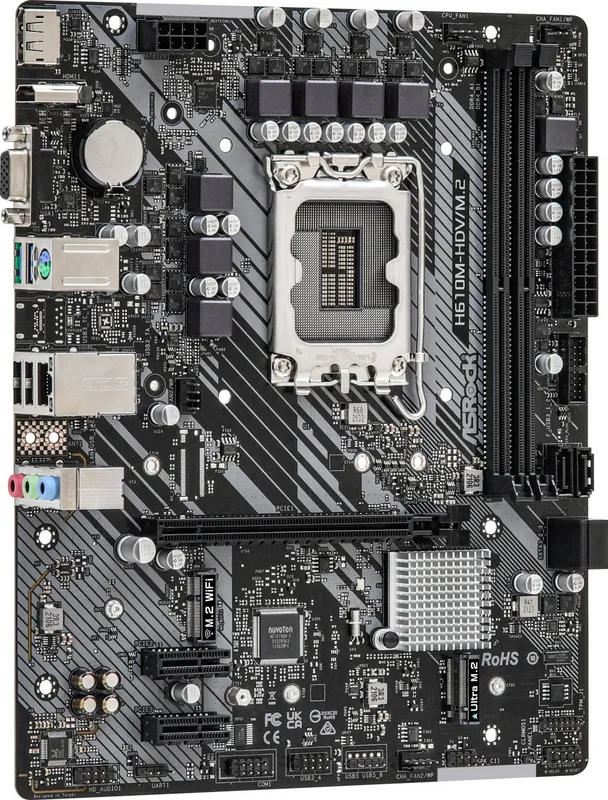
41 Pages
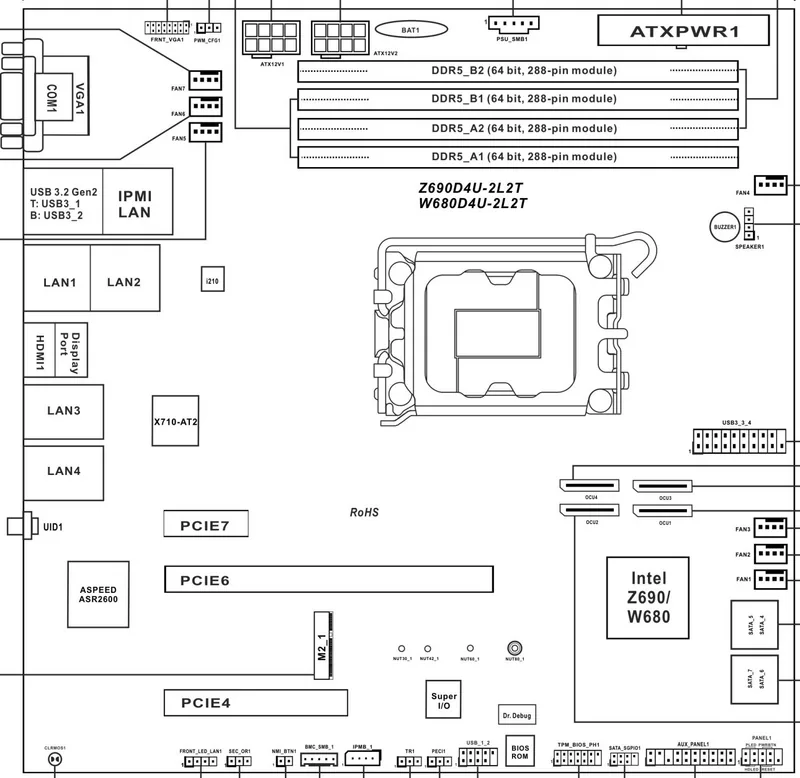
126 Pages
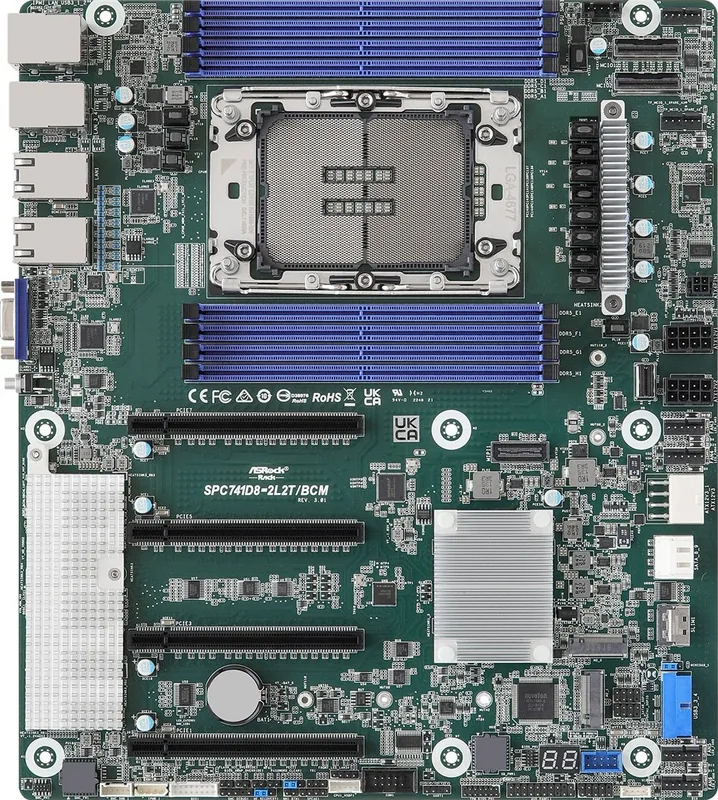
107 Pages
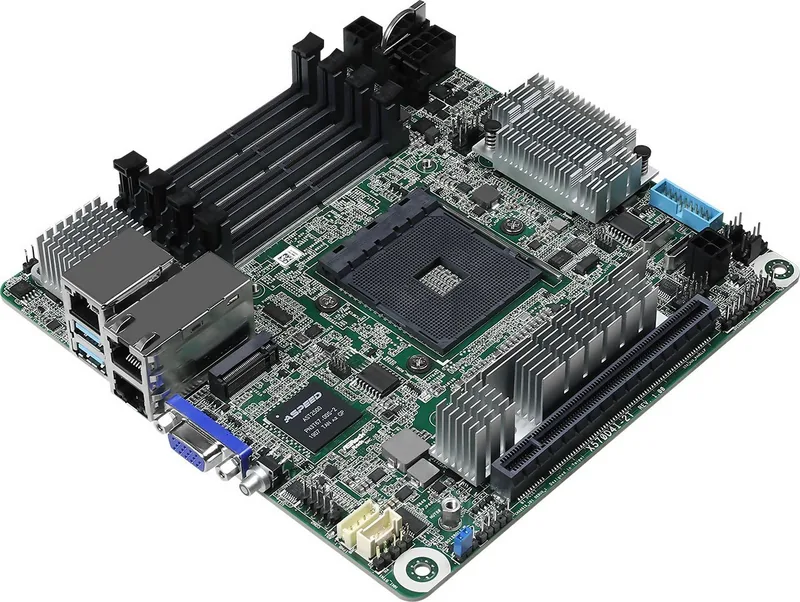
26 Pages
100 Pages
86 Pages
121 Pages
38 Pages
2 Pages
36 Pages

32 Pages

2 Pages
32 Pages
36 Pages

31 Pages
36 Pages
Categories

Comprehensive Guide to Free ASRock Manuals
Accessing the right documentation is crucial for maximizing the performance and longevity of your computer hardware. ASRock, a renowned manufacturer in the motherboard and mini-PC industry, provides a vast library of resources for users worldwide. This guide explores the benefits of using free ASRock manuals, how to navigate their digital archives, and why having access to read, download, and print these documents is essential for both novice builders and seasoned technicians.
The Importance of Official Documentation
When you purchase an ASRock product, whether it is a high-end gaming motherboard, a compact industrial PC, or a specialized server board, you are investing in technology that requires precise configuration. The official manual serves as the primary source of truth for installation procedures, hardware specifications, and troubleshooting steps. Unlike third-party forums where information can be outdated or incorrect, ASRock manuals are updated by engineers who designed the product. They contain accurate pinouts for headers, correct jumper settings for BIOS configurations, and detailed instructions for installing components like RAM, GPUs, and storage drives. Relying on these official documents ensures that your system is set up safely, preventing potential damage from incorrect voltage settings or improper cable routing.
Navigating the ASRock Support Portal
Finding the correct manual for your specific model can sometimes feel overwhelming due to the sheer number of products ASRock offers. The support portal is designed to streamline this process. Users typically start by entering their exact model number into the search bar located on the main support page. It is vital to ensure the model number matches exactly, including any suffixes that indicate revisions, such as H61M-VS3 or B550 Phantom Gaming 4. Once the model is selected, the user is directed to a dedicated product page containing various tabs. These tabs usually include drivers, utilities, manuals, and compatibility lists. The manual section is often highlighted prominently because it contains the most frequently accessed files for new users.
Reading Manuals Online
One of the most convenient features of the modern ASRock support site is the ability to read manuals directly in the browser without downloading anything first. This feature is particularly useful for quick reference checks during the assembly process. When you click on the manual link, a PDF viewer loads within the webpage interface. You can zoom in to inspect small text regarding capacitor placements or LED indicator meanings. The online reader allows you to jump between chapters instantly, making it easy to skip to the section on BIOS setup if you need to change boot priorities. Additionally, reading online eliminates the need to manage physical copies of bulky manuals, which is ideal for those with limited desk space or those who prefer a clutter-free workspace. The clarity of the digital format ensures that diagrams and schematics remain sharp and legible regardless of the screen size you are using.
Downloading Manuals for Offline Access
While online reading is convenient, downloading the manual file provides greater flexibility. A downloaded PDF can be saved to your desktop, a USB drive, or a cloud storage service, ensuring access even when internet connectivity is unavailable. This is especially important during the initial system build phase when you might not have network drivers installed yet. Having the manual offline means you can reference the SATA port locations or CPU socket details without worrying about buffering times or connection drops. The download process is straightforward; simply locate the manual file listed under the documentation tab and click the download icon. The file is typically named with the model number and version, making it easy to organize alongside other technical documents. Storing these files locally also allows you to keep a permanent record of the documentation, which is helpful if you plan to sell the system later or pass it down to another user.
Printing Manuals for Physical Reference
Some users prefer the tactile experience of holding a printed manual while working on their hardware. Printing the ASRock manual can be beneficial for those who find it easier to annotate notes, draw connections, or highlight critical warnings. To print a manual, open the downloaded PDF file using a standard document viewer. Most viewers allow you to select specific pages or print the entire document at once. Before printing, check the printer settings to ensure the paper size matches the document layout, usually A4 or Letter. If the manual includes color-coded diagrams for cable management, printing in color can significantly aid in understanding the visual instructions. However, given the length of many manuals, printing only the relevant sections, such as the installation guide or BIOS settings, can save paper and reduce waste. Keeping a printed copy on your workbench can serve as a constant reminder of safety precautions and proper handling techniques.
Key Sections Within ASRock Manuals
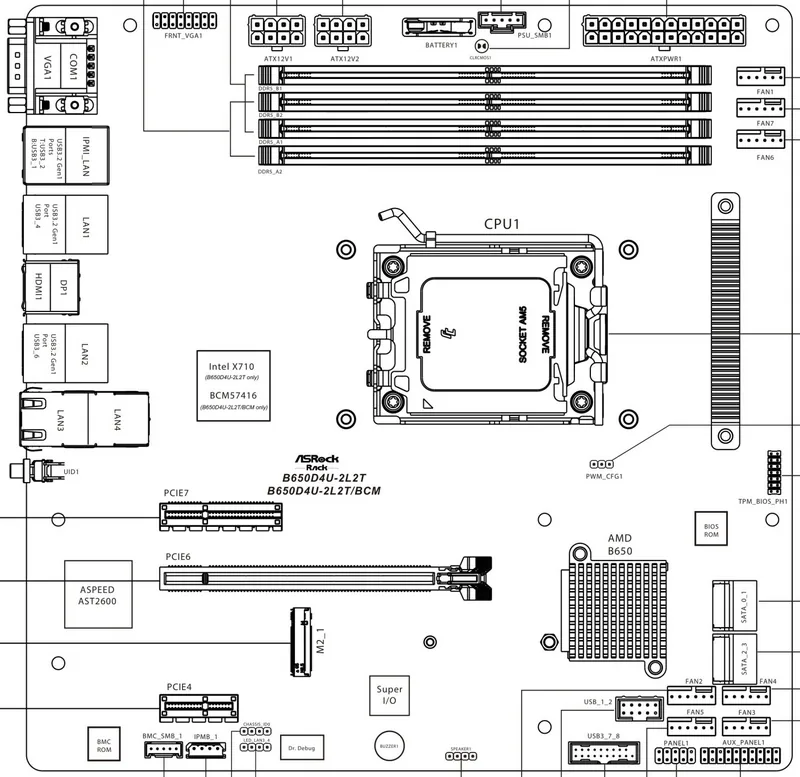
ASRock manuals are structured to guide users through every aspect of the hardware lifecycle. The introduction section typically outlines the package contents, listing all items included in the box such as screws, I/O shields, and cables. Following this is the hardware overview, which provides a detailed diagram of the motherboard with labels pointing to each component. This section is invaluable for identifying ports, slots, and headers. The installation chapter breaks down the step-by-step process of mounting the motherboard into the case, installing the processor, adding memory modules, and connecting power supplies. Each step is accompanied by clear illustrations to prevent confusion.
The BIOS section is another critical part of the manual. It explains how to enter the BIOS setup utility, navigate the menus, and configure advanced settings like overclocking profiles or fan curves. For users interested in optimizing performance, the manual provides safe limits and recommended values. Troubleshooting guides are also included to help diagnose common issues like no POST (Power-On Self-Test), memory errors, or audio problems. These sections often list error codes and beep patterns, offering immediate solutions without needing to contact customer support. Finally, the appendix usually contains regulatory compliance information, warranty terms, and contact details for regional support centers.
Ensuring Safety and Compliance
Using the manual correctly is not just about functionality but also about safety. ASRock manuals emphasize electrostatic discharge (ESD) precautions, advising users to ground themselves before touching internal components. They provide warnings about heat generation near the CPU and VRM areas, suggesting adequate airflow and cooling solutions. Understanding these guidelines prevents accidents and extends the life of the equipment. Furthermore, the manual includes legal disclaimers regarding overclocking, noting that doing so may void the warranty or cause instability. By reading these warnings, users make informed decisions about pushing their hardware beyond stock specifications.
Conclusion
Free ASRock manuals are an indispensable resource for anyone owning ASRock hardware. Whether you choose to read them online, download them for offline use, or print them for physical reference, these documents empower users to install, configure, and maintain their systems with confidence. The availability of these resources reflects ASRock's commitment to customer satisfaction and transparency. By taking the time to review the provided documentation, you ensure that your investment performs optimally and reliably for years to come. Embrace the wealth of information available and let the manual be your trusted companion in building and maintaining your PC.
Search for 67,706 Manuals online


Type-in Brand or Model