

Free PowerWalker Manuals – Read, Download & Print
33 Manuals
Manuals

2 Pages
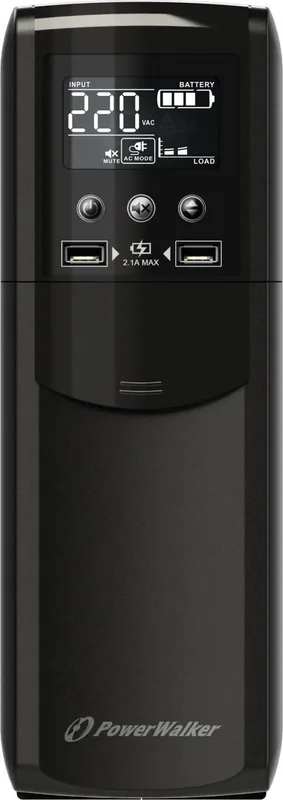
4 Pages
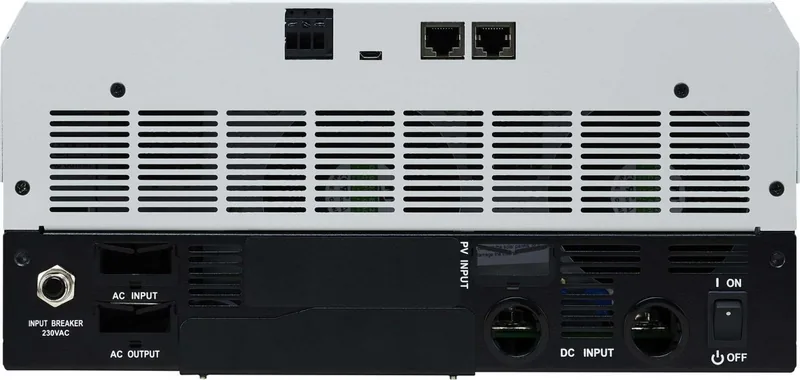
49 Pages
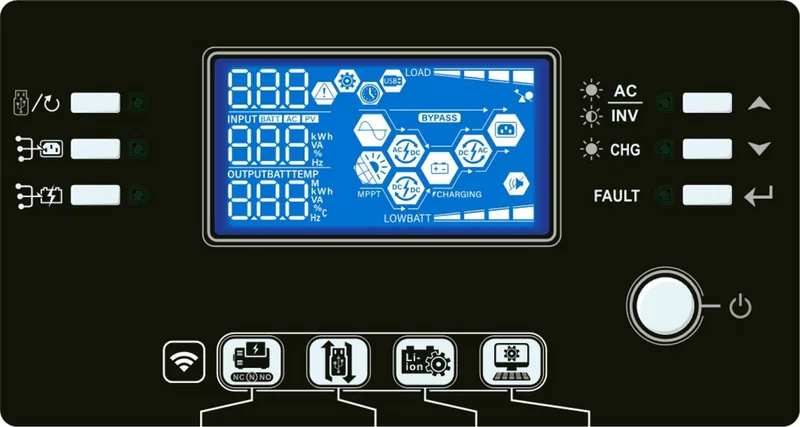
41 Pages
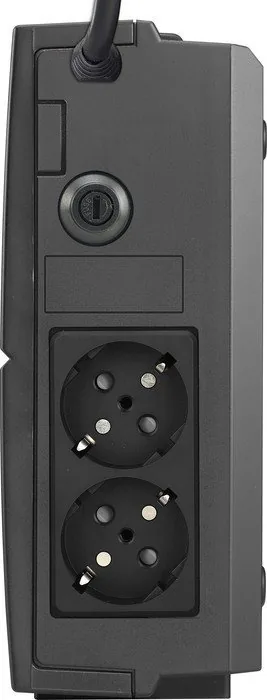
112 Pages
126 Pages
60 Pages
15 Pages
6 Pages
6 Pages
49 Pages
70 Pages

29 Pages
29 Pages
2 Pages
6 Pages
14 Pages

2 Pages
14 Pages
12 Pages
59 Pages
135 Pages
152 Pages
84 Pages
6 Pages
72 Pages
11 Pages
2 Pages
12 Pages
54 Pages
49 Pages
62 Pages
2 Pages
Categories


PowerWalker Manuals
Overview
PowerWalker manuals are essential resources for anyone who installs, configures, maintains, or troubleshoots PowerWalker products. Whether you are working with an uninterruptible power supply, a solar inverter, a rackmount system, or a companion accessory, the correct manual can save time, reduce mistakes, and help you get the best performance from the device. A well-structured manual usually explains the product overview, safety instructions, hardware layout, setup steps, operating modes, alarm meanings, maintenance needs, and common fault conditions.
Why PowerWalker Manuals Matter
Power protection equipment often handles sensitive loads such as computers, servers, networking hardware, point-of-sale systems, medical devices, and home office equipment. Because these systems must remain stable and protected, the manual becomes more than a reference document. It is the primary guide for understanding how a device should be installed and how it behaves in different power conditions.
Practical Benefits
A PowerWalker manual helps users:
- Identify the correct model and specification
- Understand supported load capacity and runtime expectations
- Learn how to connect batteries, mains power, and output loads safely
- Set communication options such as USB or serial monitoring
- Interpret warning lights, beeps, and error codes
- Perform routine maintenance and battery replacement
- Follow warranty and safety requirements
Common Types of PowerWalker Manuals
PowerWalker manuals are usually organized by product family and purpose. Different documents may be provided depending on the model and region.
User Manuals
User manuals are the most common type and are written for day-to-day operation. They often include product images, front-panel indicators, battery charging behavior, startup instructions, and shutdown procedures.
Installation Guides
Installation guides focus on mounting, wiring, and initial setup. These documents are especially useful for rackmount UPS systems, tower conversions, and devices that require careful placement or ventilation.
Quick Start Guides
Quick start guides provide a shorter overview for users who need to get the device running quickly. They usually highlight the most important steps without covering every advanced feature.
Technical or Service Manuals
Technical manuals are typically intended for technicians, integrators, or support personnel. They may include diagnostic procedures, alarm tables, communication settings, and deeper electrical details.
What You Will Usually Find Inside
A PowerWalker manual is generally designed to guide the user from unboxing to daily operation and beyond. While the exact content depends on the model, most manuals include similar sections.
Product Introduction
This section explains the purpose of the device, supported load types, and key features such as automatic voltage regulation, pure sine wave output, LCD display, or battery management.
Safety Instructions
Safety information is one of the most important parts of the manual. It often covers electrical hazards, ventilation requirements, battery handling, grounding, and warnings about opening the unit or connecting unsupported equipment.
Device Layout
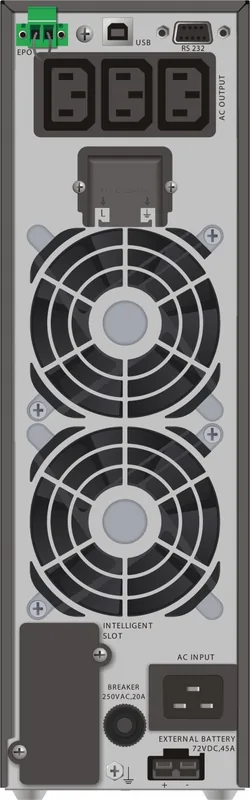
The manual usually identifies the front panel, rear panel, display screen, buttons, ports, and indicator LEDs. This makes it easier to understand what each control does during operation.
Installation and Setup
This section walks through unpacking, placing the device, connecting input power, attaching loads, and possibly installing software or communication cables.
Operation and Monitoring
Users can learn how the unit behaves during normal use, battery mode, overload conditions, and power failure events. Manuals often explain how to read the LCD, what the alarms mean, and how to test the system.
Maintenance and Troubleshooting
Maintenance instructions often cover dust removal, battery care, replacement intervals, and storage recommendations. Troubleshooting tables help users respond to symptoms such as no output, frequent alarms, battery failure, or communication issues.
How to Use a PowerWalker Manual Effectively
Reading a manual from start to finish is ideal, but many users only need certain sections depending on the task. A smart approach is to check the document before installation and return to it whenever a warning appears or a setting needs adjustment.
Before Installation
Review the manual for:
- Input voltage requirements
- Output socket types
- Load limits
- Mounting orientation
- Environmental conditions
- Battery information
During Setup
Follow the recommended sequence carefully. Manuals often specify when to connect batteries, when to power on the unit, and how to verify that the device is ready for use.
During Operation
If the UPS or inverter switches to battery mode, emits a beep, or shows a fault message, the manual usually explains the event and suggests the next step.
Manuals for Different PowerWalker Product Categories
PowerWalker produces a range of power protection and backup solutions, and each category may have its own style of documentation.
Line-Interactive UPS Units
These manuals often describe automatic voltage regulation, battery backup mode, and protection against minor power fluctuations. They are commonly used in home office and small business environments.
Online UPS Systems
Online UPS manuals typically go into greater detail because these systems are used for critical loads and may involve advanced monitoring, bypass modes, and longer runtime configurations.
Rackmount Solutions
Rackmount manuals usually include mounting instructions, rack ears, rail options, and airflow guidance. They are important for server rooms and network closets where space and cooling matter.
Inverters and Energy Systems
For inverter-based products, manuals often explain DC input, AC output, battery connection, load balancing, and energy conversion features. They may also include solar-related integration details when applicable.
Troubleshooting with Manuals
One of the most valuable uses of a PowerWalker manual is problem solving. Instead of guessing, users can match symptoms with documented causes and actions.
Typical Issues Covered
- The unit does not power on
- The battery does not charge fully
- The alarm sounds continuously
- The display shows overload or fault indicators
- Connected devices shut down unexpectedly
- Monitoring software does not detect the UPS
Best Troubleshooting Practice
Start with the simplest checks first. Confirm power connections, cable integrity, load size, and battery condition before assuming a serious fault. The manual often provides a step-by-step path that prevents unnecessary downtime.
Choosing the Right Manual
Finding the correct manual is important because even similar PowerWalker models may differ in battery capacity, outlets, software support, or display options. Always match the exact model number printed on the device label or box.
Useful Identification Details
Look for:
- Model number
- Product family name
- Output rating
- Voltage class
- Serial or revision information
- Regional version if applicable
Digital Access and Documentation Formats
PowerWalker manuals are commonly distributed as PDF files, which makes them easy to search, download, and store. Digital manuals are helpful because users can quickly locate terms like battery mode, overload, bypass, or alarm code.
Advantages of PDF Manuals
- Portable and easy to share
- Searchable text for faster reference
- Can be viewed on phones, tablets, and computers
- Simple to print relevant pages if needed
Good Habits When Using Manuals
A manual is most useful when paired with careful installation and regular review. Keep the document available near the device or store it in a shared digital location for your team.
Recommended Habits
- Save the manual immediately after purchase
- Keep a copy with maintenance records
- Review safety instructions before handling batteries
- Check the manual after firmware updates or configuration changes
- Use the model-specific document rather than a generic guide
Conclusion
PowerWalker manuals are practical, model-specific resources that help users install equipment correctly, operate it safely, and respond effectively when issues arise. From quick start instructions to advanced troubleshooting guidance, these documents provide the knowledge needed to protect connected devices and maintain reliable power backup. If you are setting up a new UPS, managing a critical system, or solving an unexpected alarm, the manual is often the fastest and most reliable source of answers.
Search for 67,706 Manuals online


Type-in Brand or Model