
PowerWalker VI 2200 GX Manual
PDF manual · 12 Pages
English



Quick check
Incorrect answer, please try again.
Chat with your PowerWalker VI 2200 GX manual using AI
Get instant AI answers from your PowerWalker VI 2200 GX manual
Ask anything about the PowerWalker VI 2200 GX. Answers come from this manual, with the pages they are based on.
Ask a Question
Do you recommend VI 2200 GX?
Yes NoFrequently Asked Questions
It is best for PCs, monitors, routers, modems, and other sensitive home or office electronics that need backup power and surge protection. It is not intended for medical or life-support equipment.
Is this answer helpful?
Yes. It includes AVR, which helps correct low and high voltage conditions without immediately switching to battery mode. This can improve stability and reduce battery wear.
Is this answer helpful?
Yes. The UPS connects via USB and can work with monitoring software to show status, manage shutdowns, and help protect data during a power failure.
Is this answer helpful?
The LCD shows operating mode, battery condition, and load level. That makes it easier to understand whether the UPS is on mains power, battery power, AVR mode, or in a fault state.
Is this answer helpful?
No. Devices with high inrush current or heavy power demand, such as laser printers, microwaves, or vacuum cleaners, should not be connected because they can overload the UPS.
Is this answer helpful?
Connect the UPS to grounded mains power and charge it for several hours before relying on it. This helps the battery reach a usable level and improves initial performance.
Is this answer helpful?
Advantages and Disadvantages
Advantages

- Provides line-interactive protection against outages, surges, and voltage fluctuations.
- Built-in AVR helps stabilize power without constantly draining the battery.
- LCD status display makes load, battery, and operating mode easy to check.
- USB monitoring software supports graceful shutdown and remote status tracking.
Disadvantages

- Not suitable for medical, life-support, or other critical high-risk equipment.
- Runtime is limited under heavy load, especially when multiple devices are connected.
- Requires indoor use only and performs best in controlled temperature and humidity.
- Battery replacement and some service tasks should be handled by qualified personnel.
Product Specification
Type
Tower
Classification
VI (Line-Interactive)
Apparent power
2200VA
Active power
1200W
Voltage
230V
Input
Schuko (CEE 7/7)
Outputs
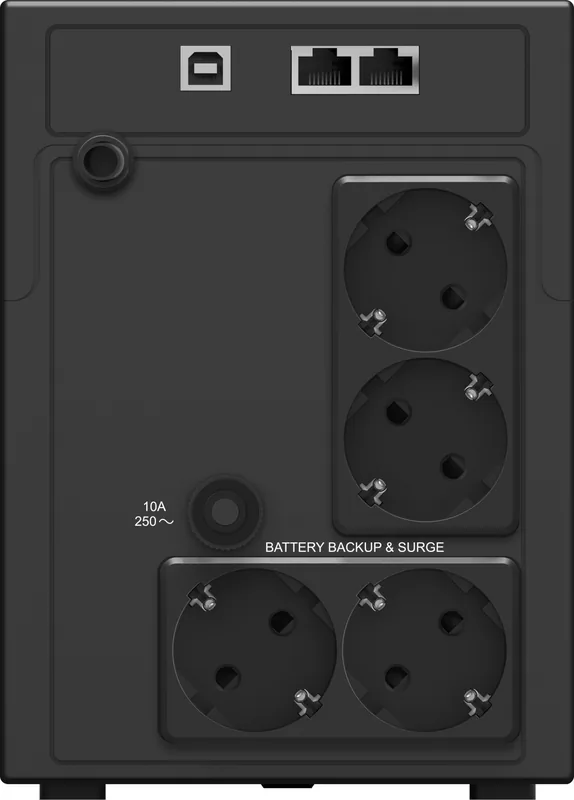
4x Schuko
Interfaces
USB
Data line protection
RJ-11, RJ-45
Runtime
5min (50%), 1min (100%)
Charging time
2-4h (90%)
Weight
22.49lb
Dimensions (WxHxD)
5.47x7.68x14.33in
Rack units
N/A
19" Rack depth
N/A
Features
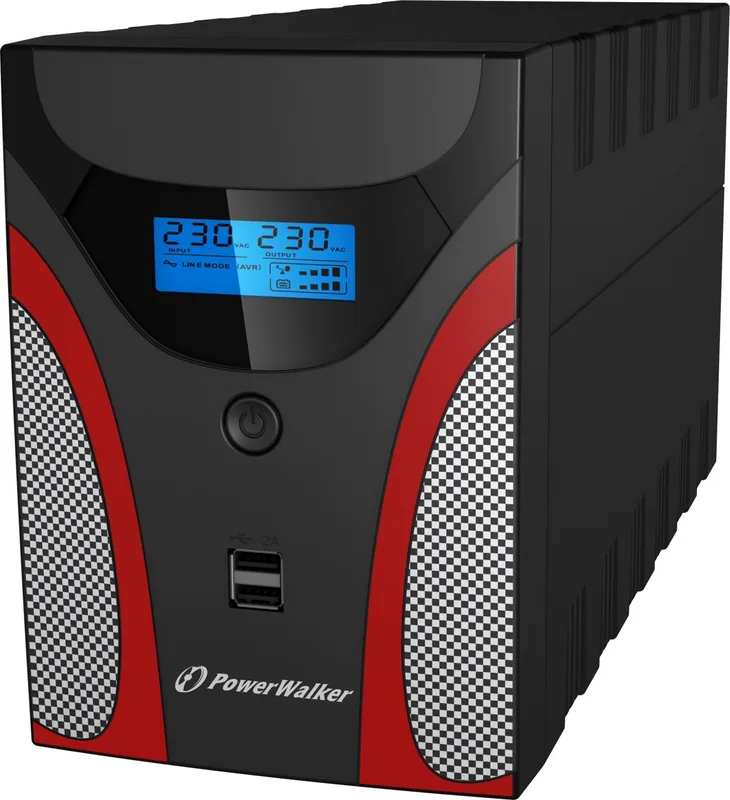
LCD, 2x USB-A 2.0 charging port (5V/2A)
Product Description
BlueWalker PowerWalker VI 2200 GX USB: Compact Protection for Everyday Power Stability
The BlueWalker PowerWalker VI 2200 GX USB is a line-interactive UPS designed for users who want dependable backup power and cleaner voltage for home or office electronics. Built to support computers, networking gear, and other sensitive devices, it helps reduce the impact of blackouts, dips, surges, and unstable mains power. For anyone looking for a practical safeguard without adding complexity, this model offers a balanced mix of usability and performance.
One of its strongest points is the built-in AVR (automatic voltage regulation), which helps correct voltage swings without switching fully to battery power. That means the UPS can extend battery life while keeping connected equipment running more steadily. The unit also supports cold start, auto restart after power returns, overload protection, and surge protection for LAN and modem lines. In daily use, these features make it more than just a backup battery; it becomes a small power-management hub.
The BlueWalker PowerWalker VI 2200 GX USB Manual highlights an LCD display that shows operating mode, battery status, and load level, making the unit easy to understand at a glance. This is especially useful for users who prefer visible feedback instead of guessing how much runtime remains. The USB connection and bundled monitoring software add another layer of convenience, allowing shutdown scheduling, status monitoring, and smarter response during outages.
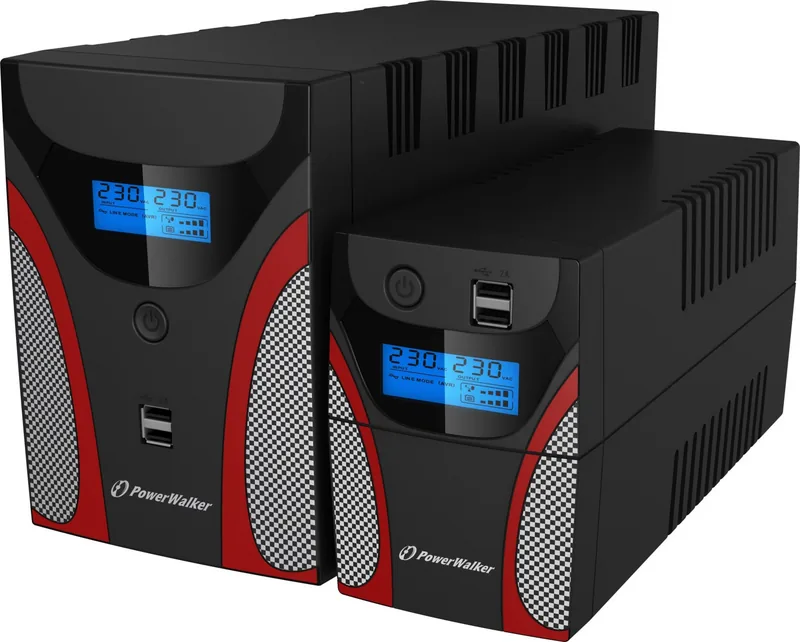
For installations, the UPS is straightforward: connect it to a grounded outlet, charge it before first use, and plug in supported devices. It is meant for indoor environments and works best with PCs, monitors, routers, and other low-to-moderate load electronics. The higher-capacity 2200VA version offers strong output for users who need more room for multiple devices, while still keeping the design compact enough for a desk or equipment shelf.
Overall, this UPS stands out as a reliable choice for protecting essential electronics from interruptions and instability. It combines practical safety features, simple controls, and useful software support in a format that is easy to live with.
Notes
- Best suited for computers, networking equipment, and office electronics.
- Not intended for medical or life-support equipment.
- Avoid connecting heavy appliances like printers, microwaves, or vacuum cleaners.
- Keep the unit indoors and in a cool, ventilated space.
Search for 67,706 Manuals online


Type-in Brand or Model
Lukas Schneider
8 months ago
Does having the USB port at the front really help protect my smartphone while charging?
Manual.ly
8 months ago
Yes. With the USB port placed at the front, you can connect your cable directly without awkward angles or extra strain on the phone. This helps reduce mechanical stress on the charging port and keeps the connection more stable, so your device is better protected during everyday use. For best results, make sure the cable is fully seated, avoid tugging while plugging in or unplugging, and place the phone securely so it does not move during charging.